
截图

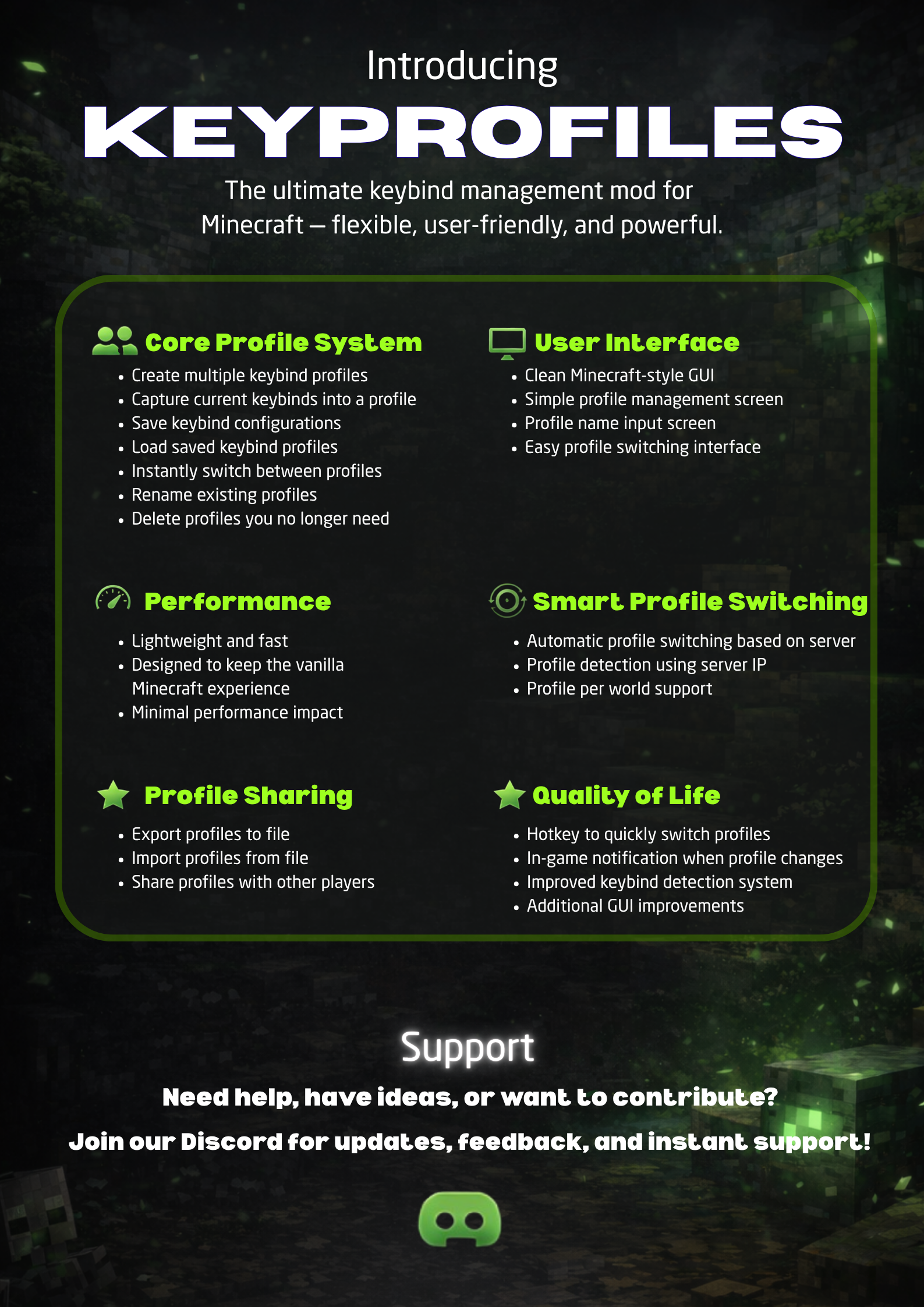


介绍
中文介绍正在准备中,下面暂时显示原文。
🎮 KeyProfiles
«Simple and fast keybind profile manager for Minecraft.»
📖 Overview
KeyProfiles lets you create, save, and switch between multiple keybind setups instantly — without opening the Controls menu every time.
✨ Features
- Create and manage multiple keybind profiles
- Save/load keybinds instantly
- Switch profiles in-game with a hotkey
- Auto-switch profiles per world/server
- Import/export profiles for sharing
- Clean and simple GUI
- Lightweight with minimal performance impact
🎮 How to Use
- Press B to open the KeyProfiles menu (default key — can be changed)
- Or go to Options → Controls → KeyProfiles
- Create a new profile from your current keybinds
- Switch profiles anytime in-game
- Profiles can auto-switch based on world/server
🖼️ Preview
«Check the Gallery tab for all screenshots and visuals.»
📋 Requirements
- Minecraft 1.21.1
- Fabric Loader
- Fabric API
🚀 Installation
- Install Fabric Loader
- Add Fabric API to “mods” folder
- Add KeyProfiles to “mods” folder
- Launch the game
❓ FAQ
Works with other mods?
Yes, supports all keybinds.
Client-side?
Yes, no server install needed.
🔗 Links
- Modrinth: https://modrinth.com/mod/keyprofiles
- Discord: https://discord.com/invite/AE2zZwzwAy
常见问题
KeyProfiles 支持哪些 Minecraft 版本?
KeyProfiles 支持 Minecraft Java 版 1.21.11,可用的加载器:Fabric。下载时注意选择和你游戏版本一致的文件。
KeyProfiles 怎么安装?
先用 PCL2 或 HMCL 启动器安装对应版本的 Fabric,再把下载的 .jar 文件放进游戏目录的 mods 文件夹,重新启动游戏即可。开启了版本隔离的,mods 文件夹在 versions/版本名 下面。运行环境:仅客户端。
评论
登录后评论和评分