
X to Xray
An Powerfull Xray Mod That Allows You To See Ores And More By Pressing X! [Requires Serverside!]
截图
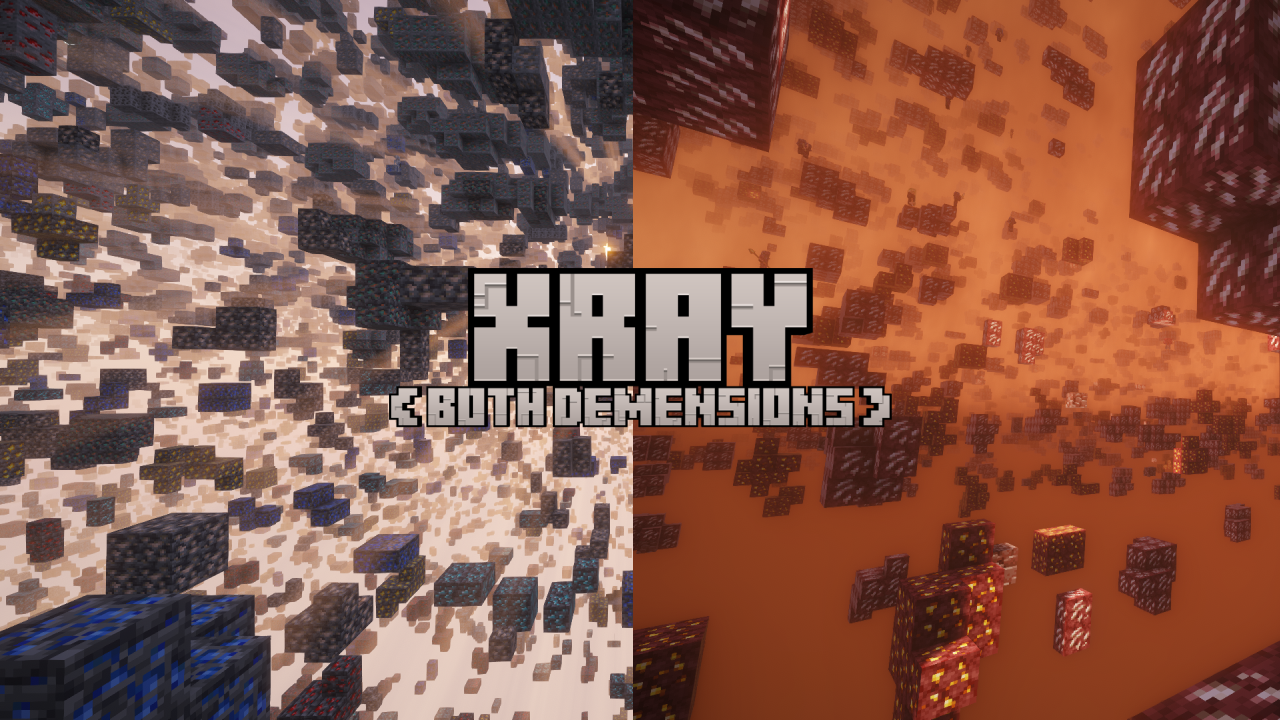
介绍


- Download A Compatible Version Of Minecraft
- Download The Fabric Loader
- Download A Version Of X To Xray For Your Minecraft Version
- Download A Version Of The Fabric API For Your Minecraft Version
- Put Both Into The “
mods“ Folder Inside Your Minecraft Instalation. - Launch Minecraft
PLEASE DO ONLY DOWNLOAD THE MOD ON MODRINTH OR ON CURSEFORGE! THIS ARE THE ONLY OFFICIAL PLACEES!

- Launch Minecraft With The Mod Installed
- Create A New World Or Join A Server With The X To Xray Serverside Installed.
- Press X To Active/Deactivate Xray
- Type “
/config“ Or Go Into The Escape Menu And Press The Config Button. - In The Config Screen You Can Change How Many Things Work.

If You Want To Support The Development Of X To Xray, You Can Go To The Official Github Repo Of X To Xray And Clone It And Change Stuff. If You Want To Create A Pullrequest, Please Describe Exactly What You Changed And If You Used AI. If AI Was Used, Please Tell Us What Specificly Was Made By AI!
Plugins are created by third parties and are used at your own risk. Random Pixel Studios does not guarantee that any plugin is safe, correct or free of errors, even after review. To the extent permitted by law, Random Pixel Studios is not responsible for damage caused by plugins, including lost worlds, lost data or problems with your computer.
常见问题
X to Xray 支持哪些 Minecraft 版本?
X to Xray 支持 Minecraft Java 版 1.16–26.3,共 40 个版本,可用的加载器:Fabric / Forge / NeoForge / Quilt。下载时注意选择和你游戏版本一致的文件。
X to Xray 怎么安装?
先用 PCL2 或 HMCL 启动器安装对应版本的 Fabric / Forge / NeoForge / Quilt,再把下载的 .jar 文件放进游戏目录的 mods 文件夹,重新启动游戏即可。开启了版本隔离的,mods 文件夹在 versions/版本名 下面。运行环境:仅客户端。
评论
登录后评论和评分