PlayTimeStatistics
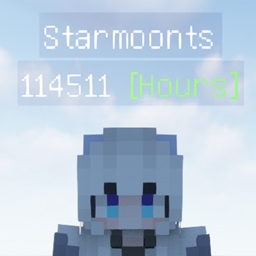
PlayTimeStatistics是一个可以统计玩家在线时长的数据包,并在Tab栏和玩家名称下方显示 "PlayTimeStatistics is a data pack that tracks players' online playtime and displays it in the Tab list and below the player’s name."
介绍
简介
PlayTimeStatistics是一个可以统计玩家在线时长的数据包,并在Tab栏和玩家名称下方显示
“PlayTimeStatistics is a data pack that tracks players’ online playtime and displays it in the Tab list and below the player’s name.”
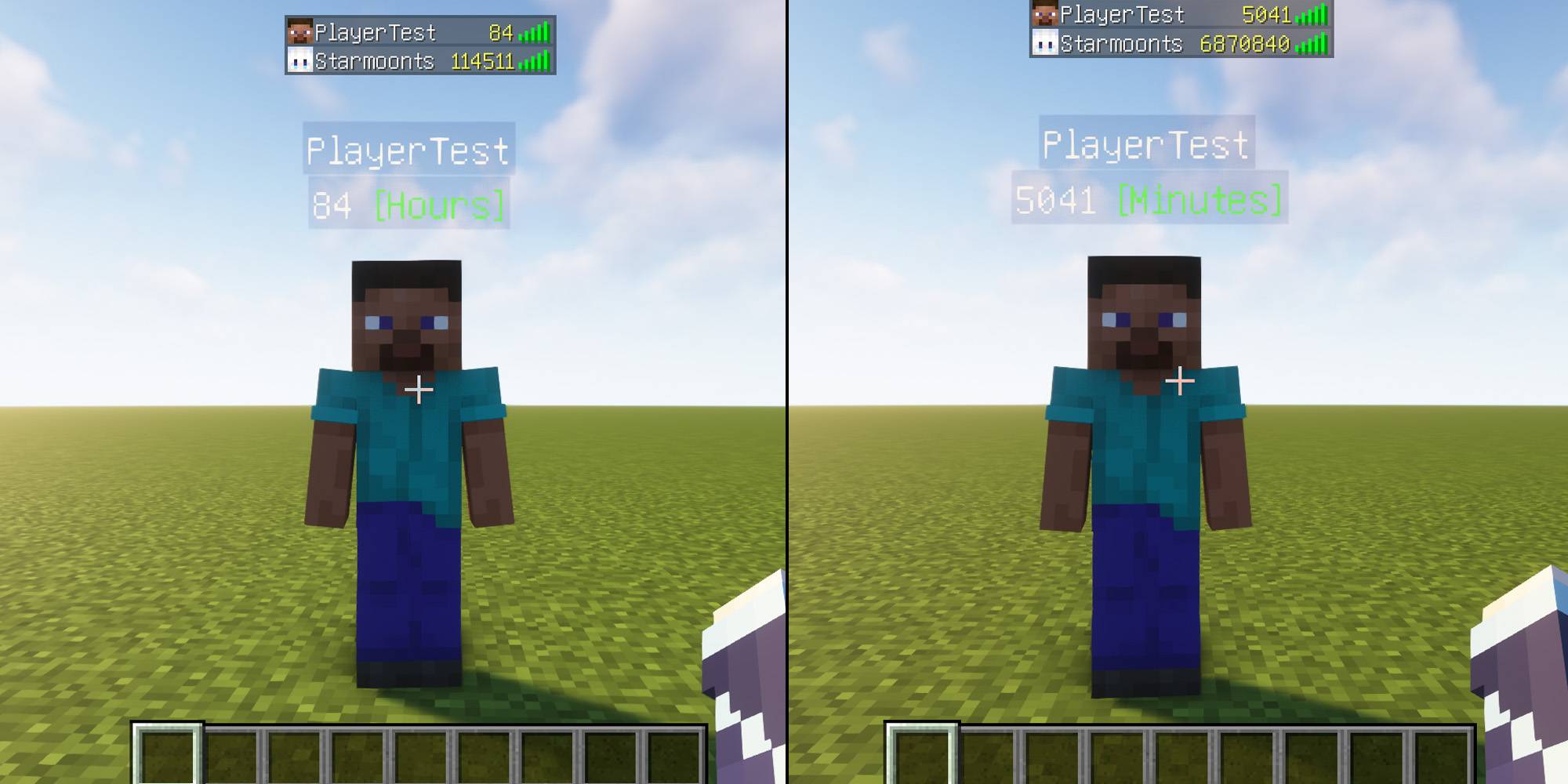
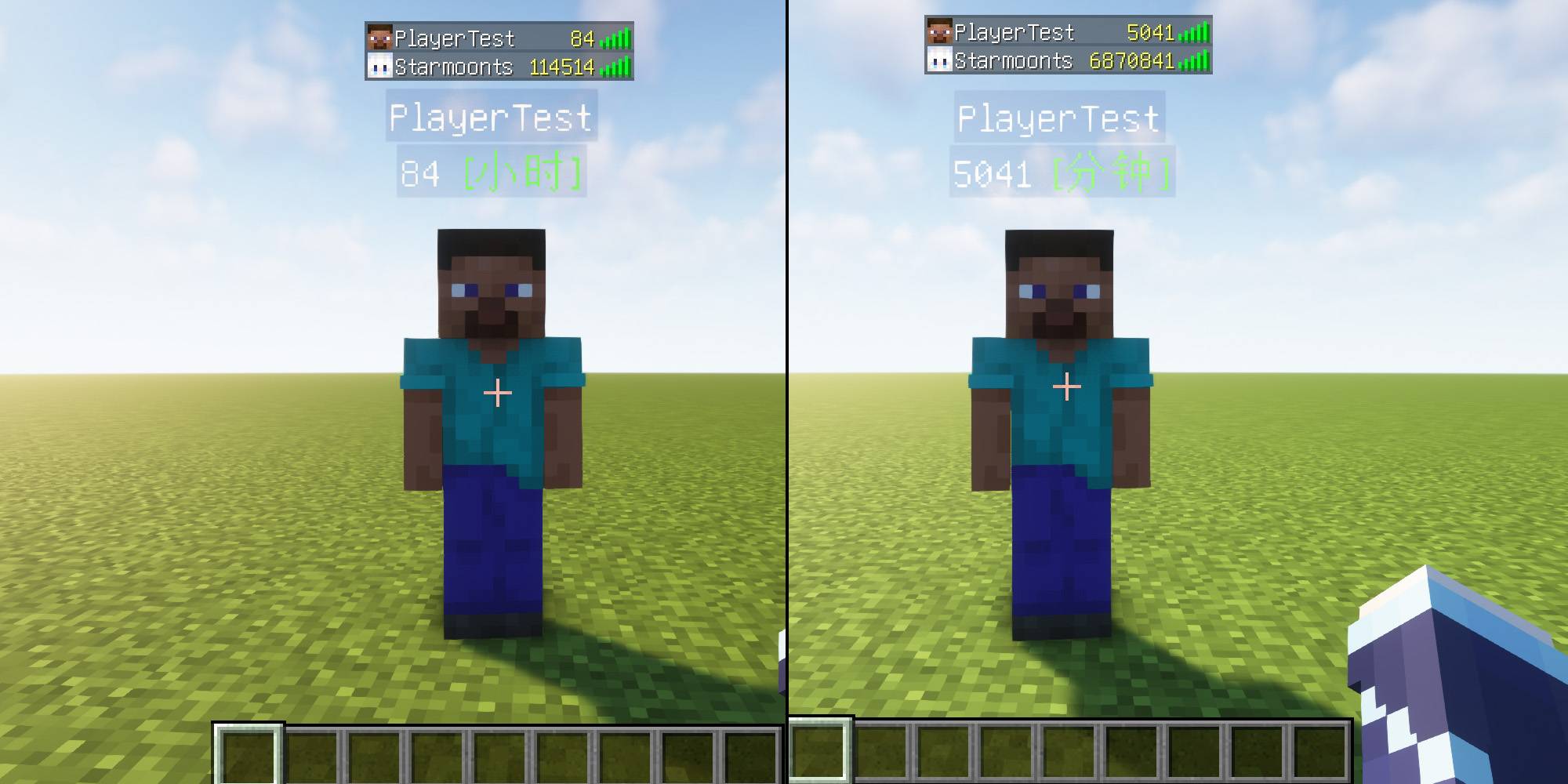
“Minecraft在26.2更新后,如果玩家没有记分项,则玩家标签叠加层上不再显示玩家的分数。”
功能依旧正常,只在玩家刚进入服务器时统计还未满 1分钟或1小时 Tab栏和玩家名称下方不显示,仅在26.2及以后的版本会发生。
“Minecraft after update 26.2: If a player does not have any scoreboard objectives, the player’s score will no longer be shown on the nametag overlay.”
The functionality otherwise works as normal; it only occurs when a player first joins the server and the statistics have not yet been recorded for 1 minute or 1 hour. The score does not display in the tab list or below the player’s name. This only happens in version 26.2 and later.
指令
– 玩家名称下方显示 [小时]:
– Display [hours] below the player’s name:
– /scoreboard objectives setdisplay below_name time_hours
– 玩家Tab列表显示 [小时]:
– Display [hours] in the player tab list:
– /scoreboard objectives setdisplay list time_hours
– 玩家名称下方显示 [分钟]:
– Display [minutes] below the player’s name:
– /scoreboard objectives setdisplay below_name time_minutes_persist
– 玩家Tab列表显示 [分钟]:
– Display [minutes] in the player tab list:
– /scoreboard objectives setdisplay list time_minutes_persist
– 关闭玩家名称下方显示
– Hide the display below the player’s name:
– /scoreboard objectives setdisplay below_name
– 关闭玩家Tab列表显示
– Hide the display in the player tab list:
– /scoreboard objectives setdisplay list
1.18-1.20.1
– 玩家名称下方显示 [小时]:
– Display [hours] below the player’s name:
– /scoreboard objectives setdisplay belowName time_hours
– 玩家名称下方显示 [分钟]:
– Display [minutes] below the player’s name:
– /scoreboard objectives setdisplay belowName time_minutes_persist
– 关闭玩家名称下方显示
– Hide the display below the player’s name:
– /scoreboard objectives setdisplay belowName
1.13-1.17.1
– 玩家名称下方显示 [分钟]:
– Display [minutes] below the player’s name:
– /scoreboard objectives setdisplay belowName persist
– 玩家Tab列表显示 [分钟]:
– Display [minutes] in the player tab list:
– /scoreboard objectives setdisplay list persist
– 关闭玩家名称下方显示
– Hide the display below the player’s name:
– /scoreboard objectives setdisplay belowName
常见问题
PlayTimeStatistics 支持哪些 Minecraft 版本?
PlayTimeStatistics 支持 Minecraft Java 版 1.13–26.2,共 50 个版本。下载时注意选择和你游戏版本一致的文件。
PlayTimeStatistics 怎么安装?
新建世界时在「数据包」里把下载的 .zip 拖进去;已有的存档,把文件放进存档目录下的 datapacks 文件夹,进游戏输入 /reload 即可生效。服务器同样放在世界目录的 datapacks 里。

评论
登录后评论和评分