
NearMe
a simple Mod sending a notification to your phone or desktop, when a player is near you
截图


介绍
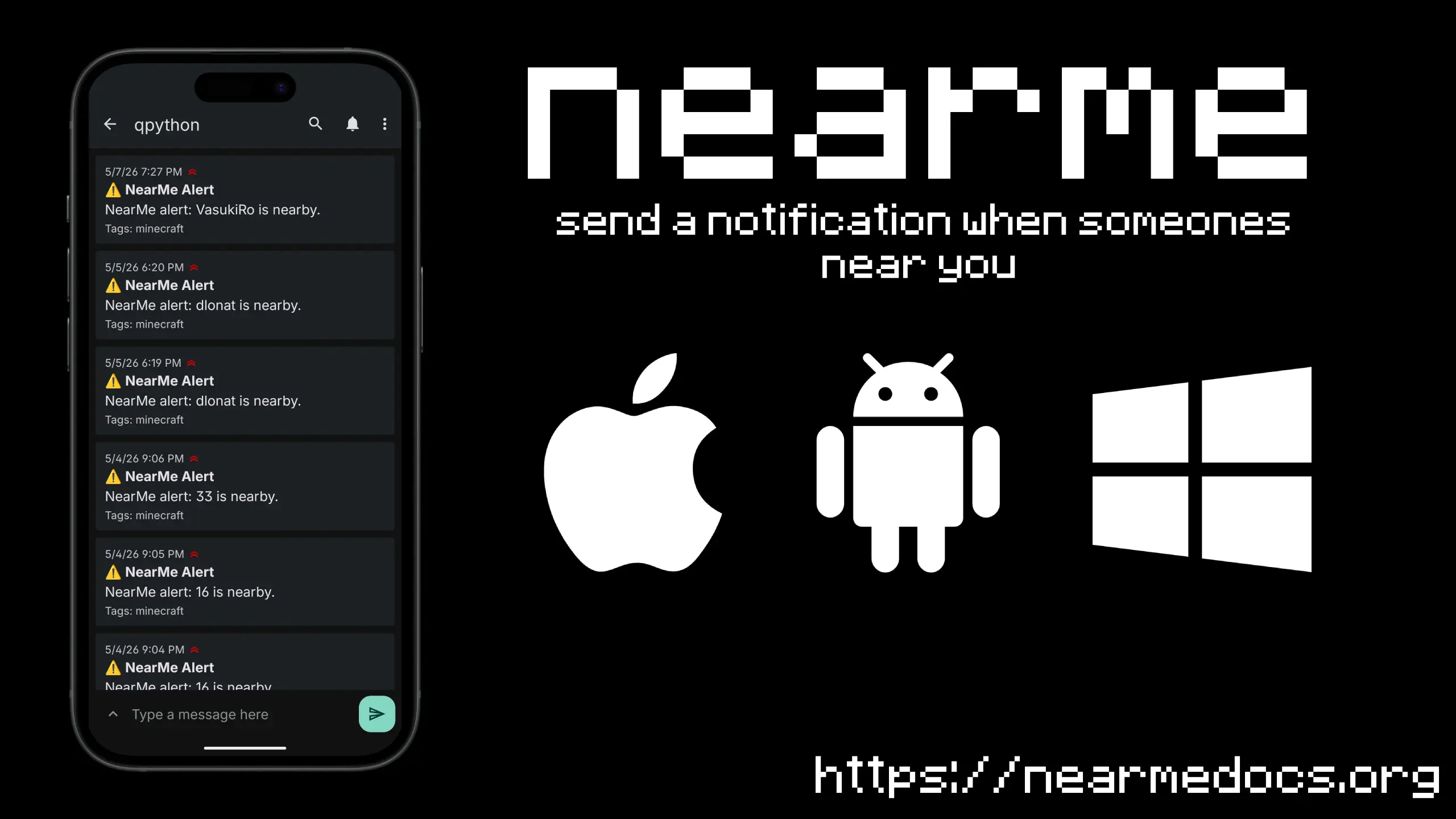
NearMe sends a push notification to your phone the moment another player gets close — works on any server, no server-side setup needed.
WARNING
Using this mod on public servers may be considered cheating and could result in a mute, ban, or other punishment. Always check the rules of a server before using NearMe. Use at your own risk.
For questions or bug reports, DM me on Discord: @simsonimson
📲 Setup Guide
Step 1 — Install ntfy.sh on your device
NearMe uses ntfy.sh to deliver notifications. Download the app for your platform:



Step 2 — Create a topic
Open the app and tap the + button in the bottom-right corner.
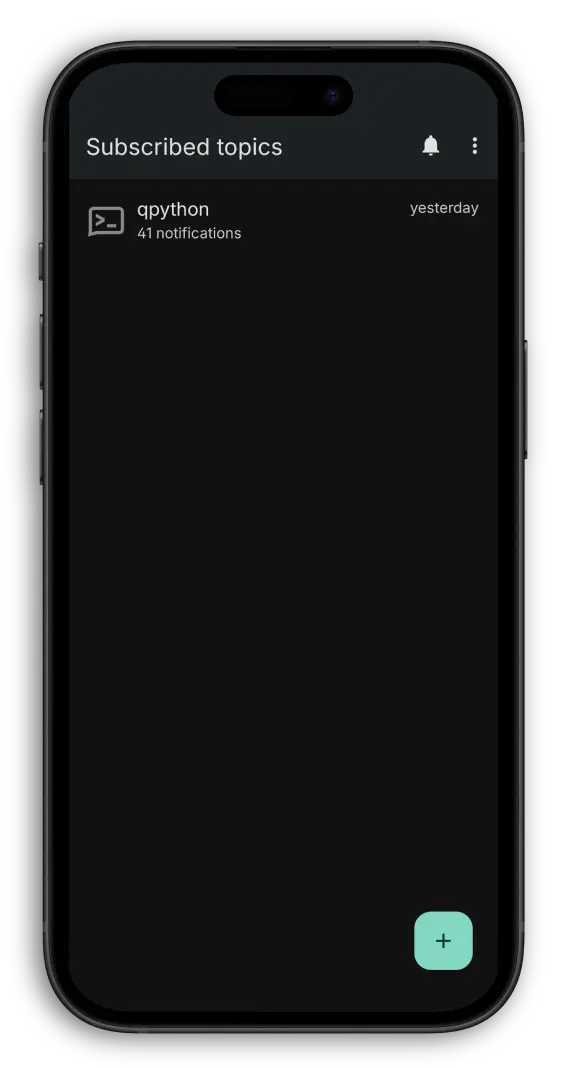
Enter a topic name that is hard to guess — this acts like a private channel. Anyone who knows your topic name can receive your notifications, so treat it like a password.
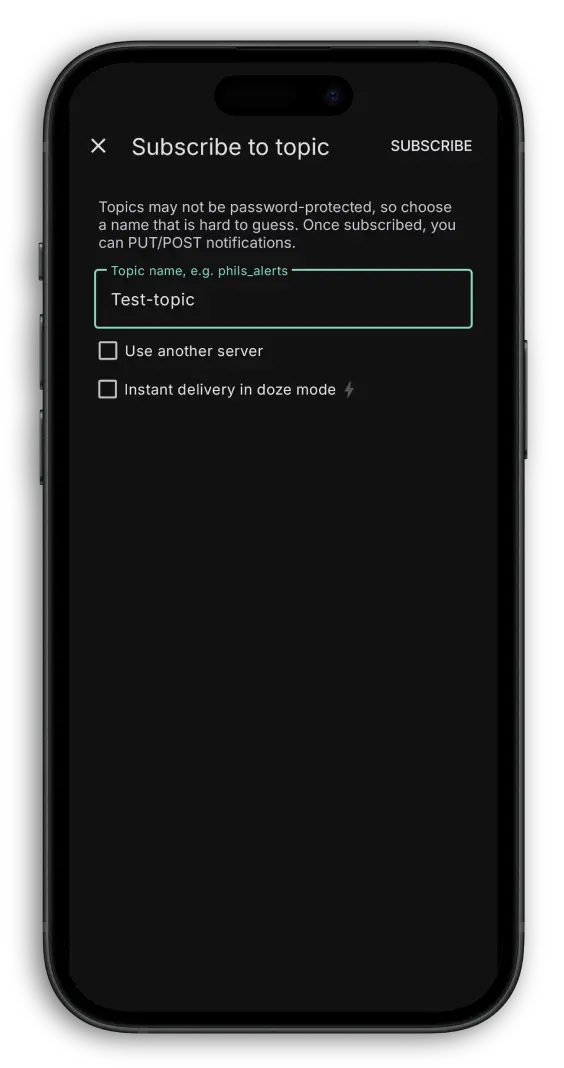
Step 3 — Subscribe
Tap Subscribe to confirm. Your device is now listening for alerts.
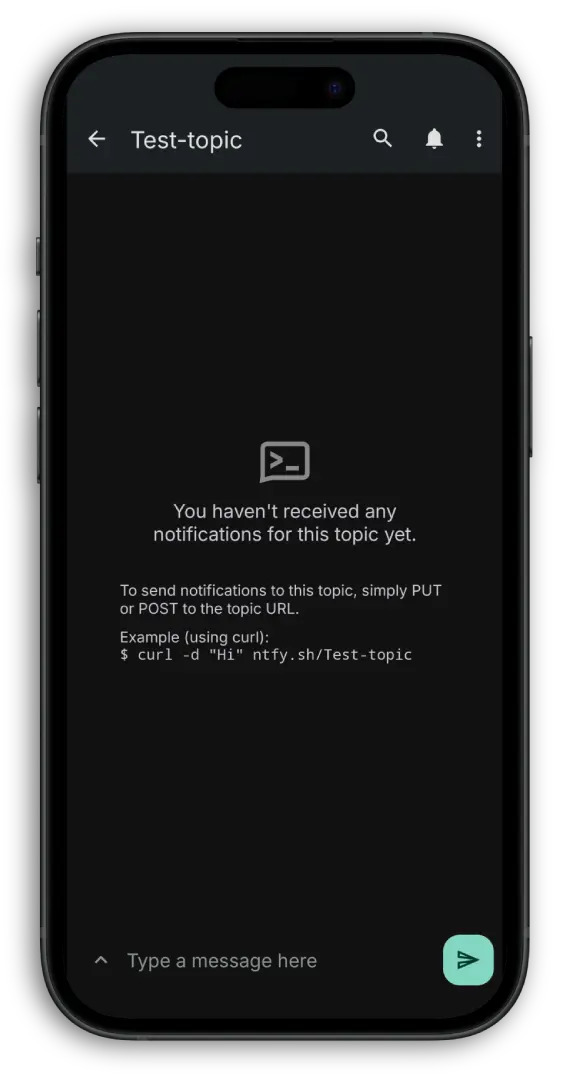
Step 4 — Connect in Minecraft
Join any world or server and run:
/nearme topic your-topic⚠️ Replace
your-topicwith the exact topic name you created in ntfy.sh.
That’s it — you’ll now get a notification whenever a player enters your detection radius.
⚙️ Commands
| Command | Description | Default |
|—|—|—|
| /nearme topic <name> | Set your ntfy notification topic | — |
| /nearme radius <5–200> | Detection radius in blocks | 30 |
| /nearme cooldown <10–3600> | Seconds between alerts | 60 |
| /nearme toggle | Enable or disable the mod | enabled |
| /nearme status | Show current settings | — |
| /nearme test | Send a test notification | — |
常见问题
NearMe 支持哪些 Minecraft 版本?
NearMe 支持 Minecraft Java 版 1.21–1.21.11,共 12 个版本,可用的加载器:Fabric。下载时注意选择和你游戏版本一致的文件。
NearMe 怎么安装?
先用 PCL2 或 HMCL 启动器安装对应版本的 Fabric,再把下载的 .jar 文件放进游戏目录的 mods 文件夹,重新启动游戏即可。开启了版本隔离的,mods 文件夹在 versions/版本名 下面。运行环境:仅客户端。


评论
登录后评论和评分