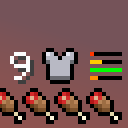
Compact Armor Bar/HUD
Durability and armor points displayed in a compact and easily readable way.
截图


介绍
Ever felt that the armor bar is just unnecessary clutter in the UI (Specially when having multiple Heart rows)?
Ever wanted to have an unintrusive, yet intuitive way to display the armor durability?
I made this mod to address those problems.
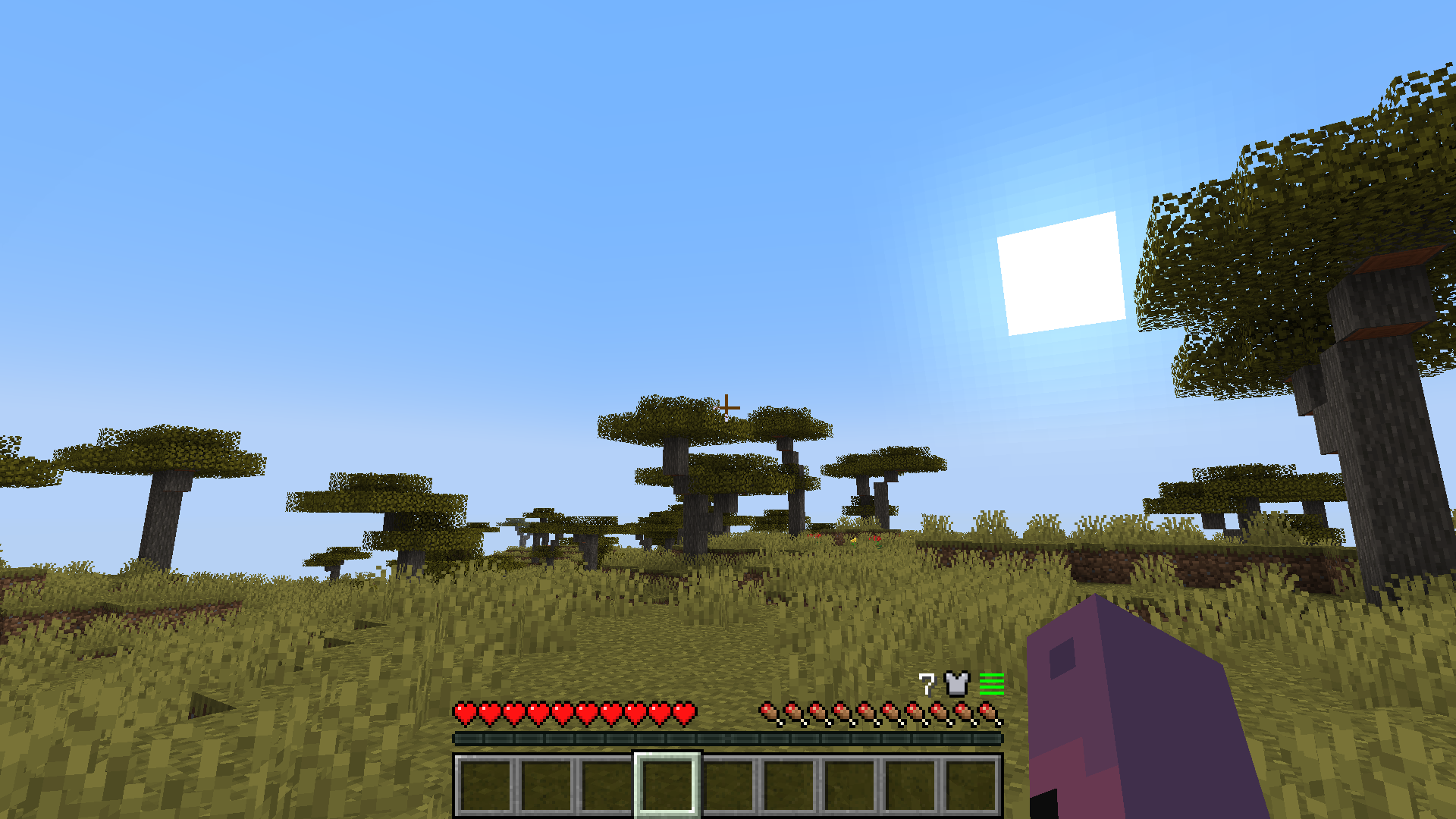
Compact Armor Bar/HUD is a client-side mod that changes the Armor bar to be clear and short. No need for fancy icons or big UI elements.
Features:
- New armor bar display located at the right of the HUD above hunger.
- Total armor points display.
- Durability display for each armor piece.
- Low durability bar blink to make noticing easier.
- Robust UI adaptation for things like GUI size, bubbles and mounts with 2 or more Heart rows.
- Mod support for Better Mount HUD or similar, Immersive Aircraft/Machinery and hopefully any other with mounts that have high HP (E.g. Ice and Fire)
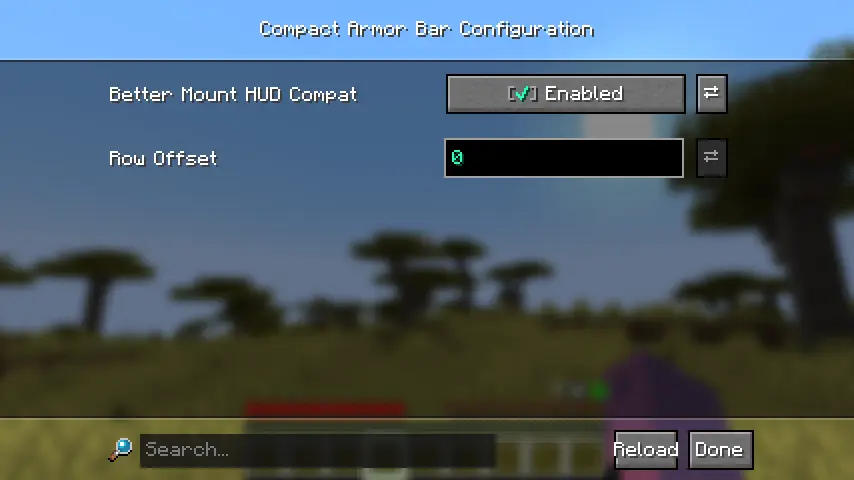
- Configurable row offset for mods that add new rows at the right side of the UI (E.g. thirst mods).
Config Screen (owo-lib)
I hopefully solved most overlap issues… If you find any or have a suggestion, check the GitHub repository.
If there’s enough interest, I can try to port it to NeoForge and more Minecraft versions.
Have fun.
常见问题
Compact Armor Bar/HUD 支持哪些 Minecraft 版本?
Compact Armor Bar/HUD 支持 Minecraft Java 版 1.20.1–1.21.1,共 2 个版本,可用的加载器:Fabric。下载时注意选择和你游戏版本一致的文件。
Compact Armor Bar/HUD 怎么安装?
先用 PCL2 或 HMCL 启动器安装对应版本的 Fabric,再把下载的 .jar 文件放进游戏目录的 mods 文件夹,重新启动游戏即可。开启了版本隔离的,mods 文件夹在 versions/版本名 下面。运行环境:仅客户端。
x7bbbbbbb 的其他作品
查看全部 →
AA4 Structure Markers
Antique Atlas 4 附加模组。为各种模组中的结构添加新的标记。

Immersive Aircraft Structures
为 Immersive Aircraft 和 Machinery 添加结构。

World Icon Updater
在保存/关闭世界时更新世界图标。
Immersive Aircraft Structures
沉浸式飞机与机械的结构。
评论
登录后评论和评分