
截图

介绍
中文介绍正在准备中,下面暂时显示原文。
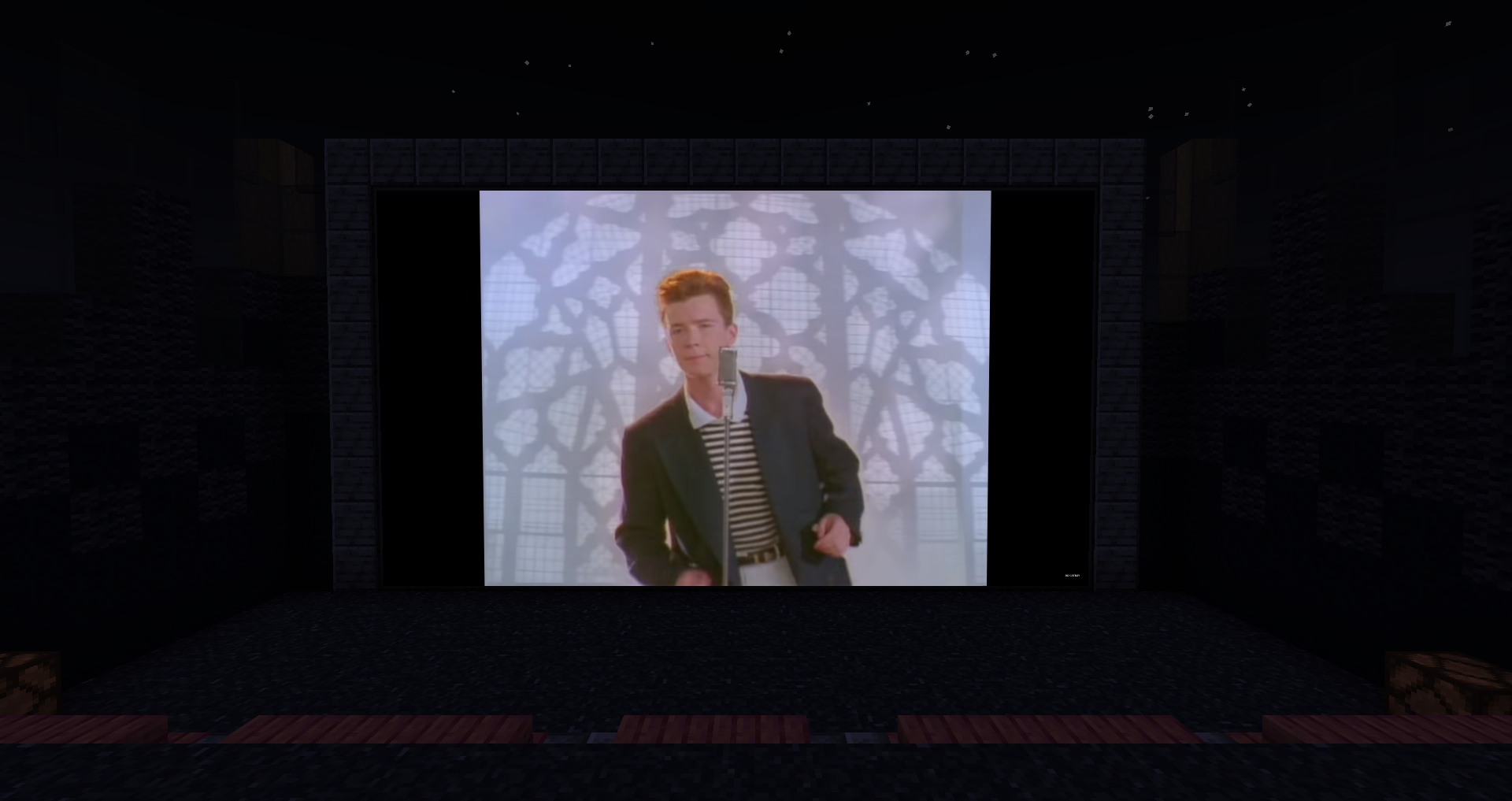
A simple modpack for watch media inside the game.

Great if you want to watch something with friends but you get bored with a simple Discord stream

And you can use emotes of your favorite Twitch streamers.

How to use:
- Place the Frame, Projector, or Television
- Press Shift+RMB to configure settings
- For added convenience, Shift+RMB while holding the “Remote Control” to control playback remotely.
- To avoid unnecessary client desync issues, wait until everyone is connected to the server and close to the screen.
- Enjoy!
(A list of supported sites can be found on the WATERFrAMES page. Jellyfin stream URL is also supported.)
If you’re too lazy to build everything, you can download a ready-made map from Planet Minecraft.
包含的模组 25 个
 Architectury API
 Axiom
 Chat Heads
 Chat Patches
 CreativeCore
 Fabric API
 Iris Shaders
 锂
 模组菜单
 No Chat Reports
 No Crosshair
 No Telemetry
 Options Profiles
 Reese's Sodium Options
 钠
 Sodium Extra
 Streamotes: Streamer Emotes
 Styled Chat
 Text Placeholder API
 WATERFrAMES: Multimedia Displays
 WATERMeDIA: Multimedia API
 WATERMeDIA: Youtube Extension
 WATERViSION: VideoPlayer
 WorldEdit
 YetAnotherConfigLib (YACL)
绿色边框的模组本站有收录,点进去看中文介绍;其余跳转到 Modrinth。
常见问题
Cinema 支持哪些 Minecraft 版本?
Cinema 基于 Minecraft Java 版 1.21.1、1.20.1、1.19.2,使用 Fabric / Forge 加载器。
Cinema 怎么安装?
点本页「前往下载」拿到整合包文件(Modrinth 的是 .mrpack,CurseForge 的是 .zip),在 PCL2 或 HMCL 启动器里选择「导入整合包」,启动器会自动装好 Minecraft、加载器和全部模组。这个整合包有 25 个模组,建议在启动器里给游戏分配 4–6 GB 内存。
Cinema 开服需要多大内存?
推荐服务器内存 12 GB。在线人数多、或者建了大量机器和区块加载器时,可以再加 2–4 GB。
怎么和朋友一起玩 Cinema?
点本页的「一键开服」,选好配置后会自动安装 Cinema 的服务端,几分钟就能开好。把服务器地址发给朋友,大家用同一个版本的整合包连进去就行。


评论
登录后评论和评分