
截图
介绍
Custom Portal Forge
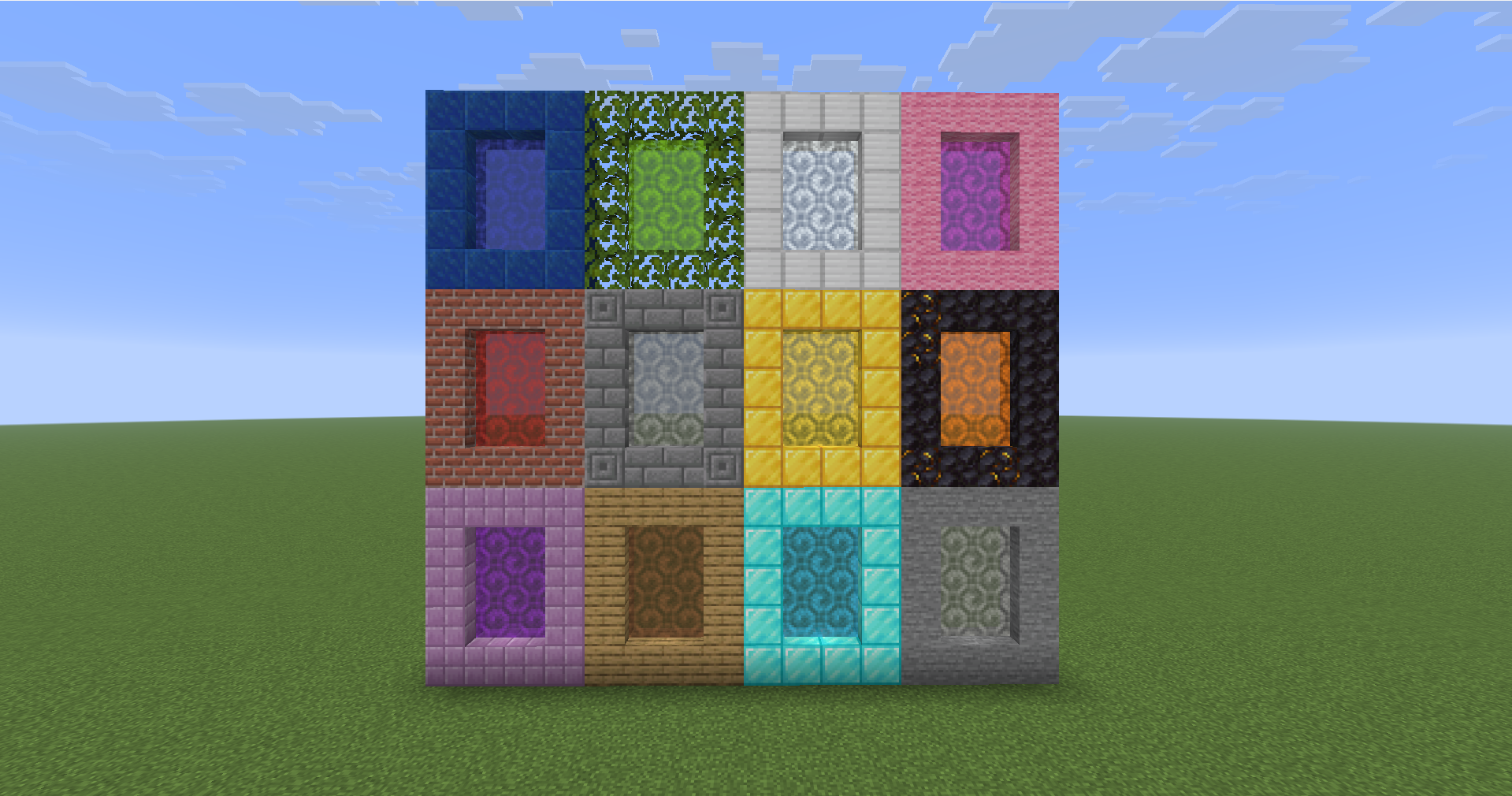
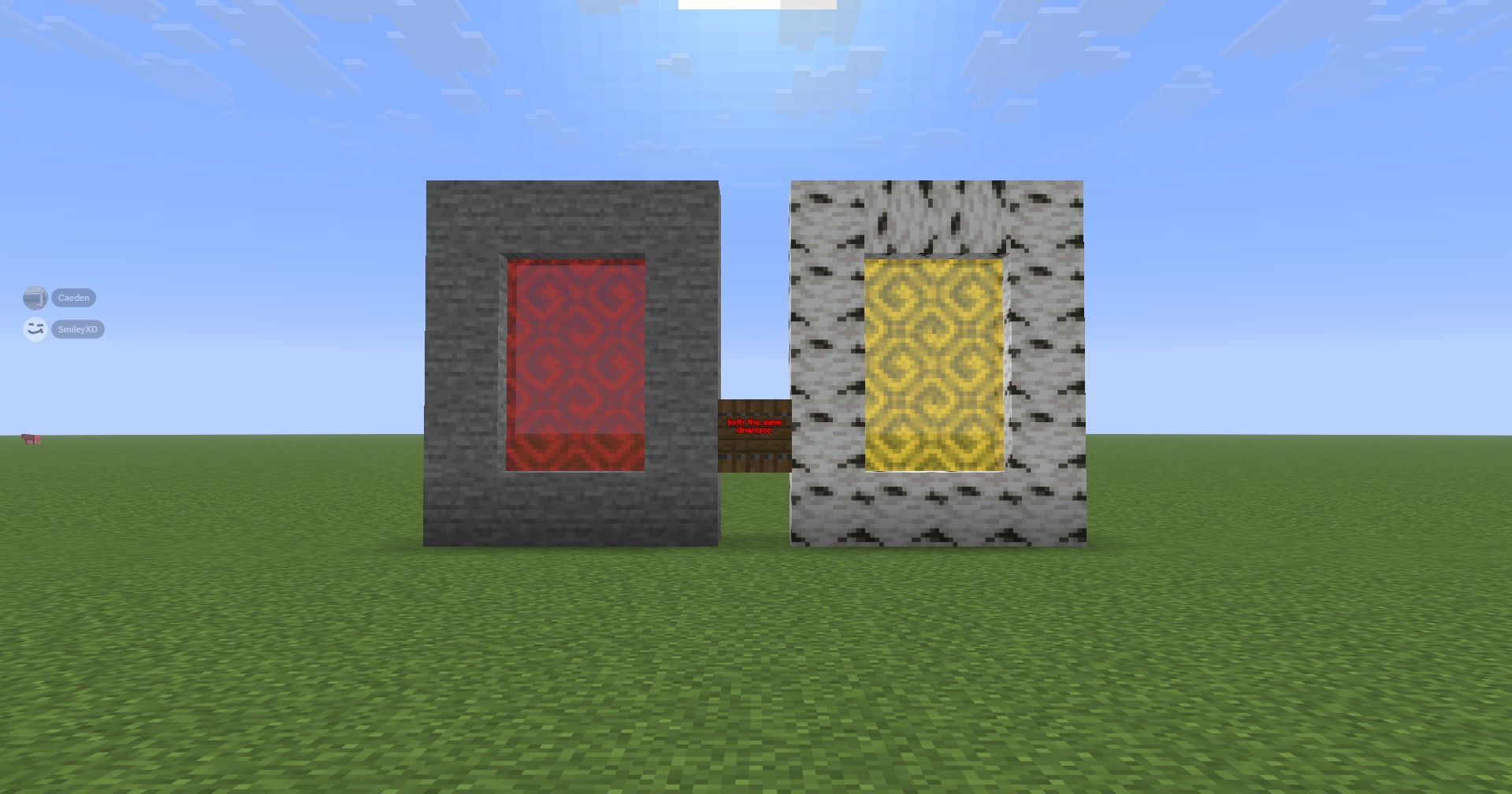
Custom Portal Forge is a Minecraft mod that lets you create and manage custom portal-based dimensions. Build a portal frame, activate it with the Dimension Igniter, and create unique portal-linked dimensions with colors that can be changed using dyes.
Main Features
- Create custom dimensions through portal frames.
- Activate portals using the Dimension Igniter.
- Change portal colors by throwing dyes into the portal.
- Portals keep their current frame material while changing only the portal color.
- Includes glowing animated portal visuals.
- Includes admin commands for managing custom dimensions.
- Works in singleplayer and multiplayer when installed correctly.
How to Use
- Build a valid portal frame.
- Use the Dimension Igniter on the frame to activate the portal.
- Enter the portal to travel to the linked custom dimension.
- Throw dye into the portal to change the portal color.
- Use admin commands to manage, rename, delete, or give access to custom dimensions.
What Happens When You Enter a Portal
When a custom portal is entered, it sends the player to that portal’s linked custom dimension.
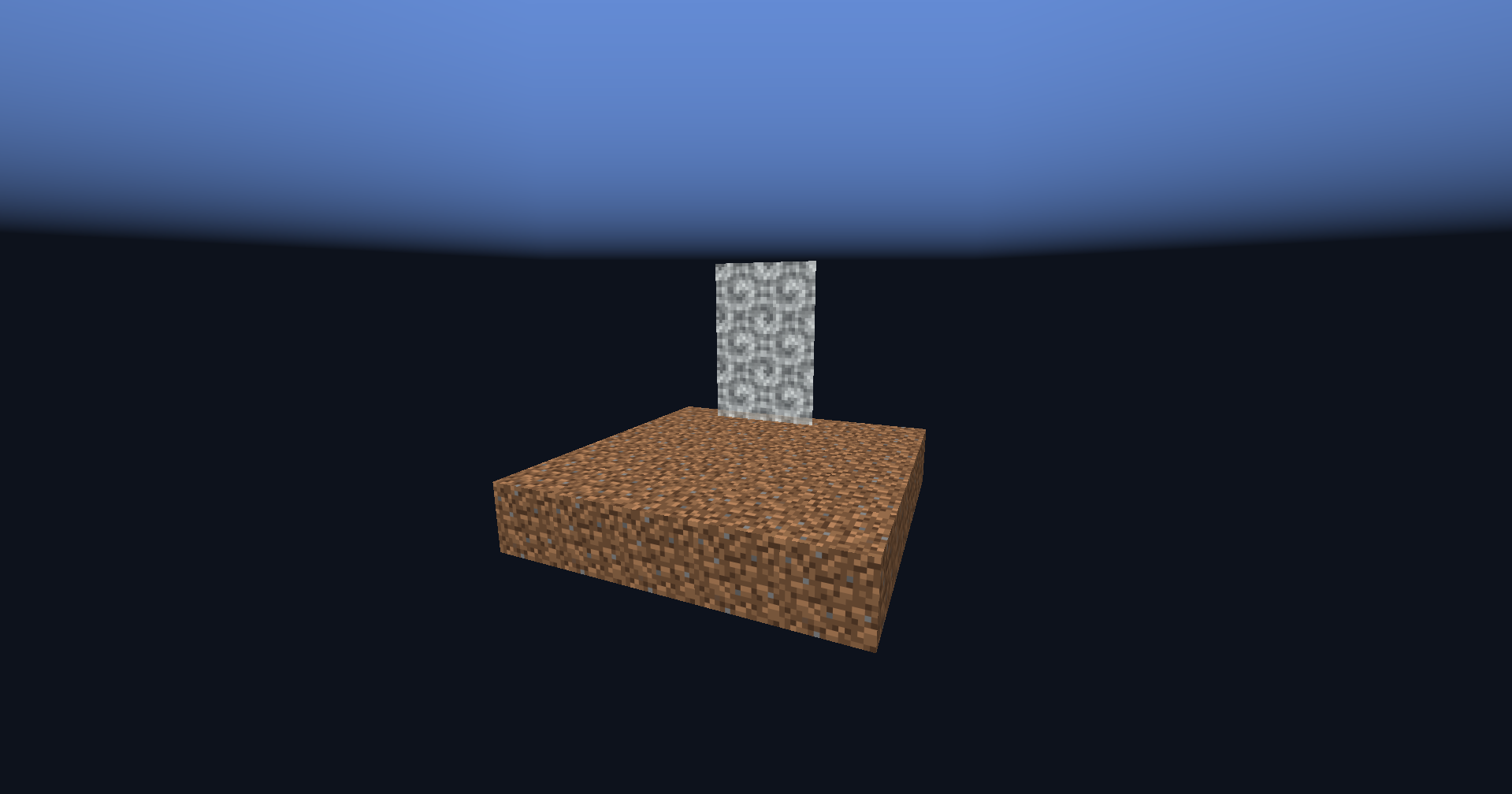
Newly created dimensions start with a simple blank template:
- A 5×5 dirt starter island
- Surrounded by the void
- Designed as a blank starting point for building your own dimension
Commands
Create
Creates a new custom dimension.
Command:
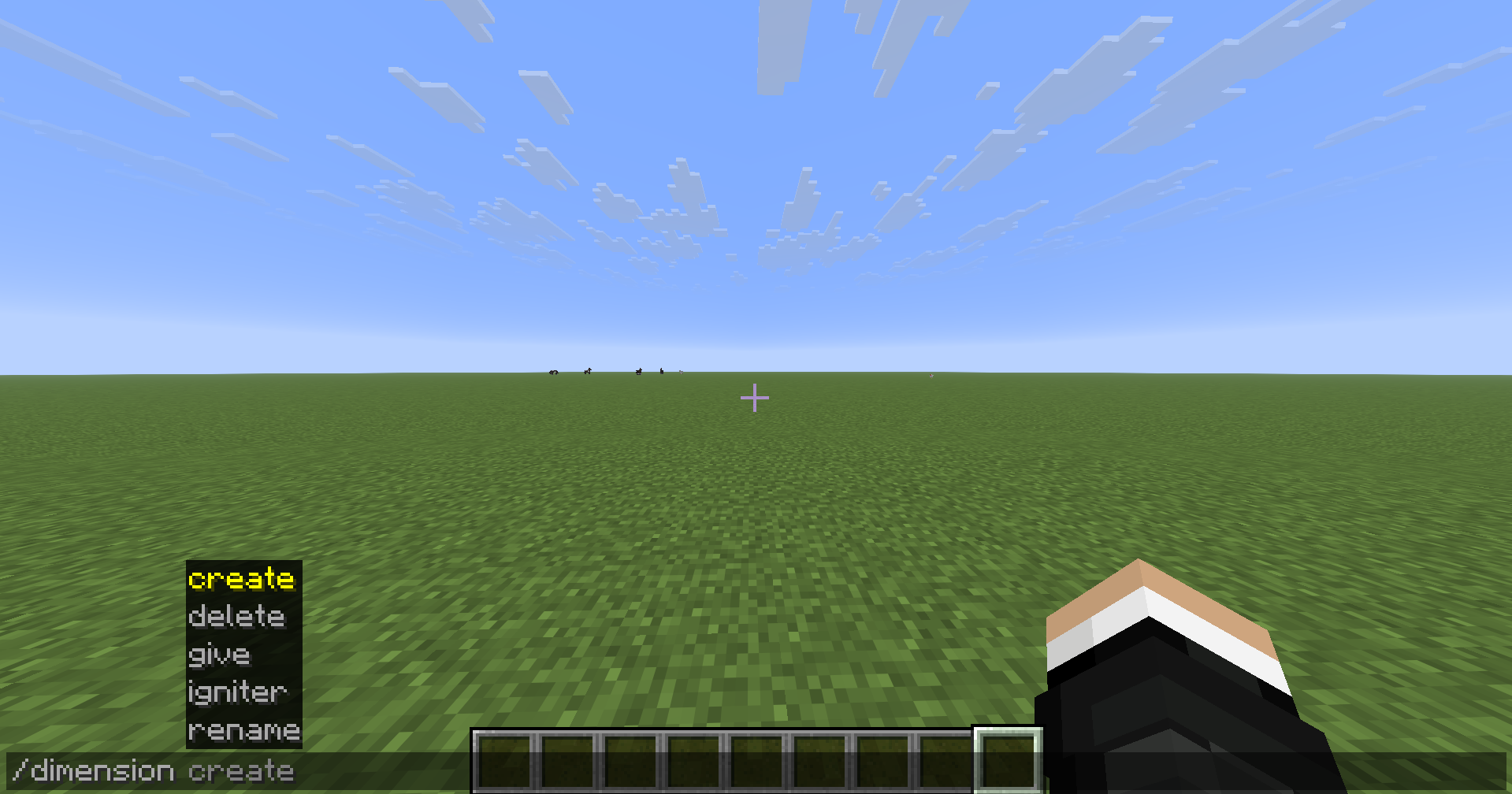
/dimension create
Use this to create a new blank custom dimension with the default 5×5 dirt starter island surrounded by the void.
Delete
Deletes an existing custom dimension.
Command:
/dimension delete
Use this carefully. Deleting a dimension removes that custom dimension from the mod.
Give Igniter
Gives a Dimension Igniter for a specific dimension.
Command:
/dimension give igniter
Use this to give yourself or another player a Dimension Igniter linked to a specific custom dimension.
Rename
Renames an existing custom dimension.
Command:
/dimension rename
After using this command, the portal may take a few moments to update.
Crafting
The Dimension Igniter can be crafted using this recipe:
Torch | Empty | Empty
Diamond Block | Soul Soil | Empty
Flint and Steel | Amethyst Block | Torch
Installation
This mod is required on both the client and server.
For singleplayer, install it in your local mods folder.
For multiplayer, install it on the server and make sure every player also has the mod installed.
Notes
This mod is designed for custom portal travel, dimension experimentation, and building unique worlds from a blank void-island starting point.
常见问题
custom portal forge 支持哪些 Minecraft 版本?
custom portal forge 支持 Minecraft Java 版 26.1.2,可用的加载器:Fabric。下载时注意选择和你游戏版本一致的文件。
custom portal forge 怎么安装?
先用 PCL2 或 HMCL 启动器安装对应版本的 Fabric,再把下载的 .jar 文件放进游戏目录的 mods 文件夹,重新启动游戏即可。开启了版本隔离的,mods 文件夹在 versions/版本名 下面。运行环境:客户端和服务端都要装。
评论
登录后评论和评分