
介绍
中文介绍正在准备中,下面暂时显示原文。
Custom Photo Filter
Adds a filter that lets you place your own image onto a photo.
How to use
Find the filter in the Exposure tab:

Right-click while holding it to open the menu:
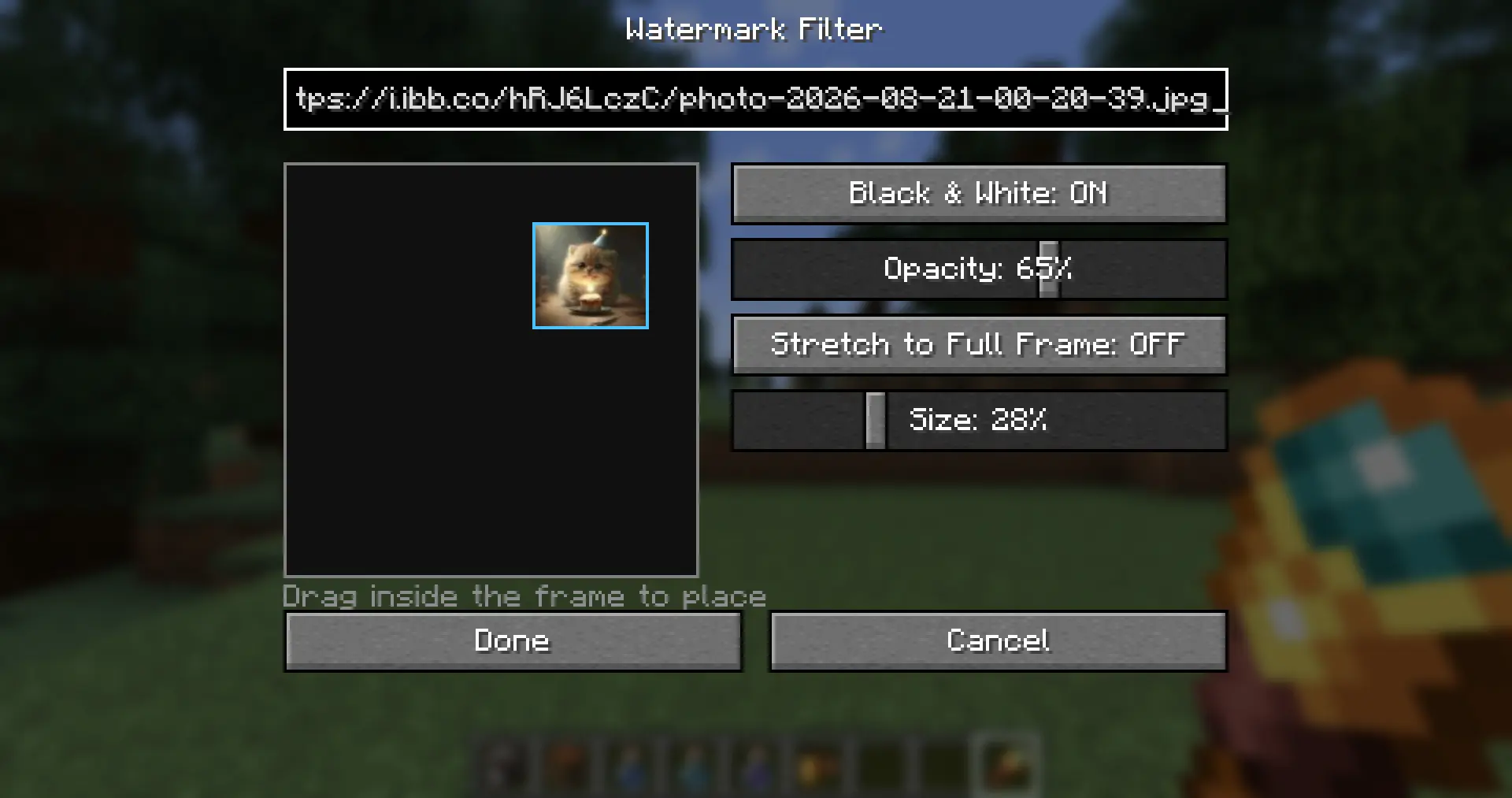
Then:
- Paste an image link into the field at the top — it must end with
.pngor.jpg - Adjust the settings however you like
- That’s it — enjoy!
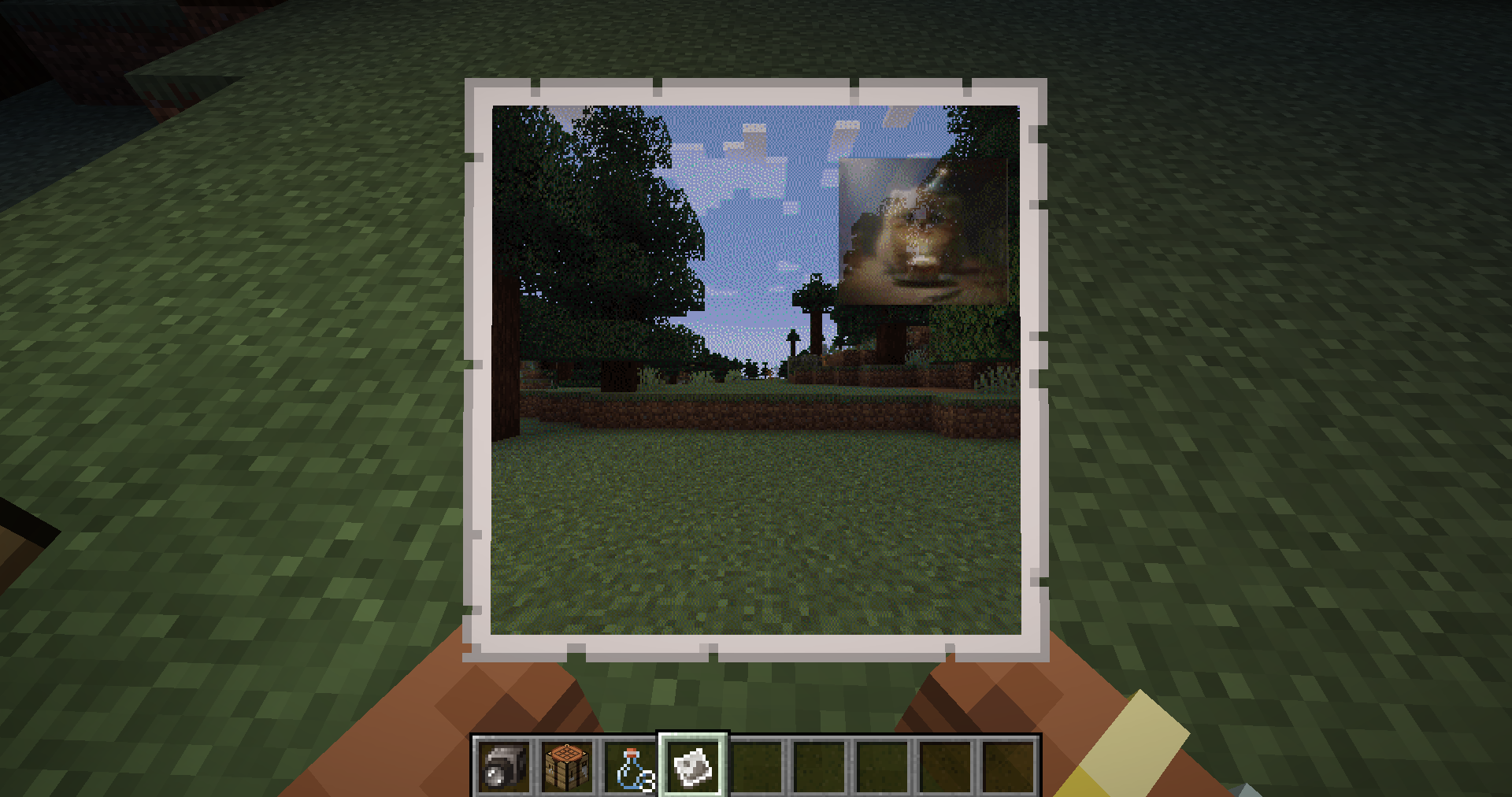
Made specifically for Project Alaska
Discord — coming soon
常见问题
exposure: watermark 支持哪些 Minecraft 版本?
exposure: watermark 支持 Minecraft Java 版 1.21.1,可用的加载器:NeoForge。下载时注意选择和你游戏版本一致的文件。
exposure: watermark 怎么安装?
先用 PCL2 或 HMCL 启动器安装对应版本的 NeoForge,再把下载的 .jar 文件放进游戏目录的 mods 文件夹,重新启动游戏即可。开启了版本隔离的,mods 文件夹在 versions/版本名 下面。运行环境:客户端和服务端都要装。
评论
登录后评论和评分