
Wikicraft Spotlight
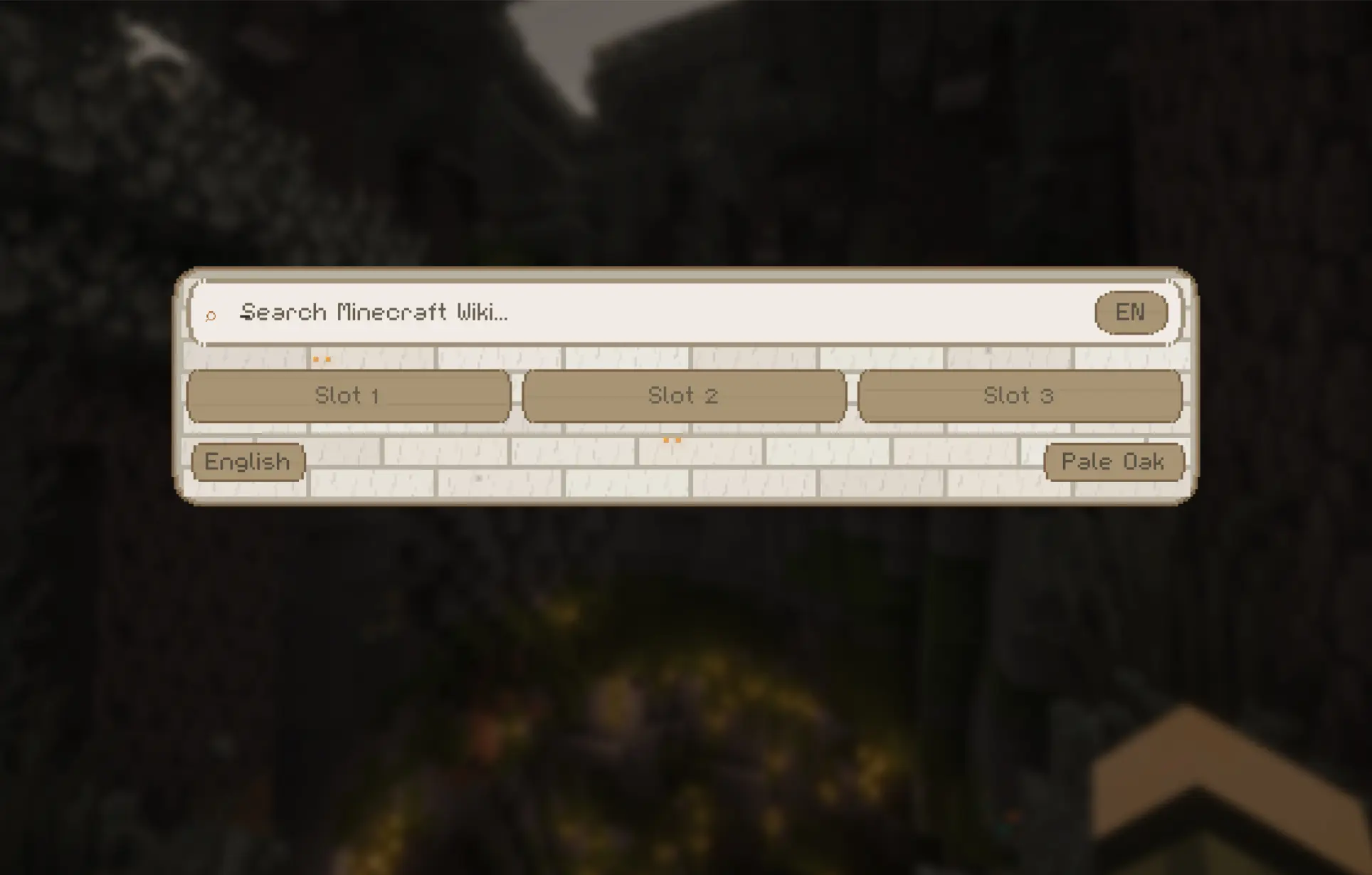
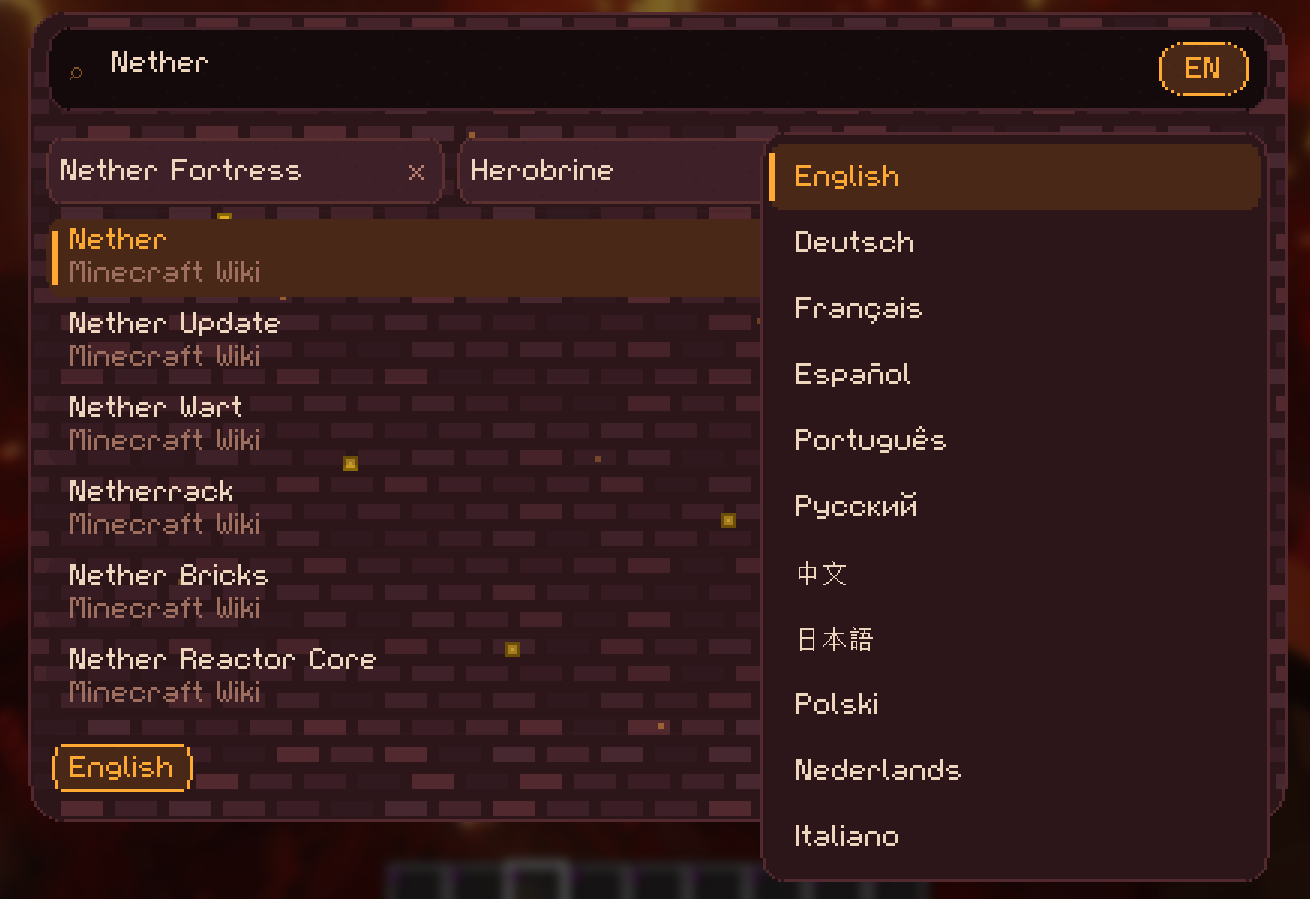
Wikicraft Spotlight — A Fabric mod for Minecraft 26.1 & 1.21.11 that adds a Spotlight-style search overlay (press G) for the Minecraft Wiki. Browse articles, save favorites to slots, and switch between 7 themes.
截图


介绍
Wikicraft Spotlight
Search the Minecraft Wiki without leaving your game.
Ever alt-tabbed mid-build just to look up a crafting recipe, mob drop, or biome detail? Wikicraft Spotlight brings the entire Minecraft Wiki right into your game with a single keypress.
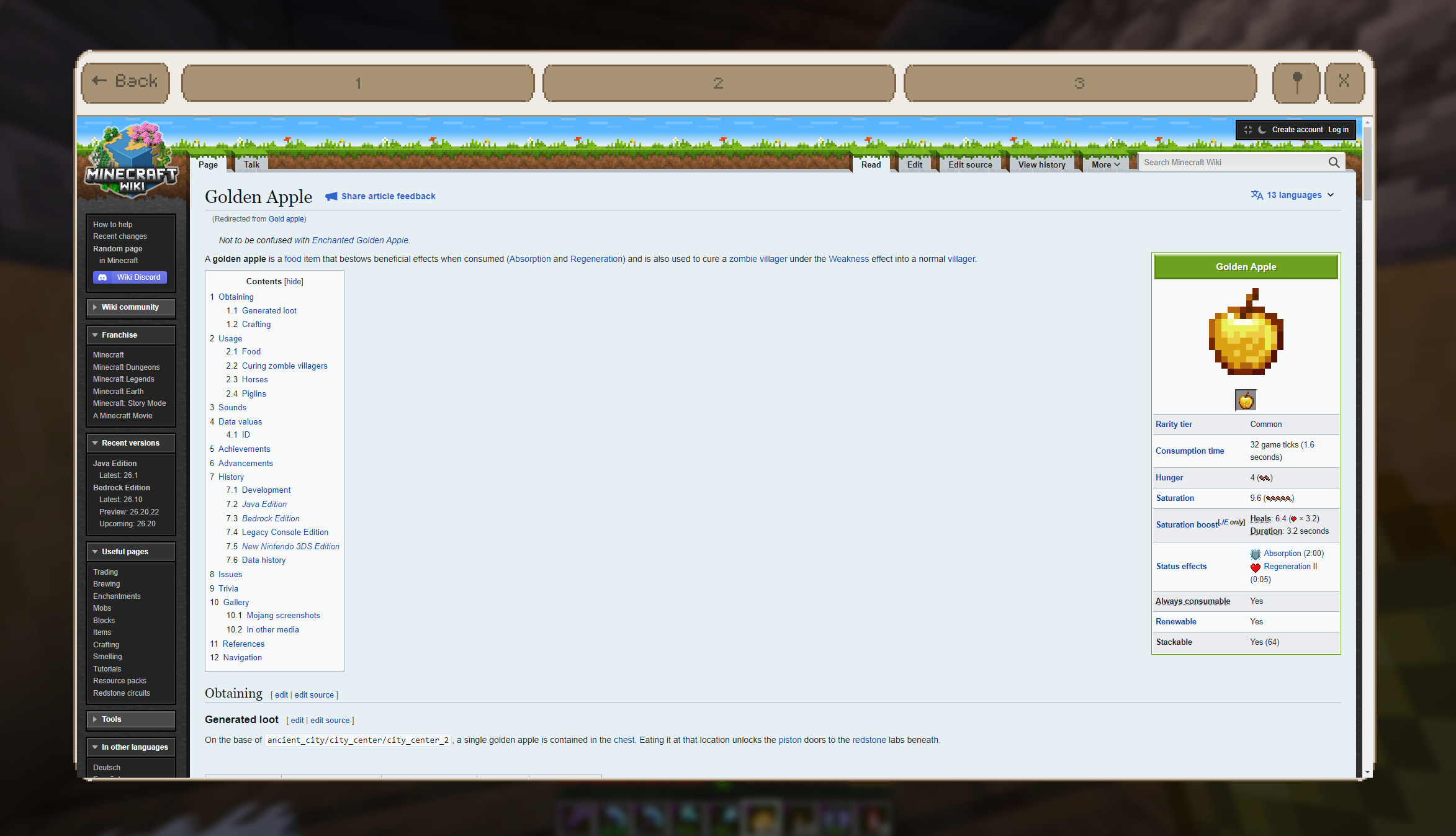
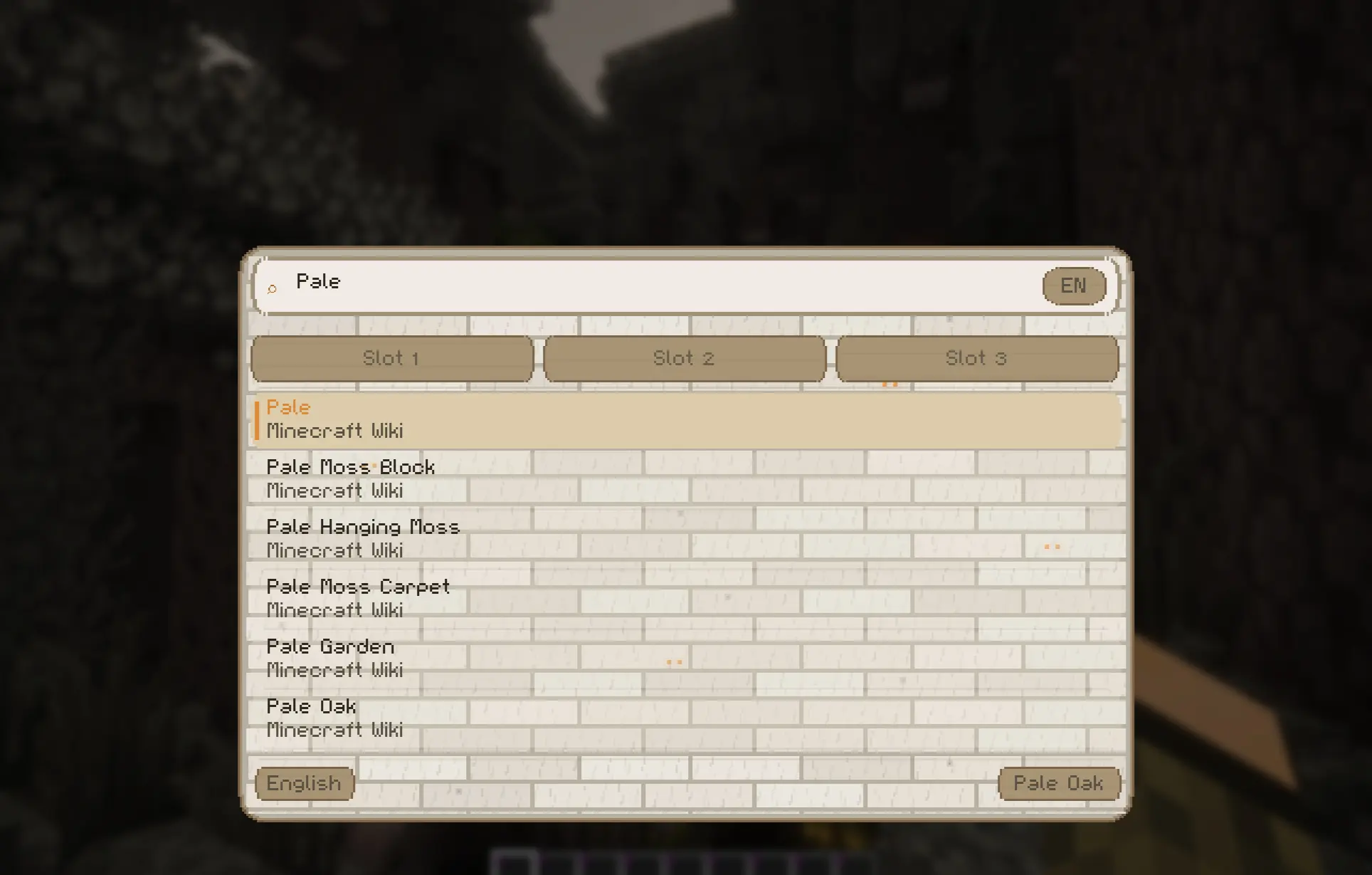
Press G (editable) to open a fast, Spotlight-style search overlay. Type your query, browse results, and read full wiki articles — all without ever leaving Minecraft.
_I recommend setting the GUI scaling to three, but it runs sharp on all scales._
Features
- ⚡ Instant Wiki Search — Search any Minecraft Wiki article in real-time
- 📖 Built-in Browser — Read full articles with an integrated viewer, no alt-tab needed
- 💾 Save Favorites — Pin articles to quick-access slots for instant recall
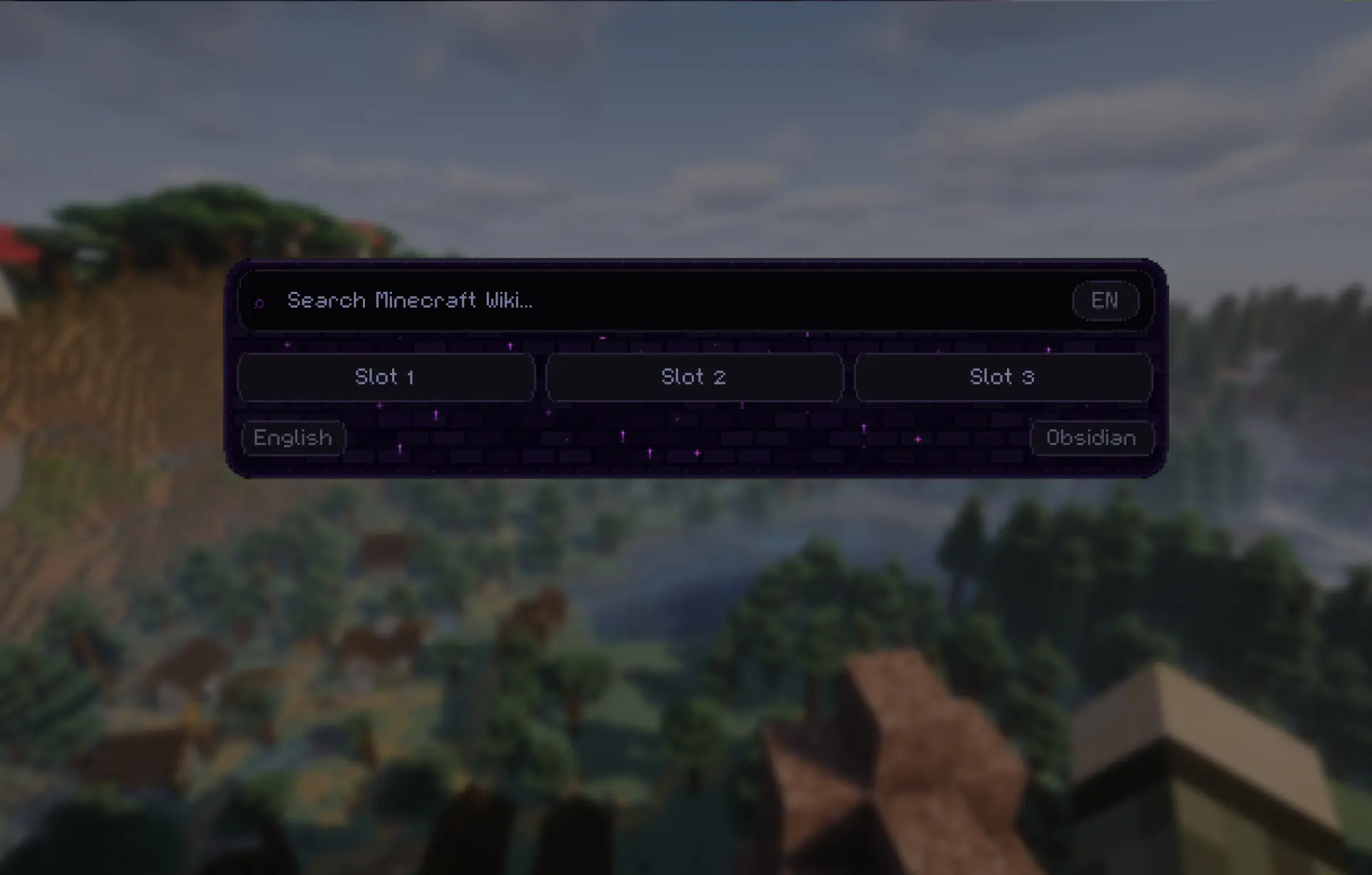
- 🎨 7 Themes — Stone, Obsidian, Pale Oak, Oak, Cherry, Nether & Ocean — each with unique pixel art and textures inspired by the game
- 🌍 Multi-Language — Switch between all available wiki languages on the fly
- 💾 Persistent Settings — Your theme and language preferences are saved between sessions
Requirements
- Minecraft 1.21.11
- Fabric Loader
- MCEF 2.2.0
Built for everyone who’s tired of leaving the game just to check the wiki.
常见问题
Wikicraft Spotlight 支持哪些 Minecraft 版本?
Wikicraft Spotlight 支持 Minecraft Java 版 1.21.11–26.1,共 2 个版本,可用的加载器:Fabric。下载时注意选择和你游戏版本一致的文件。
Wikicraft Spotlight 怎么安装?
先用 PCL2 或 HMCL 启动器安装对应版本的 Fabric,再把下载的 .jar 文件放进游戏目录的 mods 文件夹,重新启动游戏即可。开启了版本隔离的,mods 文件夹在 versions/版本名 下面。运行环境:仅客户端。
SoughtDestiny 的其他作品
查看全部 →
LootLedger
LootLedger tracks every container interaction in your world. See who opened a chest, what items were added or removed, and when it happened, in singleplayer and multiplayer. Simply open any container and click the book icon to view its full history.

Amped Delight
Vanilla Minecraft, reimagined. Hundreds of new biomes, 20+ animals, overhauled structures, Farmers Delight, and a few surprises waiting in the End.

Pure Vanilla Amped
A Sodium based mod collection that preserves the charm of Minecraft's vanilla experience while offering subtle enhancements. Compatible with self-hosted servers.
评论
登录后评论和评分