
MSIandHud
作者:SrBeats
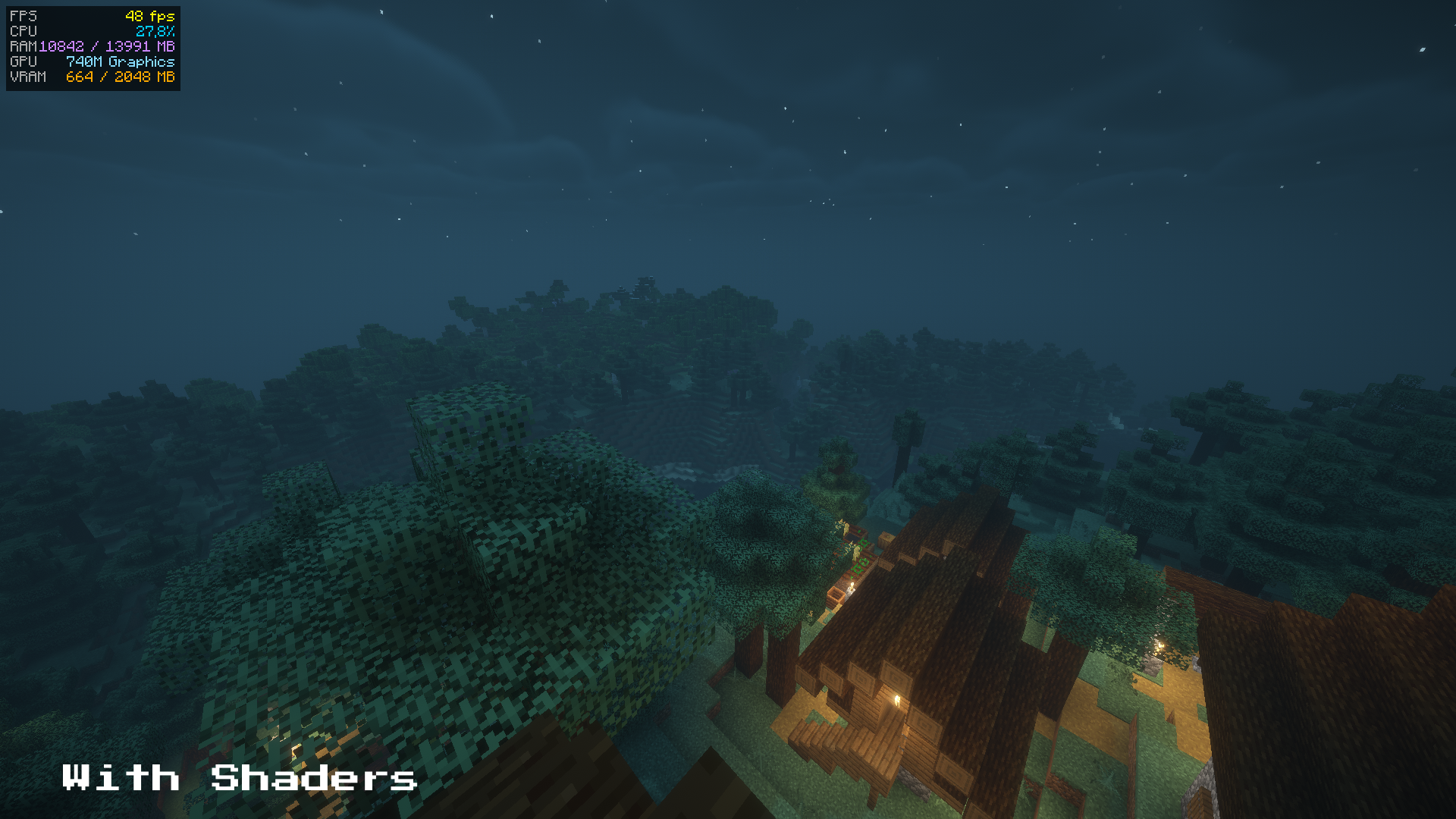
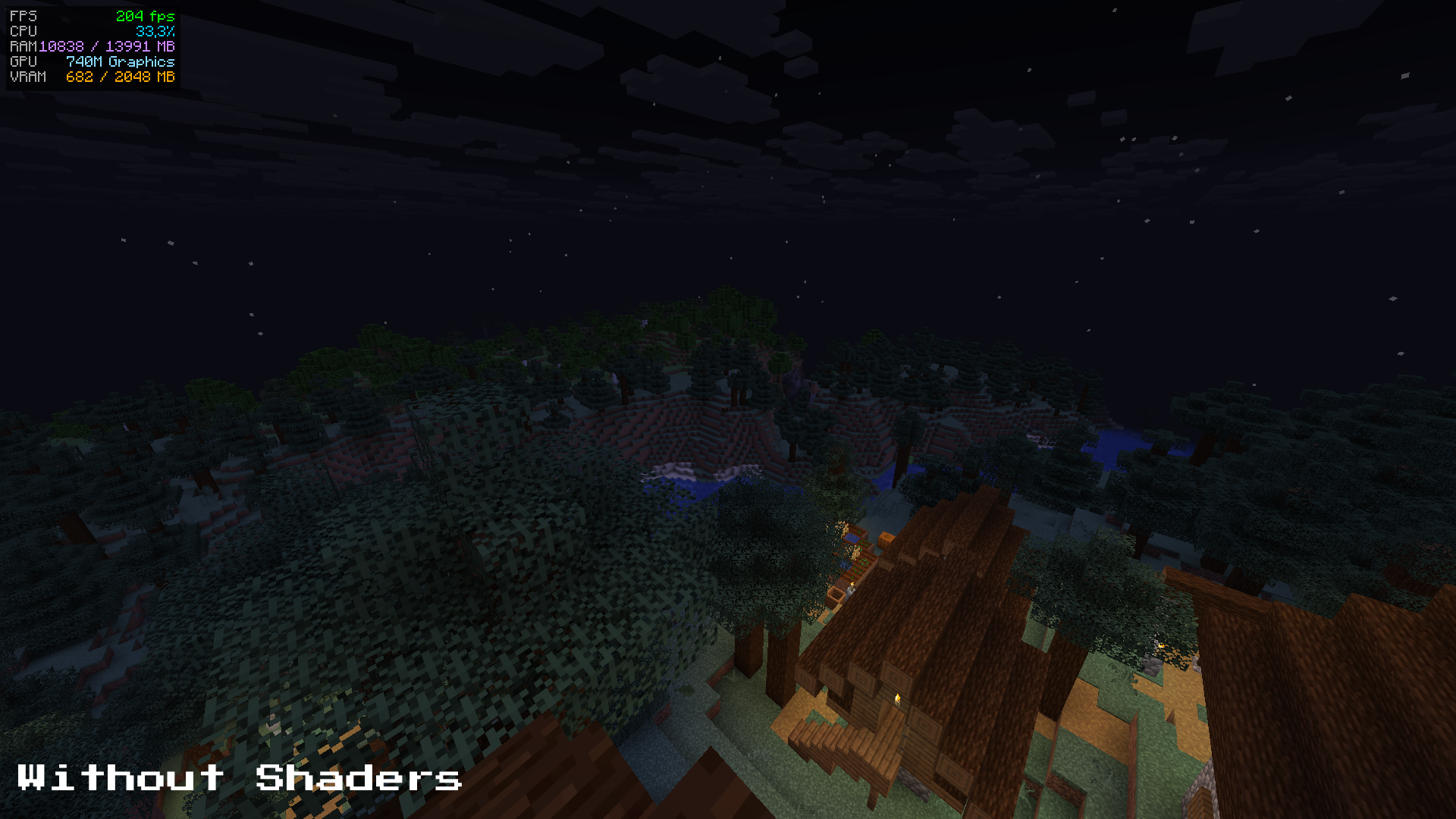
Adds a performance overlay to your HUD showing FPS, CPU usage, RAM and VRAM — inspired by MSI Afterburner. Toggle it anytime with a customizable keybind. Enjoy!
截图
介绍
中文介绍正在准备中,下面暂时显示原文。
MSIandHud
MSIandHud is a lightweight client-side mod that displays a real-time performance overlay directly on your Minecraft HUD, inspired by MSI Afterburner.
Features
- FPS counter — color-coded: green (60+), yellow (30-59), red (<30)
- CPU usage — color-coded: blue (<50%), orange (50-79%), red (80%+)
- RAM usage — shows used / total memory in MB
- GPU name — displays your graphics card model
- VRAM usage — shows estimated video memory usage
How to use
Once installed, the overlay will appear automatically in the top-left corner of your screen.
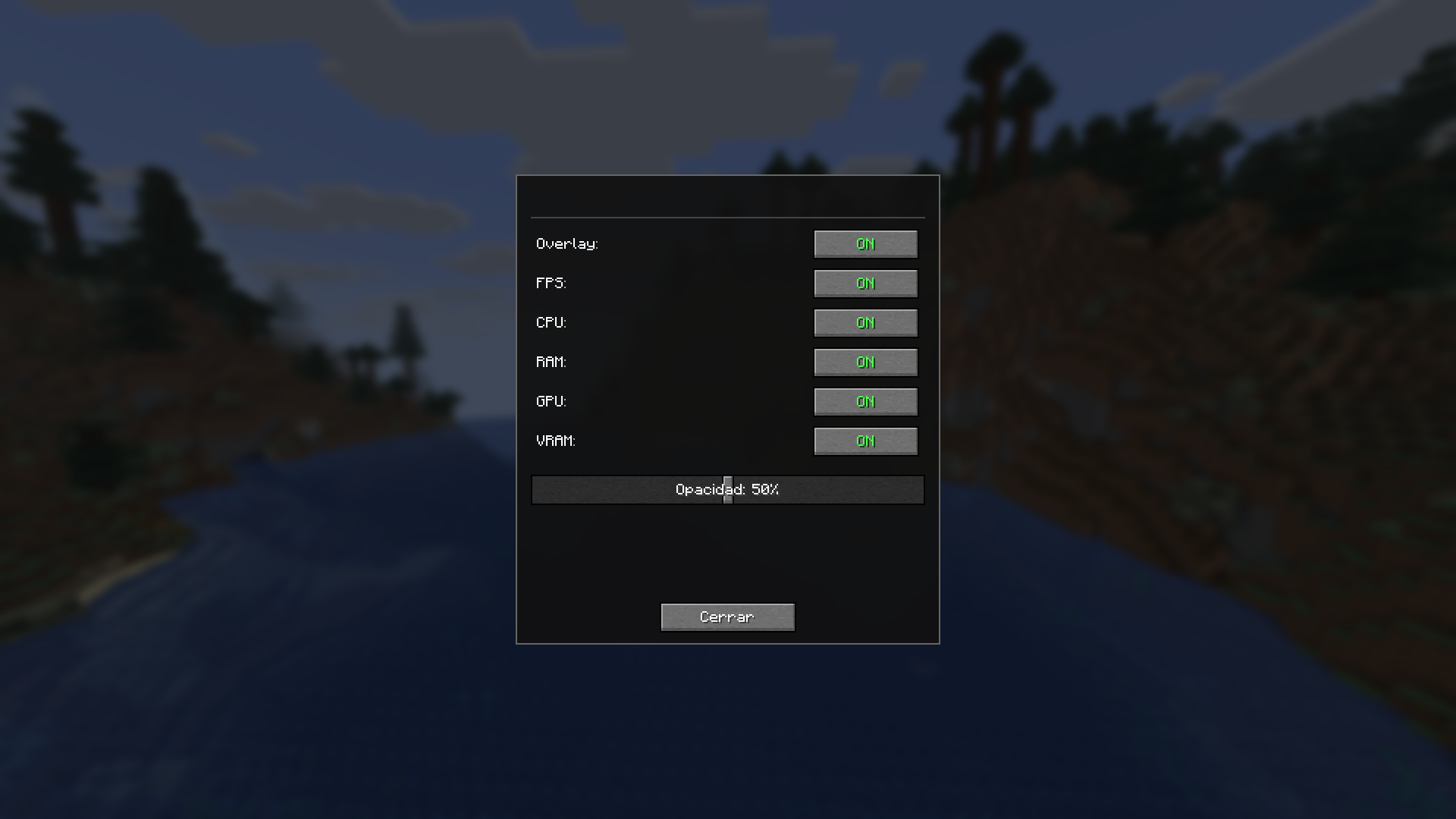
Press F4 (configurable) to show or hide the overlay at any time. You can change the keybind in Options → Controls → Miscellaneous.
Requirements
- Minecraft 1.21.11
- Fabric Loader 0.18.1+
- Fabric API
- Mod Menu
Credits
Made by SrBeats
常见问题
MSIandHud 支持哪些 Minecraft 版本?
MSIandHud 支持 Minecraft Java 版 1.21.11,可用的加载器:Fabric。下载时注意选择和你游戏版本一致的文件。
MSIandHud 怎么安装?
先用 PCL2 或 HMCL 启动器安装对应版本的 Fabric,再把下载的 .jar 文件放进游戏目录的 mods 文件夹,重新启动游戏即可。开启了版本隔离的,mods 文件夹在 versions/版本名 下面。运行环境:仅客户端。
评论
登录后评论和评分