
Mining Session
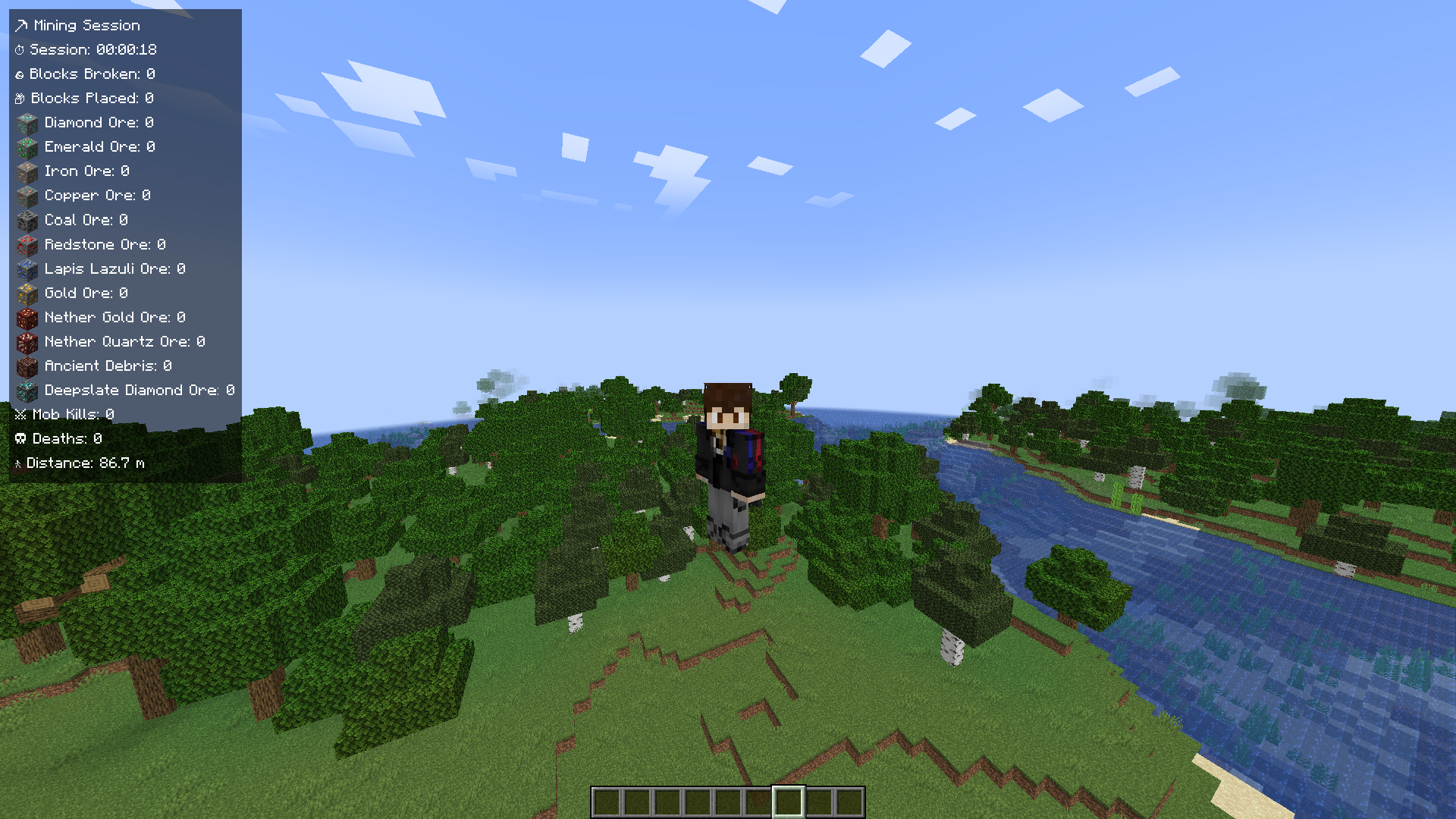
Shows real-time session statistics (mining, kills, deaths, distance) on a configurable HUD panel.
截图
介绍
<!–
MODRINTH PROJECT DESCRIPTION
Paste this whole file into Modrinth’s “Description” markdown editor
(Project → Settings → Description). Short “Summary” field suggestion
is at the very bottom of this file.
–>
⛏ Mining Session
A lightweight client-side HUD that tracks your mining session in real time.
No menus to open, no stats hidden away — your session time, blocks broken and
placed, ore counts, mob kills, deaths and distance walked are always visible
right on your screen, updating instantly as you play.
Works in singleplayer and on any multiplayer server — no server-side
installation required.
✨ Features
- 📊 Live HUD panel — updates instantly, no need to open a menu to check your progress.
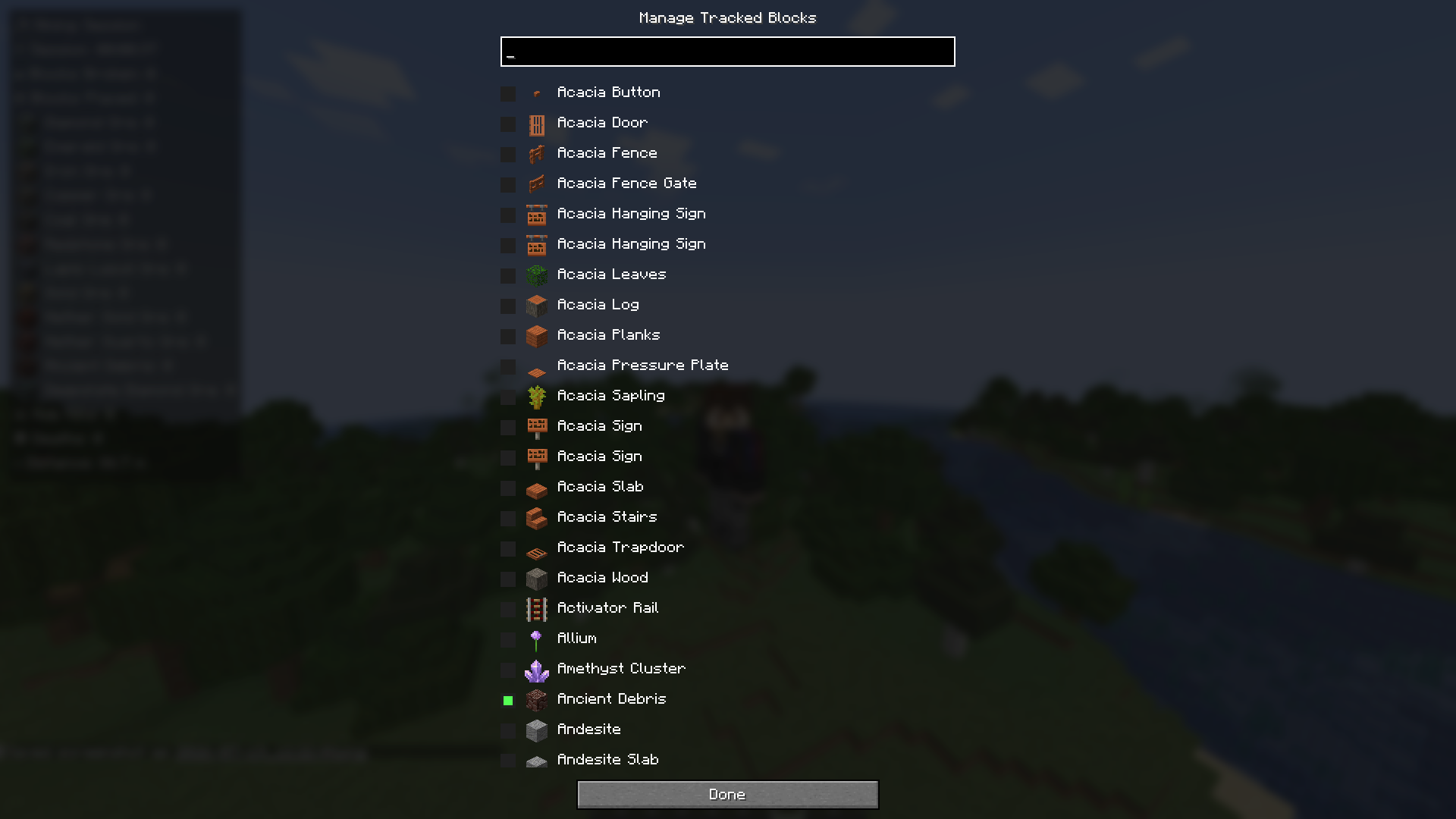
- 🧱 Track any block in the game — search and pick from every registered block, not just a fixed ore list. Real item icons are shown next to each tracked block.
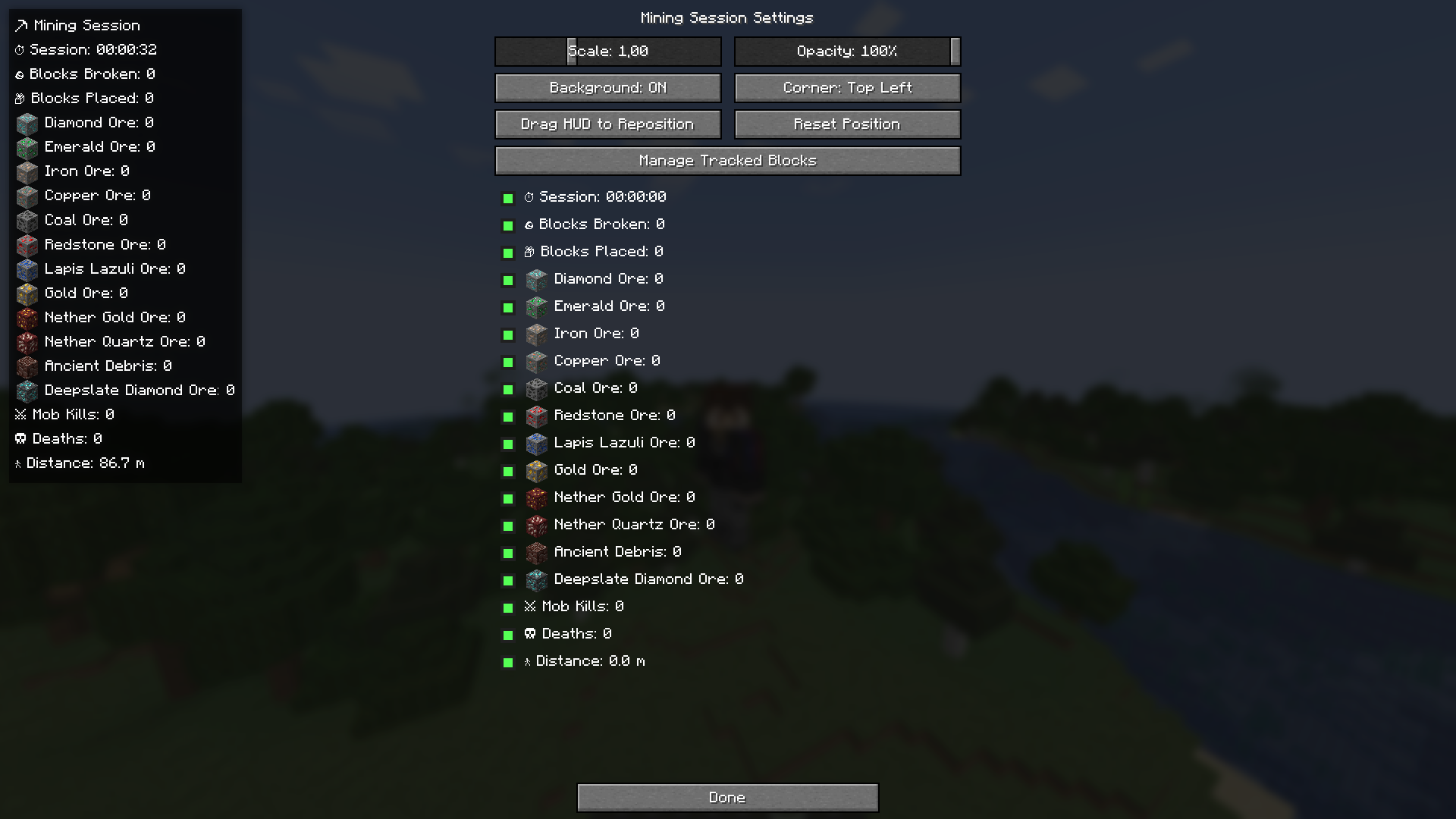
- 🎨 Fully customizable HUD — drag it anywhere with your mouse, pick a screen corner, scale, opacity, background on/off, and a one-click position reset. The panel can never be dragged off-screen.
- 👁 Per-line visibility — hide any stat you don’t care about; the panel automatically shrinks.
- 📤 JSON export — save a snapshot of your session to a neatly formatted
.jsonfile with one keypress. - 🌍 Localized — English and Russian included.
- ⚡ Lightweight — event-driven, no per-frame world scanning.
⌨ Default Key Bindings
| Key | Action |
|—–|——–|
| F8 | Show / hide the HUD |
| F9 | Open settings |
| F10 | Reset session statistics (asks for confirmation) |
| F7 | Export current statistics to JSON |
All key bindings are fully rebindable in Options → Controls.
📋 What gets tracked
- Session duration
- Blocks broken (total) and blocks placed (total)
- Break count for every block you choose to track (diamond ore, iron ore, copper ore, coal ore, and any other block you add via the in-game picker)
- Mob kills
- Deaths
- Distance walked
⚙ Settings (F9)
- Drag the HUD panel directly with your mouse to reposition it
- One-click Reset Position button
- Choose which screen corner the panel anchors to
- Scale and opacity sliders
- Toggle the background box on/off
- Show/hide toggle for every individual stat line
- Manage Tracked Blocks — search all blocks in the game and add/remove any of them from tracking
📤 Exporting statistics (F7)
Writes a pretty-printed JSON file to .minecraft/mining-session/, named
mining_session_YYYY-MM-DD_HH-MM-SS.json, containing session duration,
general counters, and a per-block breakdown of everything you’re tracking.
🧩 Compatibility
- Client-side only — do not install on servers
- Works in singleplayer and on any vanilla or modded multiplayer server
- Requires Fabric API
- Minecraft 1.21.1, Fabric Loader, Java 21+
❓ Notes on statistic accuracy
Fabric doesn’t expose dedicated client-side events for “block placed” or
“mob killed”, so those two counters use lightweight, purely client-side
heuristics (watching whether a targeted spot becomes solid after a
placement attempt, and whether an attacked mob disappears shortly after
being hit). This is accurate for the overwhelming majority of normal play,
but isn’t a guaranteed 100% precise count in every edge case.
常见问题
Mining Session 支持哪些 Minecraft 版本?
Mining Session 支持 Minecraft Java 版 1.21.1–1.21.11,共 11 个版本,可用的加载器:Fabric。下载时注意选择和你游戏版本一致的文件。
Mining Session 怎么安装?
先用 PCL2 或 HMCL 启动器安装对应版本的 Fabric,再把下载的 .jar 文件放进游戏目录的 mods 文件夹,重新启动游戏即可。开启了版本隔离的,mods 文件夹在 versions/版本名 下面。运行环境:仅客户端。
Mr_Lan123 的其他作品
查看全部 →
Auto Totem
Automatically moves a Totem of Undying from your inventory to your offhand. Toggled on/off via a hotkey (default: O, For 26.2+ = J). Settings menu (key B or via Mod Menu): statistics HUD and totem usage notification HUD. PvP helper. QoL. Fabric
Fullbright (Night Vision)
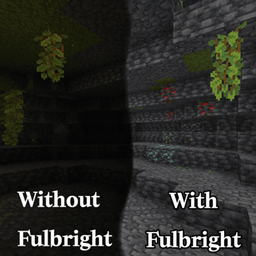
Fullbright. See in the dark on any server, no permissions or potions needed. Press G to toggle a real client-side night vision - not the vanilla effect. Night Vision Gamma

[KSE] Keyboard Sound Effects
This mod adds sound effects to key presses and mouse clicks, featuring pleasant built-in sounds. You can also load your own sound files directly from the in-game settings menu.

Dynamic RPG HUD
Hides your hotbar and status bars with a smooth slide animation while you are idle at full health or on the move, and brings them back the moment something changes. HUD QoL. Beauty. Stylization. Fabric RPG Dynamic
评论
登录后评论和评分