
截图
介绍

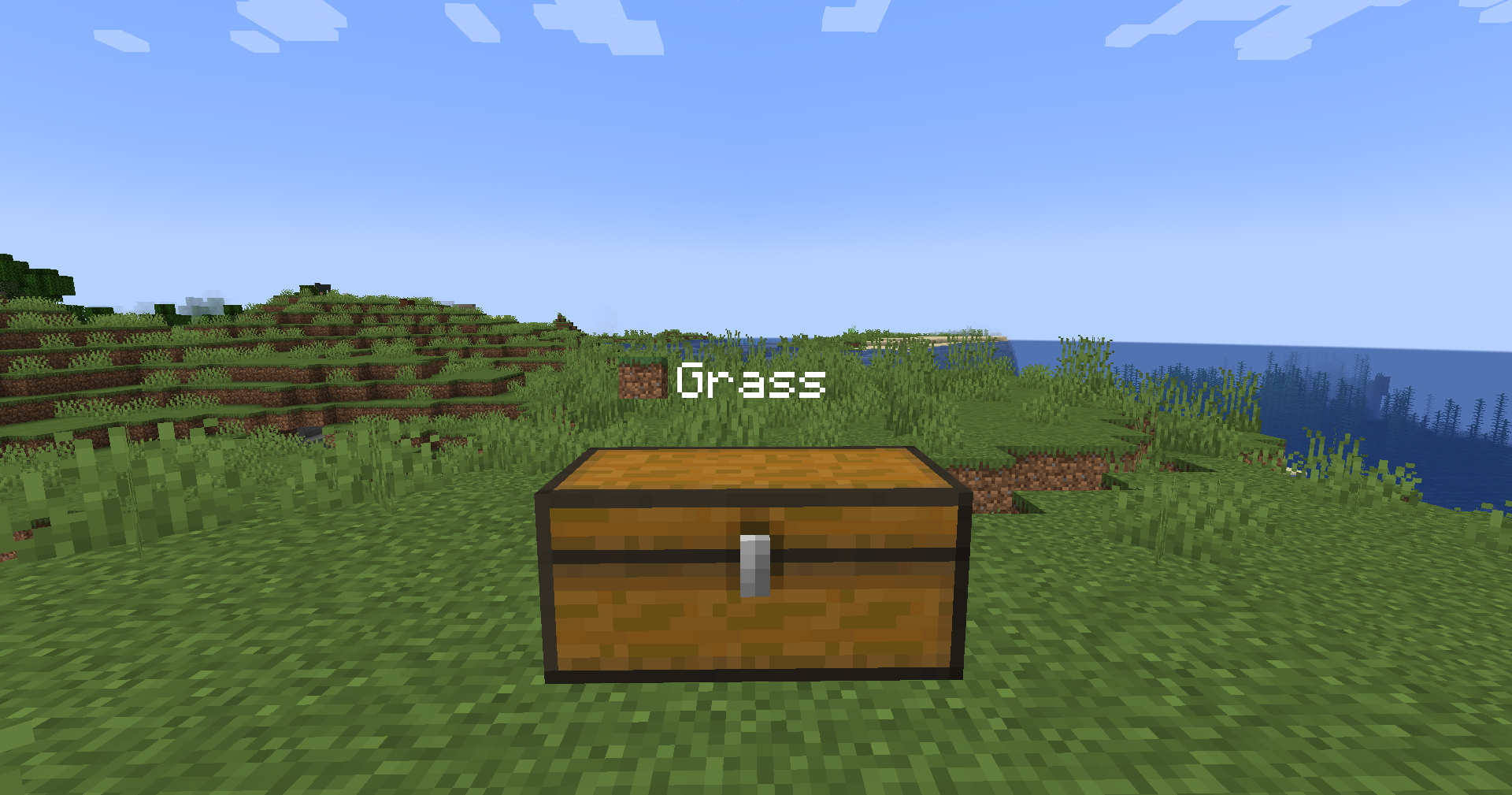
A Minecraft mod that allows you to organize your storage by giving chests custom names and icons directly inside the chest interface.
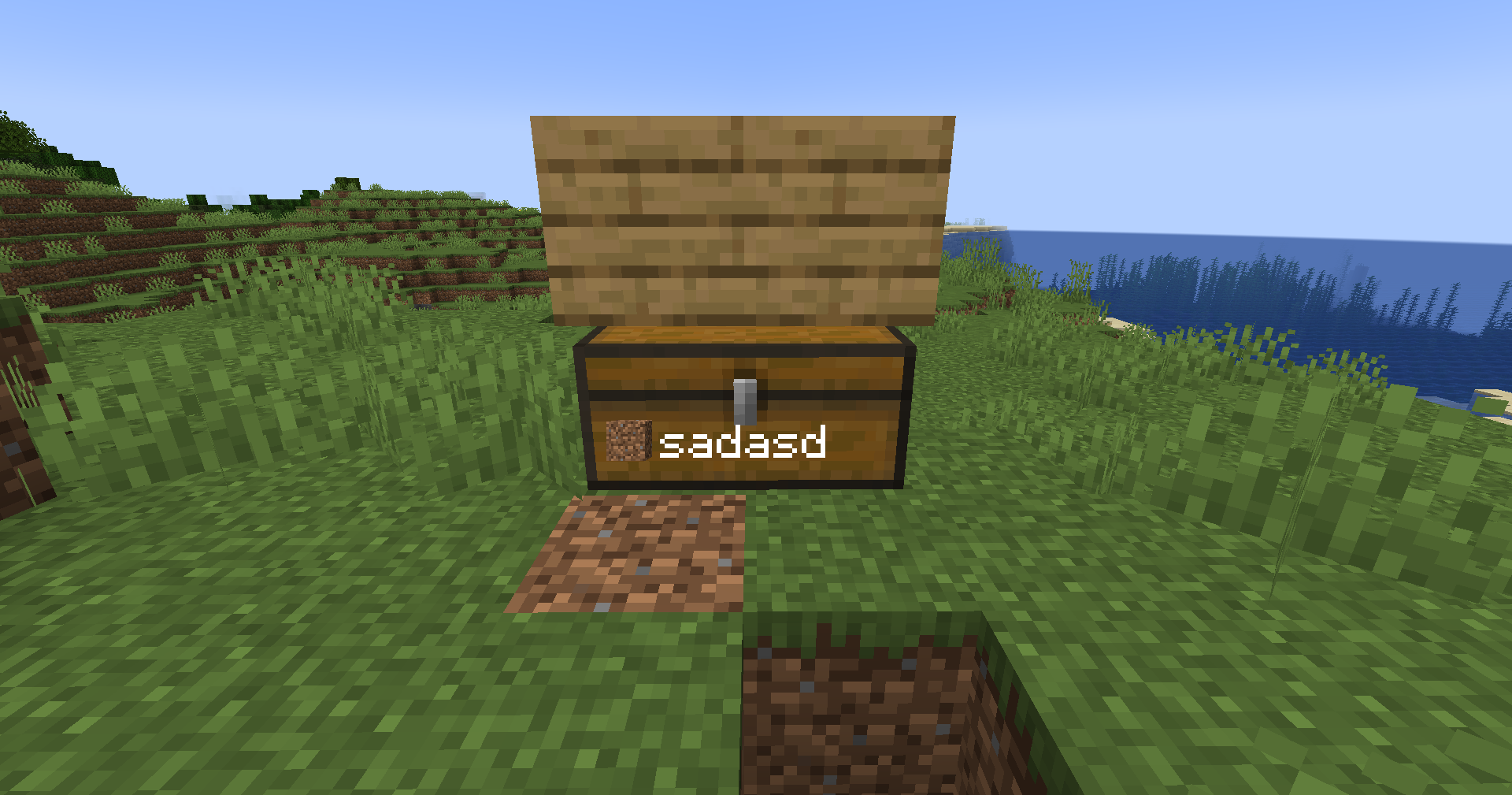
No more guessing what’s inside your storage, quickly identify your chests with custom labels and Minecraft item icons!
_If you have any issues, PLEASE report them on our GitHub Issues page._
Features
🏷️ Custom Chest Labels
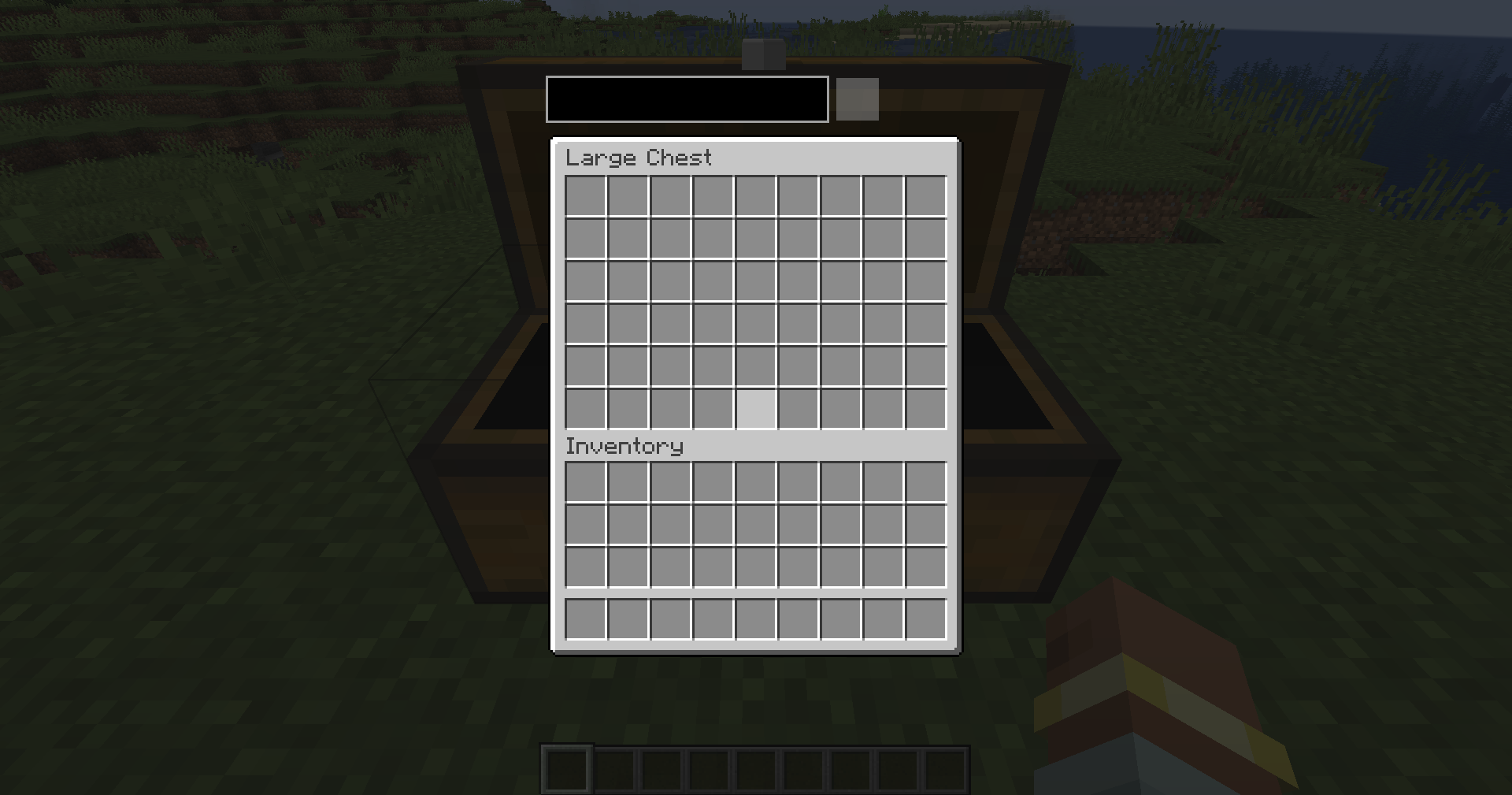
Give your chests unique names directly from the chest GUI.
Labels are saved directly to the chest and remain visible whenever you open it.
🖼️ Chest Icons
Assign any Minecraft item as a custom icon for your chest.
Choose from:
- 🧱 Blocks
- ⚔️ Tools
- 🌱 Items
- 💎 Resources
- 🪨 Any item available in Minecraft
Icons make it easy to recognize storage at a glance.
🏰 Storage Organization
Quick Identification:
- Find your storage faster.
- Separate different categories of items.
- Create cleaner storage rooms.
- Make large bases easier to navigate.
Perfect for:
- Survival worlds
- Multiplayer servers
- Large storage systems
- Builders
⚙️ Customization
In-Game Editing:
Customize your chest directly from the chest interface:
- Change chest name
- Select a custom icon
- Remove labels
- Update existing storage
No commands or external configuration required.
📥 Installation
- Install Forge Loader.
- Download the Chest Labels mod
.jarfile. - Place both files into your
.minecraft/modsfolder. - Launch Minecraft and start organizing!
🛠️ Configuration
Access customization options directly through the chest GUI.
Configure:
- Custom chest names
- Chest icons
- Label visibility settings
- Storage appearance options
✨ Made for Better Storage
Chest Labels brings a simple quality-of-life improvement to Minecraft by making storage management faster, cleaner, and more customizable.
_Created in LumaBlossom by Orbitul_
常见问题
ChestLabels 支持哪些 Minecraft 版本?
ChestLabels 支持 Minecraft Java 版 1.20–1.21.1,共 7 个版本,可用的加载器:Forge / NeoForge。下载时注意选择和你游戏版本一致的文件。
ChestLabels 怎么安装?
先用 PCL2 或 HMCL 启动器安装对应版本的 Forge / NeoForge,再把下载的 .jar 文件放进游戏目录的 mods 文件夹,重新启动游戏即可。开启了版本隔离的,mods 文件夹在 versions/版本名 下面。运行环境:客户端和服务端都要装。
Luma 的其他作品
查看全部 →
DeathMarker
Shows a death marker with timer and distance to help you find your items!

QuickEat
Automatically eats the best food from your hotbar!

LumaHunt
Play Manhunt-style game mechanics directly in the client.

NoItemBlow
A datapack created to stop items from blowing up.
评论
登录后评论和评分