
Sound Muter
作者:ABSOD_
Adjust or mute any sound in Minecraft, from vamilla effects to modded audio. This tool gives you individual control over every audio source.
截图

介绍
中文介绍正在准备中,下面暂时显示原文。
Sound Muter
Click the note button on the ESC menu to open the mod’s interface.
From there, you can mute or change the volume of any sound in the game.
Volume Control
You can add sounds to the main screen and configure each one individually.
- 0% to 200% volume by default
- If 200% is not enough, type any number into the text field on the right (e.g., 300) and the slider expands its range to 300%
Buttons
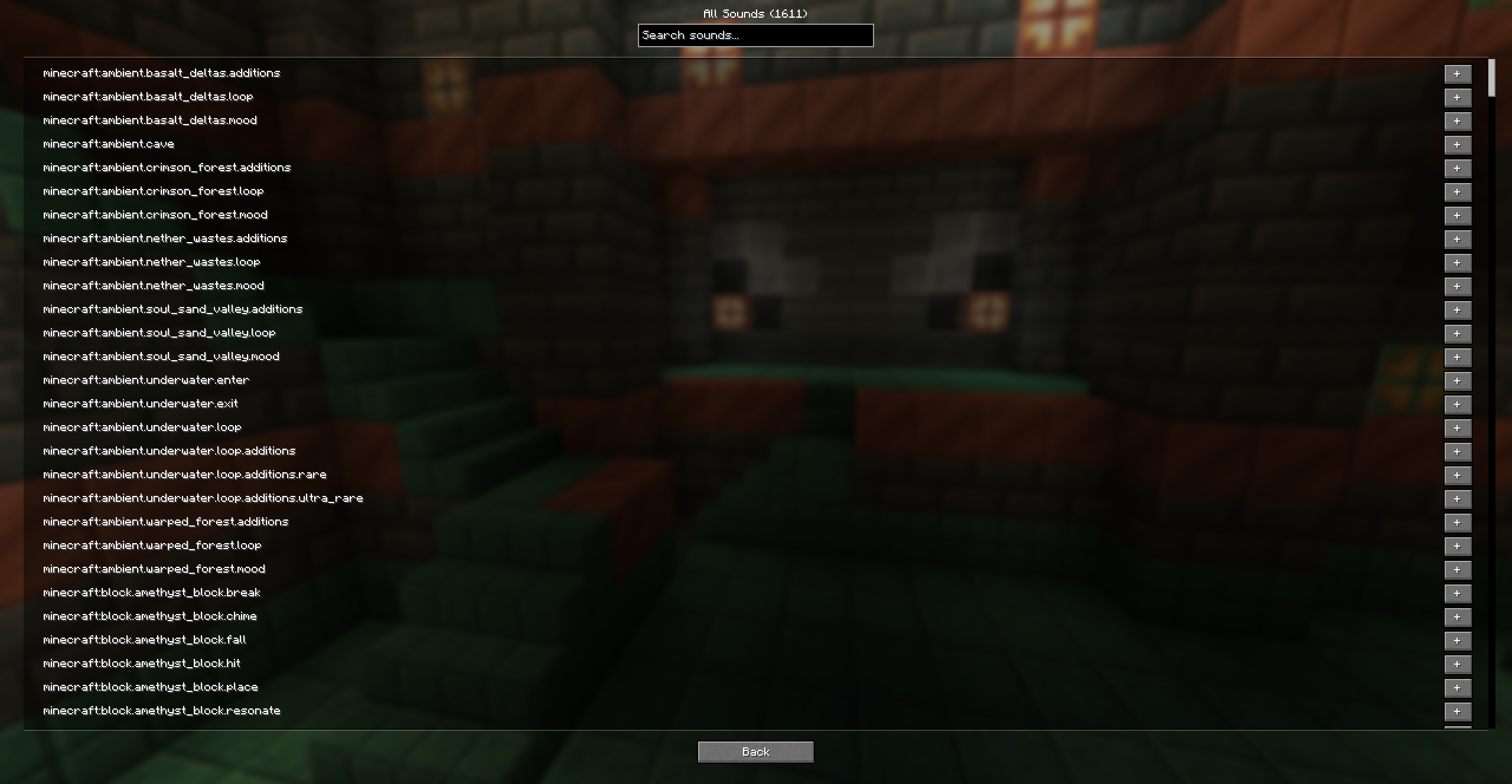
- Add sound: opens a list of every sound available in the game
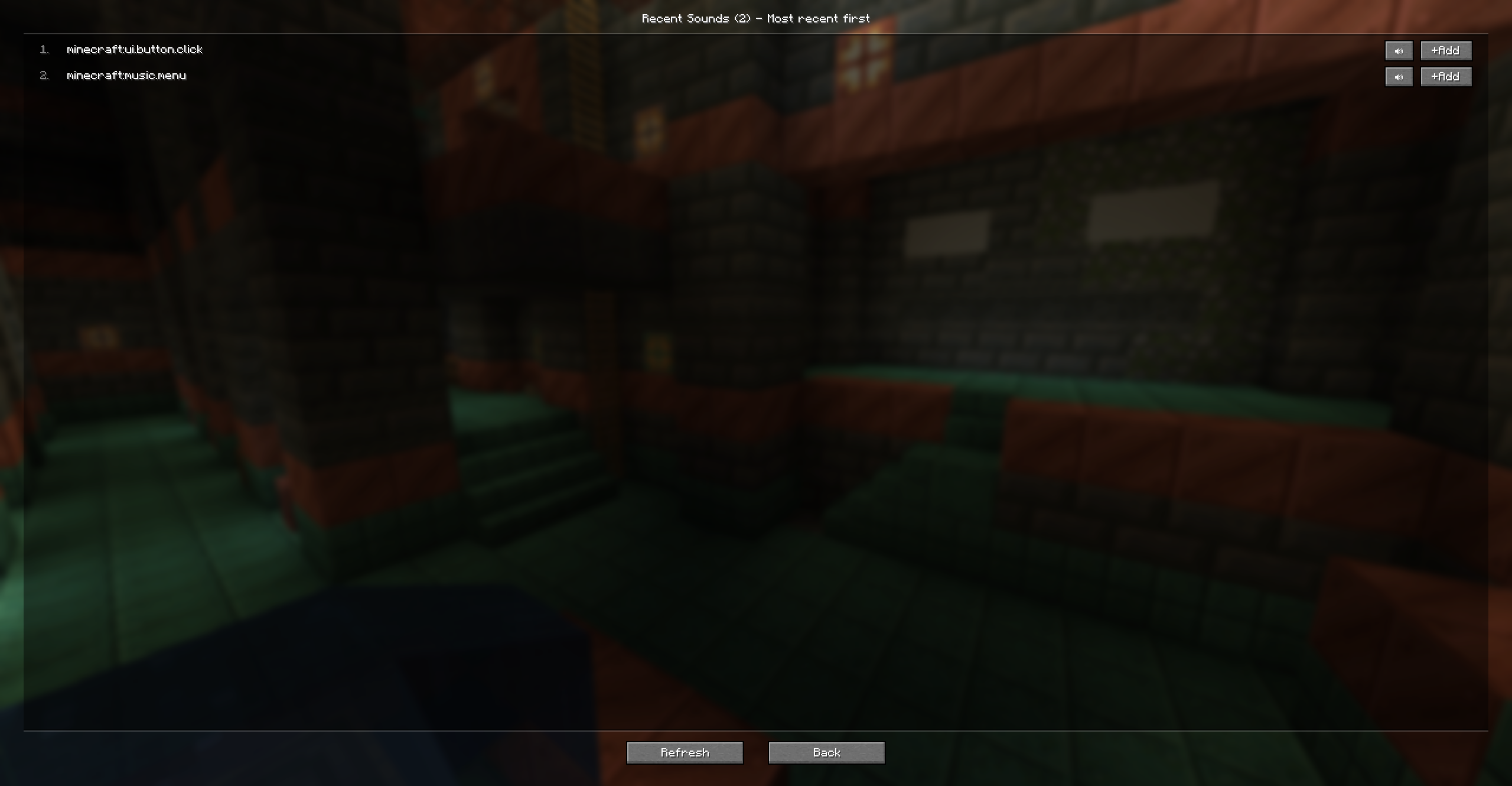
- Recent sounds: opens a list of sounds that just played. If you hear something annoying, find it in the recent list and send it to the main screen to tweak it
- Settings: opens interface options. Here, you can drag the note button to any position on the ESC screen or reset it to default.
- Back: closes the Sound Muter menu. (WOW O-O)
常见问题
Sound Muter 支持哪些 Minecraft 版本?
Sound Muter 支持 Minecraft Java 版 1.21.1,可用的加载器:NeoForge。下载时注意选择和你游戏版本一致的文件。
Sound Muter 怎么安装?
先用 PCL2 或 HMCL 启动器安装对应版本的 NeoForge,再把下载的 .jar 文件放进游戏目录的 mods 文件夹,重新启动游戏即可。开启了版本隔离的,mods 文件夹在 versions/版本名 下面。运行环境:仅客户端。

评论
登录后评论和评分