截图
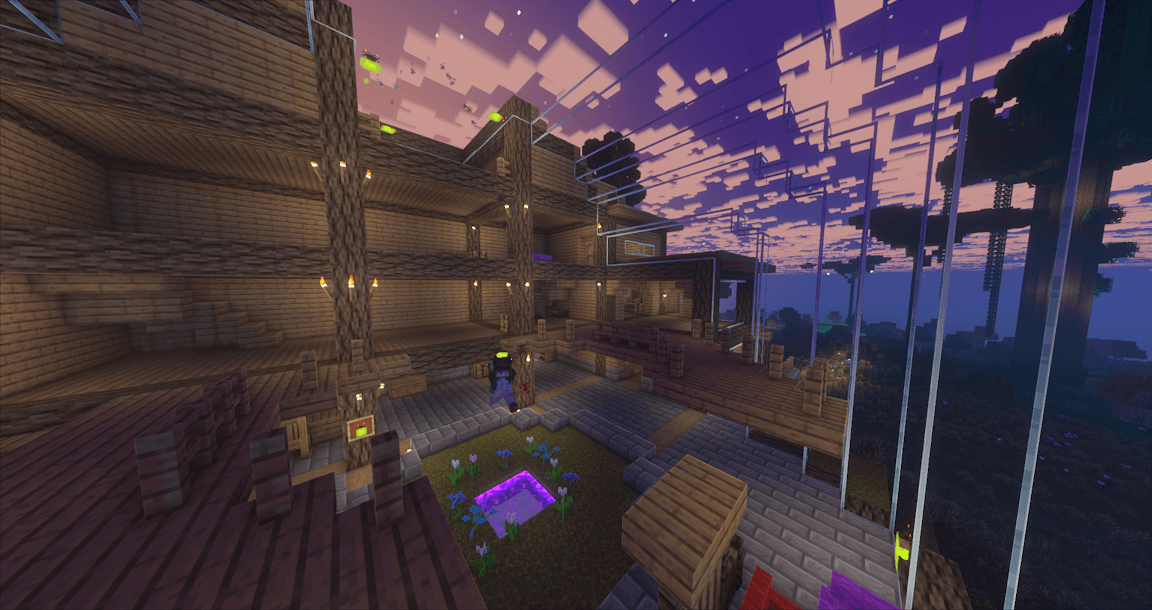
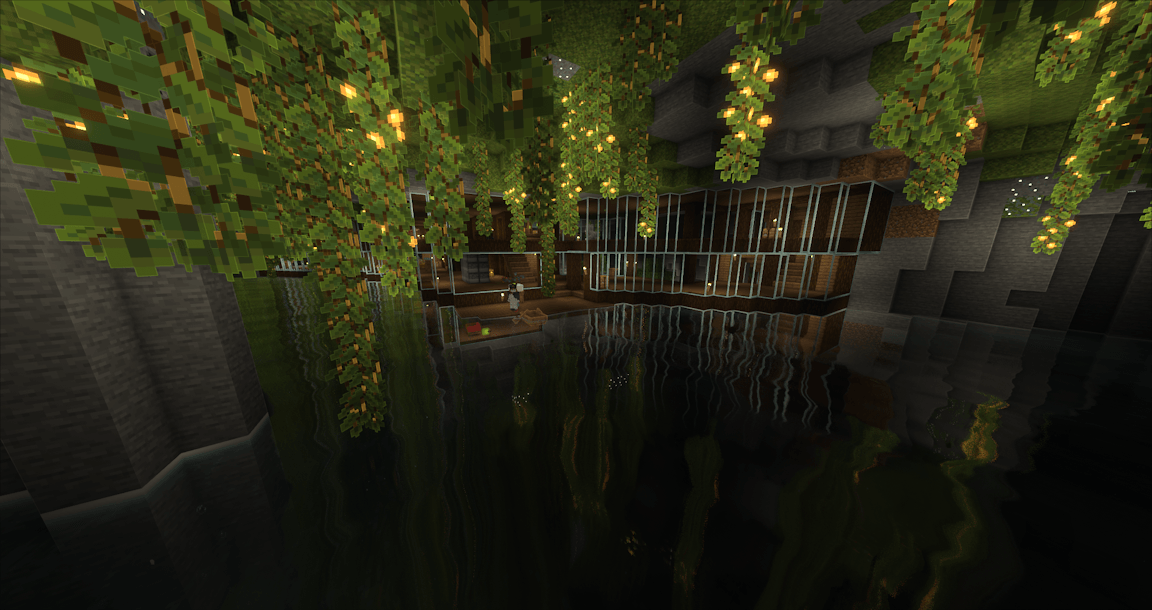
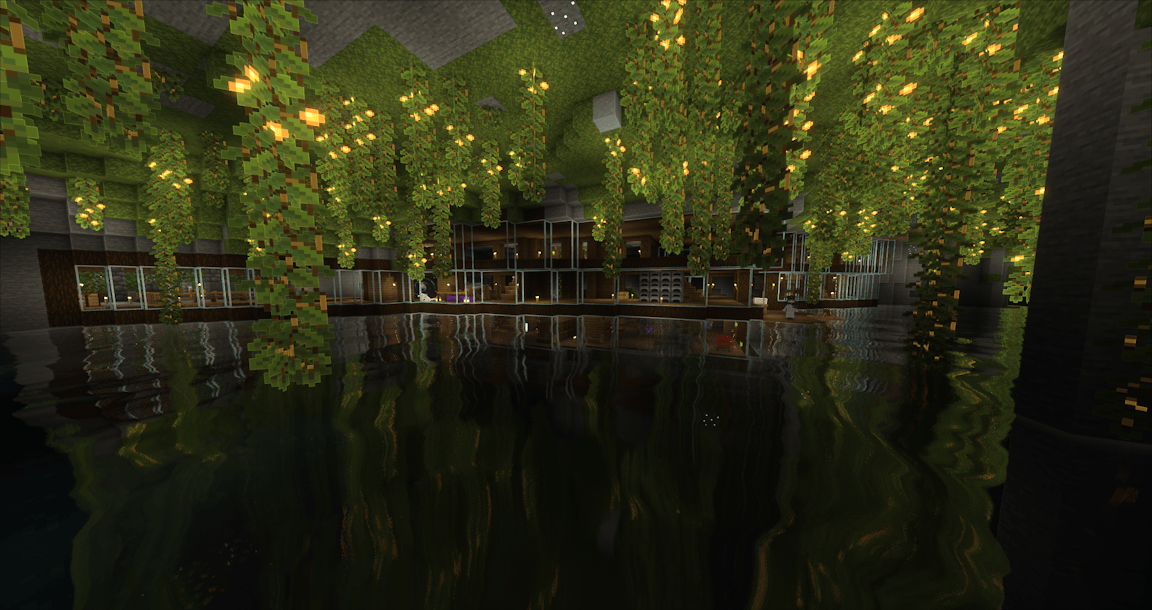
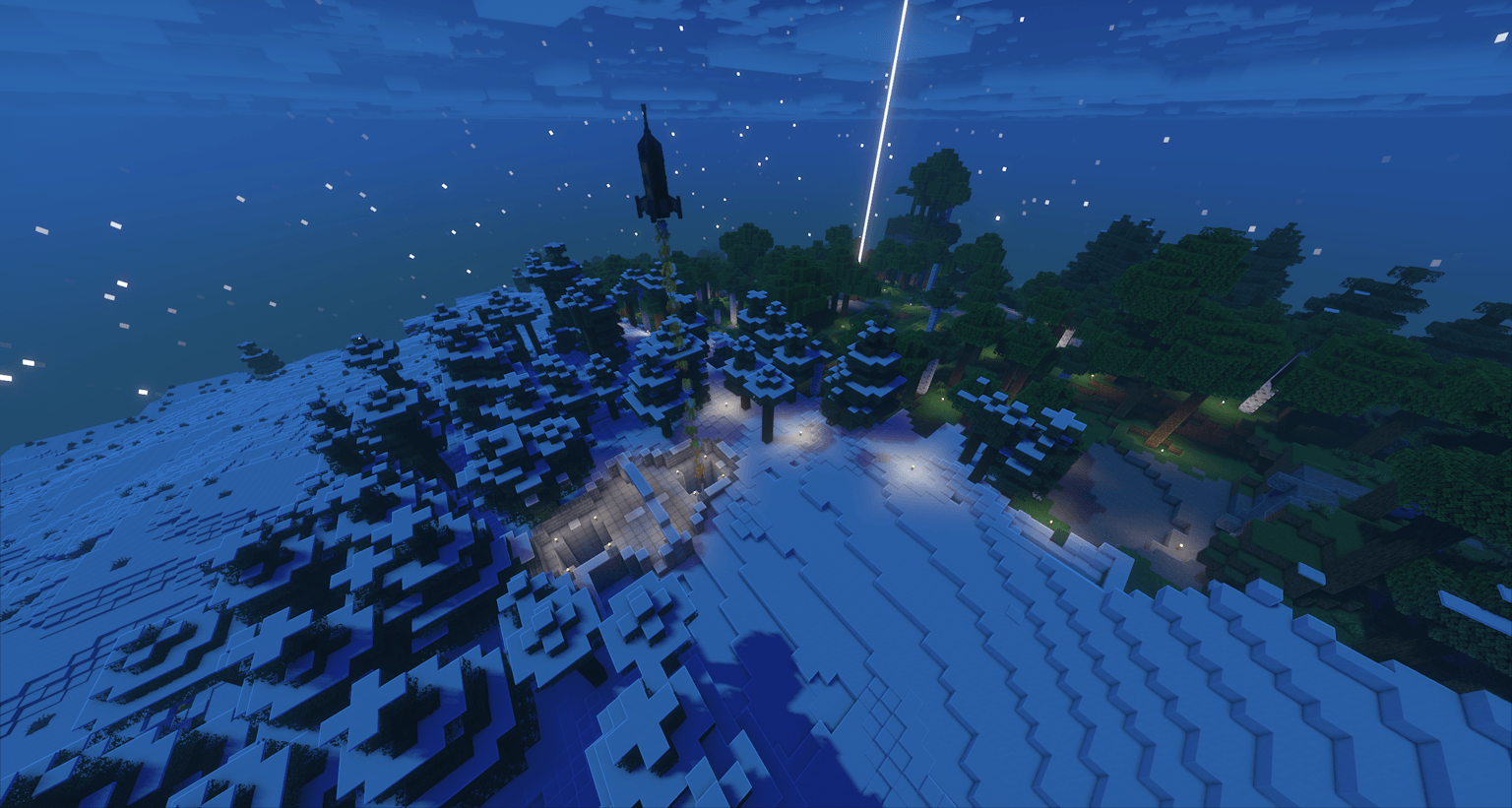
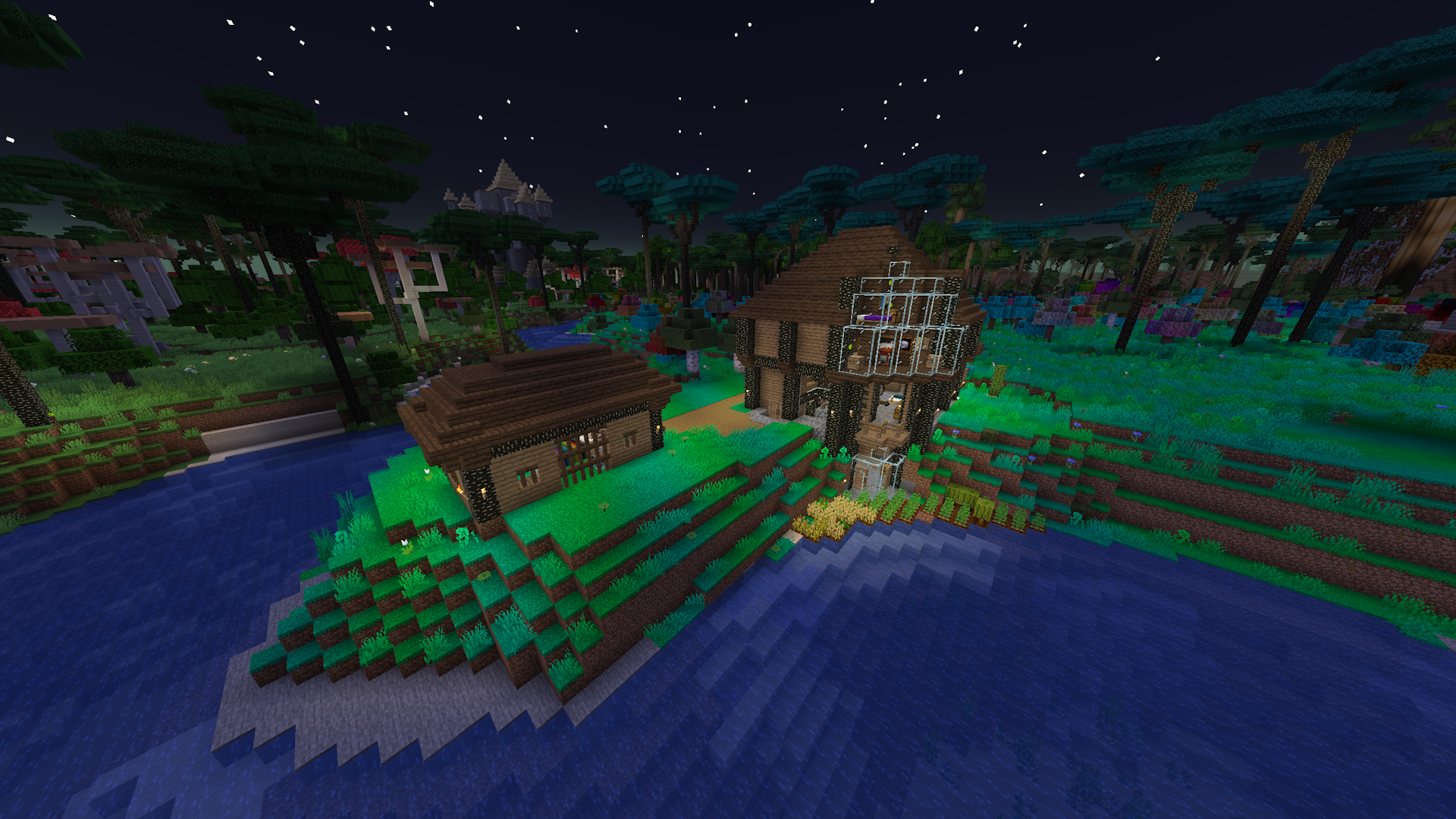
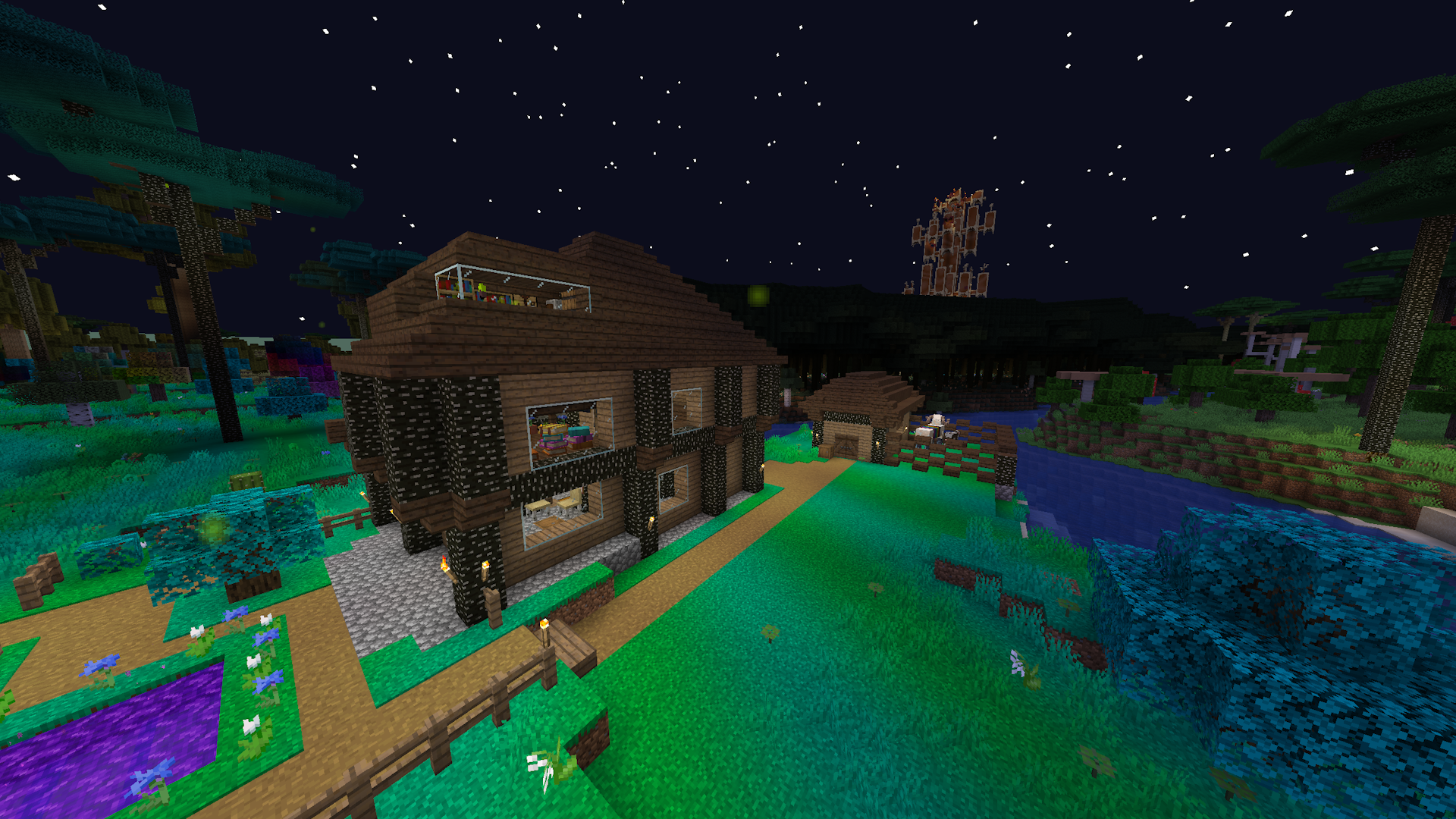
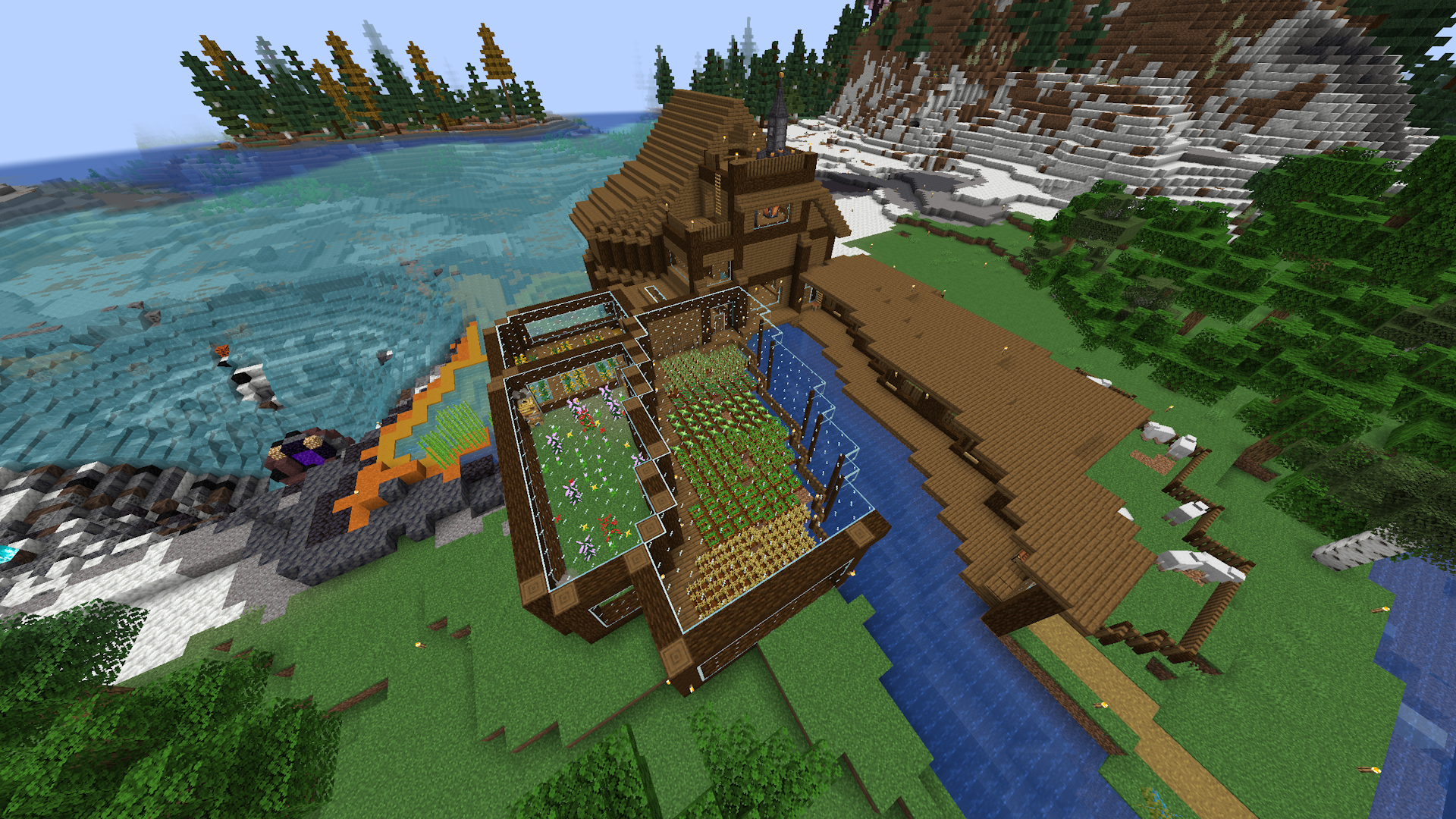
介绍
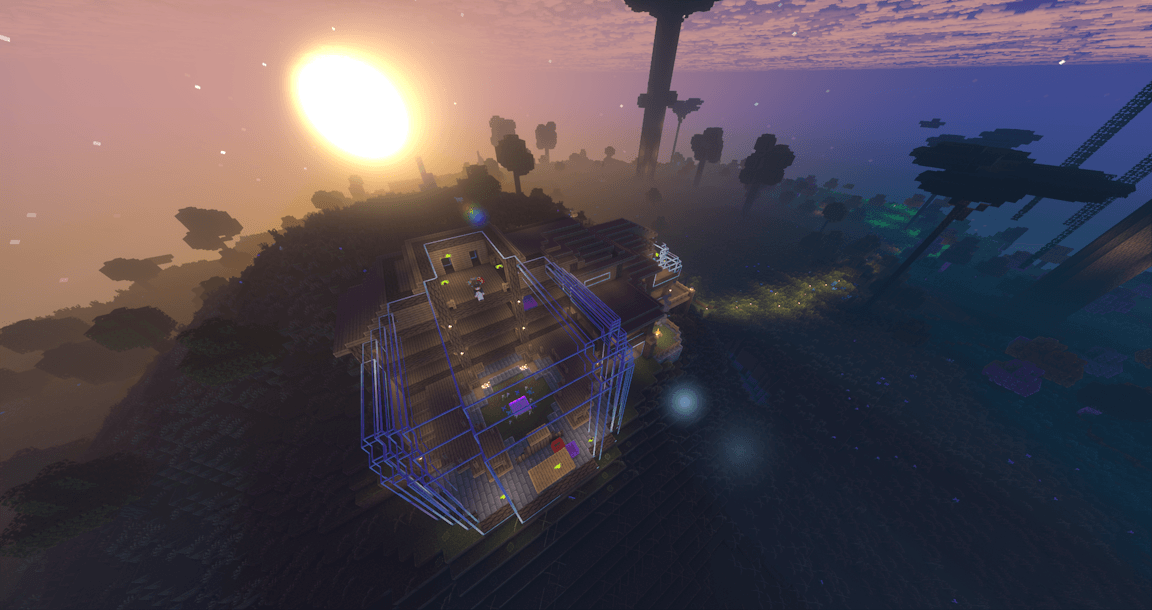
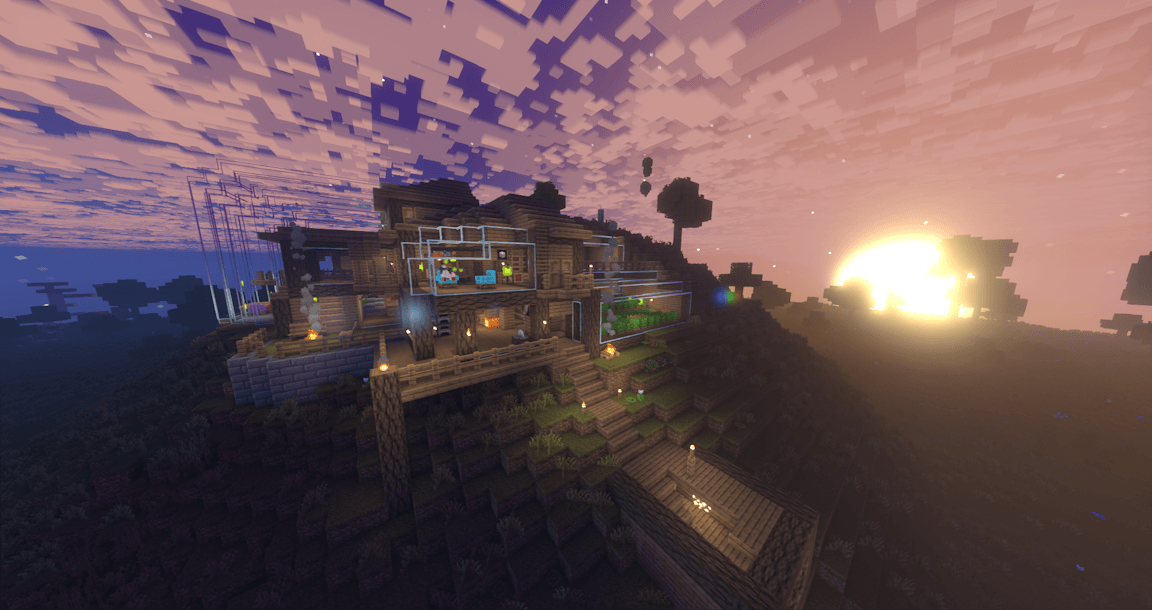
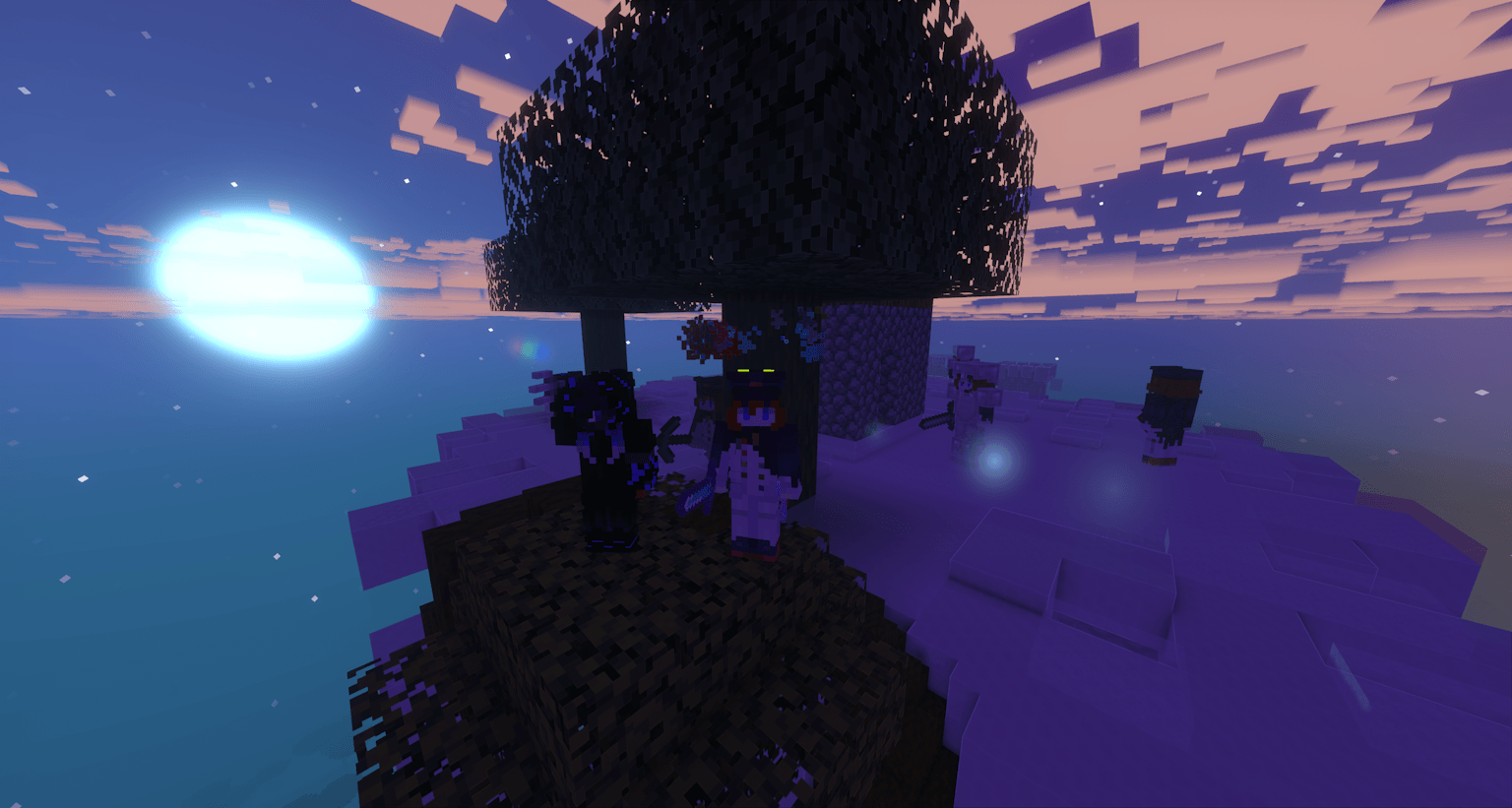
Basically, it’s a modpack mainly made for friends, but since I put effort into making somewhat custom stuff and a lot of config editing, I decided to upload it for everyone.
Objective is to complete all major achievements (has custom FTB Quests line, enjoy!)
Remember to set world to Hardcore! (MODPACK IS BALANCED AROUND HARDCORE AND MULTIPLAYER WITH 2-4 PLAYERS)
SERVER PACK IN ADDITIONAL FILES
I recommend 4 GB of RAM for the server and client. (you might have to increase to 6 GB later)
Best if you use dedicated server, not Minecraft LAN option because if host dies game might end.
Personally I recommend using Exaroton Service, as this modpack isn’t meant to be setup 24/7
Either you play together or die alone.
Playing in Party (Valid on versions 4.9+)
If playing in party press “[” to open team menu and add all team members after everyone is in a team, you may begin quests “P”
Voice chat configuration (how to)
If you’re making a dedicated server your port may differ, so you gotta find the correct port (the one you’re using for dedicated server should be in “server.properties”)
and follow this path in server files “config\voicechat\voicechat-server.properties”
In that file find “port=19258” and replace “19258” with your actual port, save and close. (number may differ from “19258”)
everything should work fine after that.
Main Menu Music
https://www.youtube.com/playlist?list=PL2U3JIUEE3zUQxzfsCUXnP3rlCJ7fFTal
My Discord Server
https://discord.gg/T7RtVhyjE4
You may modify files for your personal use.
常见问题
Die Hard Forest 支持哪些 Minecraft 版本?
Die Hard Forest 基于 Minecraft Java 版 1.20.1,使用 Forge 加载器。
Die Hard Forest 怎么安装?
点本页「前往下载」拿到整合包文件(Modrinth 的是 .mrpack,CurseForge 的是 .zip),在 PCL2 或 HMCL 启动器里选择「导入整合包」,启动器会自动装好 Minecraft、加载器和全部模组。建议在启动器里给游戏分配 4–6 GB 内存。
Die Hard Forest 开服需要多大内存?
推荐服务器内存 12 GB。在线人数多、或者建了大量机器和区块加载器时,可以再加 2–4 GB。
怎么和朋友一起玩 Die Hard Forest?
点本页的「一键开服」,选好配置后会自动安装 Die Hard Forest 的服务端,几分钟就能开好。把服务器地址发给朋友,大家用同一个版本的整合包连进去就行。

评论
登录后评论和评分