
Item=Border
作者:IVENing
Collect new unique items to expand the border. Can you collect your way all the way to the stronghold?
截图
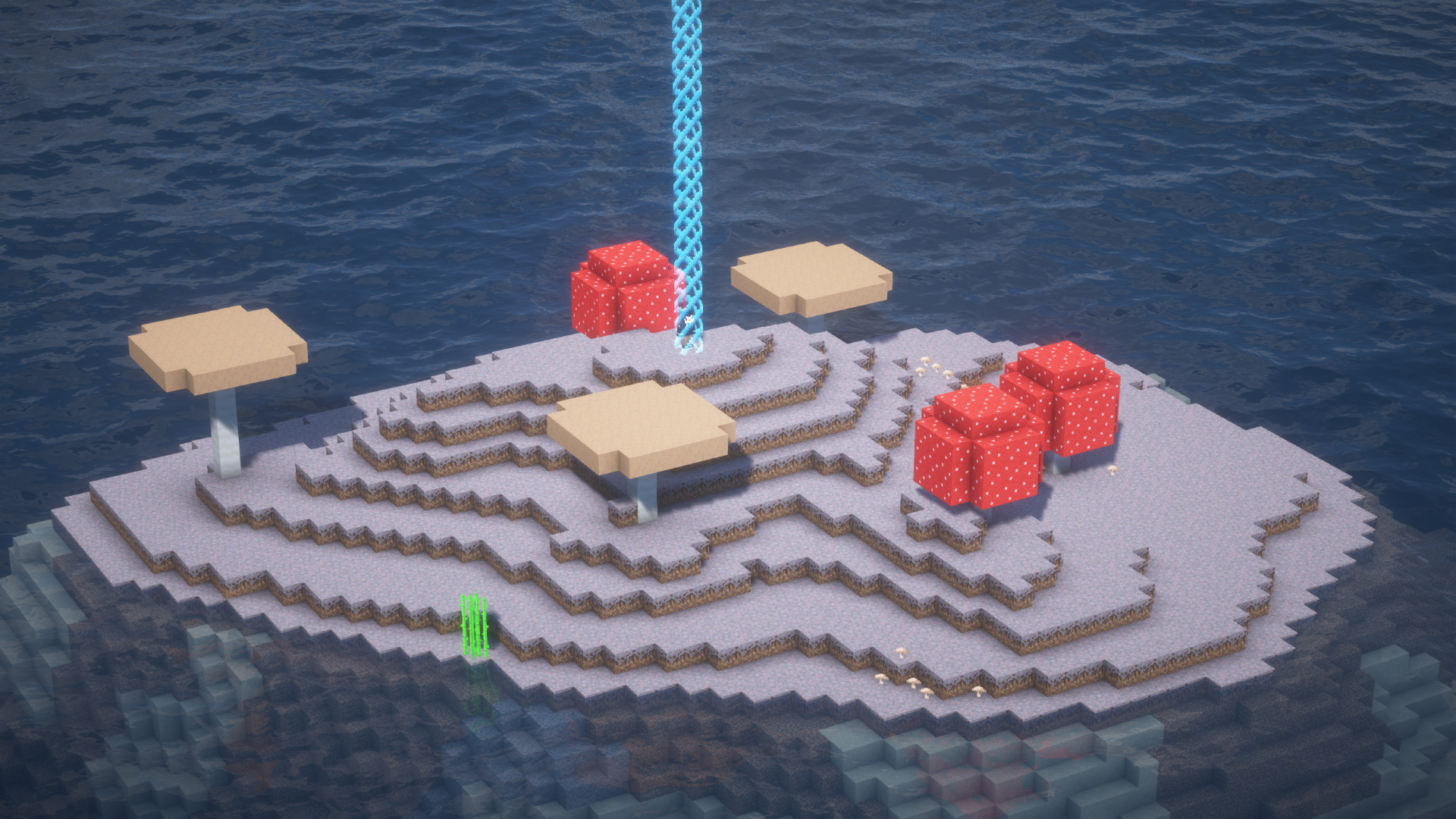
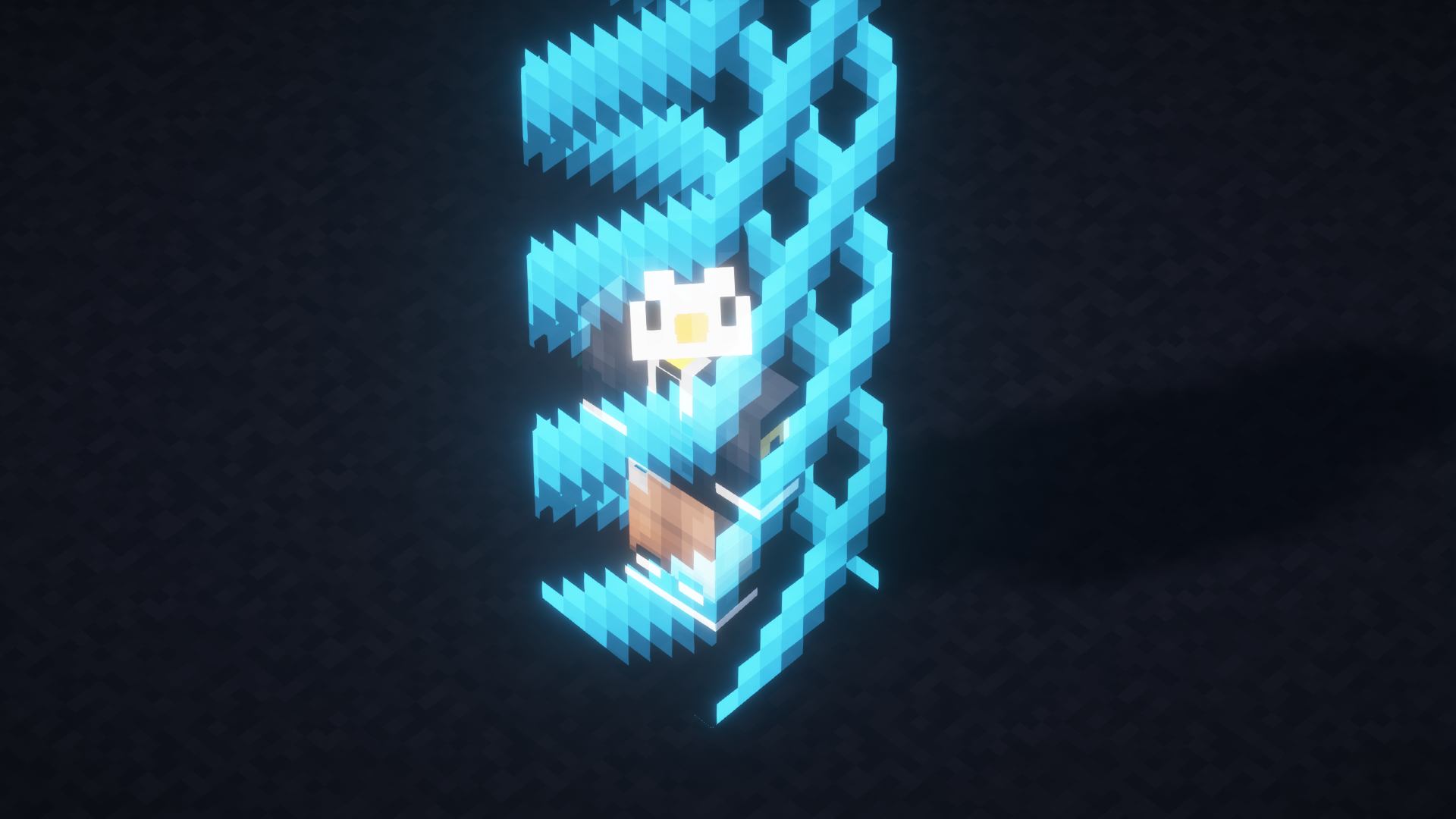
介绍
中文介绍正在准备中,下面暂时显示原文。
Collect Items and Expand the Border!
You start in a 1×1 border. Collect unique items to expand the border.\
There are 6 tiers of items:\
1 Point – _most items_\
2 Points – _some ores, ingots and more_\
5 Points – _diamonds, obsidian, those colorful corals…_\
10 Points – _craft these diamonds into a block, if you are lucky there are even more items!_\
20 Points – _cover me in debris…_\
50 Points – _woah! that are quite a lot of points!_
Be Careful with that:
- The border in the nether will be placed at your worlds first nether entry point and will have the same size as the overworlds border. To be safe only use your first portal. Otherwise you might get outside of the border.
- You might spawn outside of the border, but you can pass the border from the outside to get inside.
- Not every seed is playable, you might want to reset your seed a few times.
- Version 1.0.0 does not track the player who collected an item. When upgrading to 1.1.0 all items will be collected by “Unknown”.
- Use mod version 1.2.1 if you want to play this mod in English or LOLCAT
- When using mod version 1.2.1 with Minecraft version 26.3 the Keybind to open the overview is “Home” by default
常见问题
Item=Border 支持哪些 Minecraft 版本?
Item=Border 支持 Minecraft Java 版 26.2–26.3,共 2 个版本,可用的加载器:Fabric。下载时注意选择和你游戏版本一致的文件。
Item=Border 怎么安装?
先用 PCL2 或 HMCL 启动器安装对应版本的 Fabric,再把下载的 .jar 文件放进游戏目录的 mods 文件夹,重新启动游戏即可。开启了版本隔离的,mods 文件夹在 versions/版本名 下面。运行环境:客户端和服务端都要装。
评论
登录后评论和评分