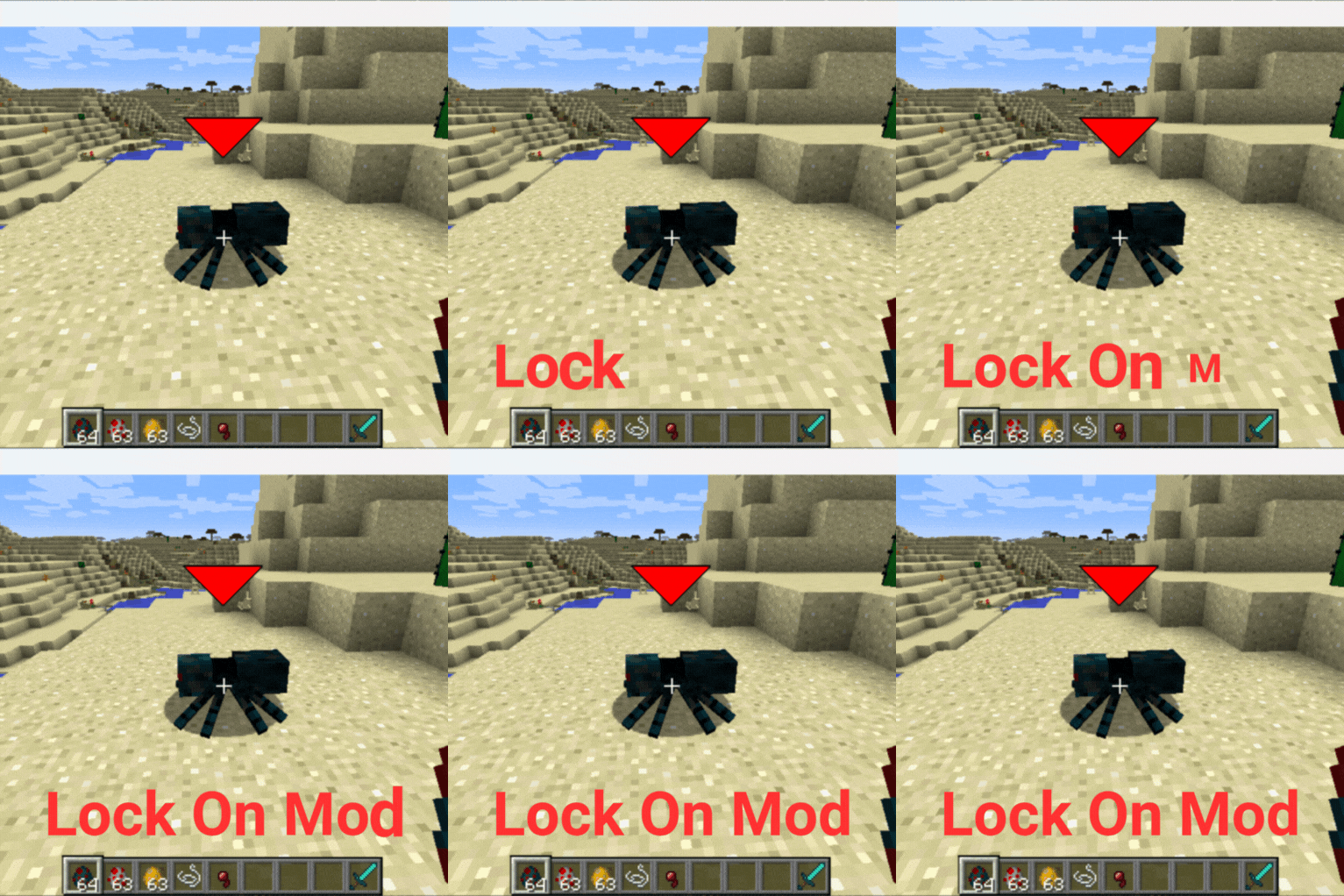
The Lock On Mod
A mod that I made because I think its needed in 1.12.2. Especially to use with combat mods.
截图

介绍
🎯 Enhanced Target Lock-On System
The definitive targeting mod that 1.12.2 has been missing
Transform your Minecraft combat with modern targeting mechanics, complete audio feedback, and intelligent visual cues.
🎮 Key Features
🎨 Advanced Visuals
Animated Targeting Reticles with real-time health bars
Damage Prediction & Lethal Highlighting – Know when enemies are in kill range
Smart HUD Positioning – Prevents UI cut-off at screen edges
Distance tracking and entity identification
🔊 Complete Audio System
4 Distinct Sound Types – Lock-on, target switch, release, and error feedback
Individual Volume Controls for each sound effect
Professional audio design enhances immersion
📹 Intelligent Camera
Seamless third-person integration with smooth transitions
Better Third Person compatibility
Configurable smoothness and movement limits
🔧 Smart Configuration
3-Page GUI with intuitive controls (left/right click, shift for fine-tuning)
Entity filtering (hostile/neutral/passive)
Performance optimization for any hardware
🎮 Quick Start
Press R to lock onto nearest enemy
Use Q/E to cycle between targets
Press R again to unlock
Customize in Mod Options
⚙️ Configuration Highlights
Targeting: 5-50 block range, 15-180° detection angle
Visuals: Scalable reticles, damage prediction, lethal indicators
Audio: Individual volume sliders for all 4 sound types
Camera: Smoothness control, auto third-person mode
🔧 Technical Excellence
Universal Mod Compatibility – Works with weapon mods, entity mods, and modpacks
Multiplayer ready with optimized performance
Zero dependencies – Complete standalone functionality
📋 Requirements
Minecraft: 1.12.2
Forge: 14.23.5.2859+
Java: 8+
常见问题
The Lock On Mod 支持哪些 Minecraft 版本?
The Lock On Mod 支持 Minecraft Java 版 1.12.2,可用的加载器:Forge。下载时注意选择和你游戏版本一致的文件。
The Lock On Mod 怎么安装?
先用 PCL2 或 HMCL 启动器安装对应版本的 Forge,再把下载的 .jar 文件放进游戏目录的 mods 文件夹,重新启动游戏即可。开启了版本隔离的,mods 文件夹在 versions/版本名 下面。运行环境:客户端 / 服务端。
评论
登录后评论和评分