Interworlds Splashscreens
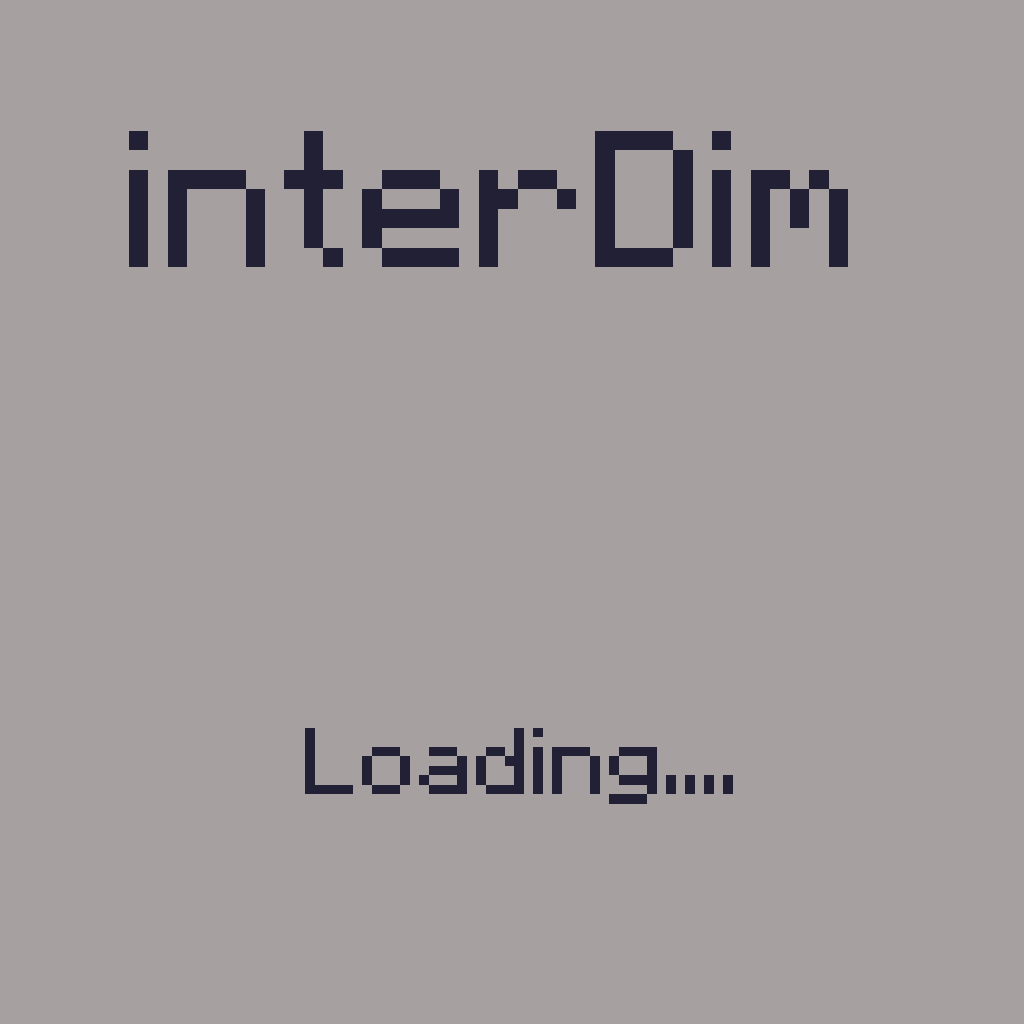
Allows you to customise screen while you've been moving to another dim. Custom text included!
截图
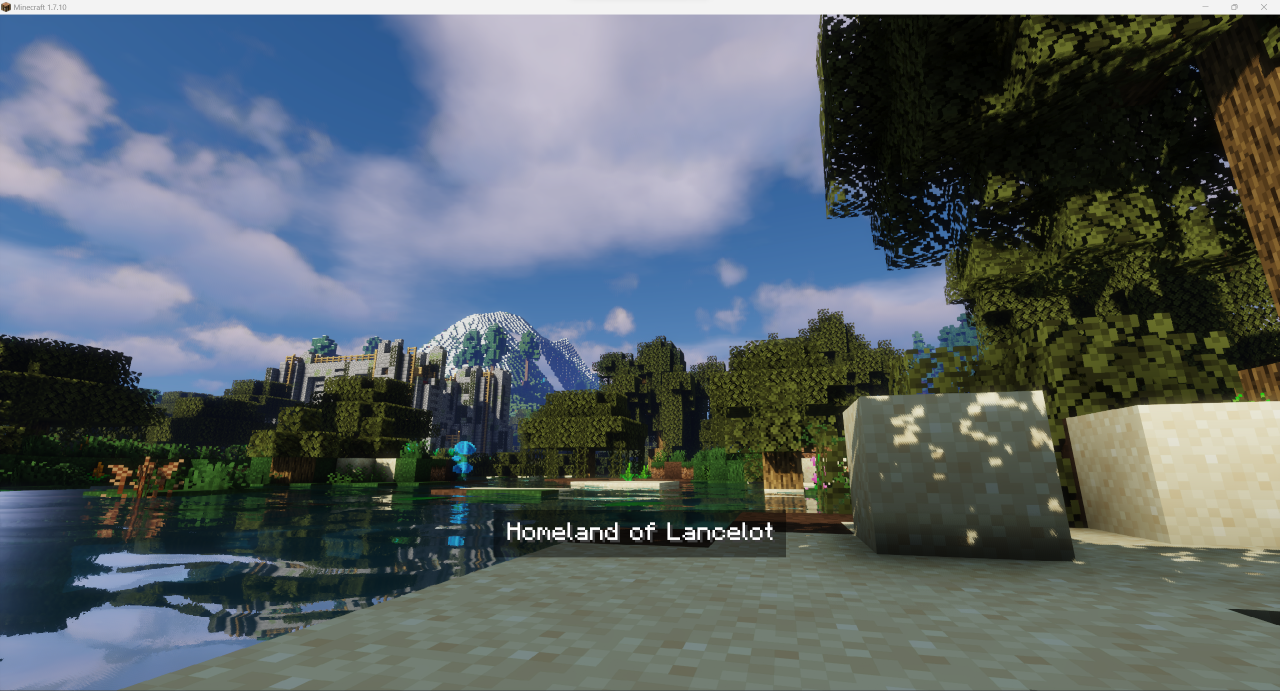
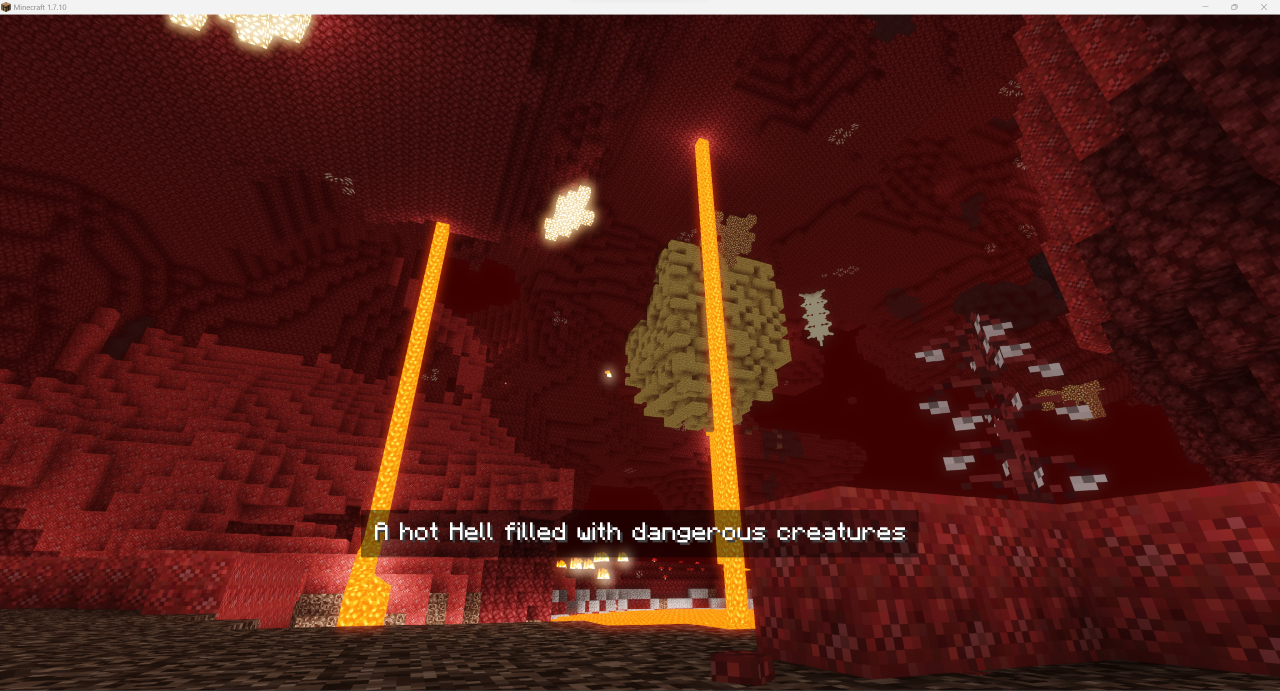
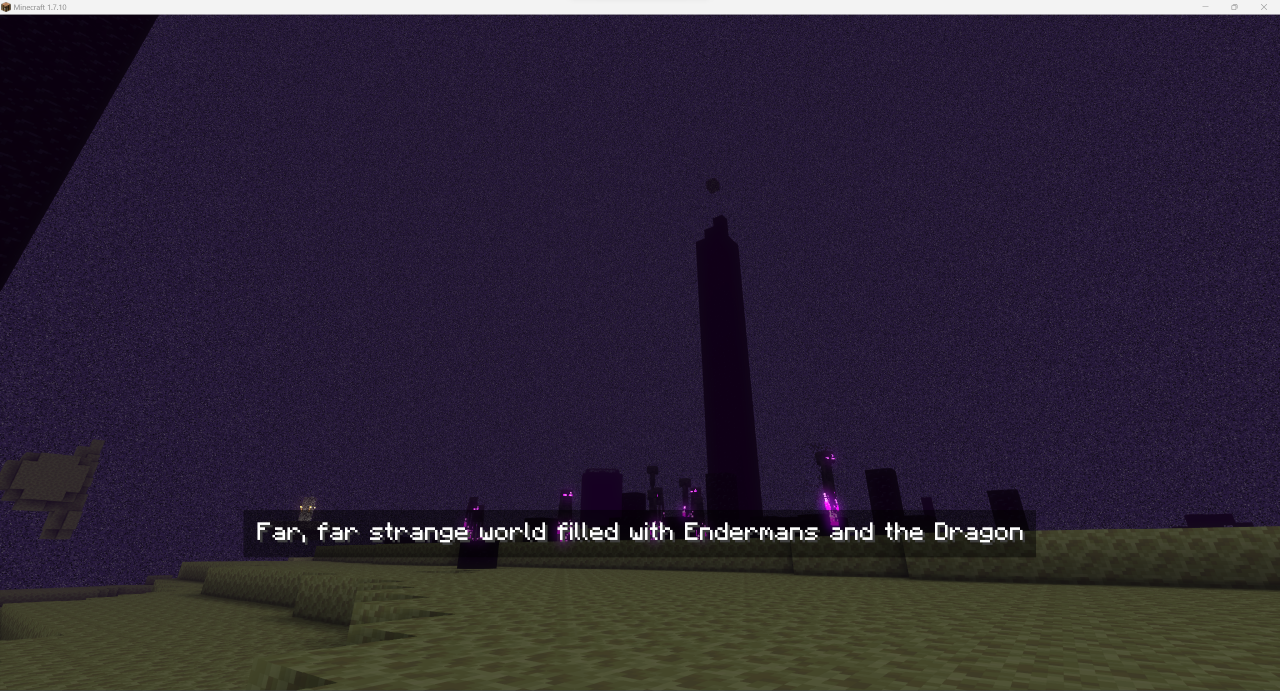
介绍
Clientside mod that allows you to add custom loading screens while you are transferred into another dimension
You can also add some text on the screen to display it to players
You might not notice them too much in a single player due to fast loading, but it will give you immersive senses while playing on a modded remote server or modpack with a lot of mods (or if you have an old PC)
Note: New splashes are have to be placed into <game dir>/config/InterworldSplashscreen/splashes in .png format.
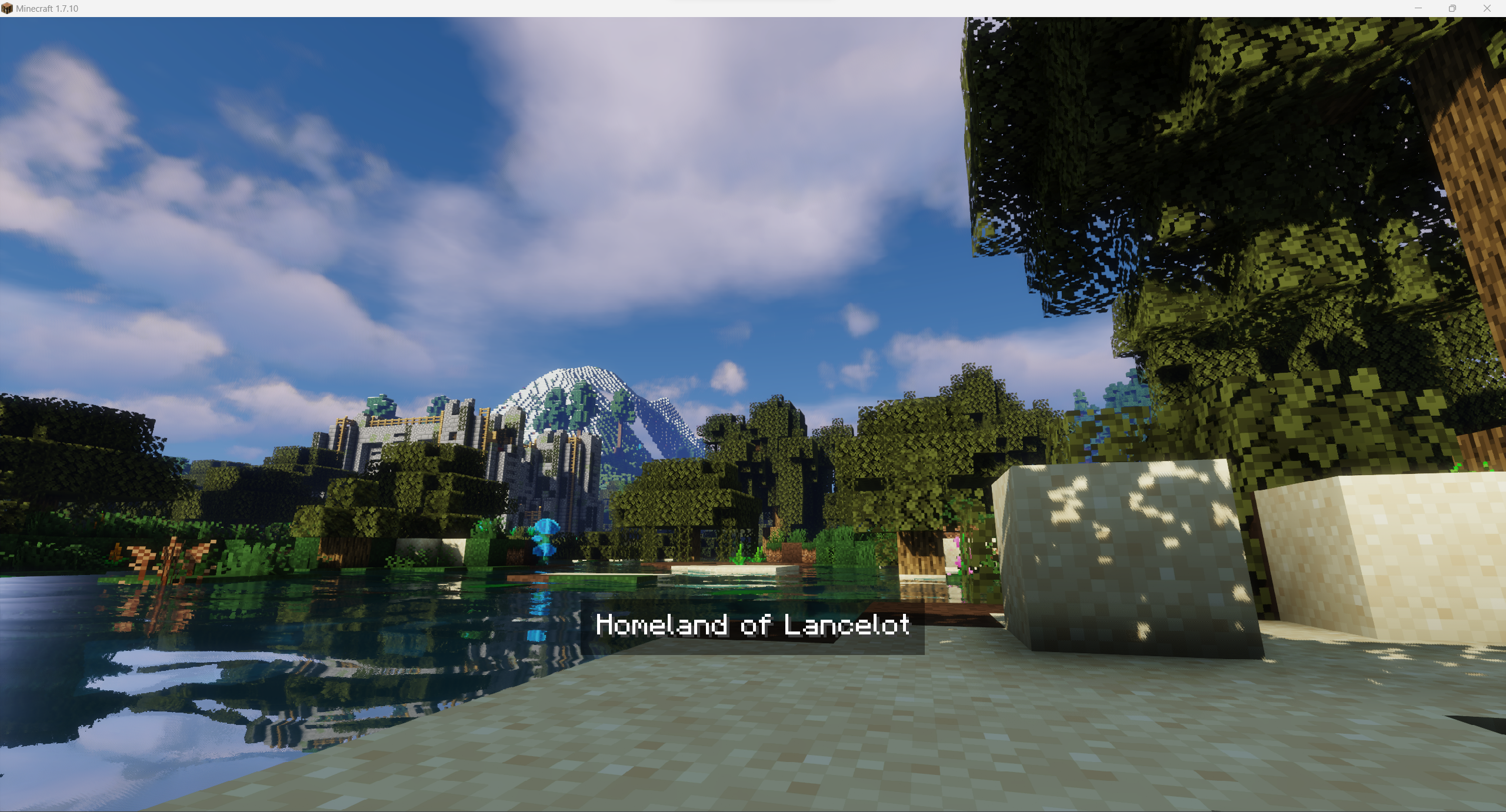
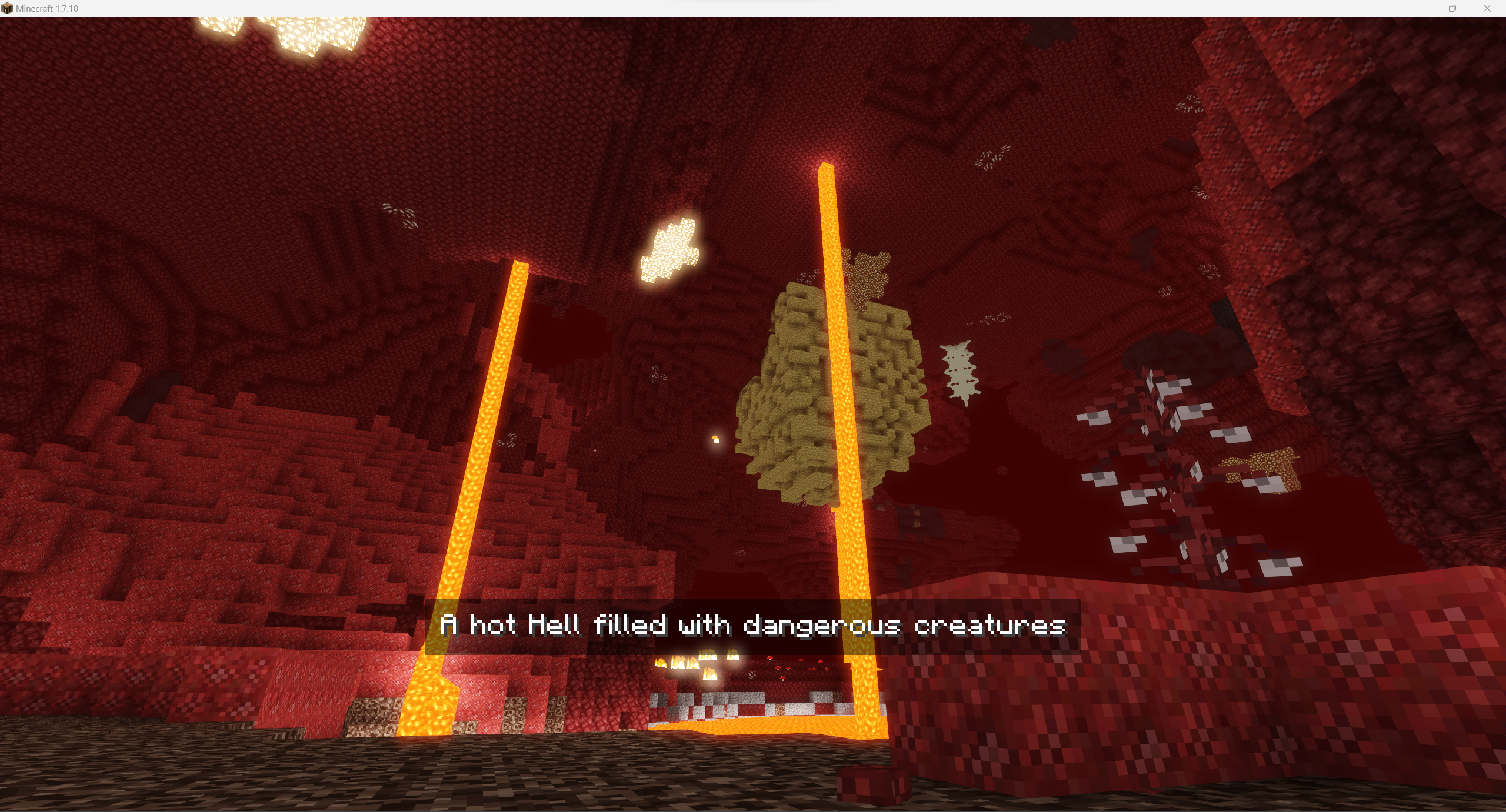
Some examples:
Overworld
Nether
The End
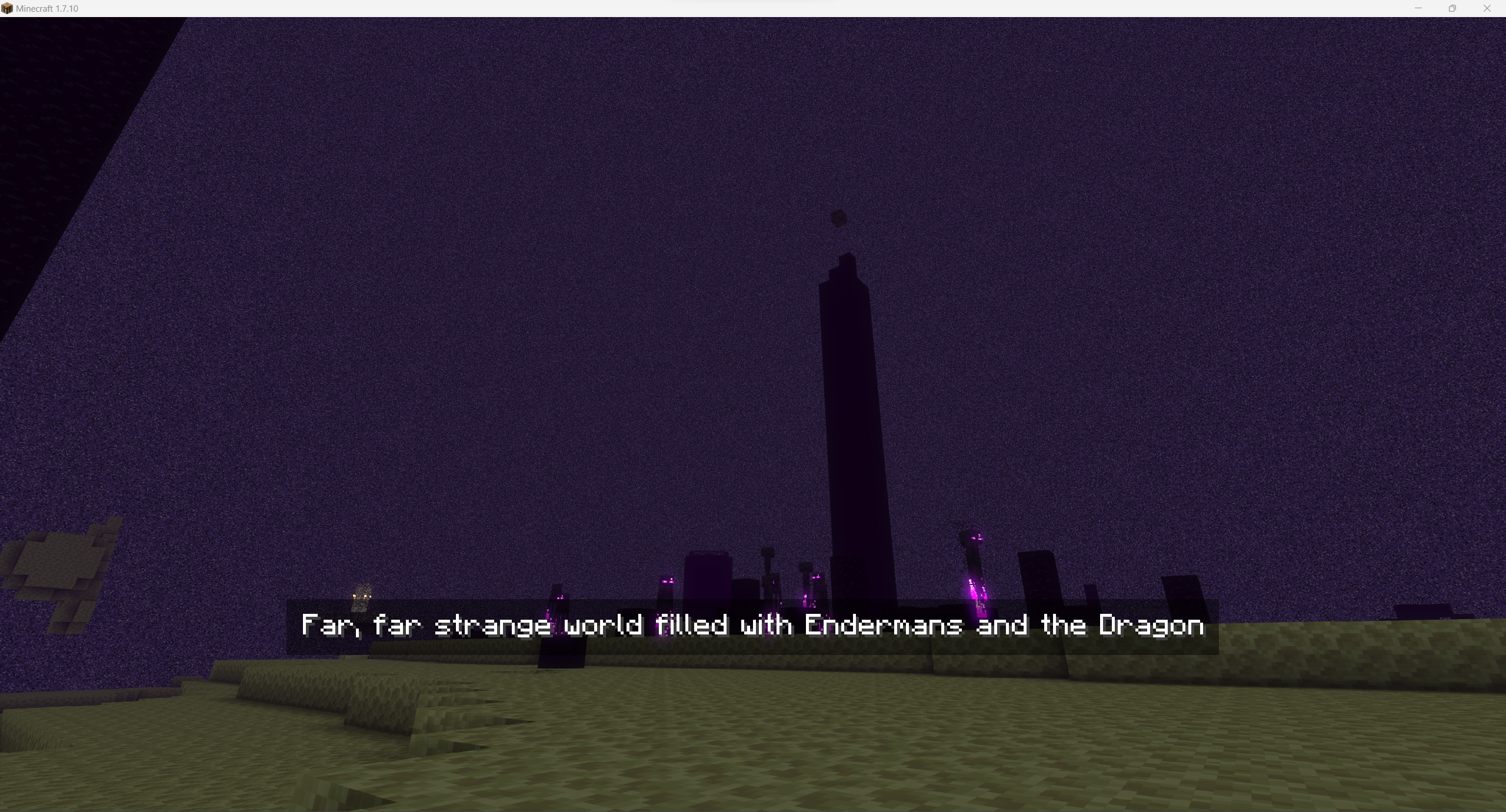
For images above I’ve used the following image) for Overworld and config:
"splashes files" {
    # Default splash to be used if not set for world [default: Overworld]
    S:defaultSplash=Overworld_water

    # Splashes images to be used in loading screen. Use just filename without extension. Files must be stored in folder splashes in mod's config directory [default: [Nether:Nether], [The End:The End], [Overworld:Overworld], [splashConnecting:Overworld], [splashDisconnecting:Overworld]]
    S:splashesPaths <
        Nether:Nether
        The End:The End
        Overworld:Overworld_water
        splashConnecting:Overworld
        splashDisconnecting:Overworld
     >
}

"splashes texts" {
    # Splashes texts to be displayed on splash [default: [Nether:Nether], [The End:The End], [Overworld:Overworld], [splashConnecting:Overworld], [splashDisconnecting:Overworld]]
    S:splashesTexts <
        Nether:A hot Hell filled with dangerous creatures
        The End:Far, far strange world filled with Endermans and the Dragon
        Overworld:Homeland of Lancelot
        splashConnecting:Overworld
        splashDisconnecting:Overworld
     >
}
Wanna use it it your modpack / on your server? You are free to use it, it’s highly recommended for better world investigation experience!
常见问题
Interworlds Splashscreens 支持哪些 Minecraft 版本?
Interworlds Splashscreens 支持 Minecraft Java 版 1.7.10,可用的加载器:Forge。下载时注意选择和你游戏版本一致的文件。
Interworlds Splashscreens 怎么安装?
先用 PCL2 或 HMCL 启动器安装对应版本的 Forge,再把下载的 .jar 文件放进游戏目录的 mods 文件夹,重新启动游戏即可。开启了版本隔离的,mods 文件夹在 versions/版本名 下面。运行环境:仅客户端。

评论
登录后评论和评分