截图
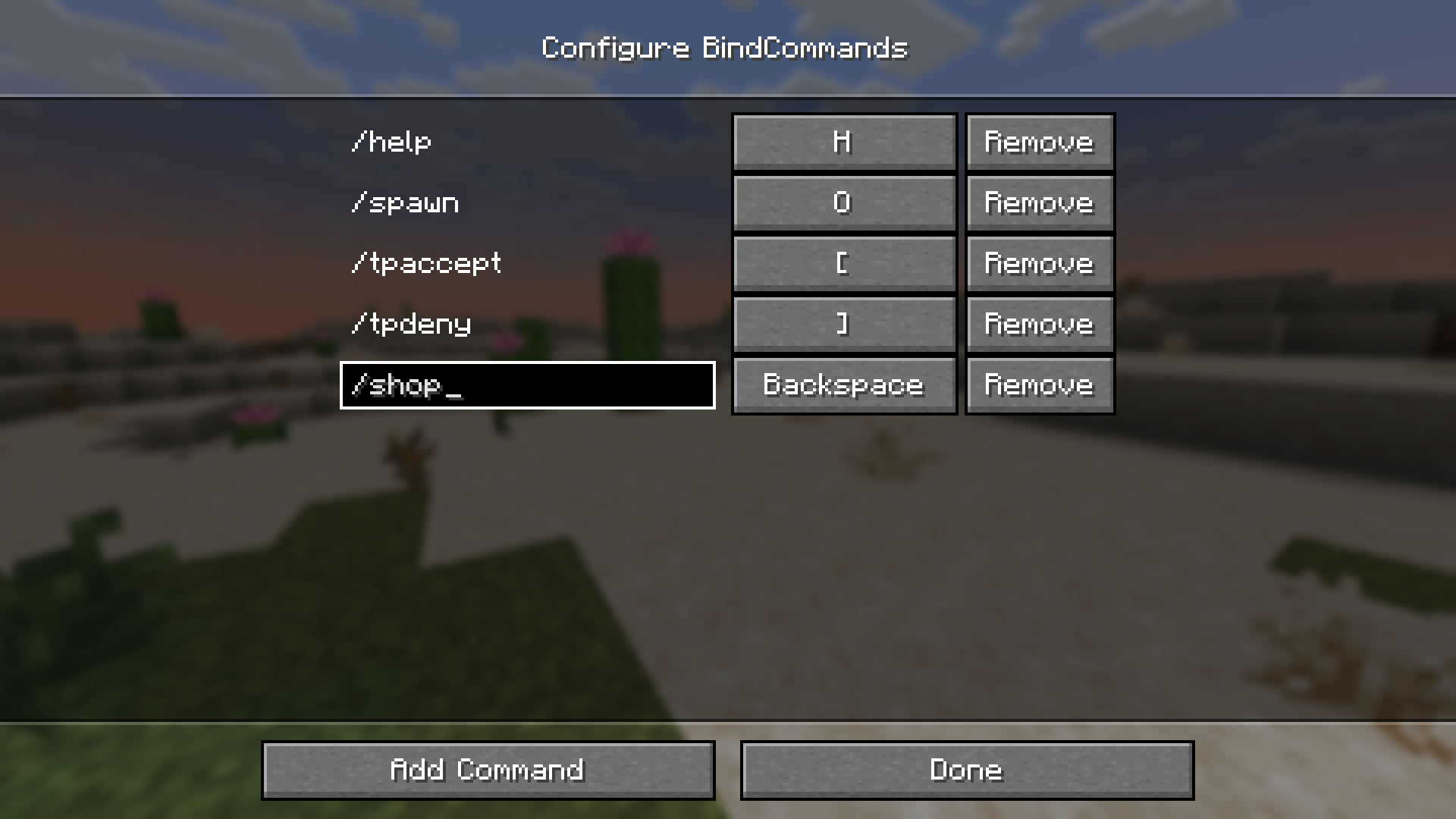
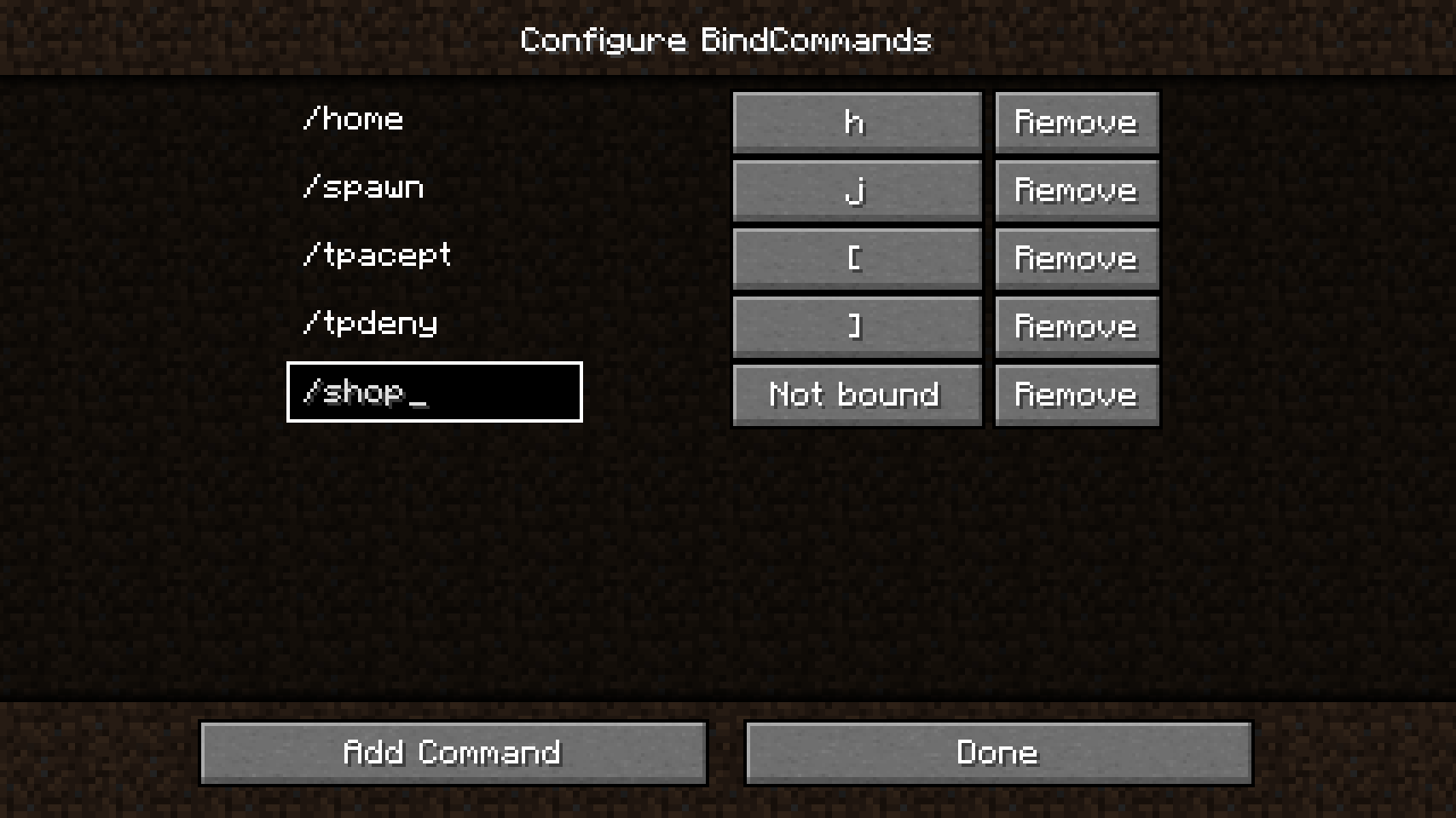
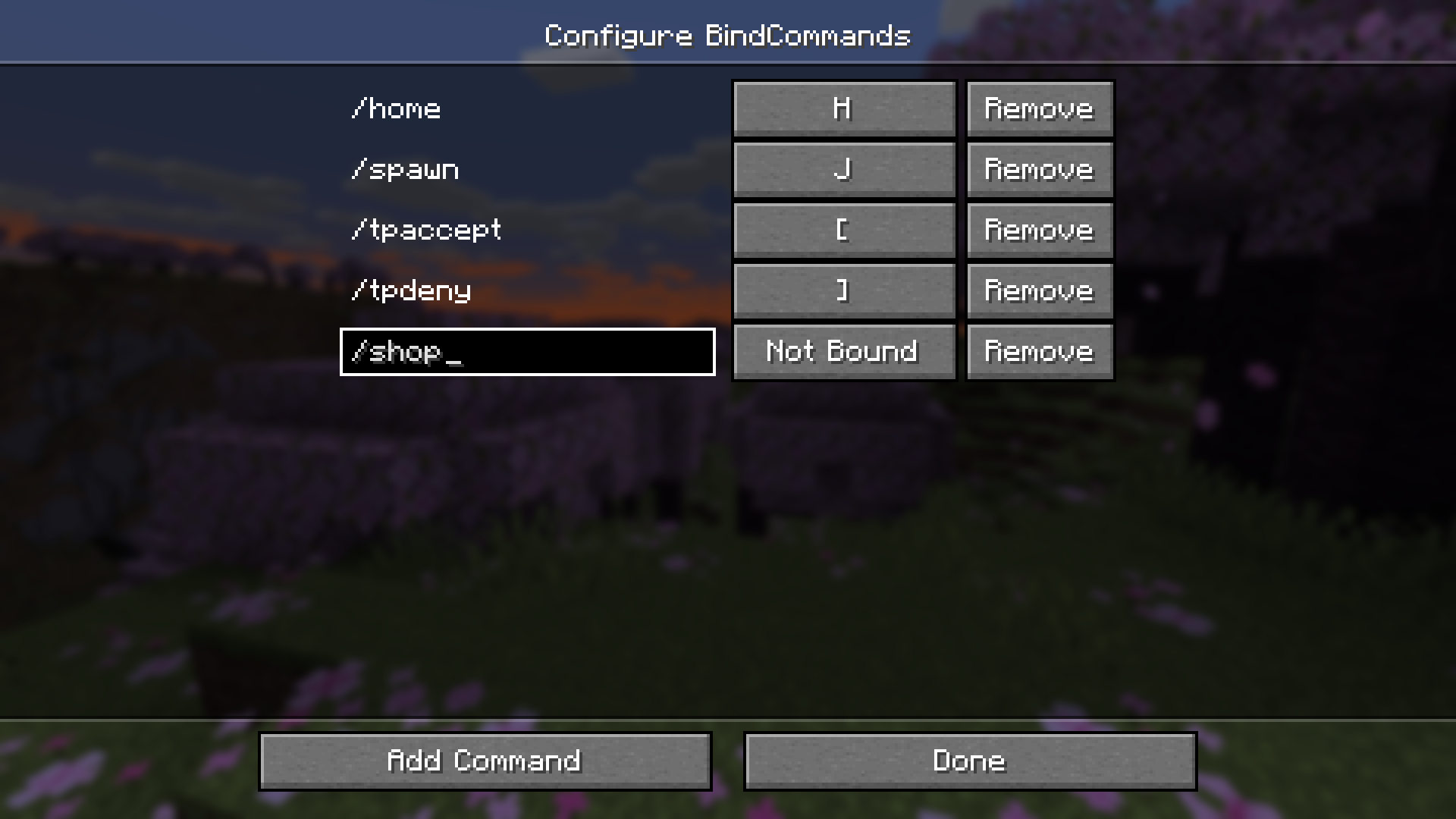
介绍
BindCommands


The BindCommands mod allows players to bind Minecraft commands to specific keys on their keyboard, making it easier and faster to execute commands in the game. The mod is built using the Fabric mod loader and is compatible with Minecraft versions from 1.16.5 up to 26.2.
📜 Features
- Bind Minecraft commands to specific keys on your keyboard.
- Configure bindings using the mod settings located in the mod menu.
- Easy to use and customize.
📁 Installation
- Download and install Fabric for Minecraft 26.1.
- Download BindCommands, Mod Menu, and Fabric Language Kotlin mods.
- Place the downloaded mod files in the “mods” folder located in your Minecraft game directory.
- Launch Minecraft with the Fabric mod loader and enjoy the mod!
⚙️ Usage
To use the BindCommands mod, follow these steps:
- Open the mod settings from the mod menu.
- Add a new binding by clicking the “Add Command” button.
- Enter the Minecraft command you want to execute.
- Choose a key to bind the command to.
- Save the binding.
- Press the bound key to execute the command.
✉️ Feedback and Support

If you encounter any issues while using the BindCommands mod or have any suggestions for improvement,
please feel free to open an issue on the mod’s GitHub page or visit our Discord. We appreciate any and all feedback!
常见问题
BindCommands 支持哪些 Minecraft 版本?
BindCommands 支持 Minecraft Java 版 1.16.5–26.3,共 30 个版本,可用的加载器:Fabric。下载时注意选择和你游戏版本一致的文件。
BindCommands 怎么安装?
先用 PCL2 或 HMCL 启动器安装对应版本的 Fabric,再把下载的 .jar 文件放进游戏目录的 mods 文件夹,重新启动游戏即可。开启了版本隔离的,mods 文件夹在 versions/版本名 下面。运行环境:客户端 / 服务端。
kalucky0 的其他作品
查看全部 →
Paradise Lost
昔日敌意乐园,沐浴新曙光
BindCommands
Easily bind Minecraft commands to keyboard keys
Chest Colorizer
Color-code your chests to easily distinguish between different types of items stored in them

Chest Colorizer
Color-code your chests to easily distinguish between different types of items stored in them
评论
登录后评论和评分