
Crimson Client
A sleek, customizable PvP HUD and tactical dark-themed interface built for Fabric.
截图
介绍
中文介绍正在准备中,下面暂时显示原文。
Crimson Client
A sleek, customizable PvP interface built from the ground up for Fabric. Designed for players who want complete layout control without any heavy resource impact.
Features
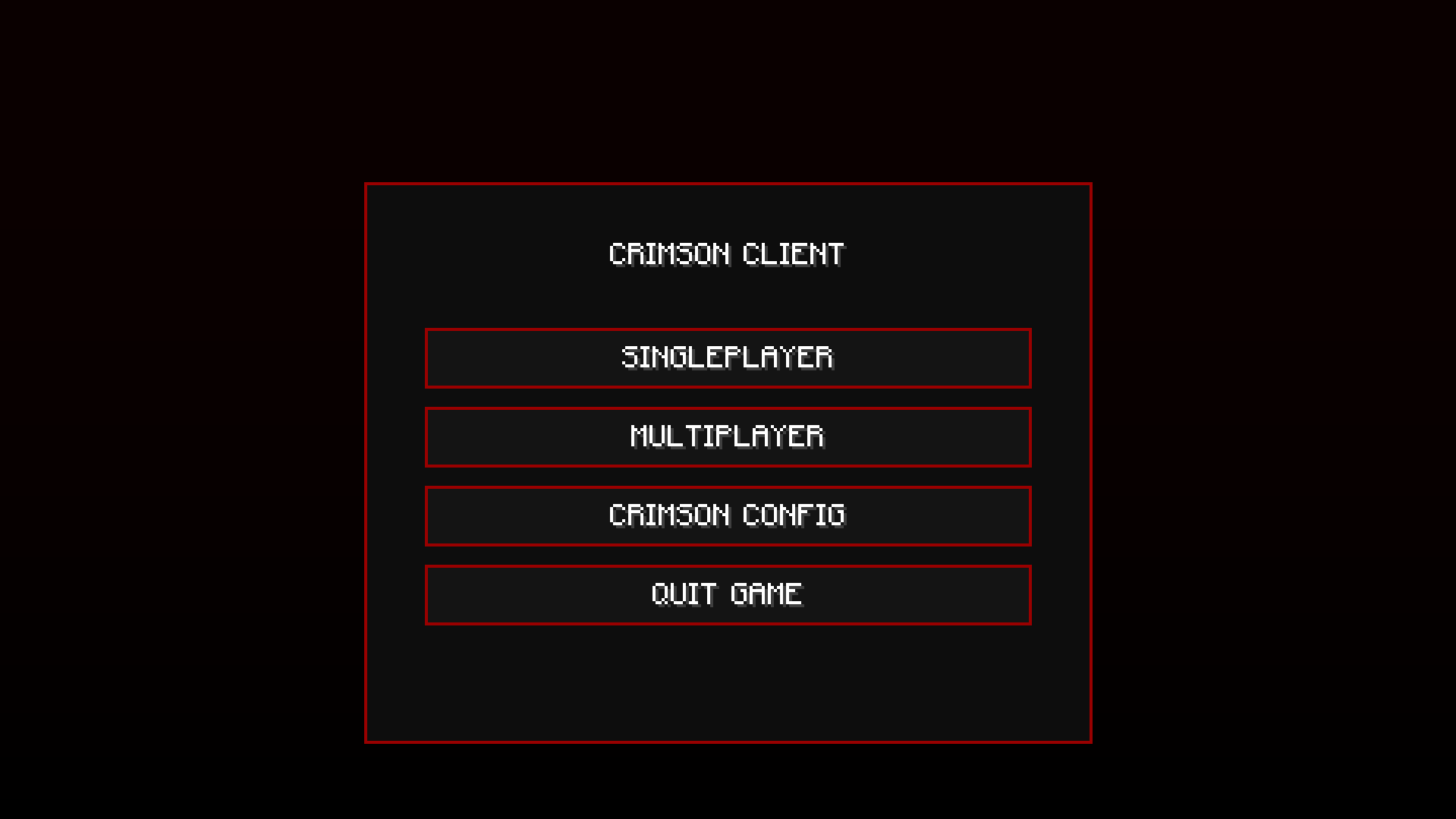
- Visual Overhaul: A fully customized main menu featuring a dark tactical aesthetic, neon red accents, and smooth button hover states.
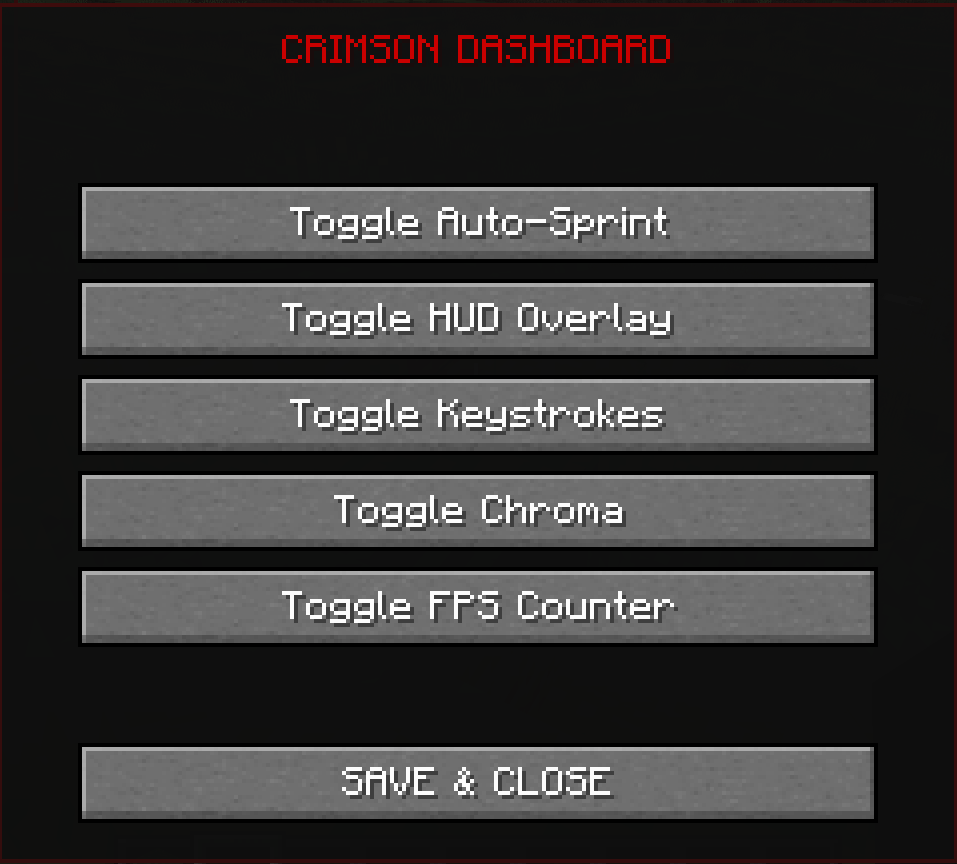
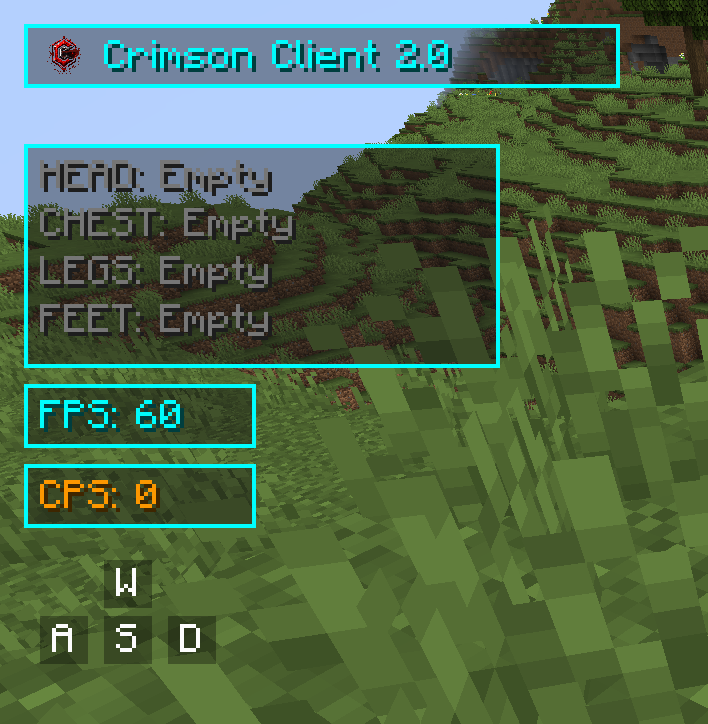
- Draggable HUD: Tailor your interface precisely how you want it. Open the config screen in-game to click and drag your UI elements to any screen position.
- Armor Display: Tracks your equipped gear vertically, displaying real-time numeric durability counters right next to the item icons.
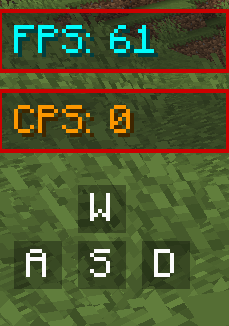
- PvP Metrics: Built-in, lightweight FPS and CPS counters that blend beautifully with the dark crimson layout.
Installation
- Ensure you have Fabric Loader installed for your game version.
- Download the compiled client JAR from the Versions tab.
- Drop the JAR file directly into your
.minecraft/modsfolder. - Launch the game and access the layout config via the main menu.
常见问题
Crimson Client 支持哪些 Minecraft 版本?
Crimson Client 支持 Minecraft Java 版 1.20–26.2,共 11 个版本,可用的加载器:Fabric。下载时注意选择和你游戏版本一致的文件。
Crimson Client 怎么安装?
先用 PCL2 或 HMCL 启动器安装对应版本的 Fabric,再把下载的 .jar 文件放进游戏目录的 mods 文件夹,重新启动游戏即可。开启了版本隔离的,mods 文件夹在 versions/版本名 下面。运行环境:仅客户端。
评论
登录后评论和评分