
截图
介绍
Cloud storage for your items!
<img src="https://img.shields.io/modrinth/game-versions/gjkZA6d8?label=Available%20For&color=4bab62


Features
- Unlock ability to upload items to the cloud
- Upgradeable, so you can store more stacks of those items, and enjoy faster upload speeds.
- Instant download of items
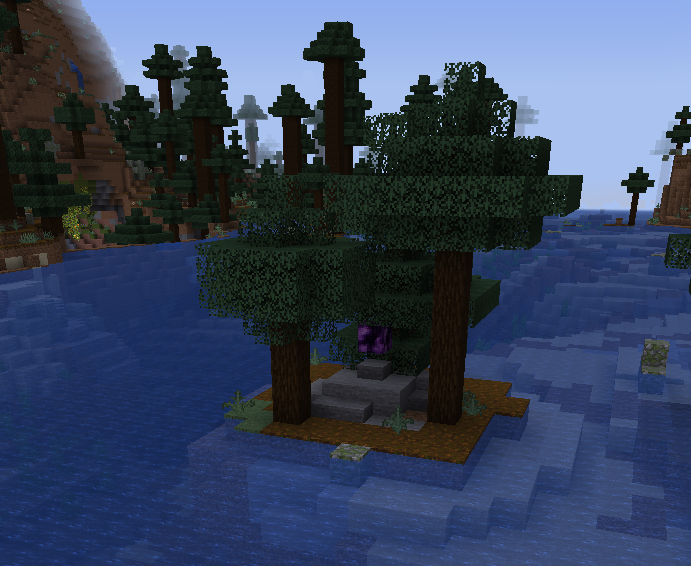
- World generation, so you can find Mercer Cubes and Somersloops
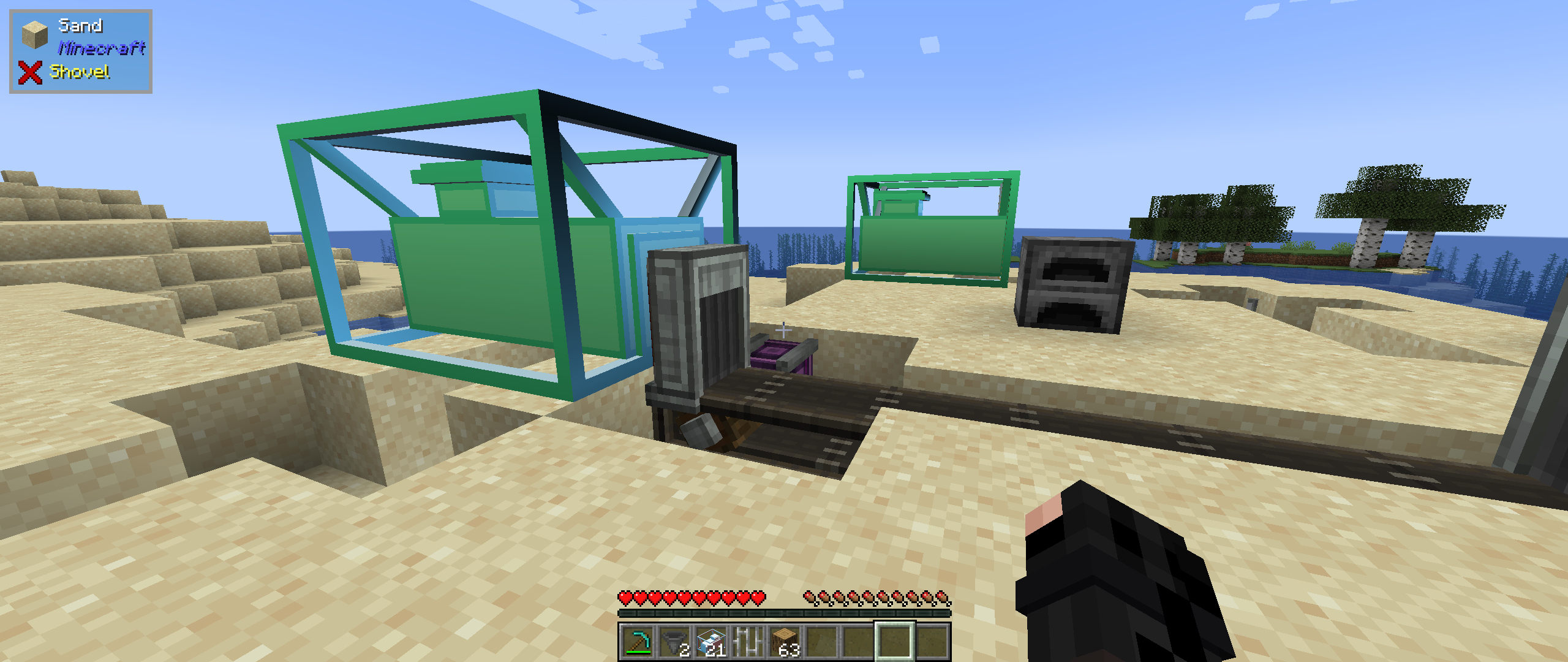
- Multiblock depot for automating uploads.
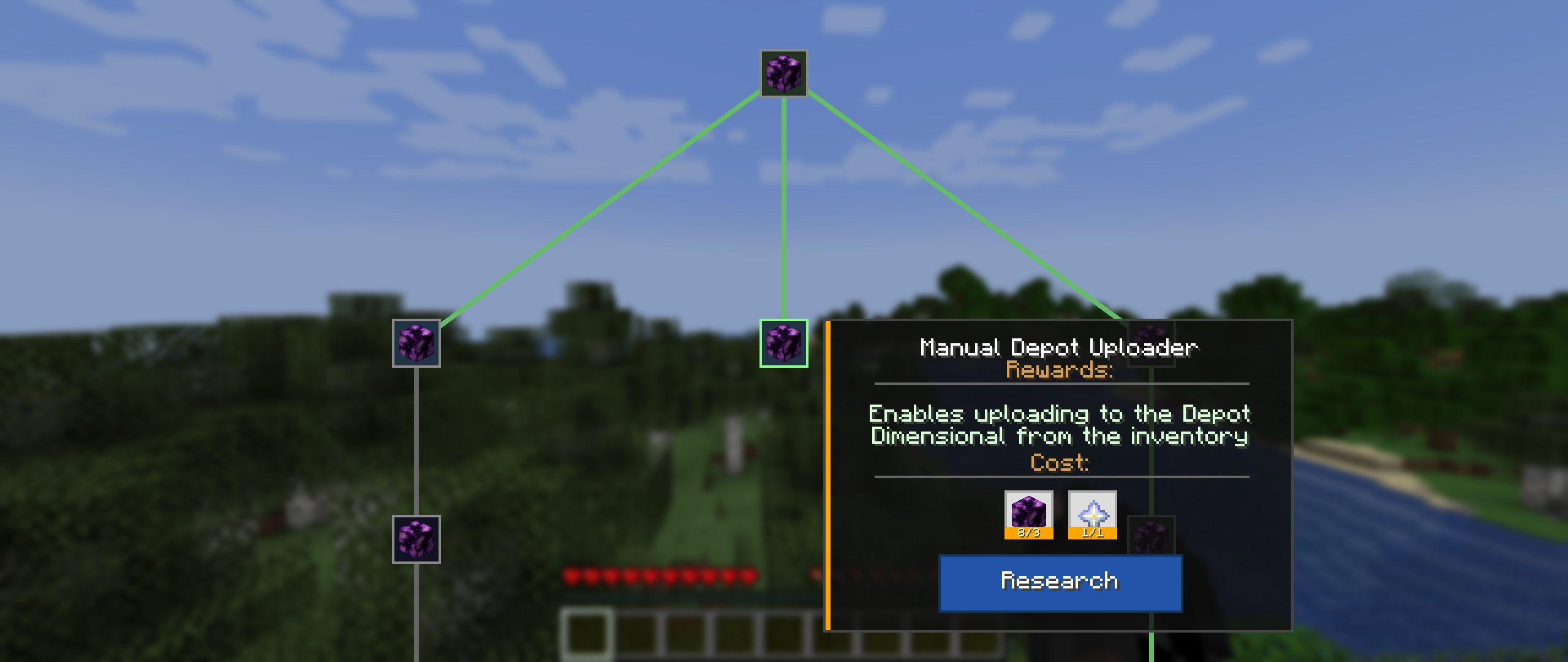
- A proper research system (MaM)
- Team cloud storage – because sharing is caring. Use the command to invite your friends.
Dreams for the future
- Proper researching in a MaM block! Instead of a keybinding UI.
- Audio/Sound effects (consume)
- Integration with JEI for providing items to crafting recipes from your depot.
- More world generation, so that finding artifacts can be more varied
- PowerSlugs/Shards
FAQ
How do I unlock the depot?
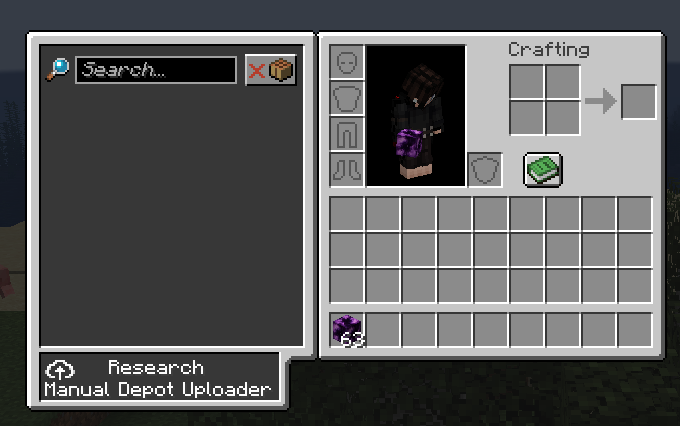
Find a Mercer Cube in the world, then use the research keybinding to open the MaM. We’ll change that when we get to the research update.
Where do I find Mercer Cubes and Somersloops?
They generate in the world. Look for strange structures.
How do I open the depot?
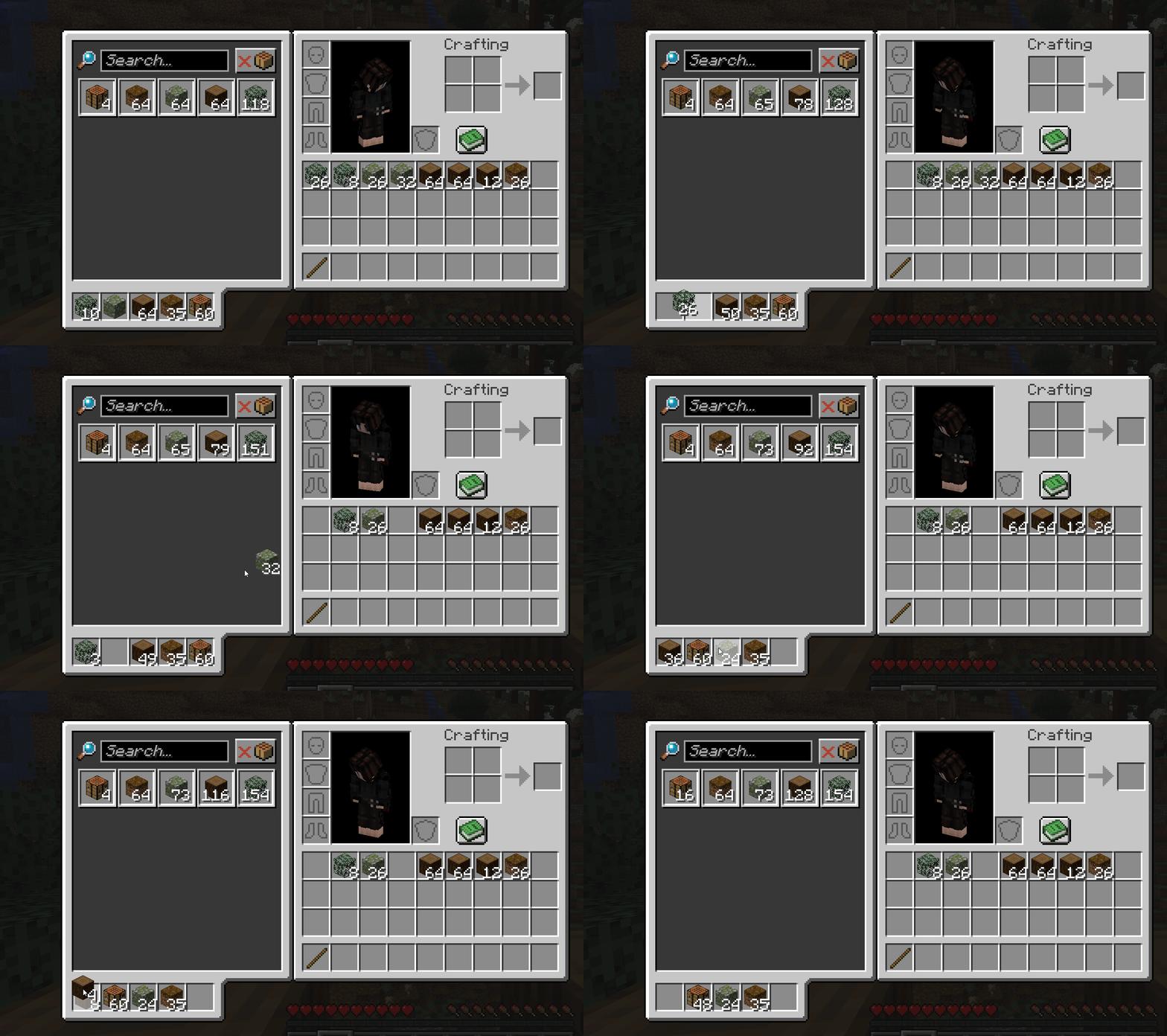
It should show automatically, so long as you aren’t using the vanilla minecraft recipe book. Hopefully it doesn’t conflict with other mods drawing stuff over inventory/crafting table/etc. Eventually I wanna let you move it about to wherever you want.
How do I upload items?
Craft a Depot! It accepts items from the front if you use a hopper for ‘automation’.
Alternatively, if you’ve unlocked personal uploading, while the depot UI is open, drag items from your inventory into one of the depot upload slots below it.
How do I download items back from the depot?
While the depot UI is open in your inventory, click on an item in the depot storage area to instantly download it to your inventory. Left/Right click, as well as shift-clicking, all work as normal.
How do I upgrade my upload speed?
Research.
How do I increase my storage capacity?
Also research.
Why can’t I upload certain items?
Is your depot full for your current stack upgrade level? Or maybe you’re trying to upload something that couldn’t be stacked with something already uploaded.
Got something to say?
Join us on Discord!
常见问题
Dimensional Depot 支持哪些 Minecraft 版本?
Dimensional Depot 支持 Minecraft Java 版 1.21–1.21.1,共 2 个版本,可用的加载器:Fabric / Forge / NeoForge。下载时注意选择和你游戏版本一致的文件。
Dimensional Depot 怎么安装?
先用 PCL2 或 HMCL 启动器安装对应版本的 Fabric / Forge / NeoForge,再把下载的 .jar 文件放进游戏目录的 mods 文件夹,重新启动游戏即可。开启了版本隔离的,mods 文件夹在 versions/版本名 下面。运行环境:客户端和服务端都要装。
leafreynolds 的其他作品
查看全部 →
Handles
ComputerCraft integration for your favorite Tardis mods.

SoulHome
A personal sky block style dimension for every player, that the player can travel to and from any other dimension

Cosmere
Bringing the Cosmere to Minecraft!

Feruchemist
Bringing Feruchemy to Minecraft! The End-Neutral art, where you get out what you put in.
评论
登录后评论和评分