
截图
介绍
Client-side features work even if the mod is not installed on the server.
Client-Side Features
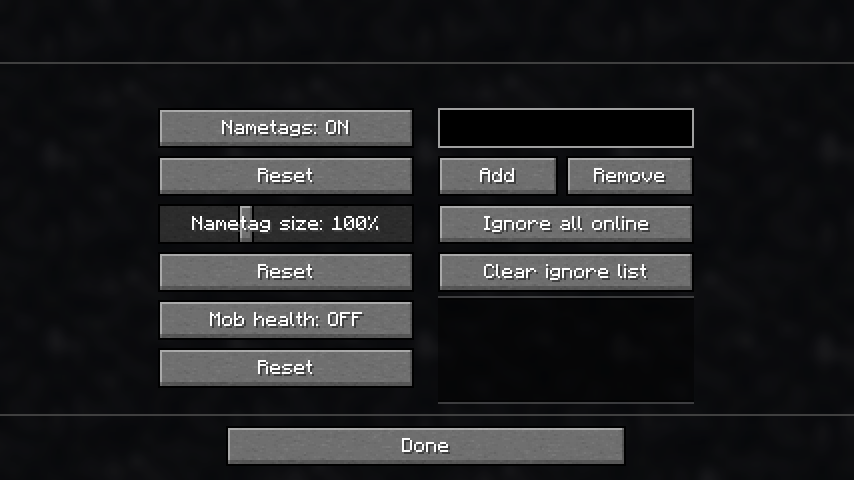
_(Configurable in a menu, the hotkey is “g” by default)_
- Toggle all nametags: On, Off, or Line of Sight (LOS)
→ With LOS enabled, nametags are hidden through walls
- Adjust the size of nametags
- Add players to an ignore list to hide their nametags individually
Features
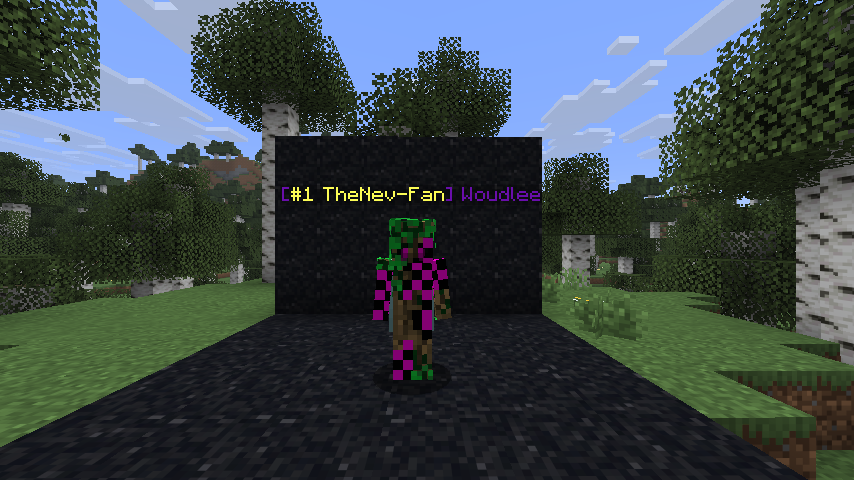
- Display a player’s health next to their name
- Set a colored status in front of your name using /status
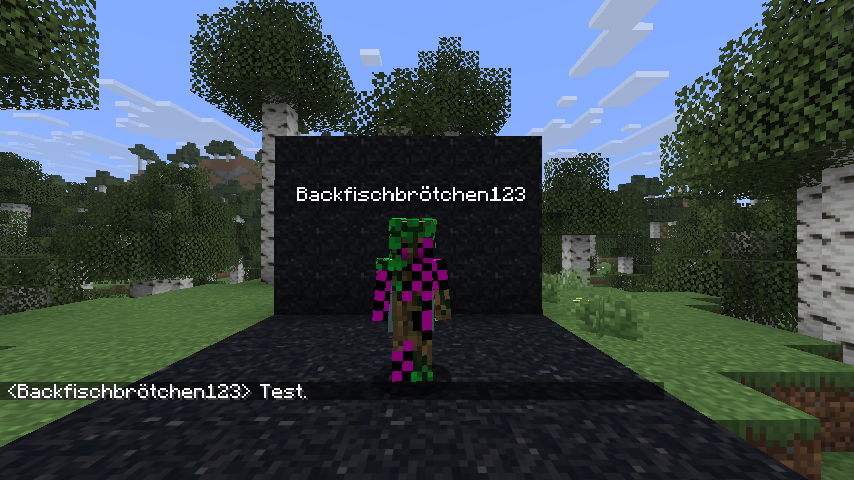
- Change your displayed name using /nickname
→ This does not affect join messages or command targeting (to prevent abuse)
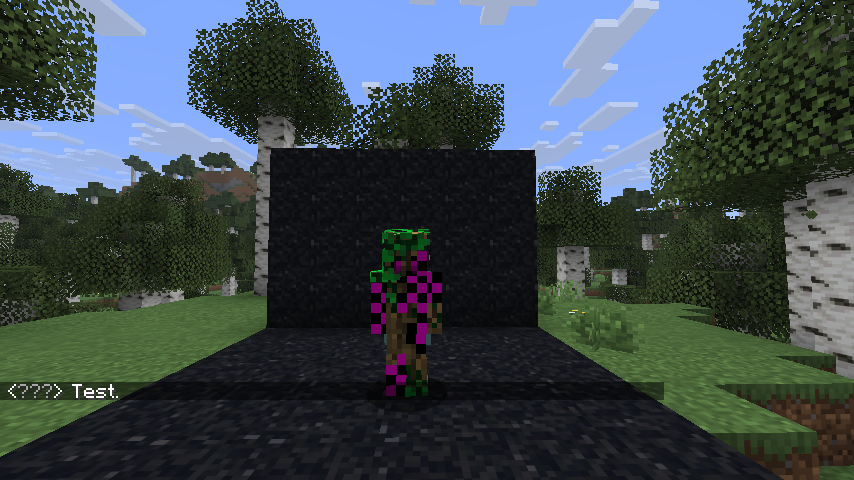
- Enable incognito mode using /incognito
→ Your nametag is hidden
→ Your name appears as “???” in chat
→ You are not listed in tab
- Change your nametag color using /nametagcolor
Operator Commands
Operators can access more powerful versions of these commands by using the /ntt prefix.
These commands allow modifying settings for other players, while non-operator commands always apply only to yourself.
常见问题
NametagToolkit 支持哪些 Minecraft 版本?
NametagToolkit 支持 Minecraft Java 版 1.21.11,可用的加载器:Fabric。下载时注意选择和你游戏版本一致的文件。
NametagToolkit 怎么安装?
先用 PCL2 或 HMCL 启动器安装对应版本的 Fabric,再把下载的 .jar 文件放进游戏目录的 mods 文件夹,重新启动游戏即可。开启了版本隔离的,mods 文件夹在 versions/版本名 下面。运行环境:客户端 / 服务端。
Woudlee 的其他作品
查看全部 →
Create: Mind the Gap
Adds simple station sounds for Create trains.

Happy Ghast Inventory
Equip Happy Ghasts with chests to give them an inventory.

Create: Portal Logistics
A small create addon that allows belts to cleanly transfer items through nether portals.
Create: Portal Logistics
A small create addon that allows belts to cleanly transfer items through nether portals.
评论
登录后评论和评分