
Better Death Screen
This Mod improves your Deathscreen! When dying you can copy coordinates and see in which dimension you died! And there are so much more informations
介绍
Better Death Screen
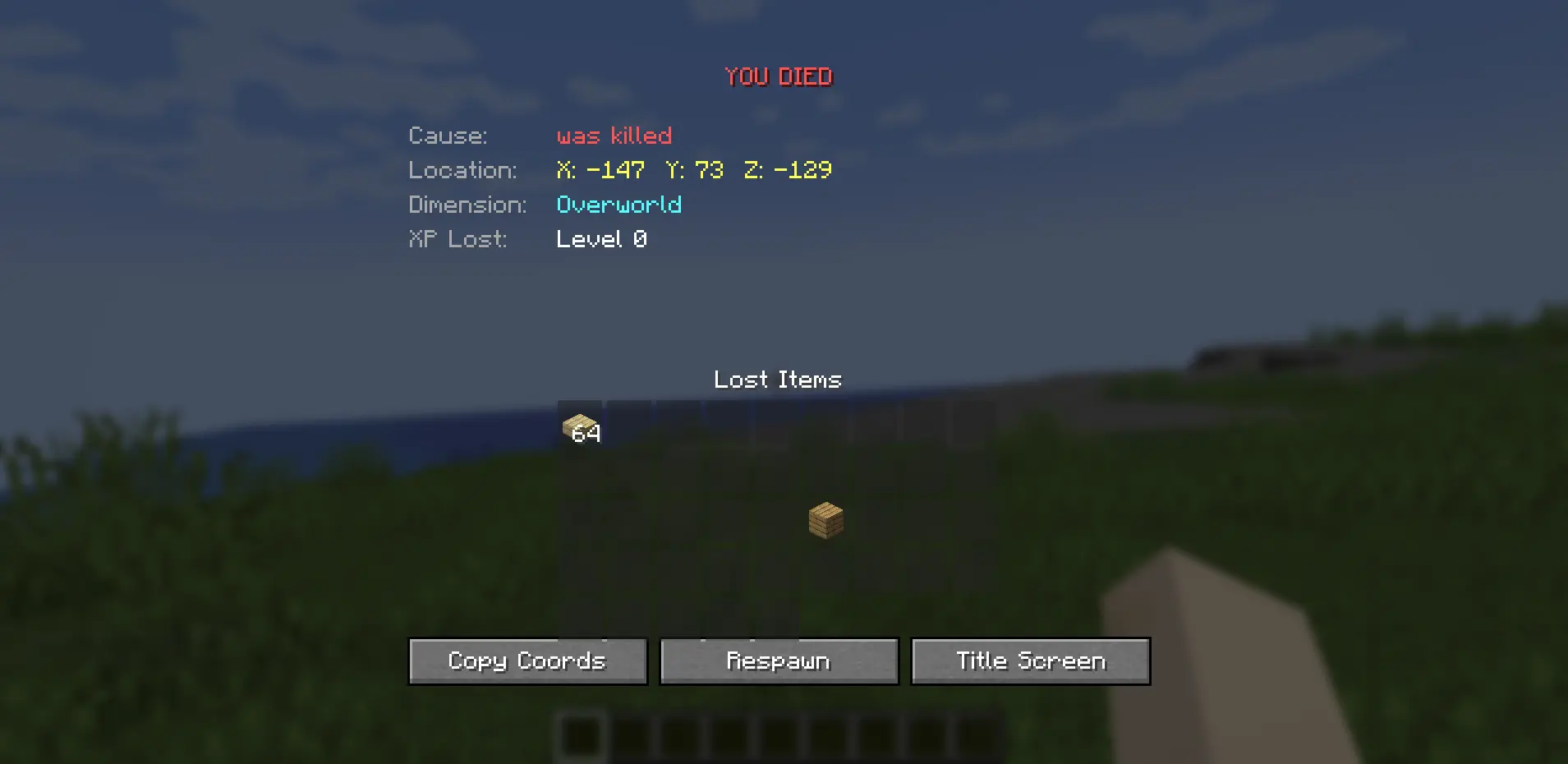
Tired of Minecraft’s boring death screen? Better Death Screen replaces it with a fully detailed, informative screen so you never lose track of where or how you died.
Preview
Features
Death Location
Never lose your items again — your exact coordinates and dimension are displayed front and center.

Death Cause
See exactly what killed you — whether it was a Zombie, fall damage, fire, or the void.

Lost Inventory
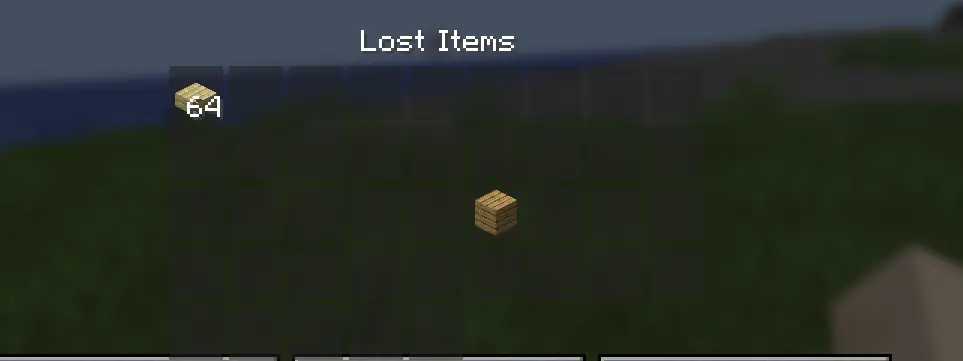
A full read-only grid of everything you were carrying at the time of death — hover over items for tooltips.
Copy Coordinates
One click copies your death coordinates to clipboard — paste them in chat or a waypoint mod instantly.
Fully Configurable
Toggle every feature individually via Mods like Mod Menu
Installation
- Install Fabric or NeoForge
- Download Better Death Screen and drop it in your
mods/folder - (Fabric only) Install Fabric API
- Launch and die responsibly
Compatibility
| Minecraft | Fabric | NeoForge |
|———–|——–|———-|
| 1.20.1 | yes | yes |
| 1.21.1 | yes | yes |
| 1.21.8 | yes | yes |
| 1.21.11 | yes | yes |
| 26.1 | planned | planned |
Client-side only — works on any server, no server installation needed.
Issues & Feedback
Found a bug or have a suggestion? Open an issue on GitHub.
Made by PhiroStudios
常见问题
Better Death Screen 支持哪些 Minecraft 版本?
Better Death Screen 支持 Minecraft Java 版 1.21.1–1.21.11,共 3 个版本,可用的加载器:Fabric / NeoForge。下载时注意选择和你游戏版本一致的文件。
Better Death Screen 怎么安装?
先用 PCL2 或 HMCL 启动器安装对应版本的 Fabric / NeoForge,再把下载的 .jar 文件放进游戏目录的 mods 文件夹,重新启动游戏即可。开启了版本隔离的,mods 文件夹在 versions/版本名 下面。运行环境:仅客户端。


评论
登录后评论和评分