Realistically Deep Oceans
Welcome to possibly the deepest oceans that can ever be made in Minecraft!
截图



介绍
ABOUT :
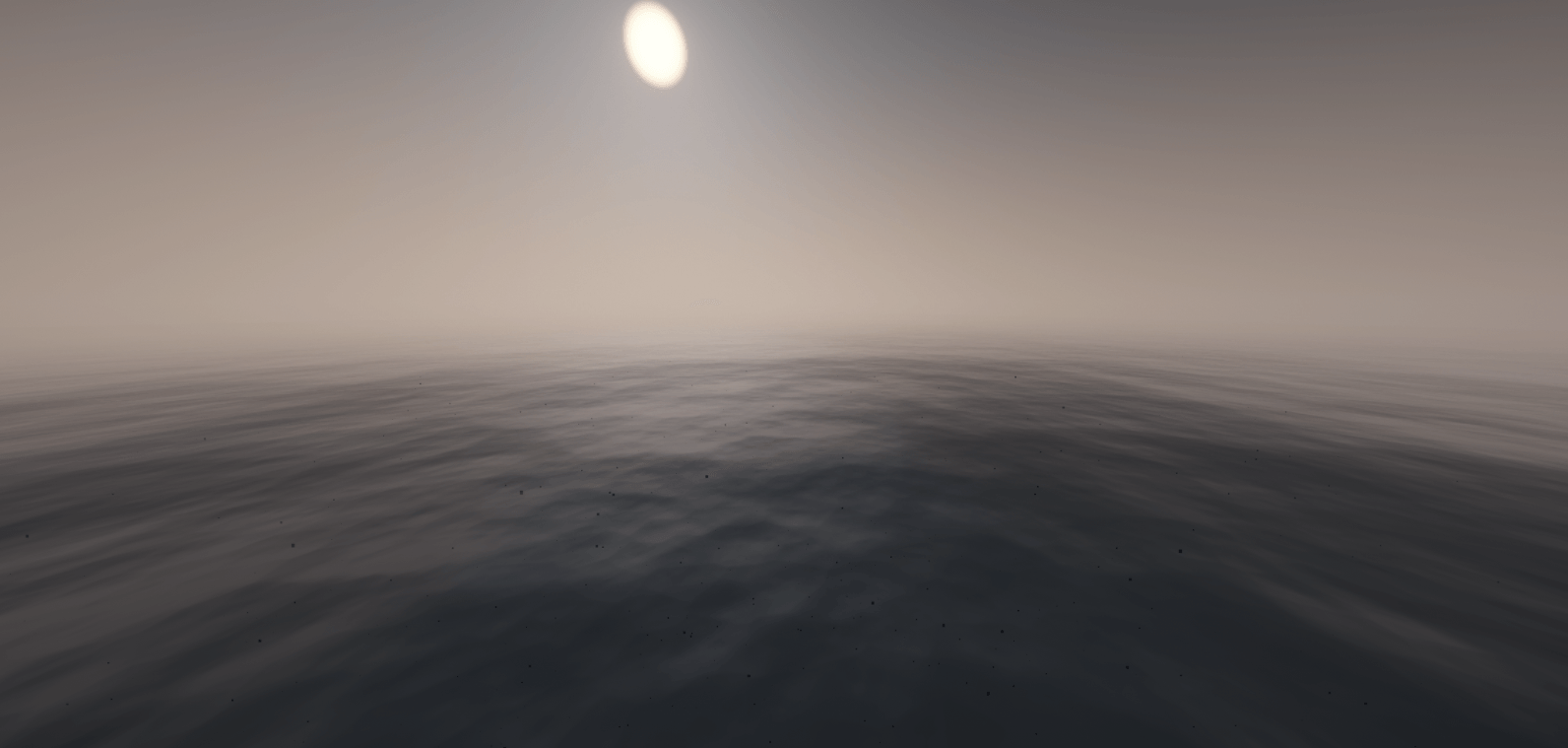
These mods, shaderpacks, and resource packs together create the most immersive real life, deep sea minecraft experience. These real life like oceans can go up to thousands of Km/blocks deep leaving nothing but ocean and a barren sea floor and an unsettling feeling that your not alone in the abyss….
In the future i plan to add more mods to make this experience more creepy or even exciting!
If you would like this feel free to leave a few comments or even DM me on discord with the mods you would like me to add! Here is my username in case you would like to DM me – ( “hazvr146”) .
FOR BEST GAMEPLAY :
1 – INSTALL OPTIFINE (Most important, for shaders to work!)
2 – Choose a shader pack of your choice (Feel free to install more, mostly just whatever looks best for you!)
3 – Apply all Resource Packs with “No Sun” at the top
4 – Turn of clouds so they dont show underwater
5 – Change time to night (This is also your choice)
TEMPLATE WORLD:
When minecraft loads, there will be a world already made for you wich you can instantly play, this world contains a hut in which you start with and apart from that, almost nothing but water streching for almost infinity. If your planning on making a world of your own, read the instructions below! Upon load of the temp world, you will be located in a hut submerged 5000 blocks deep in the ocean. in front of you there are signs wich i advise you read before jumping into the ocean!
Fun Fact: The depth of this ocean is around the equivalent of the Mariana Trench !
INSTRUCTIONS FOR DEEP OCEAN WORLD CREATING :
– Press create world
– Press more world options
– Change world type to Custom Cubic
– Press customize
– Click presets
– On the top line “Water Level”, change the number from 63 to around 11000
NOTE: I havent tested anything higher than 11060 so it could lead to crashes, errors or the world not loading!
HOW I DID IT :
Using the help of – Aimsells – video on the deepest ocean in minecraft (Credits below with link to video! ) i used “Cubic Chunks” mod “Cubic World Gen” and “MalisisCore” to be able to break the bounds of vanilla minecraft world generation and set the Ocean Level to “11060” Blocks in the sky meaning when you loaded in you would be put at the average spawn level, only that you are submerged 11000 blocks deep in the ocean. You will have to use Tp commands to return to the surface extremely high in the sky!
Here is the command if you need it — (” /Tp @s 0 11060 0 “)
CREDITS :
Credits to – Aimsell – for the inspiration and to share this modpack for people to play! One last thing, if you are going to make a video on this modpack, make sure you credit him somewhere in your video!
There is social links to his YouTube and Discord, or if you want to get staight to his video, click this red button here! — Click Here For The Video!
常见问题
Realistically Deep Oceans 支持哪些 Minecraft 版本?
Realistically Deep Oceans 基于 Minecraft Java 版 1.12.2,使用 Forge 加载器。
Realistically Deep Oceans 怎么安装?
点本页「前往下载」拿到整合包文件(Modrinth 的是 .mrpack,CurseForge 的是 .zip),在 PCL2 或 HMCL 启动器里选择「导入整合包」,启动器会自动装好 Minecraft、加载器和全部模组。建议在启动器里给游戏分配 4–6 GB 内存。
Realistically Deep Oceans 开服需要多大内存?
推荐服务器内存 12 GB。在线人数多、或者建了大量机器和区块加载器时,可以再加 2–4 GB。
怎么和朋友一起玩 Realistically Deep Oceans?
点本页的「一键开服」,选好配置后会自动安装 Realistically Deep Oceans 的服务端,几分钟就能开好。把服务器地址发给朋友,大家用同一个版本的整合包连进去就行。
评论
登录后评论和评分