
Chest Profile
作者:_1nfys
storage layouts with phantom-item rendering and quick transfers for containers.
截图

介绍
中文介绍正在准备中,下面暂时显示原文。
Chest Profile





Chest Profile
a minecraft mod that organizes items in chests using preset layouts. set up a profile with items, and it will automatically transfer the required amounts from your inventory. ghost icons show where each item belongs.
+my config for mod on my github
what it does
- configs with profiles. up to 50 configs, up to 128 profiles each
- each profile holds a set of items with counts. essentially a chest layout
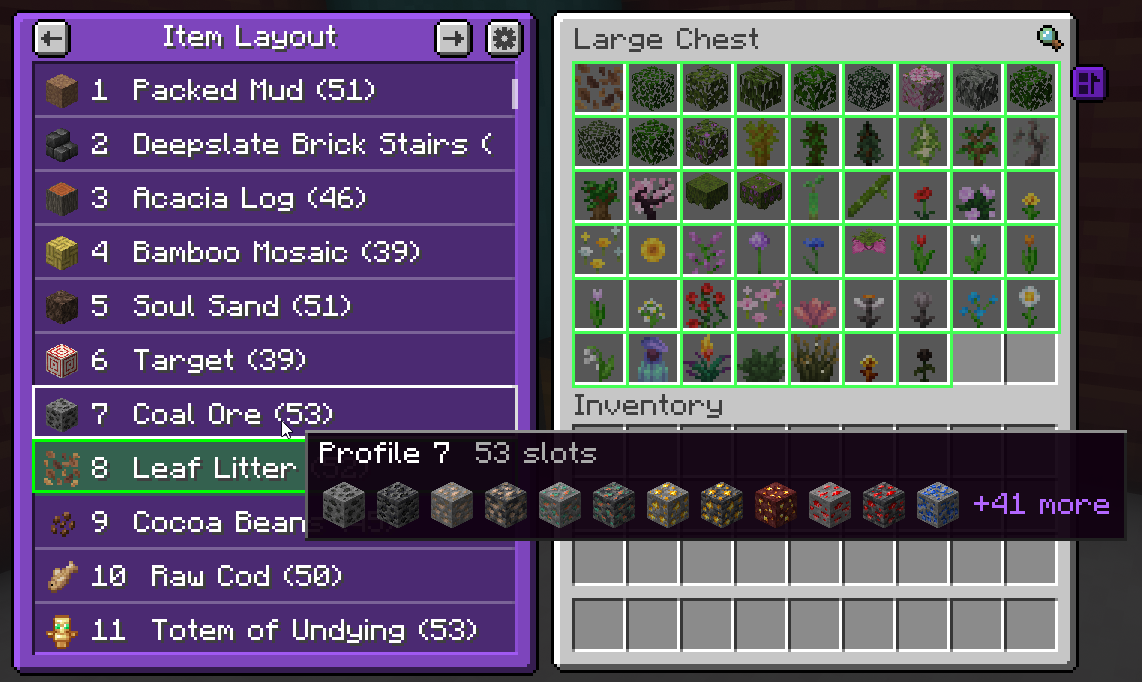
- phantom items. even in an empty chest, you can see where and what should go
- auto-fill. transfers exactly as much from your inventory as the layout requires
- per-chest binding. each chest remembers its own active profile and config
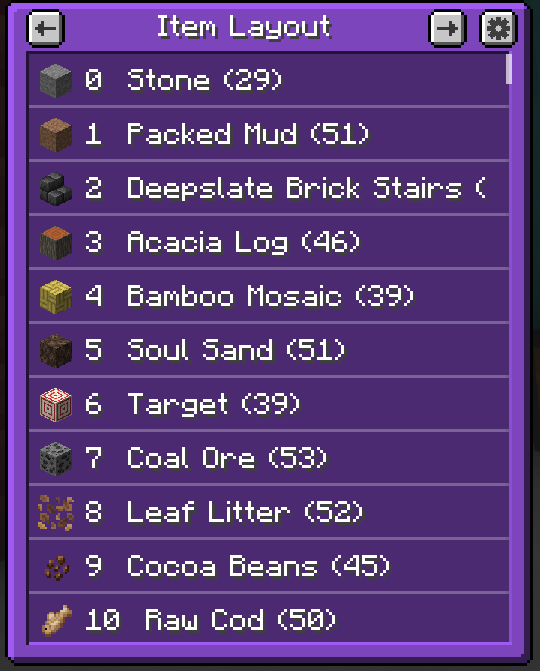
- panel next to the chest. browse configs, select profiles, hover to see contents
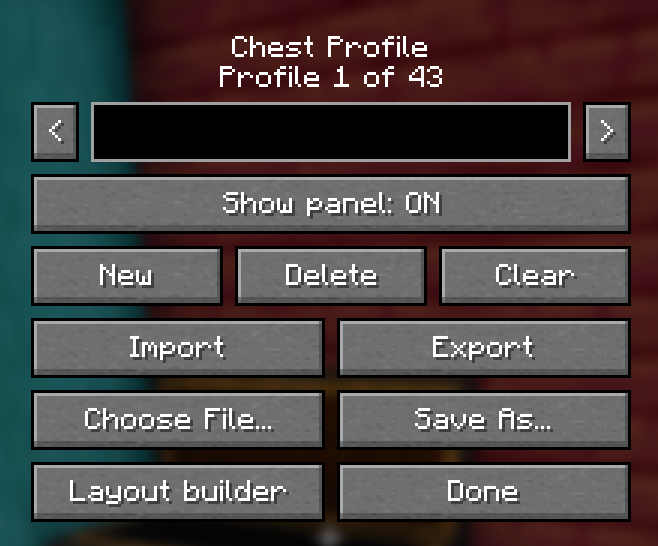
- settings. create, delete, and rename configs and profiles, hide the panel
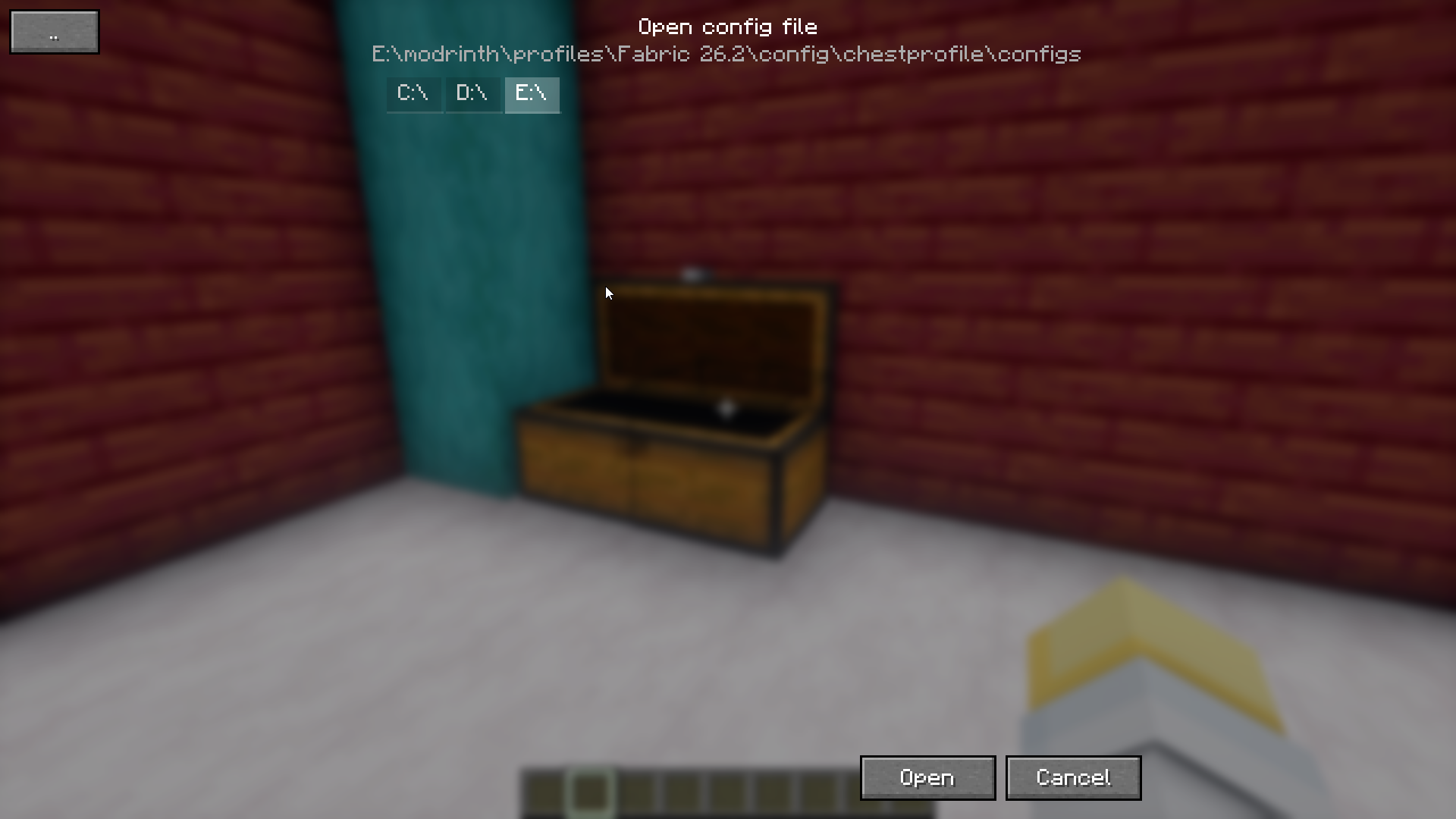
- import and export via clipboard or json file, with a built-in file dialog
- layout builder opens directly from the menu
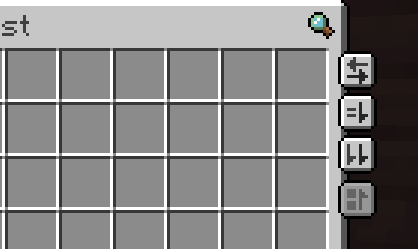
- hotkeys for transferring items and toggling the panel
- slot locking. hold alt and click inventory slot – the slot gets locked with a purple outline and is skipped during transfers. click again to unlock
- interface in russian and english
- fabric and neoforge
how to use
- open a chest. the panel with configs and profiles appears on the left
- in settings (the gear icon on the panel), click layout builder – a convenient website will open
- build the layout by adding items
- select a profile and click the fill button
- the mod will automatically transfer items from your inventory according to the profile
a profile is bound to a specific chest by its coordinates, so each chest can have its own profile
credits
TerminalMC – inspired some item transfer concepts + ui compatibility
Cubicmetre – for config site creation
常见问题
Chest Profile 支持哪些 Minecraft 版本?
Chest Profile 支持 Minecraft Java 版 26.2–26.3,共 2 个版本,可用的加载器:Fabric / NeoForge。下载时注意选择和你游戏版本一致的文件。
Chest Profile 怎么安装?
先用 PCL2 或 HMCL 启动器安装对应版本的 Fabric / NeoForge,再把下载的 .jar 文件放进游戏目录的 mods 文件夹,重新启动游戏即可。开启了版本隔离的,mods 文件夹在 versions/版本名 下面。运行环境:仅客户端。
评论
登录后评论和评分