Avrora
Realistic lighting, water, volumetric light and weather effects for Minecraft 1.8 (ForgeOptiFine).
截图
介绍
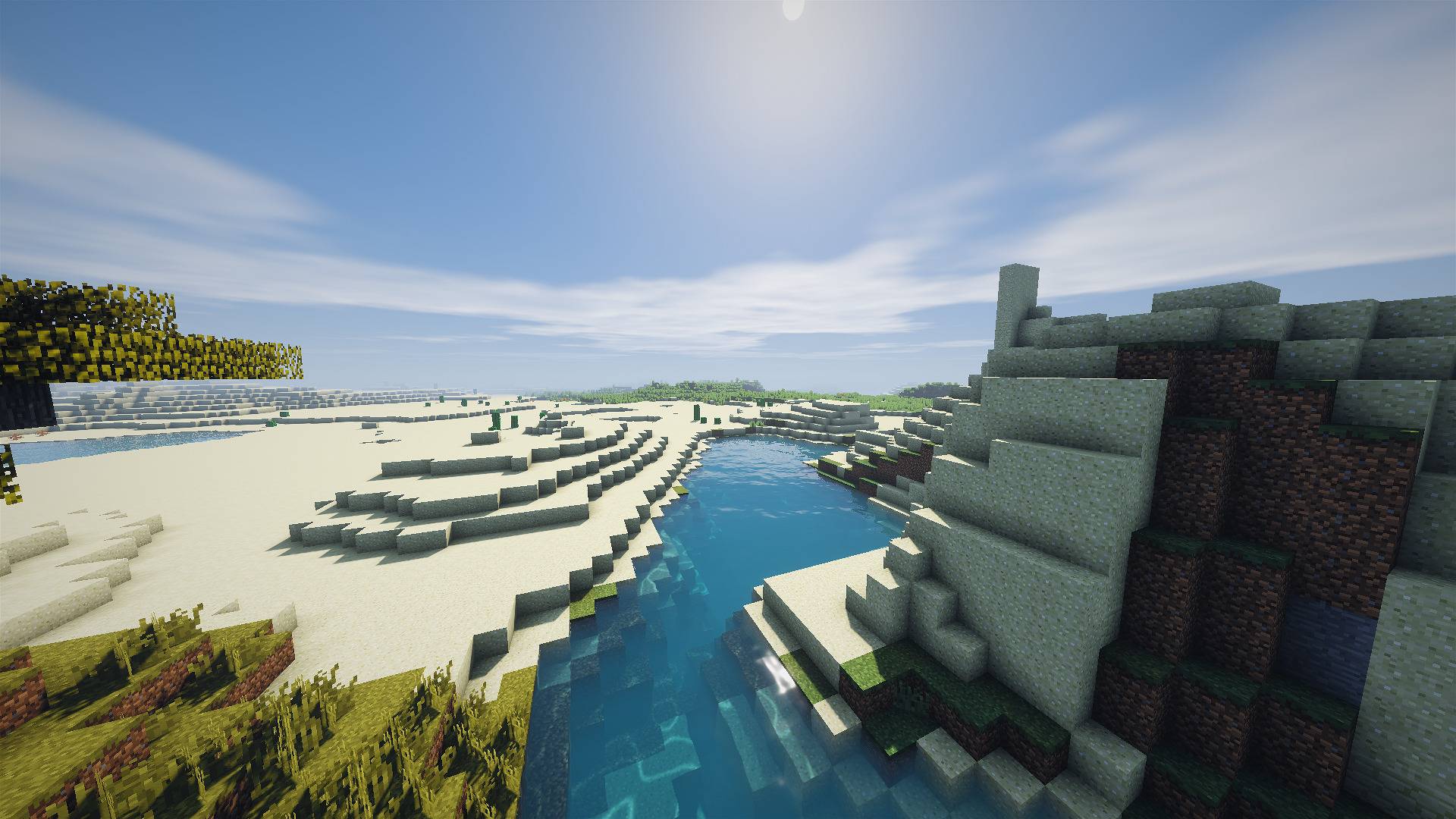
Avrora Shaders is a shader pack for Minecraft 1.8 (ForgeOptiFine) that adds realistic lighting, water, sky and weather effects while keeping the original look of vanilla textures. No resource pack is required: it works with the default textures out of the box.
The goal of the pack is a calm, natural, cinematic look: warm sunrises, clear water you can see into, soft shadows and atmospheric light, without blurring or changing Minecraft’s pixel-art style.
Features Lighting & Shadows
Soft, detailed shadows from the sun and moon Colored shadows through stained glass Warm torch light, glowing blocks (lava, glowstone, torches and more) Held-item lighting: a torch in your hand lights up the area around you Ambient occlusion (SSAO) for depth in corners and under blocks Sky & Atmosphere
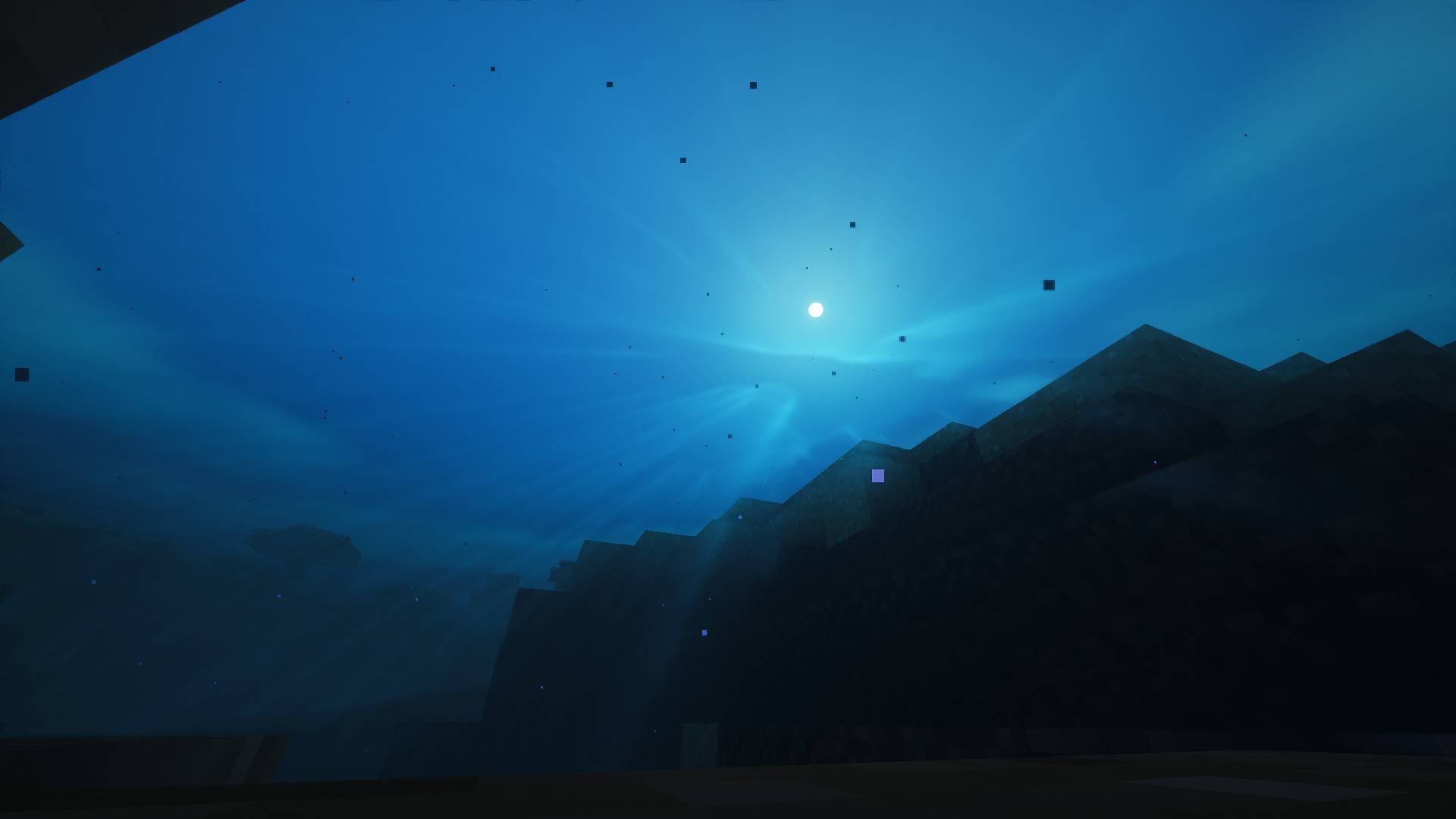
Fully custom sky with smooth sunrises and sunsets Clouds lit by the sun, twinkling stars, sun and moon Volumetric light (god rays), stronger at sunrise and sunset Sunrise mist: soft ground haze in the distance at dawn that clears later in the morning Distance fog that blends naturally into the sky Water
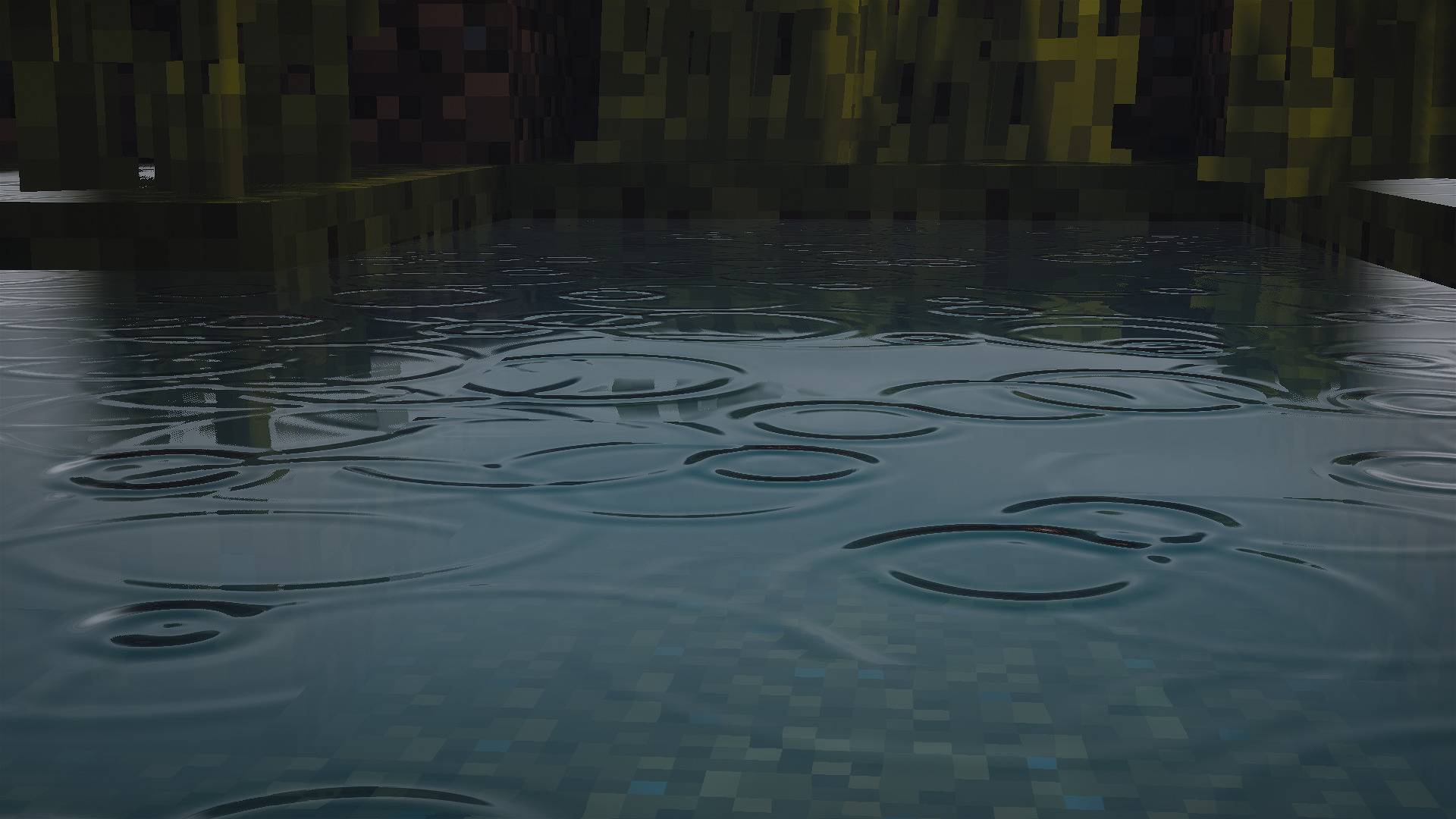
Animated waves with reflections of the sky and terrain Refraction: the bottom looks distorted through the water Depth-based color: shallow water is clear, deep water turns blue Sun glint on the waves Underwater caustics, light shafts and fog Weather
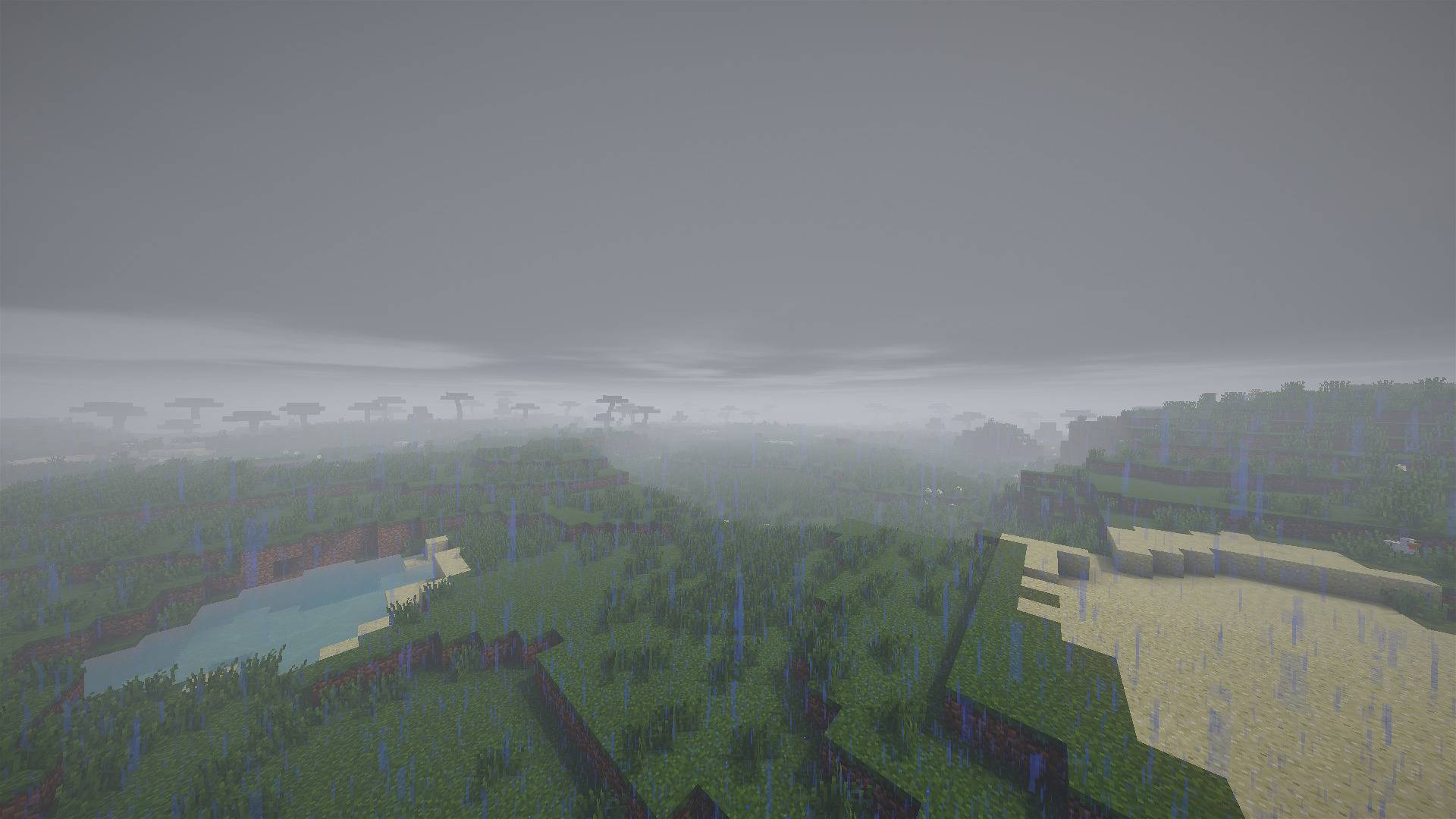
Rain puddles that spread the longer it rains and dry up afterwards Raindrop ripples on puddles, lakes and the sea Wet, darker surfaces during rain Other
Waving grass, leaves and water Bloom, cinematic tonemapping, automatic exposure for day, night and caves Sharpening to keep textures crisp Separate lighting and fog for the Nether and the End Settings All features can be adjusted in the in-game shader menu. The menu is available in English and Russian and switches automatically with your game language. Four presets are included: Low, Medium, High and Ultra, so you can choose between quality and performance.
常见问题
Avrora 支持哪些 Minecraft 版本?
Avrora 支持 Minecraft Java 版 1.8,可用的加载器:OptiFine。下载时注意选择和你游戏版本一致的文件。
Avrora 怎么安装?
光影需要先装 OptiFine。把下载的 .zip 文件(不用解压)放进游戏目录的 shaderpacks 文件夹,进游戏后在「选项 → 视频设置 → 光影包」里选中它。光影对显卡要求较高,卡顿可以调低光影设置或渲染距离。
评论
登录后评论和评分