MiraLite Shaders
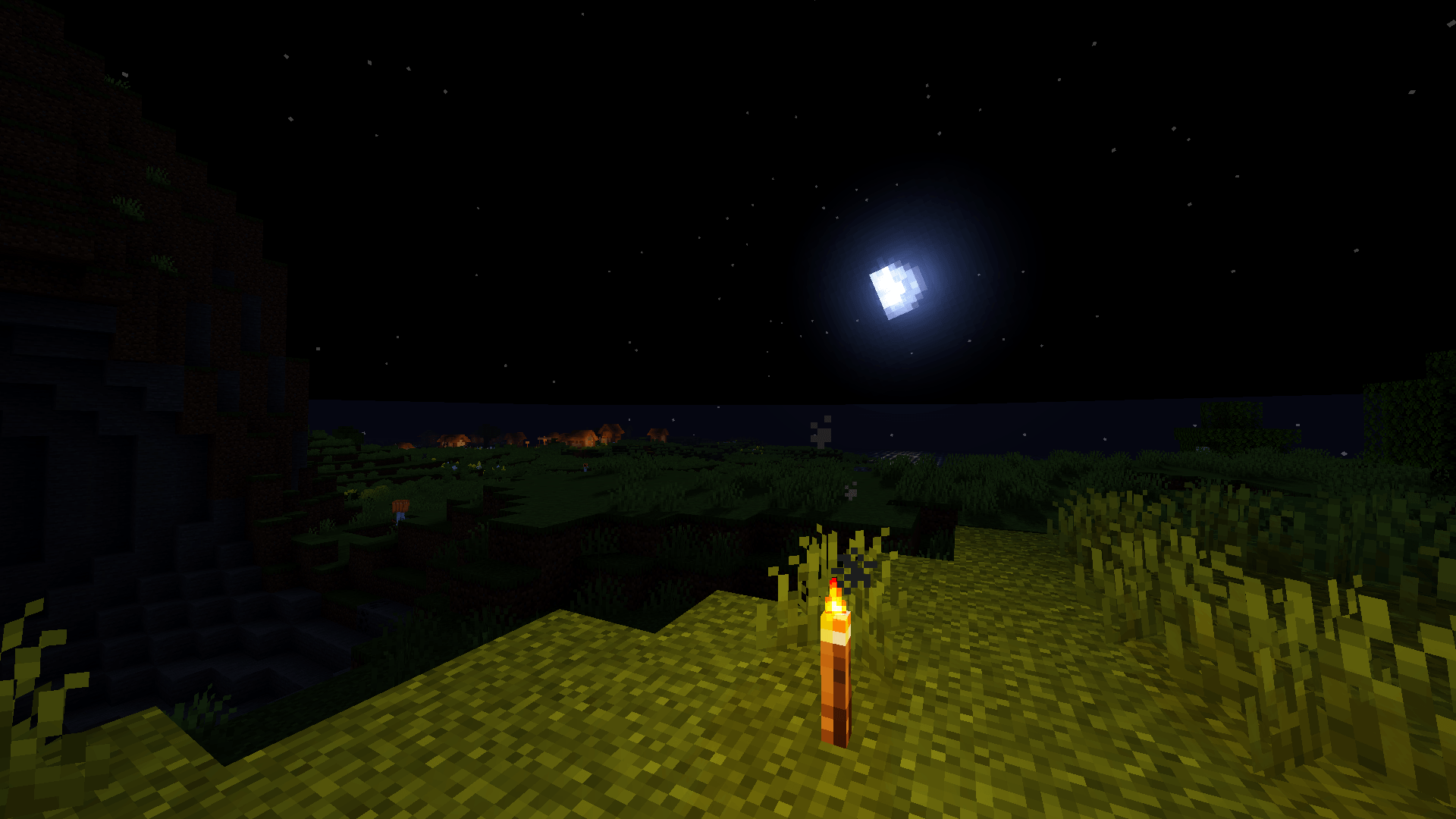
MiraLite is a lightweight shader pack for Minecraft, designed to improve your world’s visuals without destroying your FPS.
截图
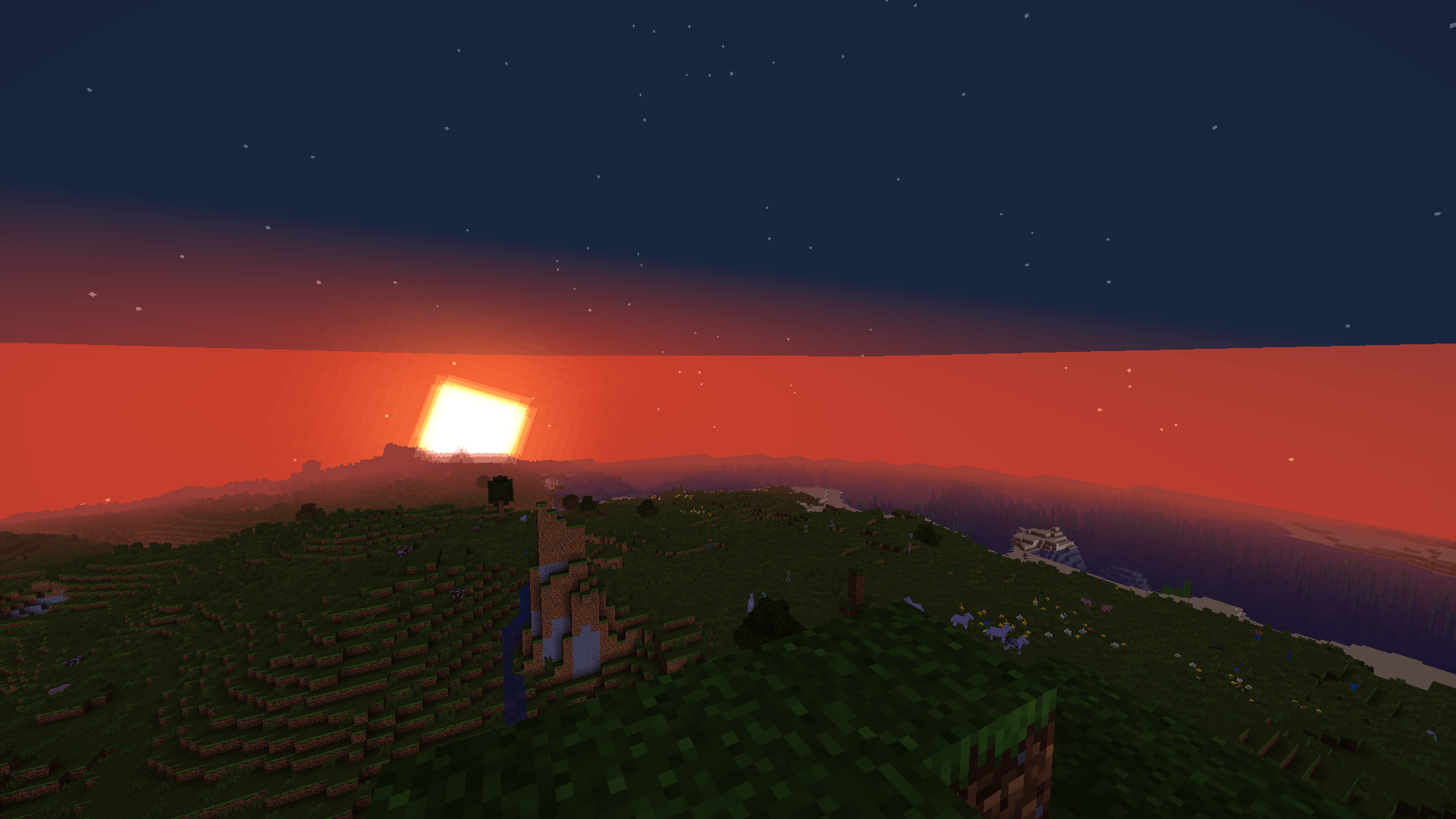
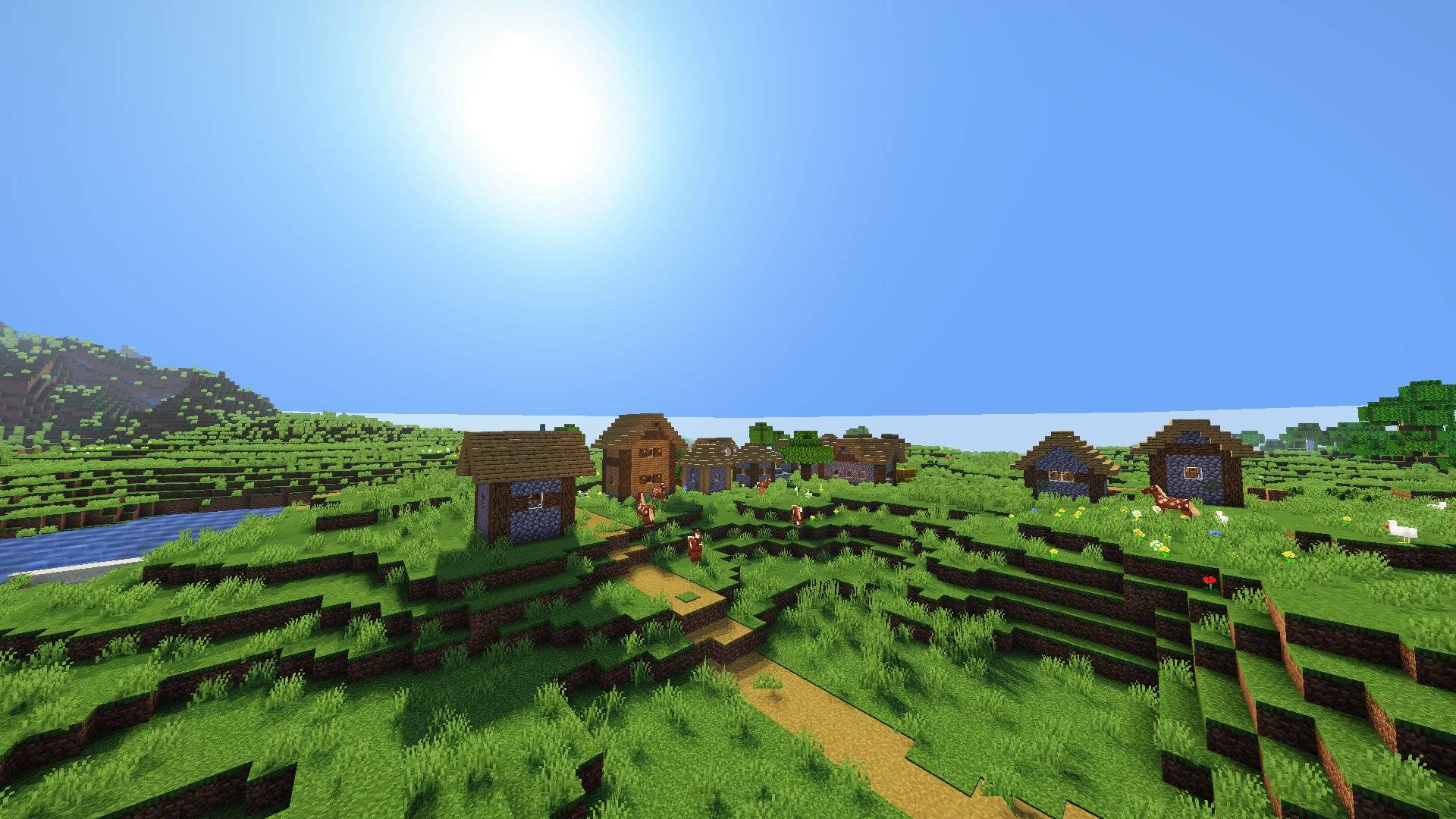
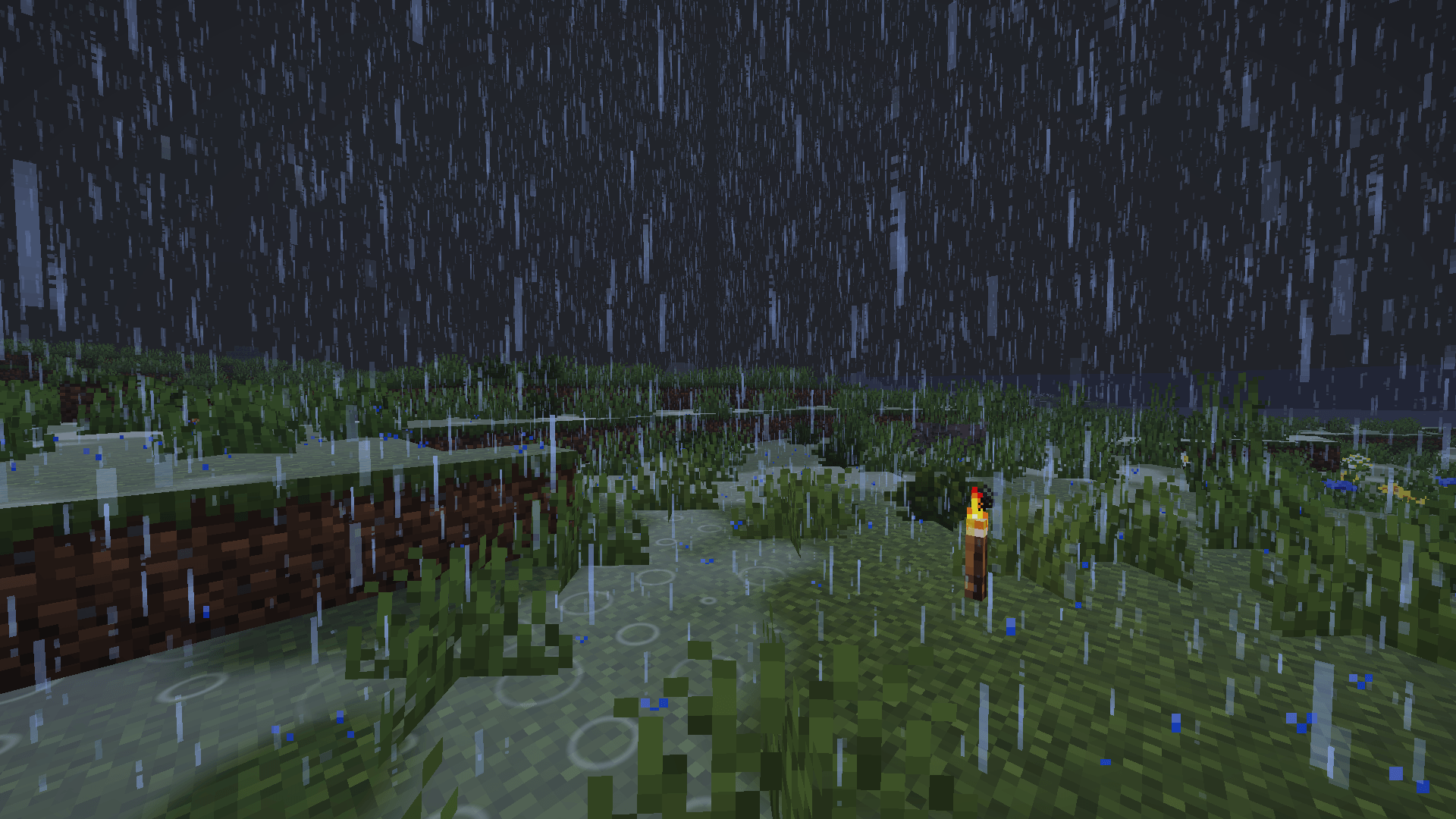
介绍
MiraLite is a lightweight shader pack for Minecraft, designed to improve your world’s visuals without destroying your FPS.
– Features :
- Dynamic shadows
- Improved water
- Rain and weather effects
- A warmer, more immersive atmosphere
- Optimized for low-end and mid-range PCs
– Installation :
- Install Oculus (Forge), Iris (Fabric) or OptiFine.
- Download the .zip file and place it in your shaderpacks folder. Do not extract it.
- Launch the game, then go to Options → Video Settings → Shaders.
- Select MiraLite.
– Compatibility :
Works with Oculus, Iris and OptiFine. Tested on the Minecraft versions listed in the files section.
– Support :
Found a bug or have a suggestion? Leave a comment on the project page.
MiraLite est un pack de shaders léger pour Minecraft, conçu pour embellir ton monde sans faire chuter tes FPS.
Français :
Fonctionnalités :
- Ombres dynamiques
- Eau améliorée
- Effets de pluie et de météo
- Une ambiance plus chaude et plus immersive
- Optimisé pour les PC modestes et moyens
Installation :
- Installe Oculus (Forge), Iris (Fabric) ou OptiFine.
- Télécharge le fichier .zip et place-le dans ton dossier shaderpacks, sans le décompresser.
- Lance le jeu, puis va dans Options → Vidéo → Shaders.
- Sélectionne MiraLite.
– Compatibilité :
Fonctionne avec Oculus, Iris et OptiFine. Testé sur les versions de Minecraft indiquées dans la section des fichiers.
– Support :
Un bug ou une suggestion ? Laisse un commentaire sur la page du projet.
常见问题
MiraLite Shaders 支持哪些 Minecraft 版本?
MiraLite Shaders 支持 Minecraft Java 版 26.1.2,可用的加载器:Iris / OptiFine。下载时注意选择和你游戏版本一致的文件。
MiraLite Shaders 怎么安装?
光影需要先装 Iris / OptiFine。把下载的 .zip 文件(不用解压)放进游戏目录的 shaderpacks 文件夹,进游戏后在「选项 → 视频设置 → 光影包」里选中它。光影对显卡要求较高,卡顿可以调低光影设置或渲染距离。
评论
登录后评论和评分