
截图

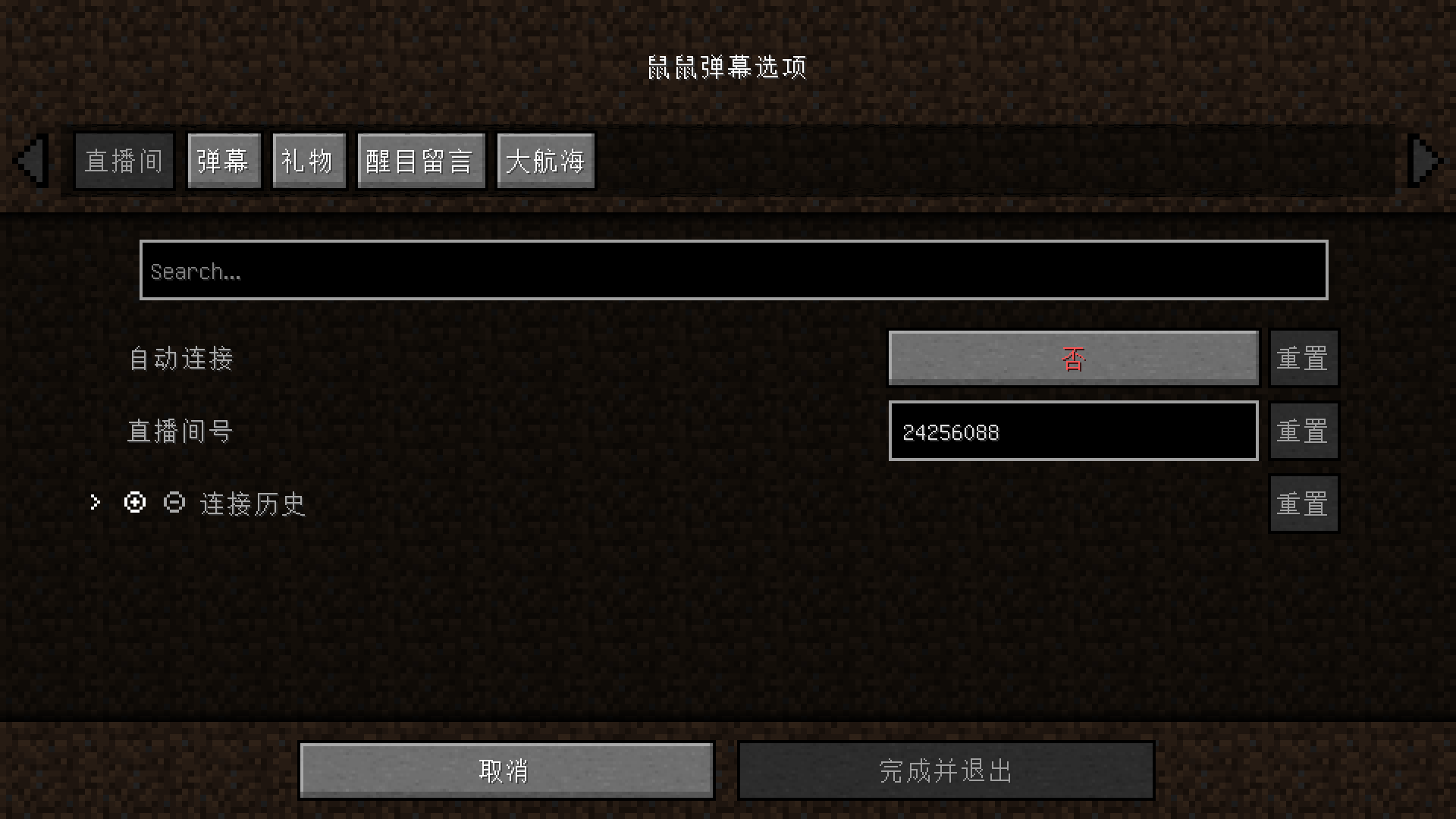
介绍
Features
- Customizable danmu colors
- Customizable display information
- BoosBar display for highlighted messages
- Close to the official style
Usage Instructions
After installation, a /mousedanmu command will be added to the game, which can be used to control live room operations.
If /mousedanmu is too long for you, you can use the /dm alias command, which redirects to /mousedanmu.
The following operations will use the /dm alias command.
Press the T key in the game to open the chat box and enter the following commands to execute them.
Command List
/dm connect <roomId>Connect to a live room,<roomId>is the room number.
Example: /dm connect 24256088 will connect to my live room.
/dm closeDisconnect from the live room./dm statusCheck the live room connection status./dm test [<delay>]Display some test danmu.[<delay>]is an optional parameter in milliseconds, default is 500ms, used to control the interval between test danmu.
Example: /dm test 1000 sends one test danmu per second.
/dm <message>Send a danmu (requires Cookie),<message>is the content to be sent.
Example: /dm Haha this is fun will send Haha this is fun to the current live room.
More
Some live room IDs are redirected. For example, for the live room https://live.bilibili.com/1, you need to open it in the browser, press F12 to open the developer tools, and execute the following code in the console to get the real room ID:
window.__NEPTUNE_IS_MY_WAIFU__.roomInitRes.data.room_idThe English language file is unavailable. Contributions to the language file are welcome, as well as participation in development.
If you encounter any issues, you can submit issues or provide feedback in the QQ group.
Danmu with emojis can be clicked to open a webpage, and usernames can also be clicked to view profiles.
The project depends on the library bili-live-danmu.
Disclaimer
This mod is used to obtain danmu from Bilibili live broadcasts and display them in the Minecraft game chat box. It provides the functionality to use user Cookies to obtain danmu information and send danmu.
Please note:
- Using user Cookies to obtain or send danmu may carry the risk of your Bilibili account being banned, although there are no clear cases currently.
- If you live stream Minecraft while using this mod, although the danmu displayed in the game chat box comes from Bilibili, non-compliant danmu may cause your live room to be banned.
Using this mod means you understand and accept these risks. The developer is not responsible for any account or live room bans resulting from the use of this mod.
常见问题
Mouse Danmu 支持哪些 Minecraft 版本?
Mouse Danmu 支持 Minecraft Java 版 1.19–1.20.4,共 10 个版本,可用的加载器:Fabric。下载时注意选择和你游戏版本一致的文件。
Mouse Danmu 怎么安装?
先用 PCL2 或 HMCL 启动器安装对应版本的 Fabric,再把下载的 .jar 文件放进游戏目录的 mods 文件夹,重新启动游戏即可。开启了版本隔离的,mods 文件夹在 versions/版本名 下面。运行环境:仅客户端。
评论
登录后评论和评分