
Simple Player Trades
A simple server-side Fabric mod for player-to-player item trading.
截图


介绍
Simple Player Trades
A simple server-side Fabric mod for player-to-player item trading. Players connect with a vanilla client, no mods required on their end.
Features
- Server-side only, vanilla clients work fine
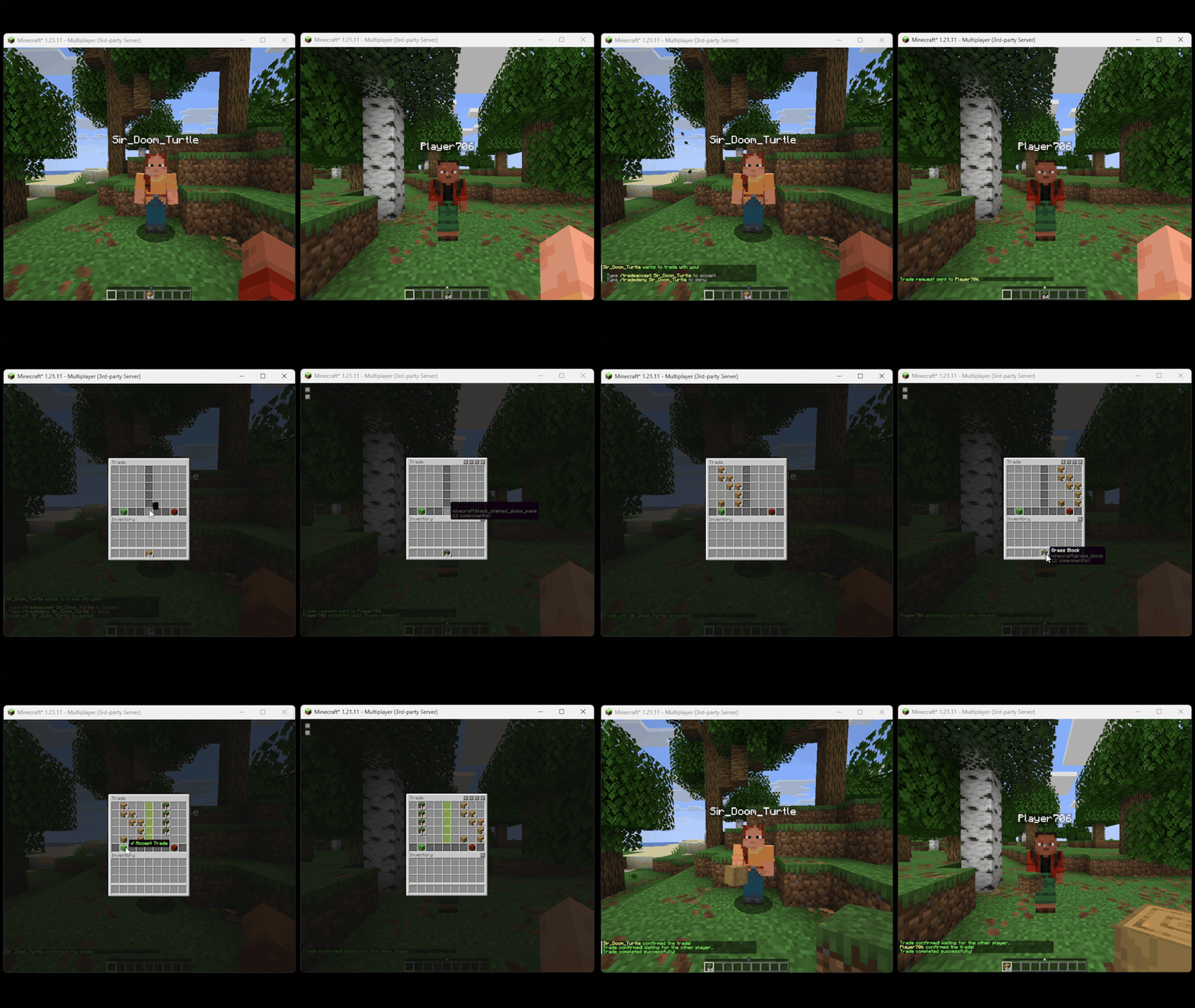
- Both players get a shared trade GUI with their own items on the left and the other player’s items on the right
- Both players must click the accept button before anything is exchanged
- Moving items automatically resets your confirmation, so nothing goes through by accident
- The center divider turns green when a player confirms, and a sound notifies the other player
- If someone disconnects mid-trade, all items are returned to their owners
- Safe against inventory management client mods
- Full config file for tweaking settings
- Logging all trade interactions to file
- Trade request cooldowns/timeouts
- optional trade restriction to OPed players only
Commands
| Command | Description |
|—|—|
| /trade <player> | Send a trade request |
| /tradeaccept <player> | Accept an incoming request |
| /tradedeny <player> | Deny an incoming request |
| /tradecancel | Cancel your outgoing request or active trade |
How it works
- Type
/trade <playername>to send a request - The other player accepts with
/tradeaccept <yourname> - A shared GUI opens, place your items on your side
- When you are happy with the offer, click the green Accept button
- Once both players confirm, the trade goes through
Clicking the red Cancel button or closing the GUI at any point cancels the trade and returns all items immediately.
常见问题
Simple Player Trades 支持哪些 Minecraft 版本?
Simple Player Trades 支持 Minecraft Java 版 1.21.11,可用的加载器:Fabric。下载时注意选择和你游戏版本一致的文件。
Simple Player Trades 怎么安装?
先用 PCL2 或 HMCL 启动器安装对应版本的 Fabric,再把下载的 .jar 文件放进游戏目录的 mods 文件夹,重新启动游戏即可。开启了版本隔离的,mods 文件夹在 versions/版本名 下面。运行环境:仅服务端。
SirDoomTurtle 的其他作品
查看全部 →
Herobrine Data Pack
Adds Herobrine into your Minecraft world.

Herobrine Model
A resource pack dependency for the Herobrine data pack.
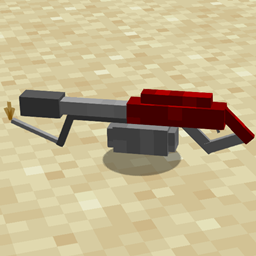
Flamethrower Tool
Adds a Flamethrower into the game.
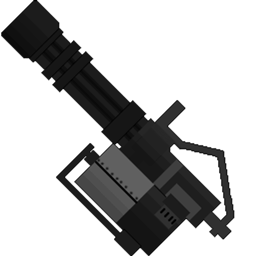
Minigun 3D Model
Adds a 3D Minigun to be used for my data pack
评论
登录后评论和评分