
截图
介绍
ColorCorrection
Lightweight client-side color correction for Minecraft 26.2 on Fabric.
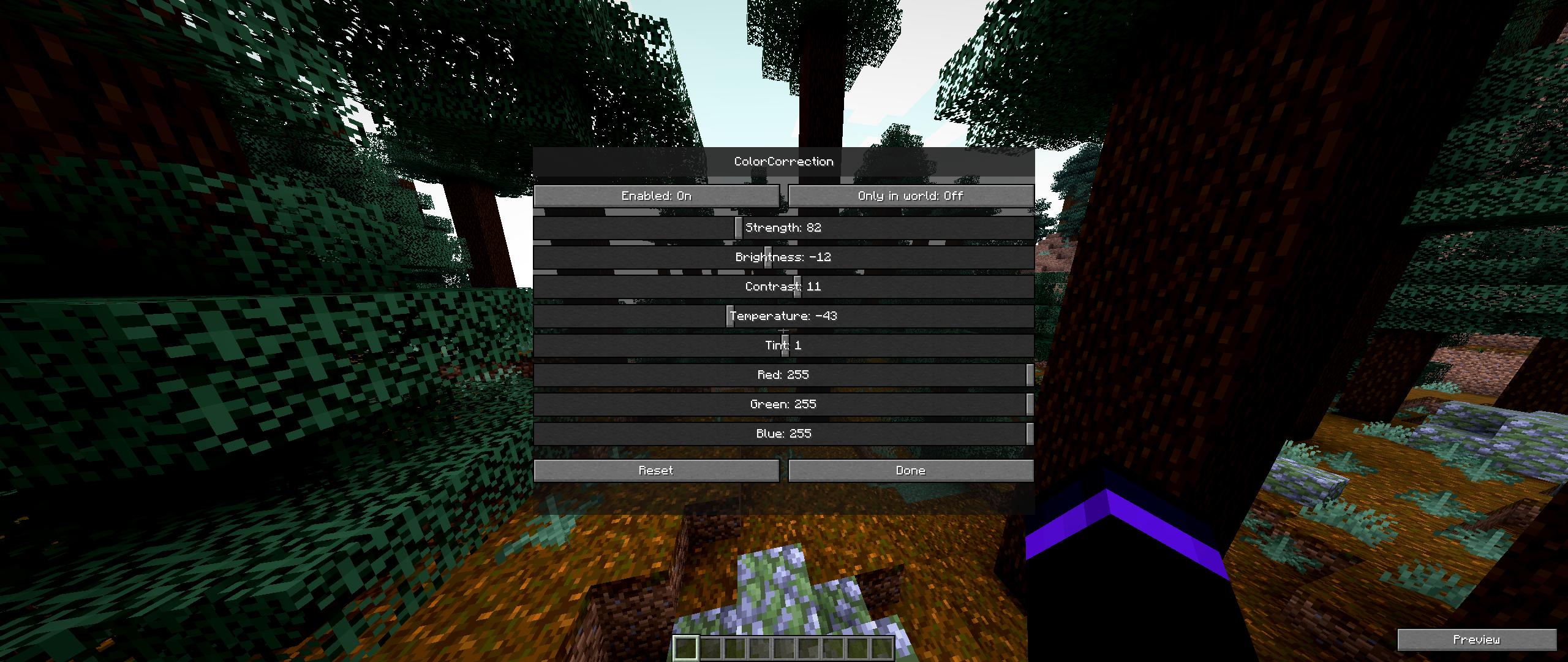
ColorCorrection adds an in-game tuning screen for display color adjustments without changing world data, textures, resource packs, or server behavior. It is meant for players who want quick visual calibration for brightness, contrast, temperature, hue, and RGB channels while keeping the mod small and simple.
Features
- Real post-process color correction for the rendered image
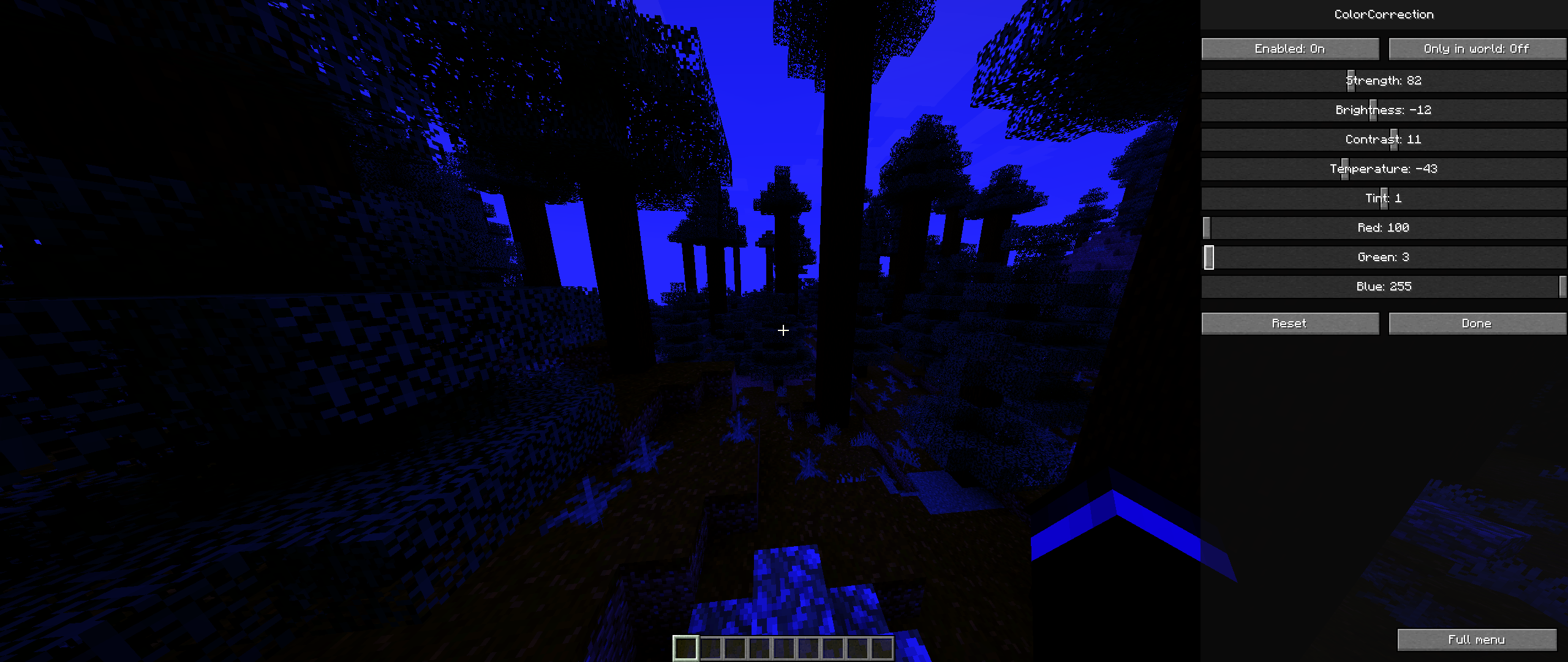
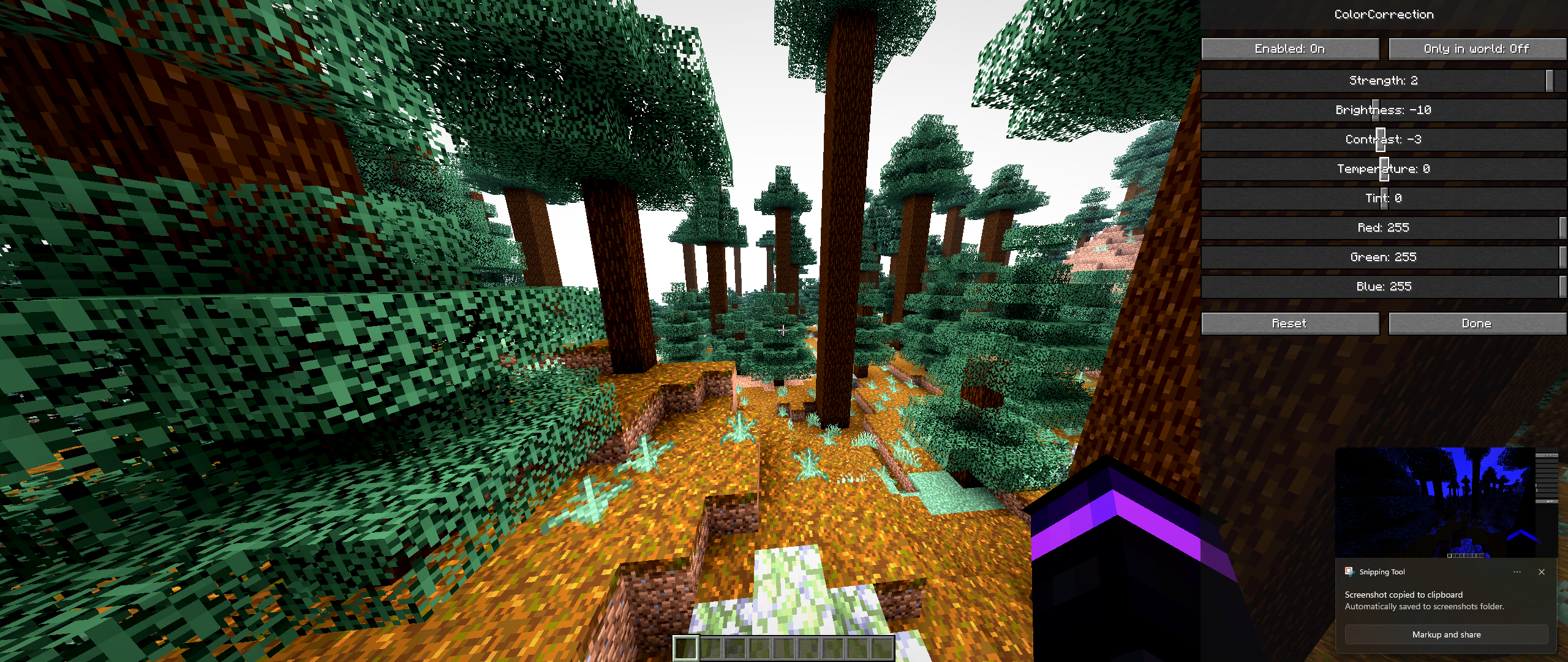
- Brightness, contrast, temperature, hue, and RGB channel controls
- Strength slider for subtle or stronger correction
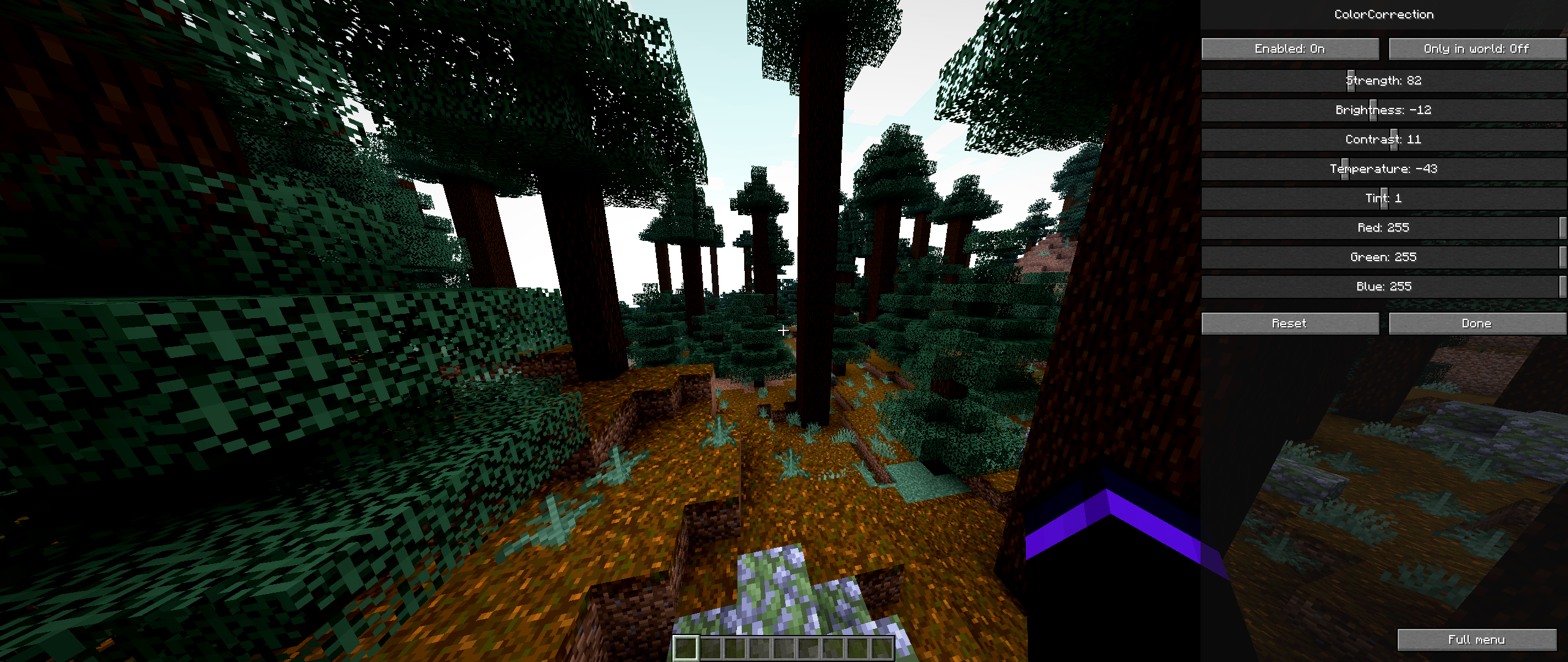
- Compact live preview panel for tuning while looking at the world
- Transparent settings screen background so the scene stays visible
- Client-side only: no server install required
- No Fabric API requirement
- Small jar and no performance decrease
Controls
Press F8 in game to open the ColorCorrection menu.
Use the preview button in the bottom-right of the menu to move the controls to the right side of the screen and tune the image while looking around.
Compatibility
ColorCorrection is designed for Minecraft 26.2 with Fabric Loader 0.19.3 or newer.
The effect is applied as a Minecraft post-process pass instead of a full-screen GUI overlay. It should work with normal OpenGL rendering and is built to avoid hard crashes when renderer internals are changed by other mods.
Installation
- Install Fabric Loader for Minecraft
26.2. - Put the ColorCorrection jar into your
modsfolder. - Launch the game and press
F8.
Notes
This mod only changes how the game is displayed on your client. It does not edit screenshots after capture, does not modify textures, and does not affect other players.
Author: Teiwazik
常见问题
Color Correction 支持哪些 Minecraft 版本?
Color Correction 支持 Minecraft Java 版 26.2,可用的加载器:Fabric。下载时注意选择和你游戏版本一致的文件。
Color Correction 怎么安装?
先用 PCL2 或 HMCL 启动器安装对应版本的 Fabric,再把下载的 .jar 文件放进游戏目录的 mods 文件夹,重新启动游戏即可。开启了版本隔离的,mods 文件夹在 versions/版本名 下面。运行环境:仅客户端。
teiwazik 的其他作品
查看全部 →
Hold My Button!
Turn any Minecraft control into a toggle: press once to hold it, press again to release it. Configure multiple keyboard and mouse hold bindings in-game.

Turn Off Your Lamp!
RP that allows to turn off your lamp, replaces BROWN candle with turned off lamp, and when you light it up it turns into lighted lamp! :D
评论
登录后评论和评分