Quick Skin
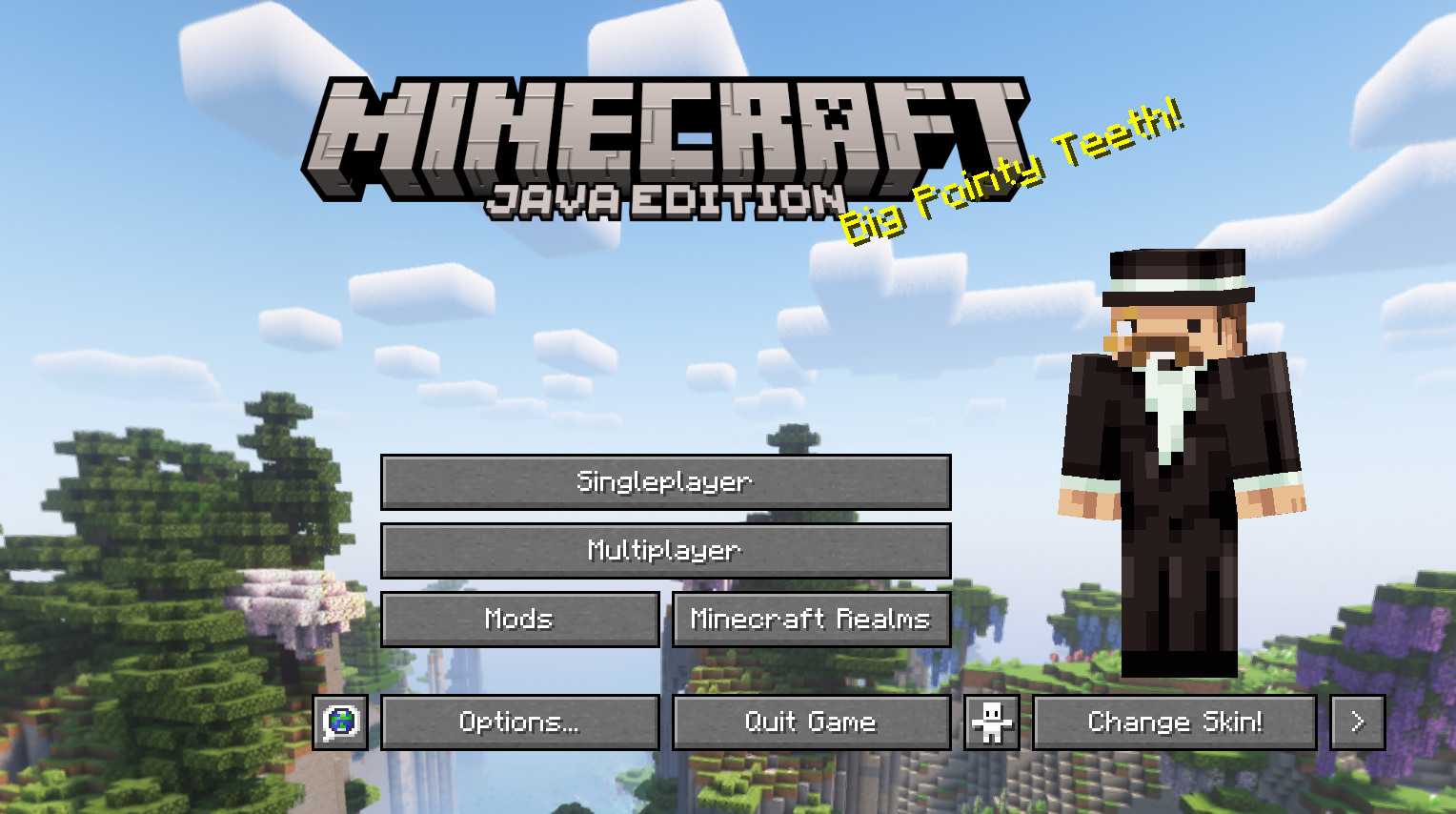
Sick of wasting time with Minecraft’s slow launcher just to change your skin? Quick Skin lets you swap skins instantly even on “offline” servers and gives you access to every official Minecraft cape.
截图
介绍
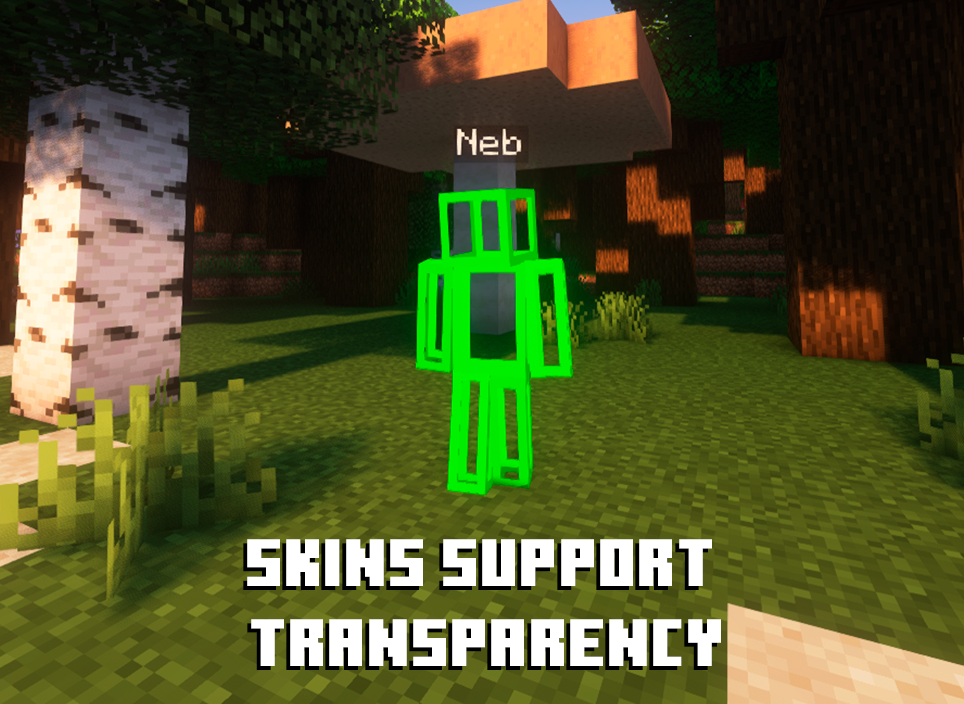
The default Minecraft skin system is rigid. Changing your look requires leaving the game, you’re stuck with standard resolutions, and cool customizations like animated capes are impossible. QuickSkin completely overhauls this experience, giving you total control over your appearance directly in-game with powerful features for both single-player and multiplayer.

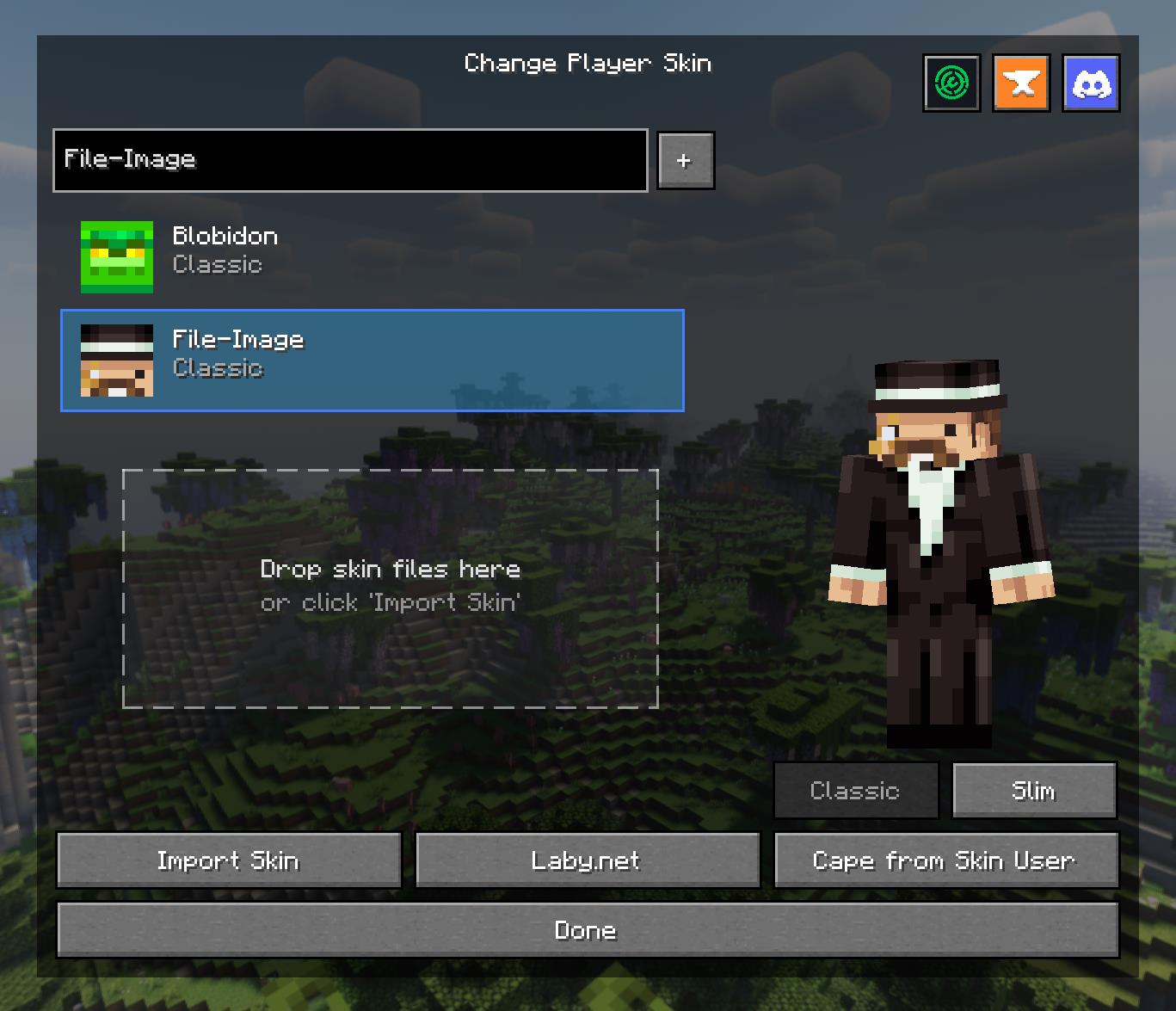
The Ultimate Skin Management GUI
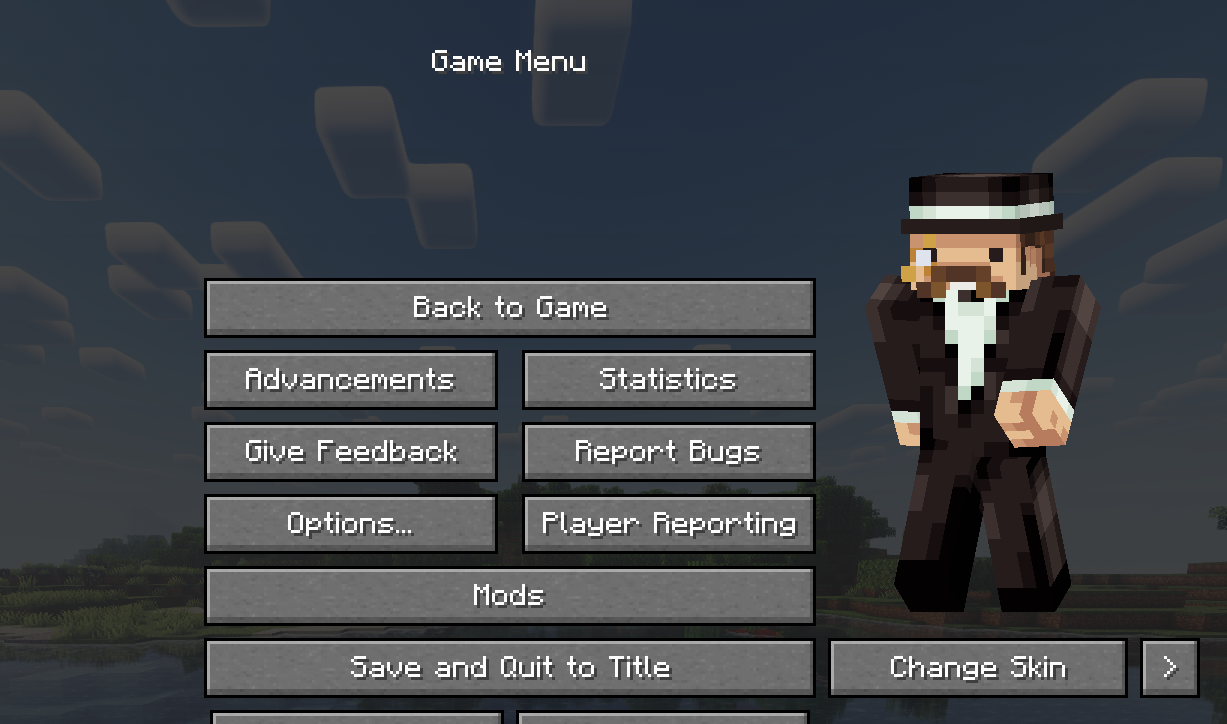
Access a powerful and intuitive menu from the Title or Pause screen to manage your entire look.
- Skin Library: Save skins from other players by username or import your own local files.
- Model Swapping: Instantly switch between Classic and Slim player models.
- Drag & Drop: Simply drag skin files onto the menu to import them into your local library.
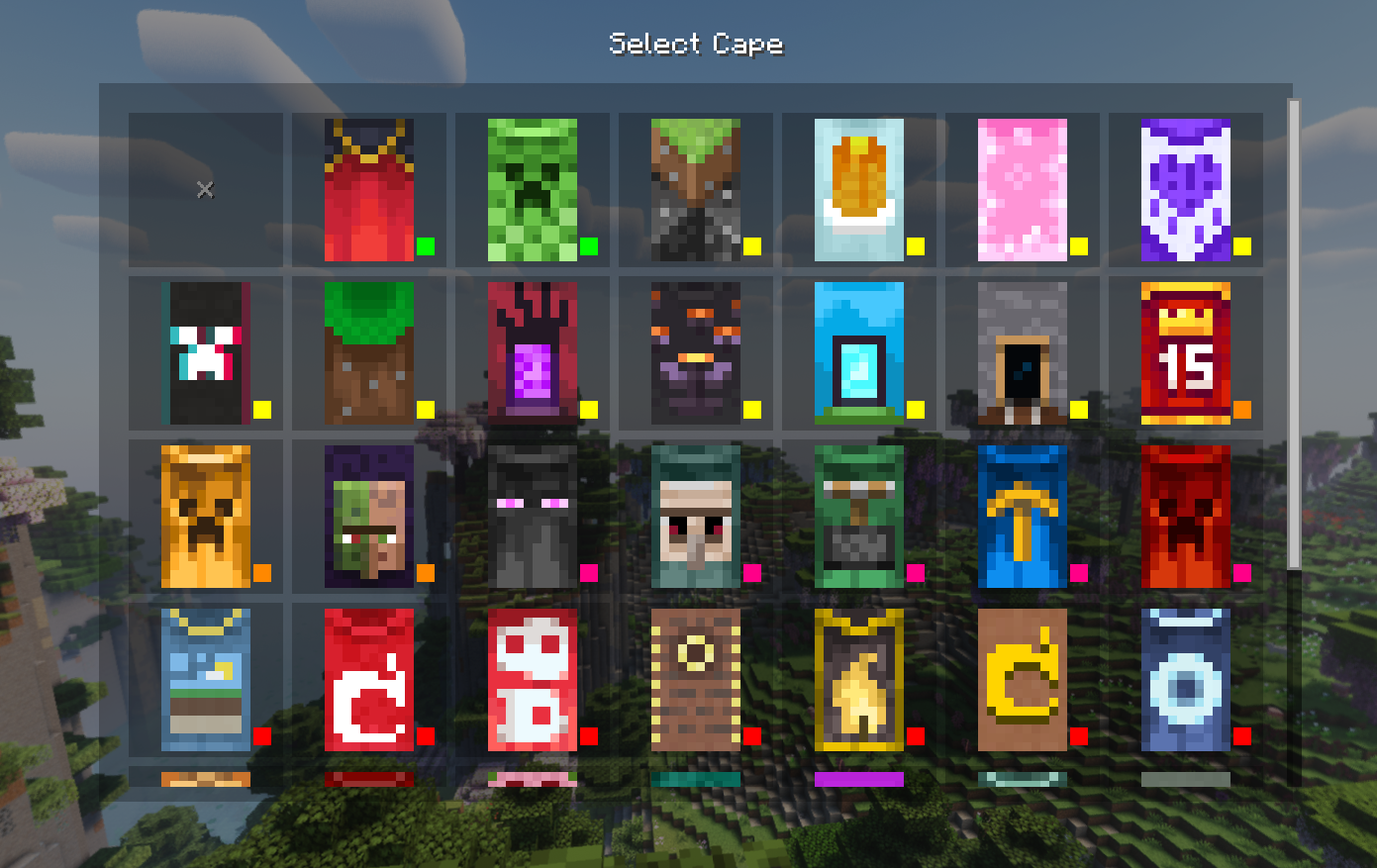
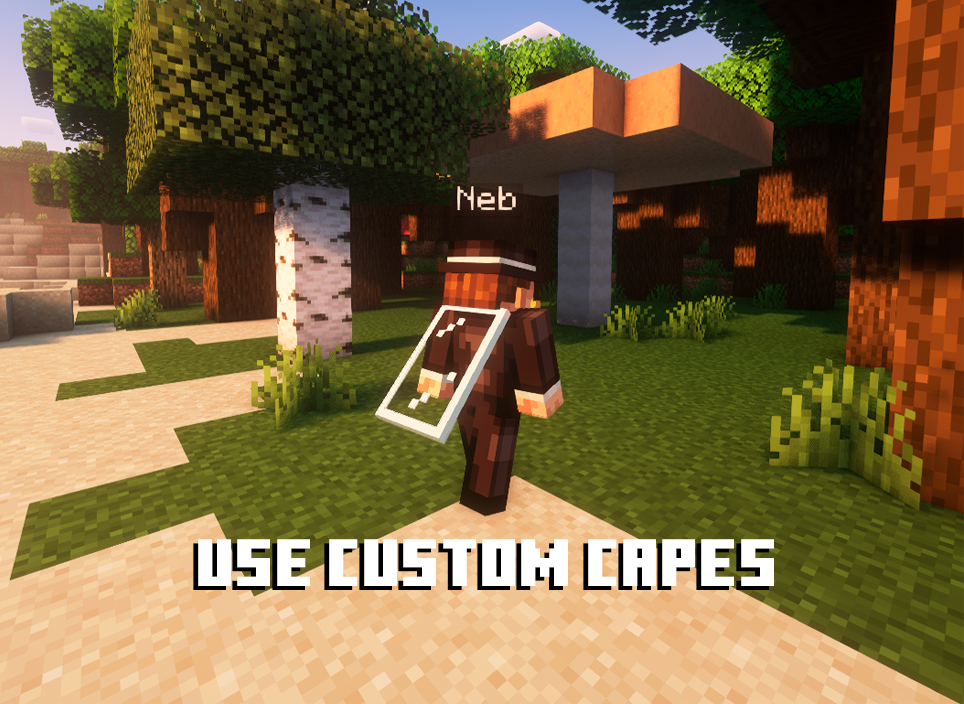
- Cape Selector: Choose from a library of built-in capes or your own imported animated/static capes.
High-Definition Skin Engine
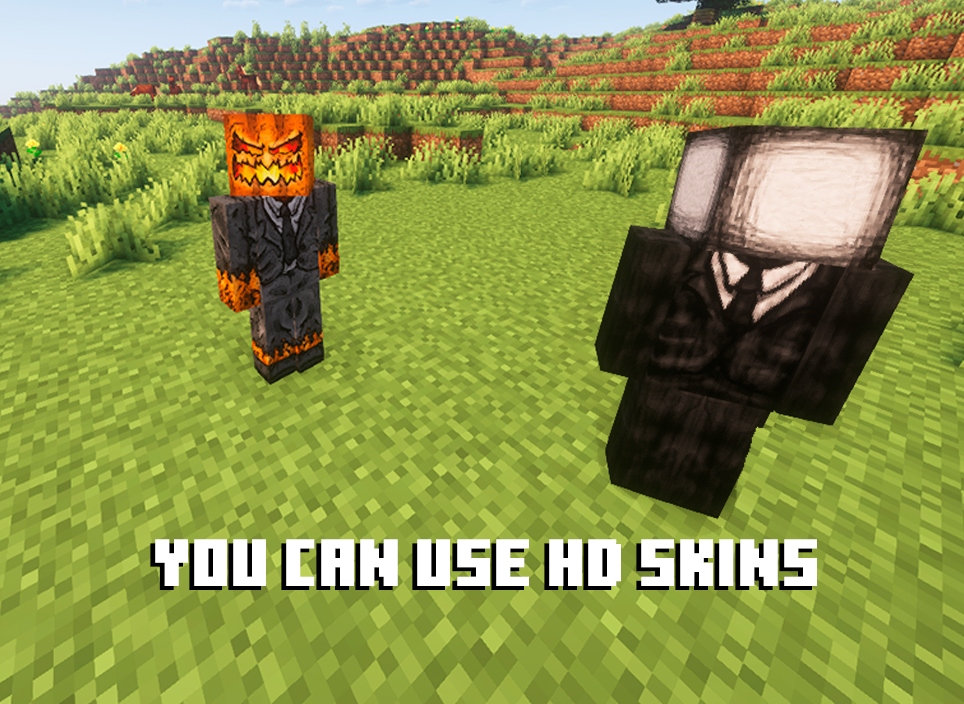
Break free from 64×64 limitations! QuickSkin’s HD Texture Processor allows you to use high-resolution skins.
- Automatic Normalization: The mod intelligently handles different skin formats, converting legacy skins (64×32) to the modern format on import.
- Performance Scaling: HD skins are automatically downsampled for previews and thumbnails to ensure smooth UI performance, with quality settings available in the config.
- Full Resolution In-Game: Enjoy your detailed HD skins in all their glory in the world.
Animated Cape Engine
Equip dynamic, eye-catching animated capes using standard GIF files.
- GIF Processing: The mod automatically processes GIFs into an efficient texture atlas for smooth in-game animation.
- Performance First: Control the maximum FPS, memory usage, and concurrent animations to keep your game running smoothly.
- Speed Control: Adjust the playback speed of your animated cape in the Cape Selection menu to get the perfect effect.

Mod Compatibility
QuickSkin is designed to work seamlessly alongside popular player customization, rendering, and utility mods.
Currently supported mods include:
_If you find any conflicts, please report them!_
❤ Discord ➜ https://discord.gg/EeQgres2Fz
常见问题
Quick Skin 支持哪些 Minecraft 版本?
Quick Skin 支持 Minecraft Java 版 1.20–26.3,共 23 个版本,可用的加载器:Fabric / Forge / NeoForge。下载时注意选择和你游戏版本一致的文件。
Quick Skin 怎么安装?
先用 PCL2 或 HMCL 启动器安装对应版本的 Fabric / Forge / NeoForge,再把下载的 .jar 文件放进游戏目录的 mods 文件夹,重新启动游戏即可。开启了版本隔离的,mods 文件夹在 versions/版本名 下面。运行环境:客户端和服务端都要装。
ThePlum 的其他作品
查看全部 →
Multiplayer Spawners
Never miss out on dungeon experience again! Each player gets their own spawner experience - disable spawners for yourself while keeping them active for friends who haven't explored yet
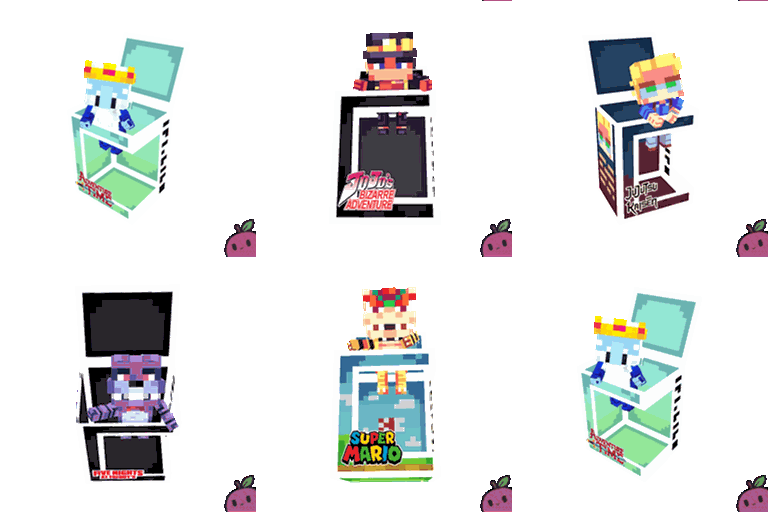
Block Pops
Collectible figures of players from your server and from multiple series/anime/games

Block Pops
Collectible figures of players from your server and from multiple series/anime/games

Multiplayer Spawners
Never miss out on dungeon experience again! Each player gets their own spawner experience - disable spawners for yourself while keeping them active for friends who haven't explored yet
评论
登录后评论和评分