
截图
介绍
中文介绍正在准备中,下面暂时显示原文。
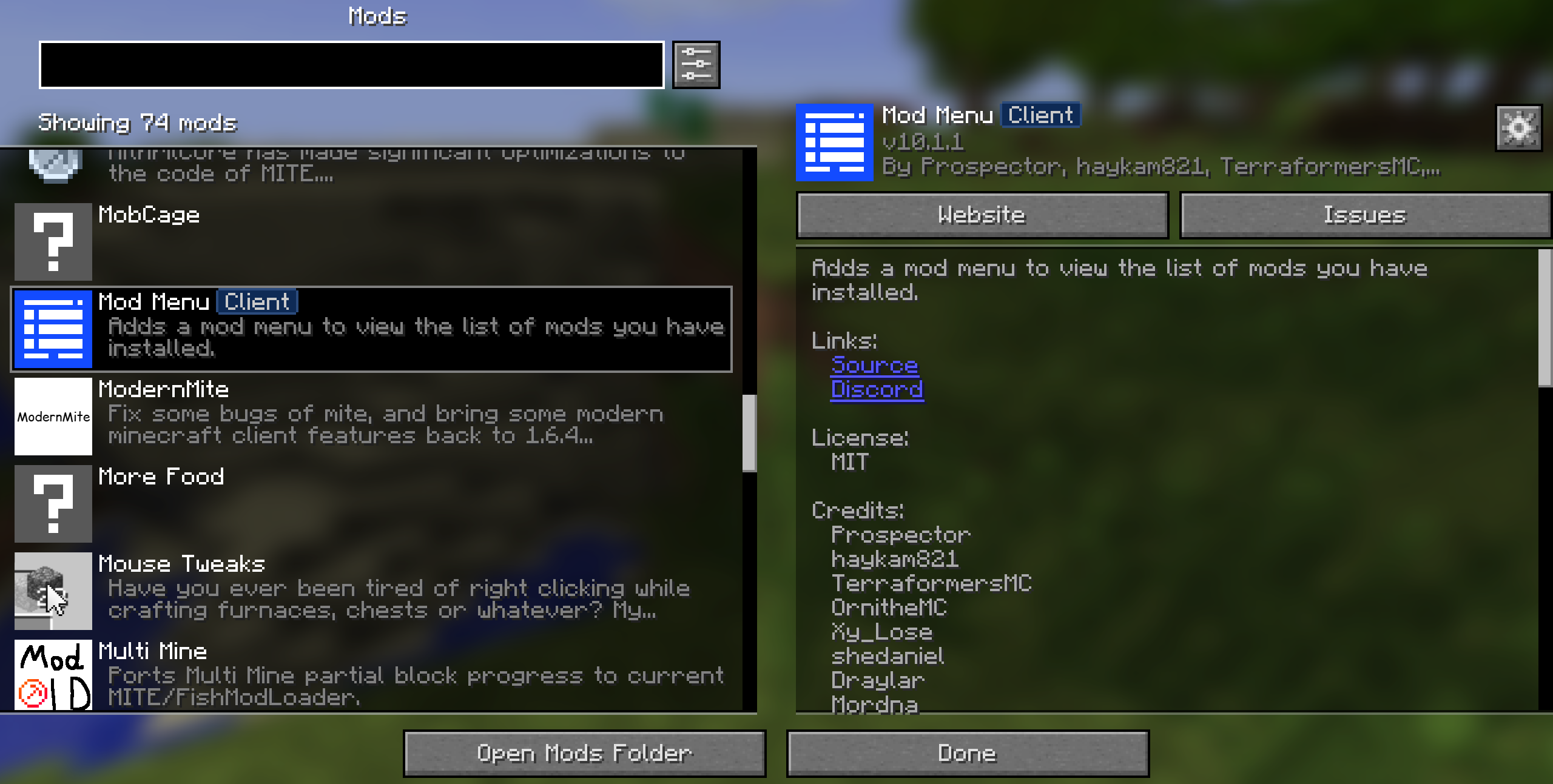
Mod Menu MITE
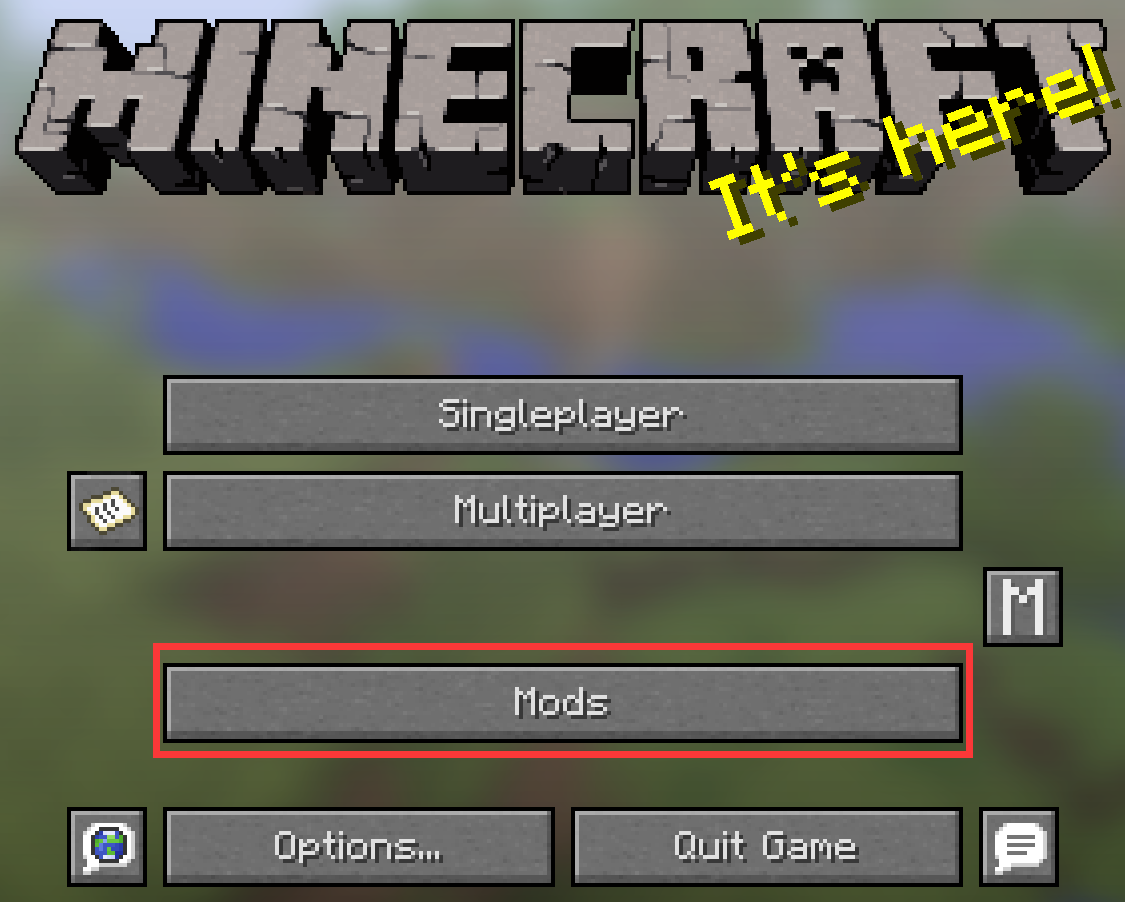
You can find the ‘Mods’ button in the game’s Settings menu.
The ModMenu allows you to view installed mods and, if supported, provides quick and convenient access to their configuration screens.
常见问题
Mod Menu MITE 支持哪些 Minecraft 版本?
Mod Menu MITE 支持 Minecraft Java 版 1.6.4。下载时注意选择和你游戏版本一致的文件。
Mod Menu MITE 怎么安装?
先用 PCL2 或 HMCL 启动器安装对应版本的 模组加载器,再把下载的 .jar 文件放进游戏目录的 mods 文件夹,重新启动游戏即可。开启了版本隔离的,mods 文件夹在 versions/版本名 下面。运行环境:仅客户端。
ModdedMITE 的其他作品
查看全部 →
Bread Skin MITE
by ModdedMITE
Display saturation on your MITEmod screen
5,515
4 个月前
Modrinth

BetterGameSetting [BTW/MITE]
by ModdedMITE
Ports the game settings screen from 1.7.2+ to Minecraft 1.6.4.
2,972
1 个月前
Modrinth

Forge Config [LegacyFabric]
by ModdedMITE
Port config system from forge to legacy Fabric
2,305
10 个月前
Modrinth

Rusted Iron Core MITE
by ModdedMITE
A api mod for MITE.This mod is a bridge for many mods compatibility.
2,179
16 天前
Modrinth
评论
登录后评论和评分