
BlockMixer
This mod is designed to ease the building process. How it works After you put the block, the mod chooses a random slot from BlockMixer's binded slots and automatically switches your character's selection to it.
介绍
BlockMixer • Fabric Mod
Description
This mod is designed to ease the building process.
How it works
After you put the block, the mod chooses a random slot from BlockMixer’s binded slots and automatically switches your character’s selection to it.
Requirements
Fabric
Fabric API
loth Config API
Mod Menu
Features
- Different mixing modes: Default: random selection of slots, Non-repeating: slot cannot be repeated twice in a row, Non-repeating [2]: the slot cannot be repeated three times in a row.
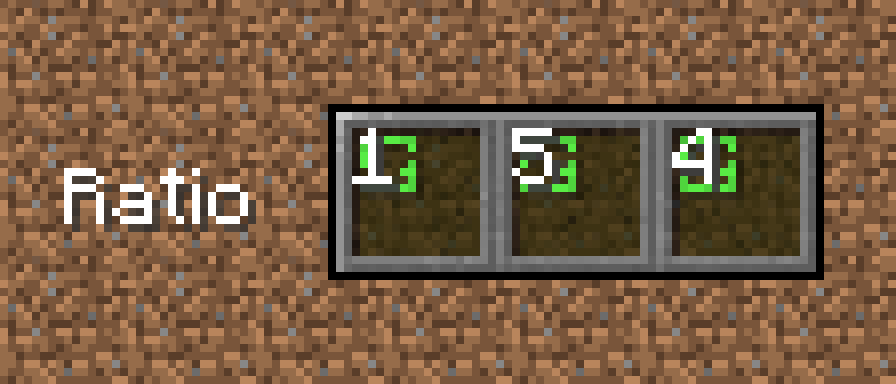
- Ability to adjust slot ratio: The slot ratio setting allows you to select the priority slot that BlockMixer will select. Thus, by setting the ratio to 10 for one slot and 1 for the other, the first slot will randomize more often at 10.
How to use
Basic usage
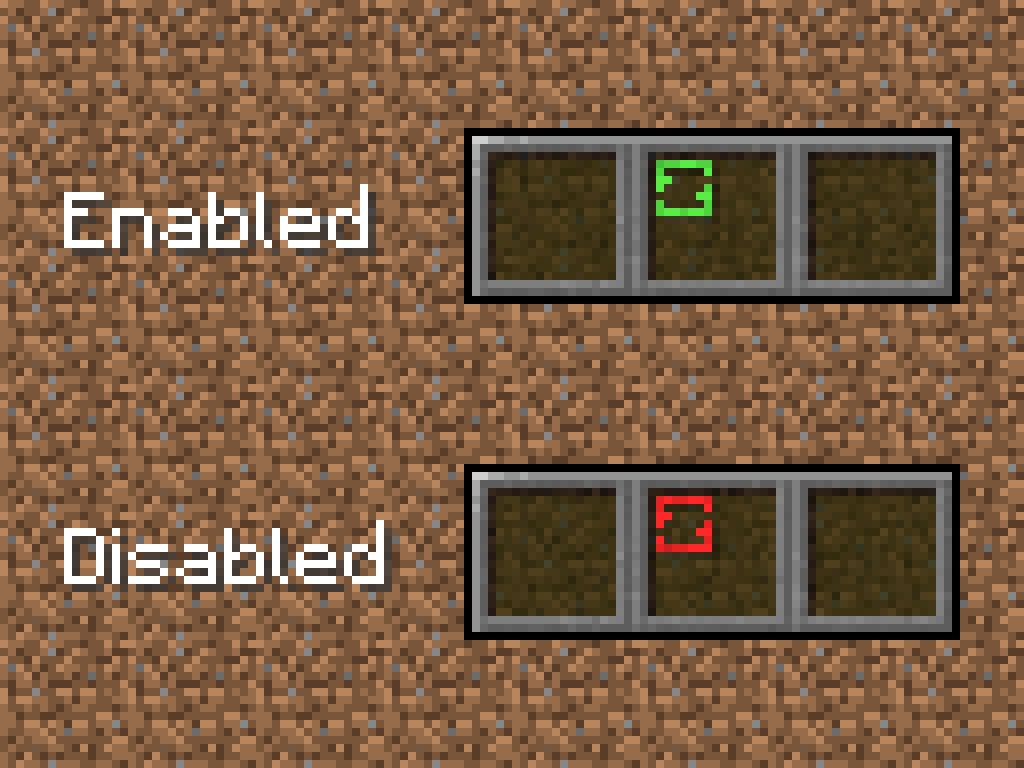
To bind and unbind a slot to BlockMixer click B. The binded slot will be highlighted with a green indicator.
Different mixing modes
To select mixing mode go to mod settings (Mod Menu required).
“Toggle Mod” option
This option is for disable mod without cleaning BlockMixer’s binded slots. To toggle mod press “Sneak” button (Shift by default) + “Toggle hotbar slot” button (B by default), Shift+B. All binded slots will be highlighted with a red indicator.
“Slot ratio” option
To increase slot ratio press ] (by default). To decrease slot ratio press [ (by default).
常见问题
BlockMixer 支持哪些 Minecraft 版本?
BlockMixer 支持 Minecraft Java 版 1.20–1.21.5,共 8 个版本,可用的加载器:Fabric。下载时注意选择和你游戏版本一致的文件。
BlockMixer 怎么安装?
先用 PCL2 或 HMCL 启动器安装对应版本的 Fabric,再把下载的 .jar 文件放进游戏目录的 mods 文件夹,重新启动游戏即可。开启了版本隔离的,mods 文件夹在 versions/版本名 下面。运行环境:仅客户端。
评论
登录后评论和评分