
WebDisplay-Remake
Bring the internet into Minecraft with WebDisplay Modpack — explore, create, and interact with web content directly inside your world!
介绍
Welcome to WebDisplay Modpack — a unique Minecraft experience that brings the power of the web directly into your world!
Credit :-Optifine Mod
CHANNEL
 🌐 WebDisplay Modpack
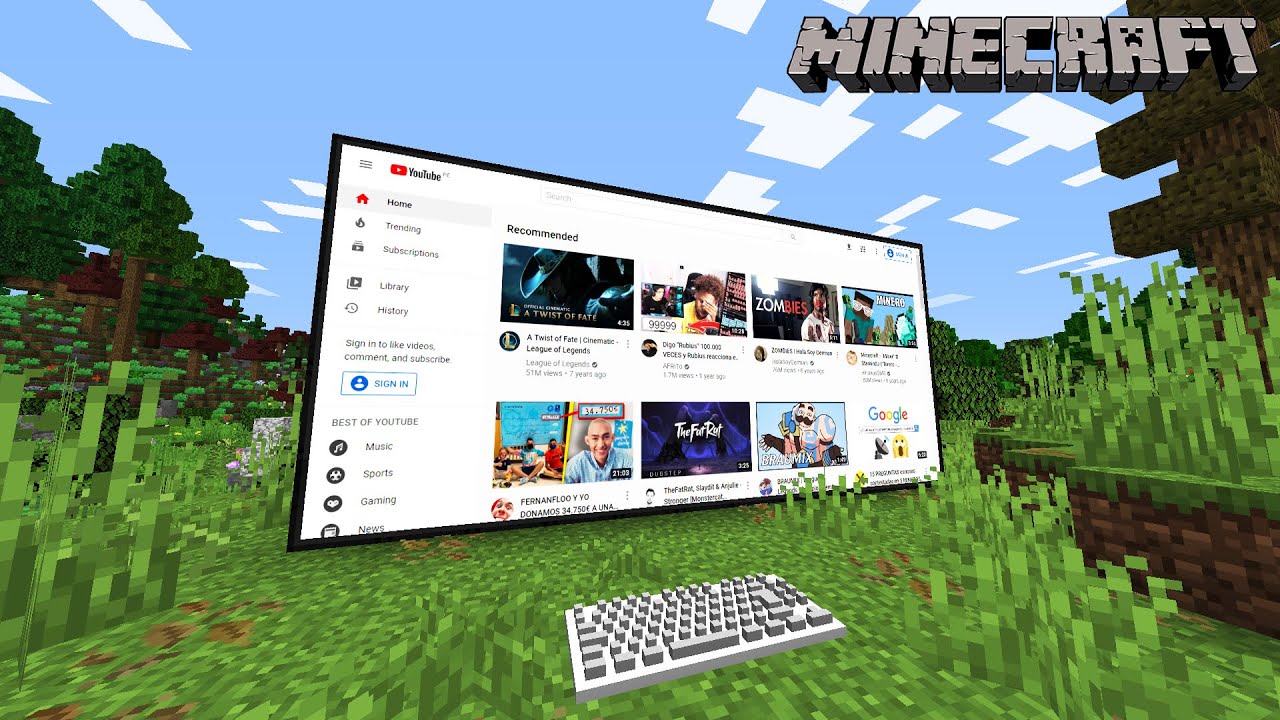
This modpack is built around the WebDisplay mod, allowing you to interact with web content inside Minecraft. Create your own digital spaces, display websites, and enjoy a new way to connect the internet with your Minecraft adventures.
✨ Features:
🌍 Browse web pages inside Minecraft
🖥️ Create custom in-game displays
🎮 Explore a tech-focused Minecraft experience
⚙️ Optimized setup for smooth gameplay
🔧 Extra utility and quality-of-life mods included
Whether you want to build a futuristic base, create an in-game computer room, or experiment with web technology, WebDisplay Modpack gives you a whole new way to play Minecraft.
Recommended for:
Players who enjoy technology, creativity, automation, and unique Minecraft mechanics.
包含的模组 4 个,另有 2 个其他文件



绿色边框的模组本站有收录,点进去看中文介绍;其余跳转到 Modrinth。
常见问题
WebDisplay-Remake 支持哪些 Minecraft 版本?
WebDisplay-Remake 基于 Minecraft Java 版 1.19.2,使用 Forge 加载器。
WebDisplay-Remake 怎么安装?
点本页「前往下载」拿到整合包文件(Modrinth 的是 .mrpack,CurseForge 的是 .zip),在 PCL2 或 HMCL 启动器里选择「导入整合包」,启动器会自动装好 Minecraft、加载器和全部模组。这个整合包有 4 个模组,建议在启动器里给游戏分配 4–6 GB 内存。
WebDisplay-Remake 开服需要多大内存?
推荐服务器内存 12 GB。在线人数多、或者建了大量机器和区块加载器时,可以再加 2–4 GB。
怎么和朋友一起玩 WebDisplay-Remake?
点本页的「一键开服」,选好配置后会自动安装 WebDisplay-Remake 的服务端,几分钟就能开好。把服务器地址发给朋友,大家用同一个版本的整合包连进去就行。
DsGamerzOp 的其他作品
查看全部 →
Feather Fix
this mods is get you fps and fix your mods problems This Is Fps Boost Modpack and best news is this modpack is avaible on sklauncher

Feather Boost
This Modpack is boost your fps

DsOptimize
🛠️ DS Optimize – Boost Your Minecraft Performance! ⚡ DS Optimize is a carefully crafted modpack designed to maximize FPS, reduce lag, and improve overall stability — perfect for low-end to mid-end PCs or anyone who wants a smoother Minecraft experience.
评论
登录后评论和评分