
SimpleQoL
One mod that adds multiple, configurable, quality of life features such as Zoom, Freelook, Borderless Fullscreen, Full bright, and Custom Crosshairs!
截图
介绍
SimpleQoL
One mod. Six features. Zero bloat.
SimpleQoL bundles the quality-of-life features you’d normally need five separate mods for — all in one lightweight client-side package with a clean in-game config screen.
✨ Features
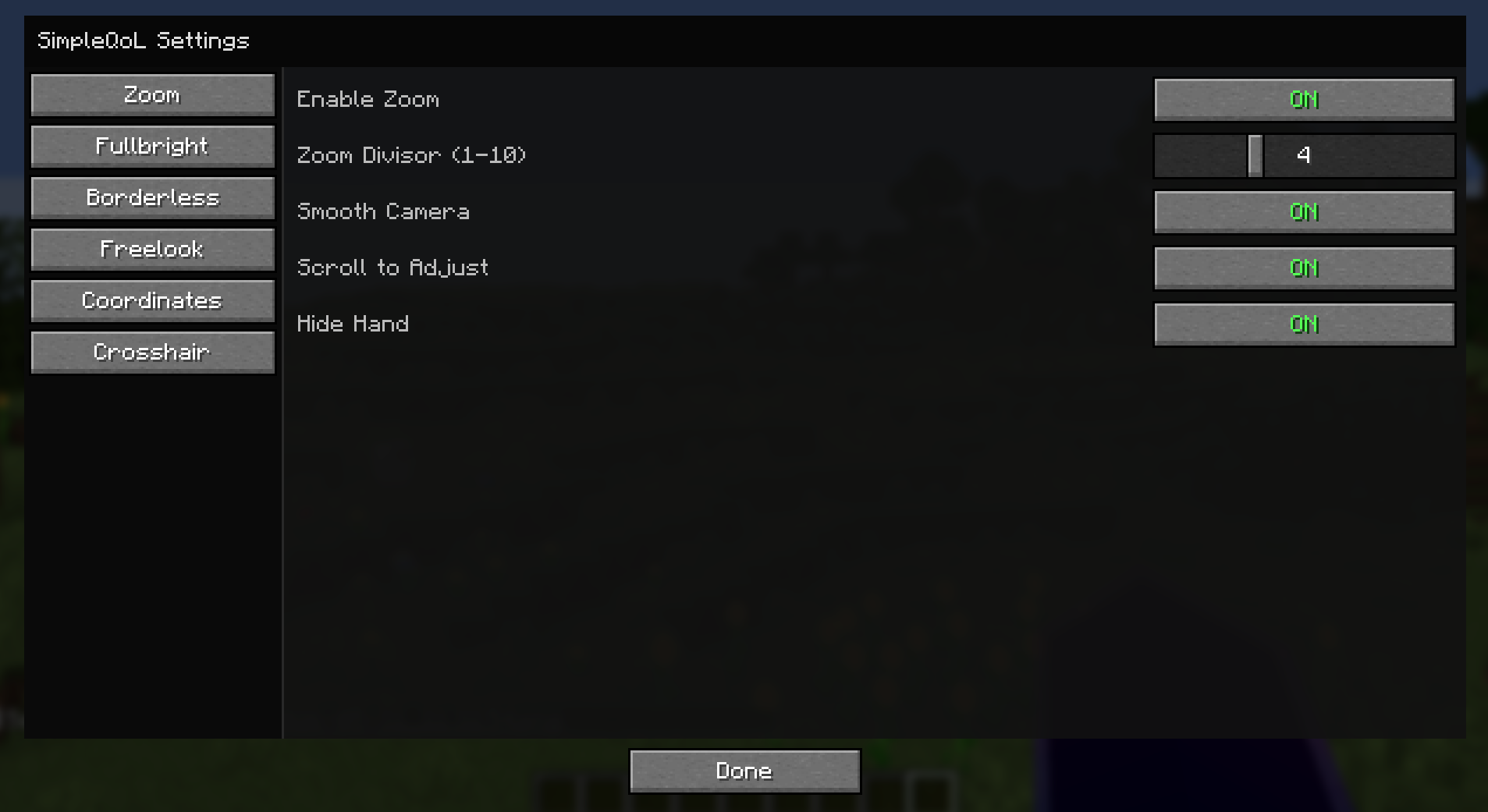
🔍 Zoom
Hold C to zoom in, just like OptiFine.
- Scroll wheel adjusts zoom level while held
- Smooth FOV interpolation in and out
- Optional smooth camera mode while zooming
- Hides your hand while zoomed for a cleaner view
- Fully configurable: divisor, scroll toggle, smooth camera toggle
🌟 Fullbright
Press B to toggle maximum brightness instantly.
- Saves your previous gamma setting and restores it on disable
- Never writes the high gamma value to
options.txt— your settings stay clean - One keypress on, one keypress off
🖥️ Borderless Fullscreen
Press F11 to toggle true borderless windowed mode.
- Uses GLFW directly — no hacks, no flicker
- Saves and restores your previous window position and size
- Alt-tab friendly
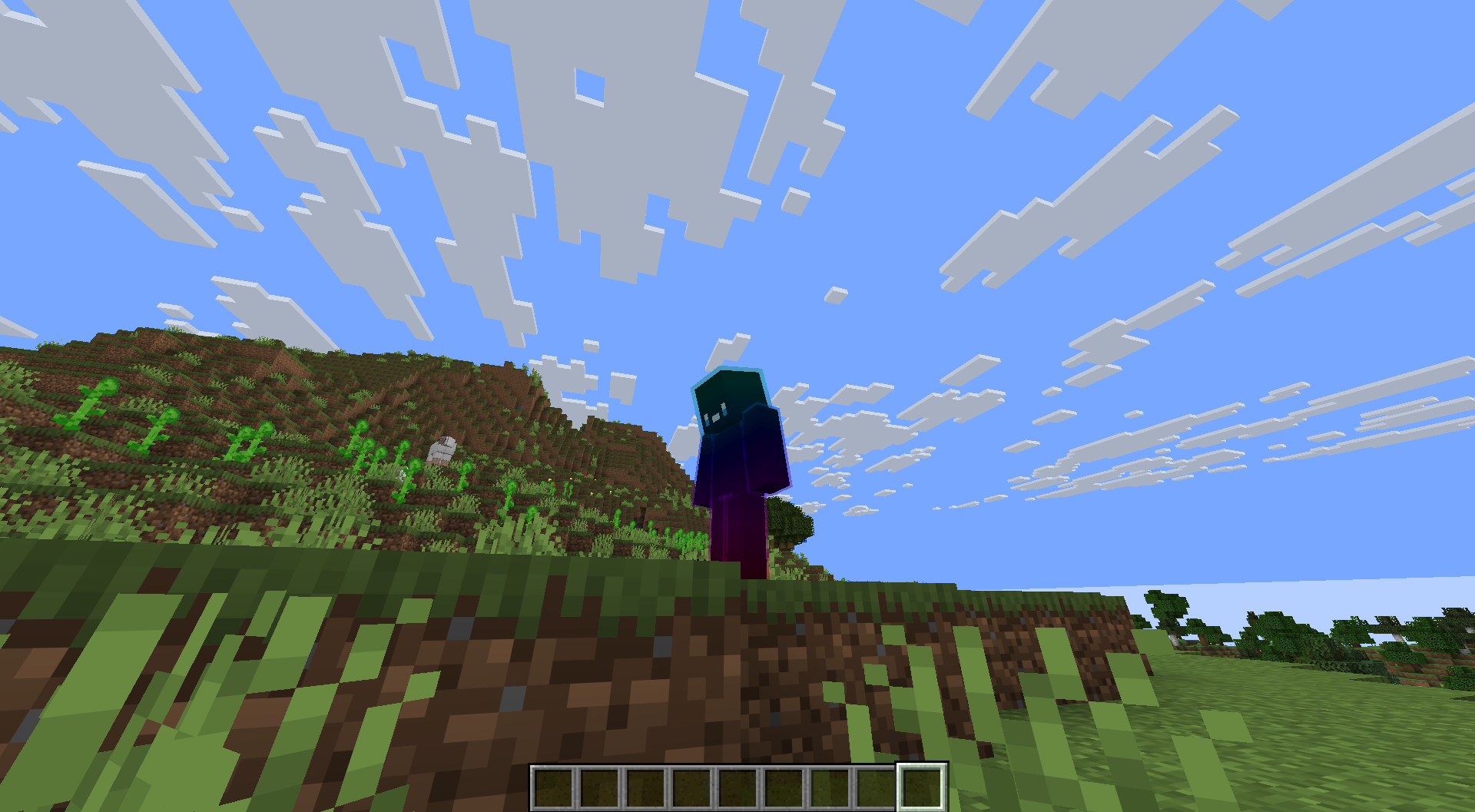
👁️ Freelook
Hold V to look around freely without rotating your player body.
- Camera snaps back to your movement direction when released
- Great for scouting, building, and parkour
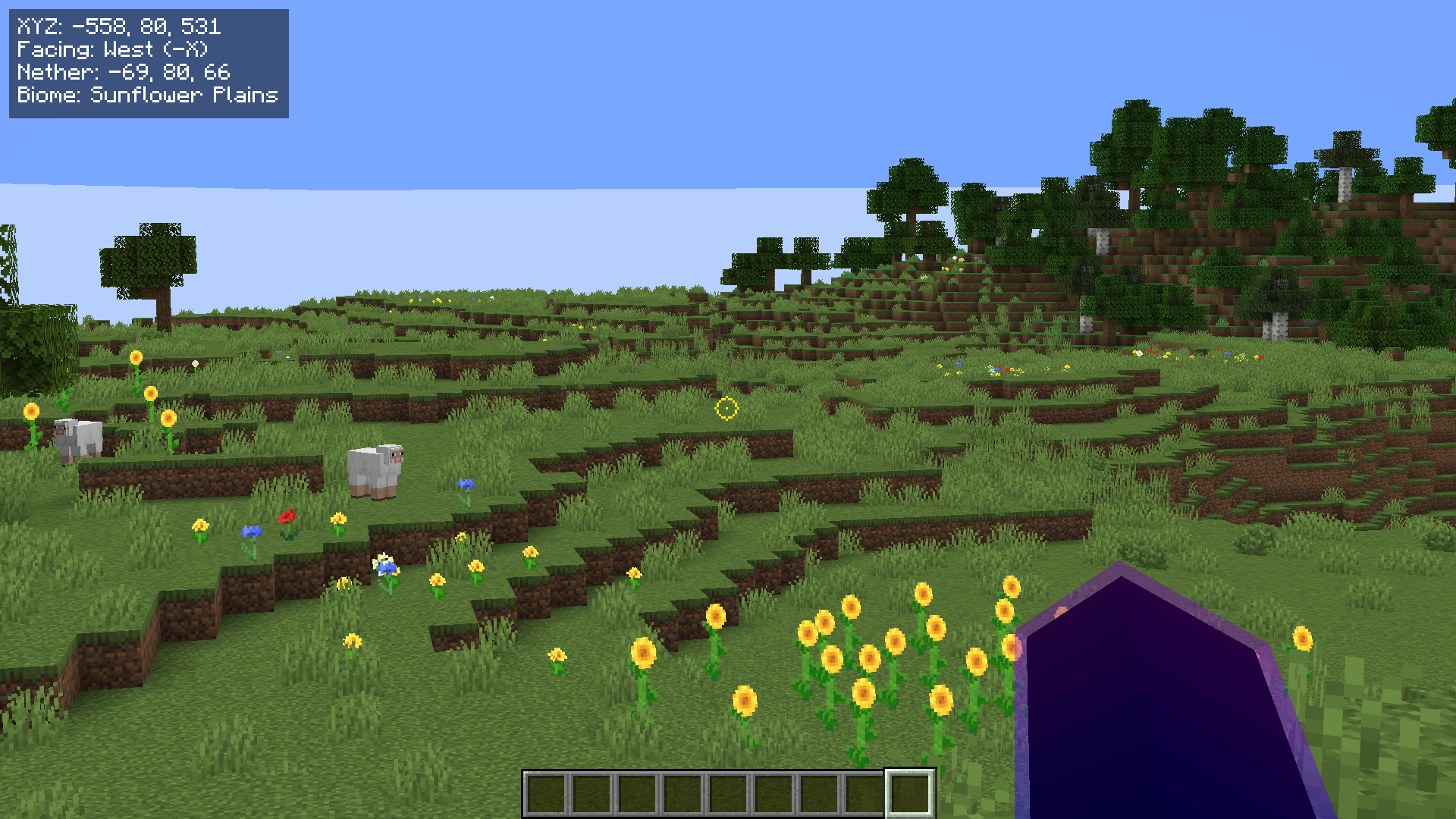
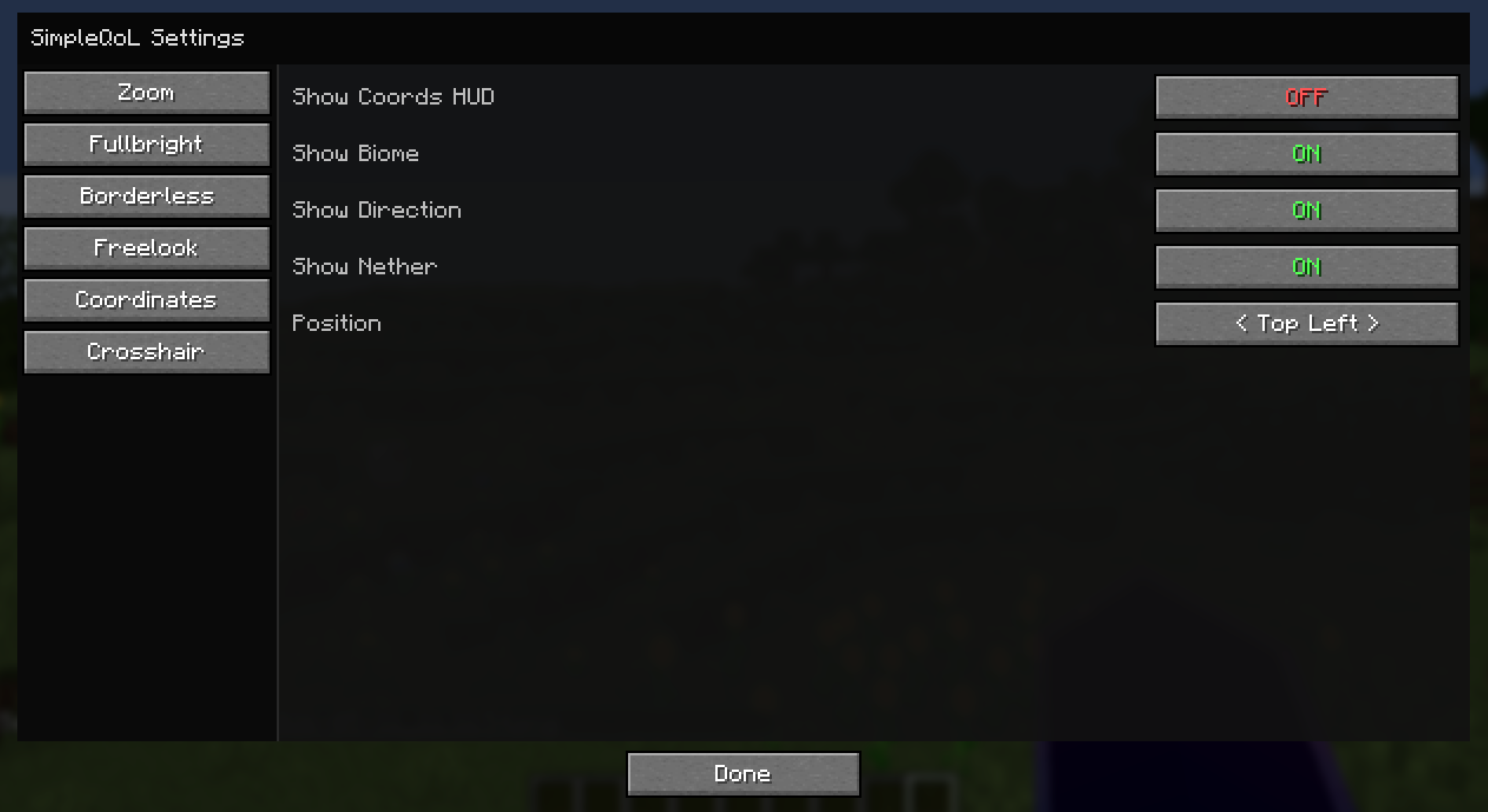
📍 Coordinates HUD
A clean, always-visible overlay showing where you are.
- Displays XYZ position, facing direction, biome name
- Shows your Nether/Overworld coordinate equivalent automatically
- Choose from 4 screen corners (Top Left, Top Right, Bottom Left, Bottom Right)
- Hides automatically when F3 is open
- Toggle via keybind or config screen
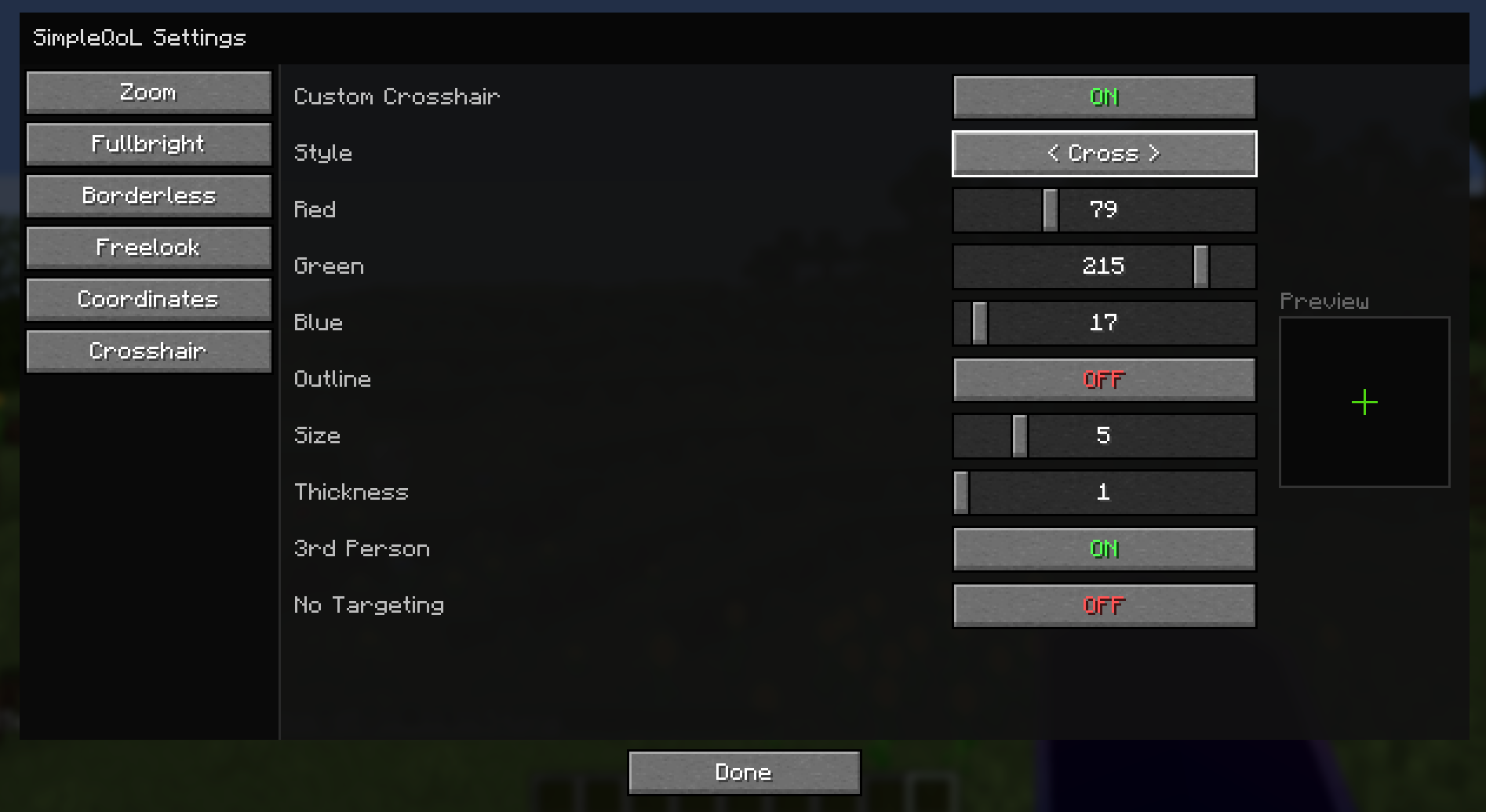
➕ Crosshair Customizer
Replace the vanilla crosshair with something that’s actually yours.
- 5 styles: Default, Cross, Dot, Circle, Circle + Dot
- Full RGB color picker with opacity control
- Adjustable size and thickness
- Optional black outline for visibility on any background
- Hide in third person view
- Hide when not targeting a block or entity
⚙️ Config
All settings are accessible in-game via the Mod Menu gear icon — no need to edit any files. Config is saved to <gamedir>/config/simpleqol.json and persists across sessions.
Every keybind is rebindable in the standard Controls menu.
📦 Dependencies
| Mod | Required |
|—|—|
| Fabric Loader 0.16.14+ | ✅ |
| Fabric API | ✅ |
| Mod Menu | ✅ |
More features on the way! If you have any issues or suggestions, let me know in my discord!
常见问题
SimpleQoL 支持哪些 Minecraft 版本?
SimpleQoL 支持 Minecraft Java 版 26.1–26.1.2,共 3 个版本,可用的加载器:Fabric。下载时注意选择和你游戏版本一致的文件。
SimpleQoL 怎么安装?
先用 PCL2 或 HMCL 启动器安装对应版本的 Fabric,再把下载的 .jar 文件放进游戏目录的 mods 文件夹,重新启动游戏即可。开启了版本隔离的,mods 文件夹在 versions/版本名 下面。运行环境:仅客户端。
bubbo 的其他作品
查看全部 →
Random Gravity Flipper
A mod I created for a youtube video where every 5 minutes, gravity flips a random direction and if a player dies, it speeds up 30 seconds.

Shrinking World
A mod I made that shrinks the world over time from the outside in and the inside out...

SeeThrough – Second Person Minecraft
This mod makes second person in minecraft possible
评论
登录后评论和评分