Evelite-Toon Edition
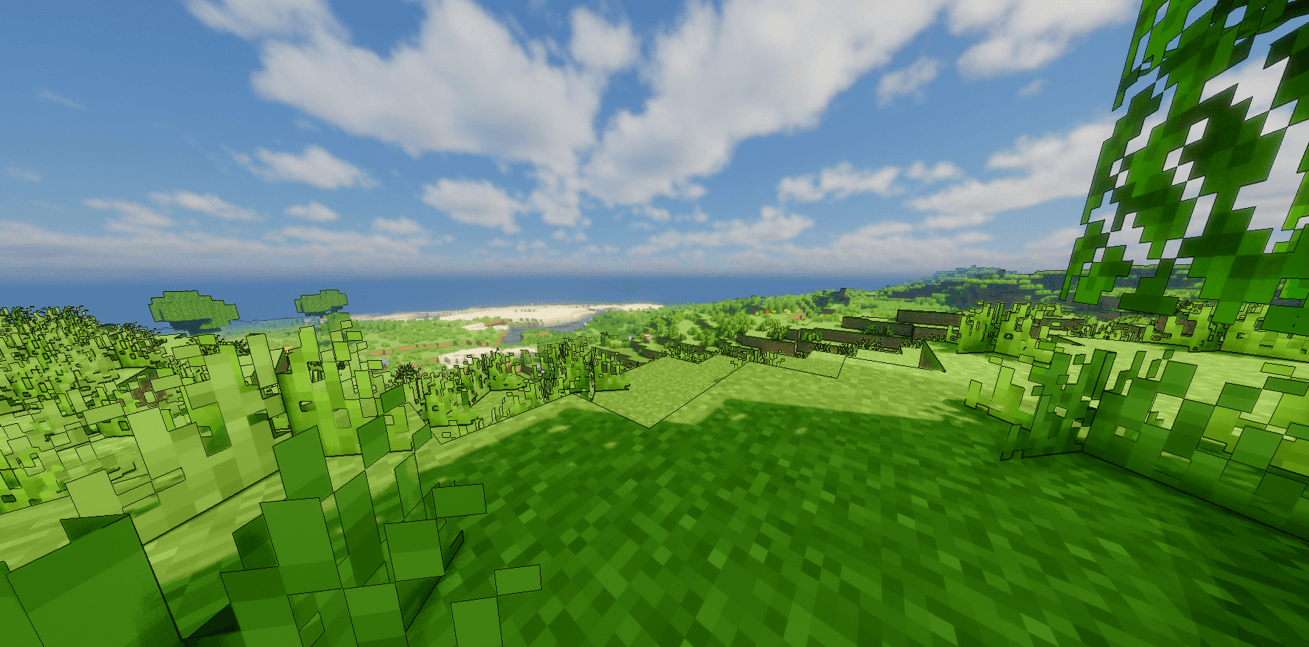
This is Evelite's Toon edition which gives the pure anime look in minecraft.
截图
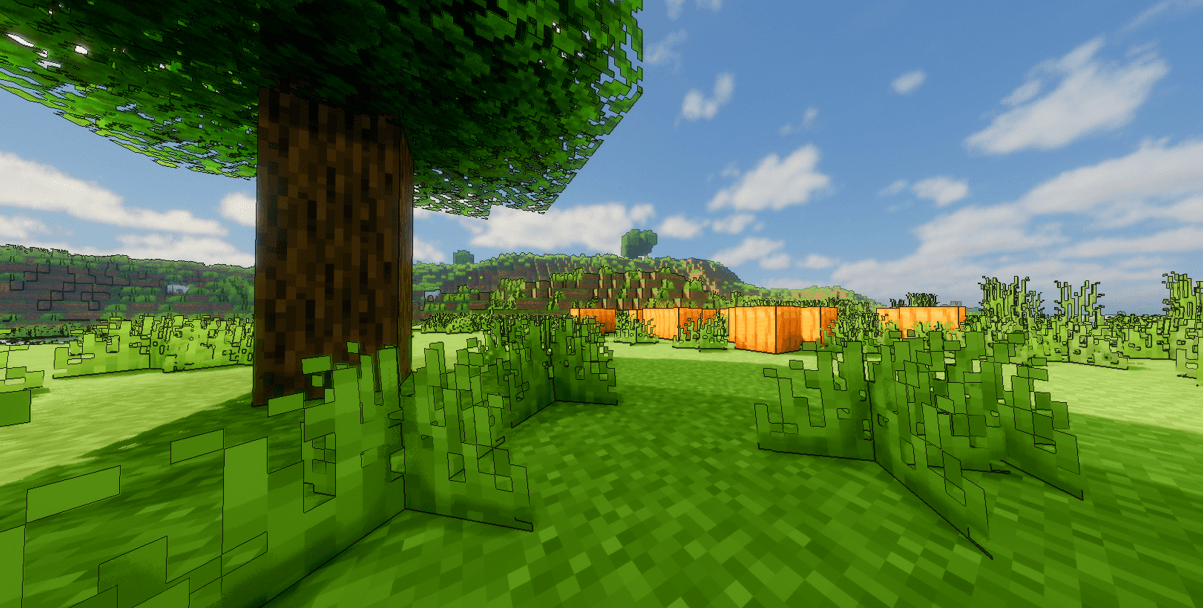
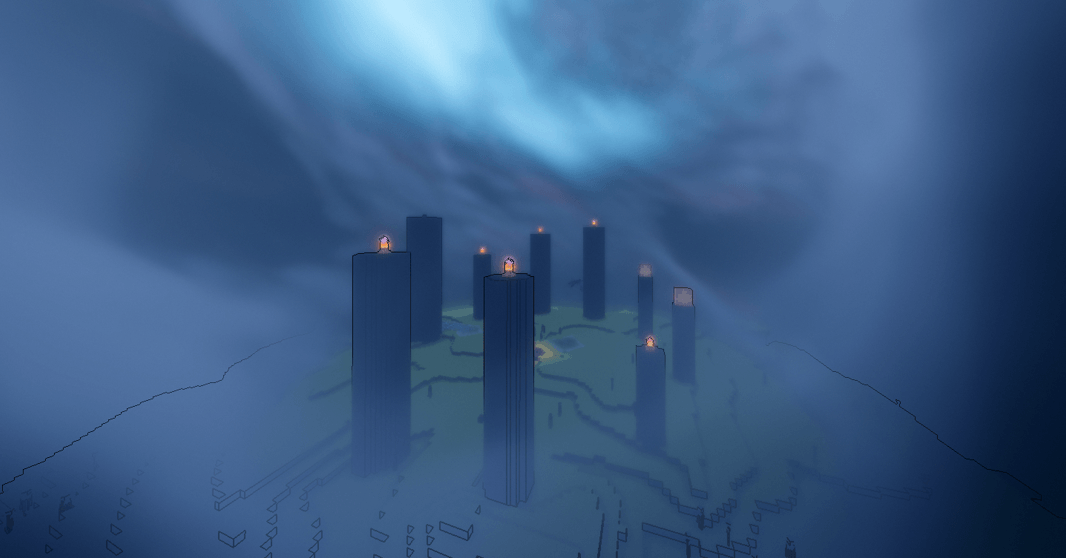
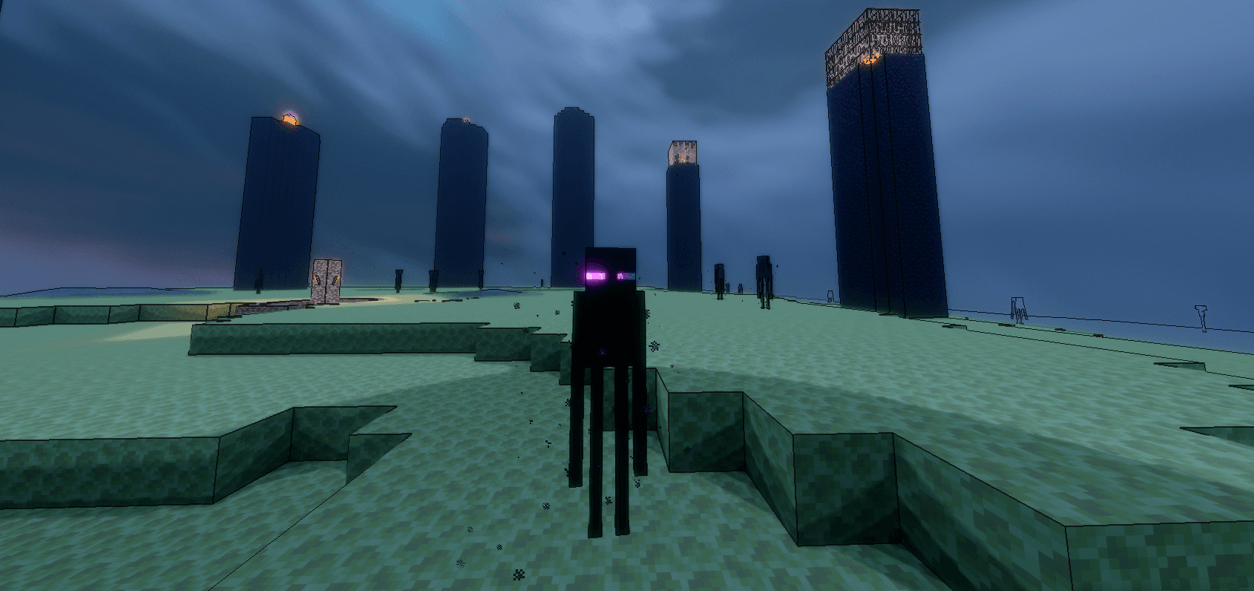
介绍
Evelite Shaders – Toon Edition
Give your Minecraft world the look of a hand-drawn cartoon. Evelite Toon Edition is a stylized shader pack that swaps realistic lighting for bold outlines, flat colour bands, and bright, vibrant tones, so everything feels like a living animation.
Features
- Cel-shaded lighting with clean, stepped shadows
- Crisp black outlines around blocks, mobs, and terrain
- Saturated, cartoon-style colour palette
- Stylized sky, clouds, and sun/moon
- Soft, colourful water with a simple toon look
- Cartoon-style waving foliage and gentle wind effects
- Smooth day and night transitions
- Optional bloom and colour grading settings
- Adjustable outline thickness, shadow strength, and colour intensity
Performance
Designed to run smoothly on mid-range PCs, with low, medium, and high presets so you can balance visuals and FPS.
Requirements
- Minecraft Java Edition
- OptiFine or Iris Shaders (Iris + Sodium recommended for the best performance)
Installation
- Download the shader pack (.zip). Don’t extract it.
- Place it in your
shaderpacksfolder. - Launch Minecraft, go to Options > Video Settings > Shaders, and select Evelite Toon Edition.
常见问题
Evelite-Toon Edition 支持哪些 Minecraft 版本?
Evelite-Toon Edition 支持 Minecraft Java 版 1.21.1–26.3,共 16 个版本,可用的加载器:Iris / OptiFine。下载时注意选择和你游戏版本一致的文件。
Evelite-Toon Edition 怎么安装?
光影需要先装 Iris / OptiFine。把下载的 .zip 文件(不用解压)放进游戏目录的 shaderpacks 文件夹,进游戏后在「选项 → 视频设置 → 光影包」里选中它。光影对显卡要求较高,卡顿可以调低光影设置或渲染距离。
Vryn_Studios 的其他作品
查看全部 →
Evelite shaders- Smooth Edition
For the people who liked evelite shaders, but have a low-end pc
Eveliteshaders
EveLite Shaders is a demanding, high-end shaderpack delivering cinematic photorealism to Minecraft. Built for powerful PCs, it features heavy volumetric lighting, sharp shadows, realistic water, and rich atmospheric depth.
Evelite The Nostalgia
The 2000's look in evelite shaders
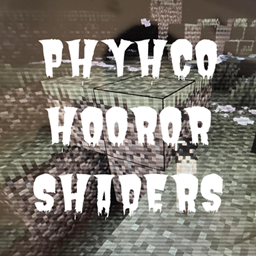
PHYCHO HORROR SHADERS
PHYCHO HORROR SHADERS- is a dark horror shader that completely strips away daylight and clouds, creating a pitch-black atmosphere enhanced by heavy fog, VHS static, and a pulsing vignette.
评论
登录后评论和评分