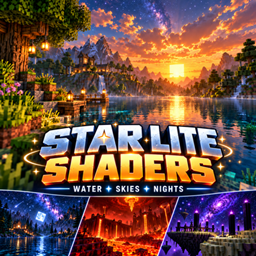
StarLite Cosmic Shaders
Transform Minecraft with cosmic night skies, reflective water, volumetric fog, glowing Nether atmosphere, and a spectacular space-themed End. And beautiful god rays
截图
介绍
StarLite Cosmic brings a cosmic look to Minecraft with colorful night skies, atmospheric lighting, reflective water, and distinct effects across all three dimensions.
Overworld
-
Star-filled skies with nebulae, animated auroras, and an optional fantasy planet
-
Volumetric fog and god rays shaped by terrain shadows
-
Softened shadows, sunset colors, and moving high clouds
-
Rippling water with sky reflections and sunlight sparkles
Nether
-
Drifting volcanic haze with biome-aware fog colors
-
Warm lighting and brighter lava
-
Bloom around luminous blocks
The End
-
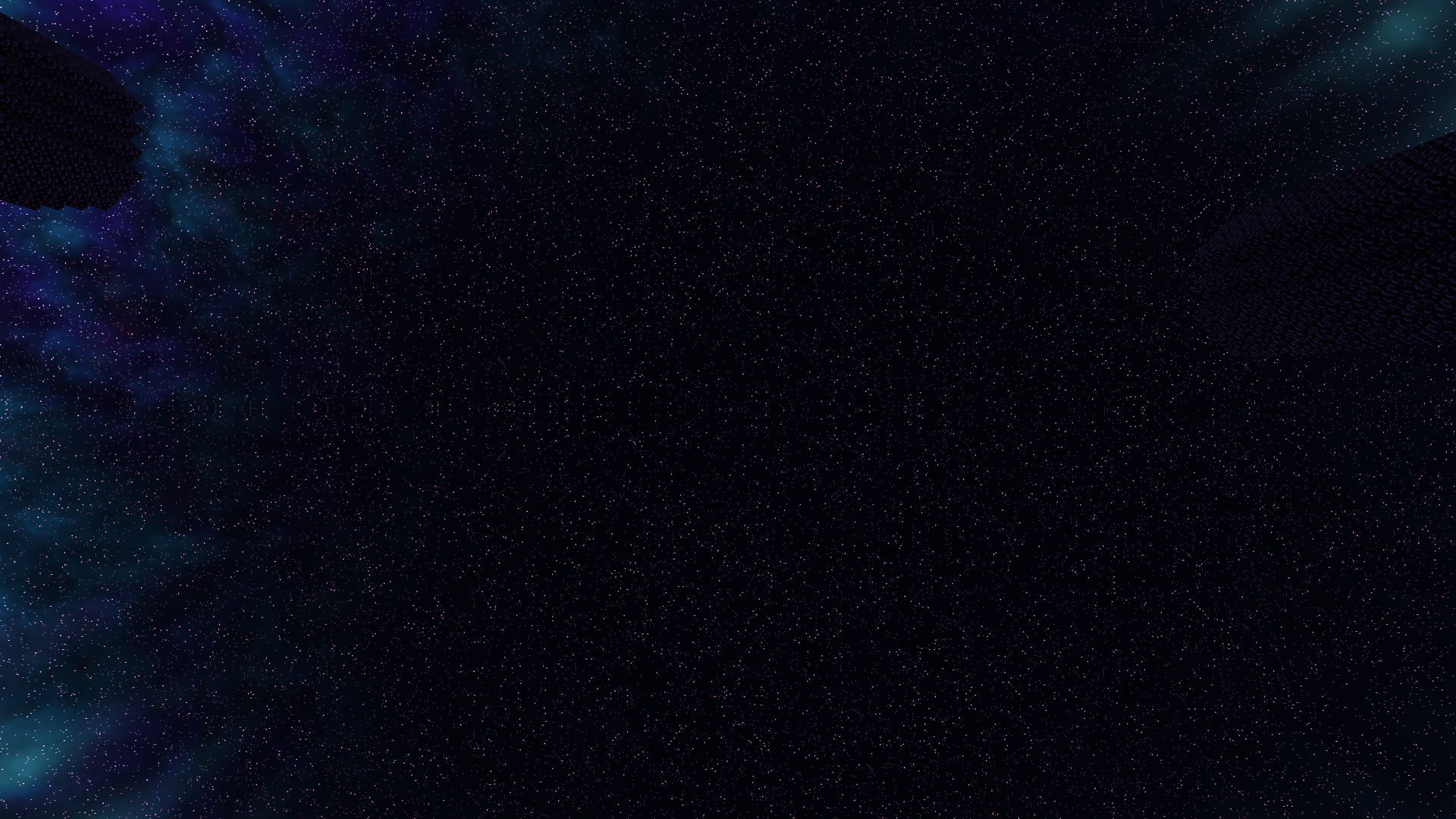
Violet and cyan nebulae, dense stars, and aurora ribbons
-
A stylized black hole with a glowing disk and a distant planet
-
Cosmic water reflections and atmospheric void haze
Choose Low, Balanced, or Ultra, and customize fog, shadows, sky effects, water, and bloom.
Requirements for the Forge setup
-
Minecraft Java Edition 1.20.1
-
Forge
-
Oculus 1.8.0
-
Embeddium 0.3.31
Installation
Install Oculus and Embeddium, place the shader ZIP in your profile’s shaderpacks folder without extracting it, then select StarLite Cosmic in the shader menu.
Development build: Shader compilation and offscreen rendering checks have passed, but full Minecraft gameplay testing is still pending. Performance and compatibility may vary. Water reflections show the procedural sky rather than nearby terrain.
常见问题
StarLite Cosmic Shaders 支持哪些 Minecraft 版本?
StarLite Cosmic Shaders 支持 Minecraft Java 版 1.20.1,可用的加载器:Iris。下载时注意选择和你游戏版本一致的文件。
StarLite Cosmic Shaders 怎么安装?
光影需要先装 Iris。把下载的 .zip 文件(不用解压)放进游戏目录的 shaderpacks 文件夹,进游戏后在「选项 → 视频设置 → 光影包」里选中它。光影对显卡要求较高,卡顿可以调低光影设置或渲染距离。
PumpkinDevv 的其他作品
查看全部 →
Starlite Enhanced Shaders BROKEN DON’T USE
A mod that adds beautiful realism like shaders
The Night Stalker (Horror)
A horror mod that adds the Night Stalker, a terrifying creature with 33 escalating nighttime events.
The Abyssal
The Abyss The Abyss is a dark fantasy RPG Minecraft mod that brings players into a mysterious world filled with dangerous creatures,.
评论
登录后评论和评分