
Essential HUD
Customizable HUD and chat tweaks — coordinates, FPS, clock, ping, direction, armor display, chat highlights, and message stacking. All toggleable.
截图
介绍




A clean HUD & chat mod for Minecraft 1.21.x
A slick info HUD, smart chat features, and a live armor display — all toggleable.
✨ Features
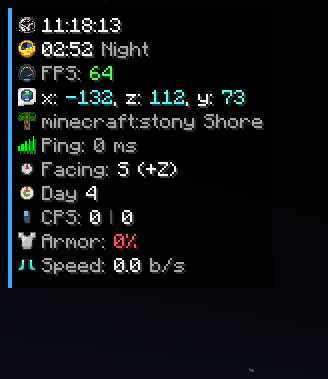
📊 Info HUD
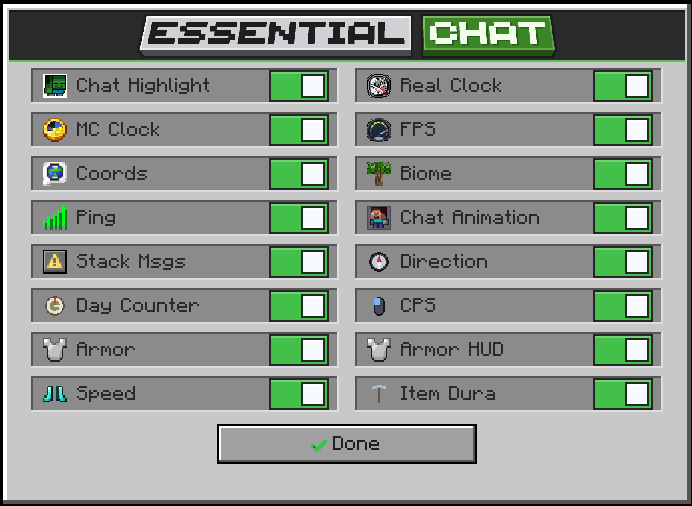
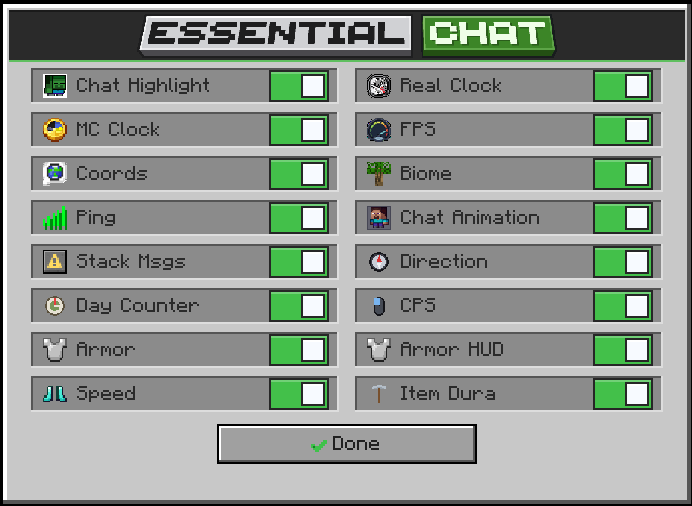
Toggle exactly what you want to see:
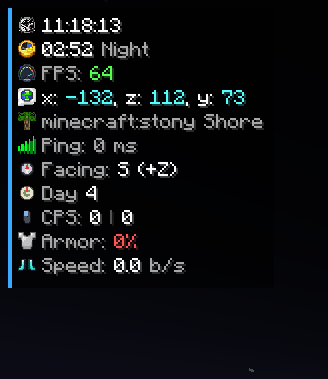
- 🕐 Real Clock — your real-world time
- 🌙 MC Clock — in-game time (Day / Sunset / Night / Sunrise)
- 🎯 FPS — color-coded performance
- 🌍 Coordinates — X / Y / Z
- 🌳 Biome — current biome name
- 📶 Ping — your latency, color-coded
- 🧭 Direction — N / S / E / W facing
- 📅 Day Counter — days survived
- 🖱️ CPS — clicks per second (left & right)
- ⚡ Speed — blocks per second
- 🛠️ Item Durability — held item’s remaining durability
❤️ Armor Display
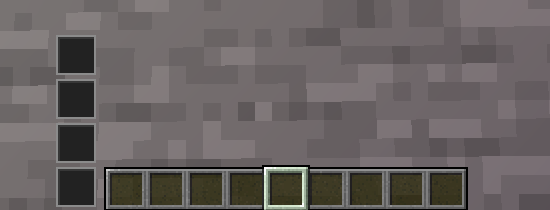
- See your 4 armor pieces and their durability next to the hotbar
- ⚠️ Low-armor warning — alerts you when a piece drops below 10%
💬 Chat Features
- 🔔 Chat Highlight — get alerted when someone says your name
- 📚 Message Stacking — repeated messages merge into one with a
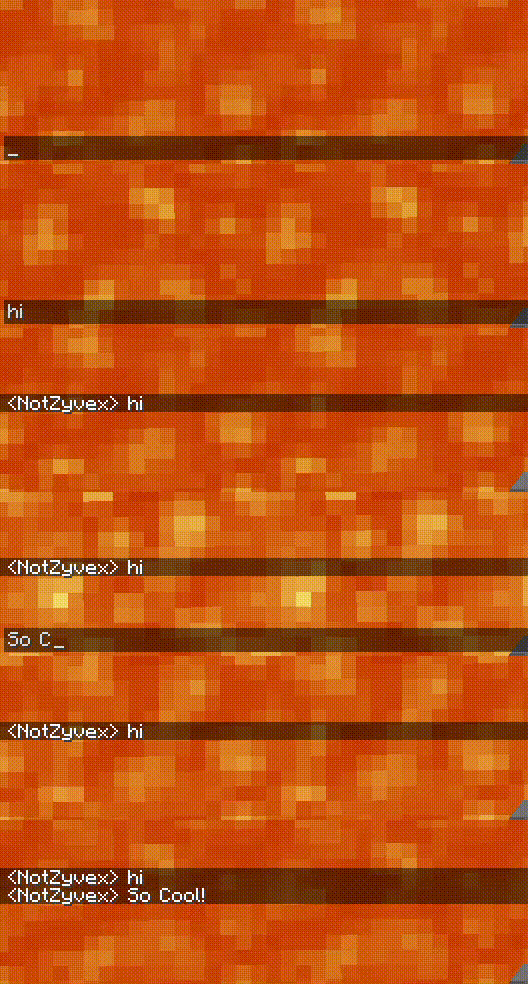
(x2)counter - 🎬 Chat Animation — smooth slide + fade as messages appear
- 🧹 Clear Chat — wipe your chat in one click
Chat Animation Preview
Main Toggle HUD Menu
Top Left Corner Customizable UI
⌨️ Keybinds
- O — open the menu
- H — toggle the HUD
- N — copy the last chat message
- J — copy your coordinates
- Delete — clear chat
(All rebindable in Minecraft’s Controls settings.)
📦 Requirements
- Minecraft 1.21.x
- Fabric Loader + Fabric API
Built for 1.21.1 – 1.21.11
About
Made by NotZyvex.
Found a bug or have a feature idea? Drop it in the comments or the Discord.
常见问题
Essential HUD 支持哪些 Minecraft 版本?
Essential HUD 支持 Minecraft Java 版 1.21.1–1.21.11,共 11 个版本,可用的加载器:Fabric。下载时注意选择和你游戏版本一致的文件。
Essential HUD 怎么安装?
先用 PCL2 或 HMCL 启动器安装对应版本的 Fabric,再把下载的 .jar 文件放进游戏目录的 mods 文件夹,重新启动游戏即可。开启了版本隔离的,mods 文件夹在 versions/版本名 下面。运行环境:客户端和服务端都要装。
NotZyvex 的其他作品
查看全部 →
Coasters: Tracks and Balloons
🎢 Adds Boost, Brake, Station & Sensor track and many more functional tracks + 270 decorative track variants + 16 balloon colors for Create: Coasters Simulated 🎈

Simple Voice Changer
⚠️Voice Changer For Simple Voice Chat Mod! is a clean and lightweight mod that adds fun voice-changing features to your Minecraft voice chat experience. It is designed to work smoothly with Simple Voice Chat. WARNING! REQUIRES SIMPLE VOCE CHAT MOD!
评论
登录后评论和评分