
DisableFrontView
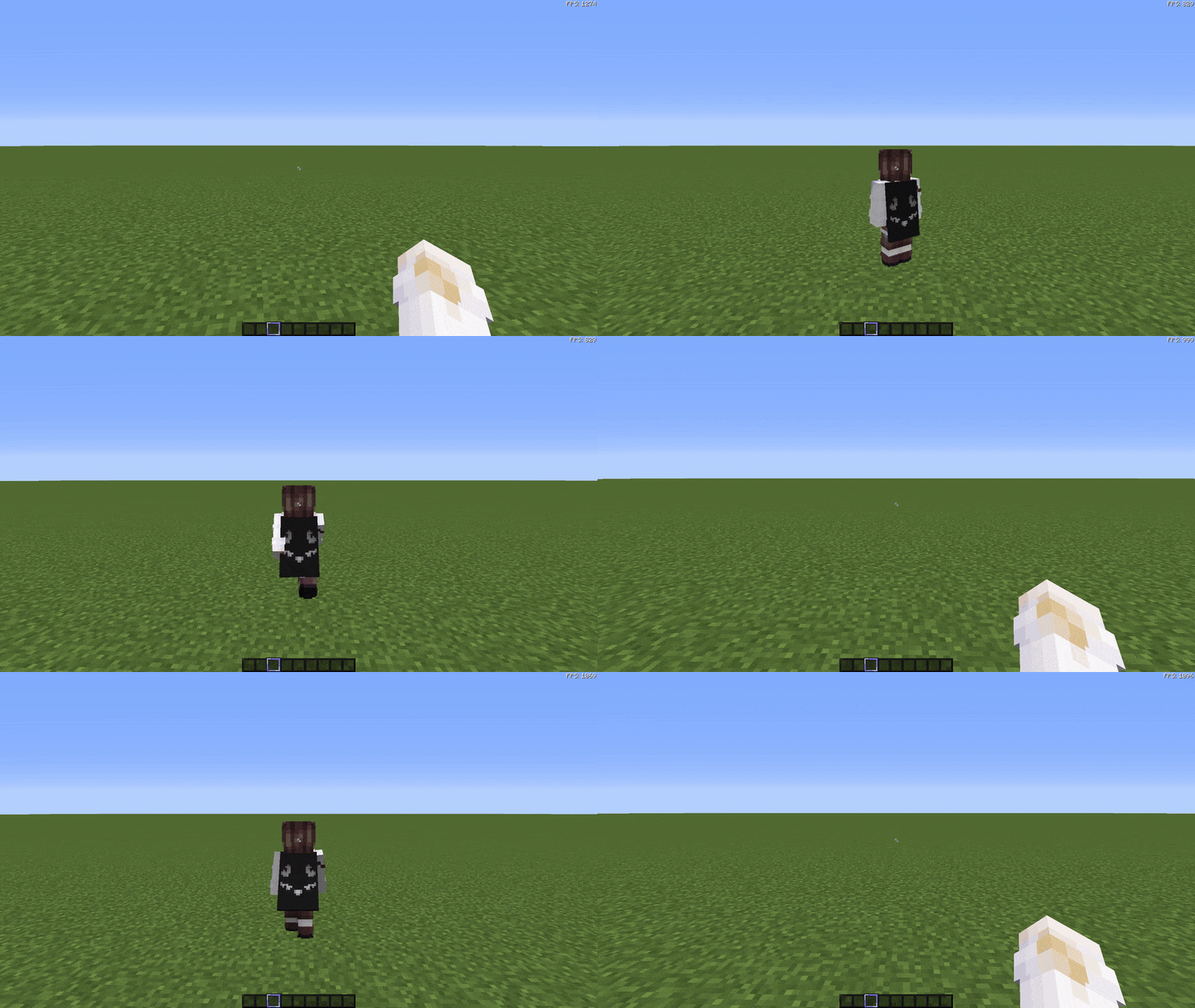
The DisableFrontView mod enhances gameplay immersion by disabling the front-facing third-person camera view.
截图
介绍
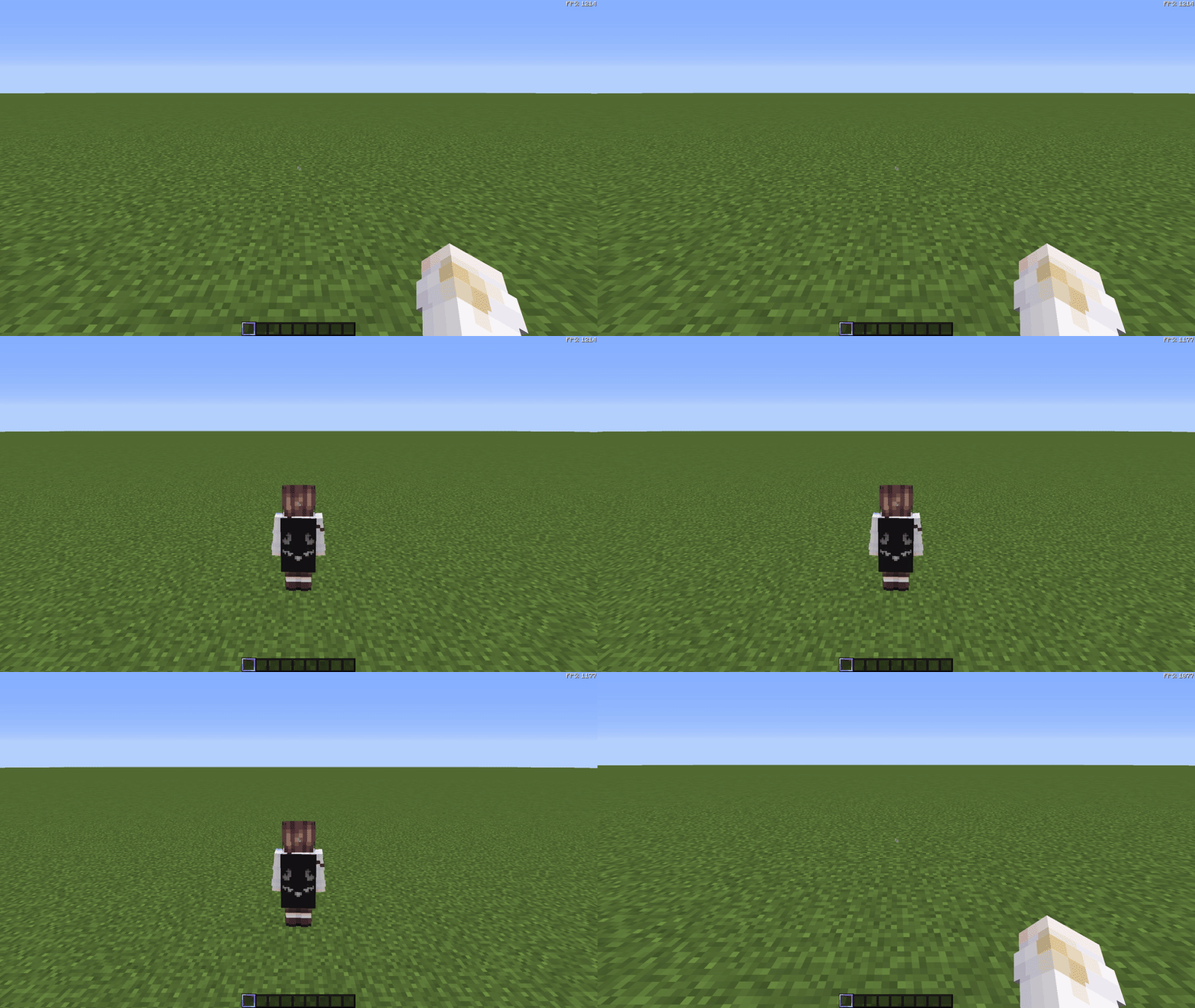
The DisableFrontView mod enhances gameplay immersion by disabling the front-facing third-person camera view (front perspective). When toggling the third-person perspective using the F5 key, this mod ensures you can only switch between the first-person view and the rear-facing third-person view.
This mod is ideal for players who prefer a streamlined and consistent camera experience or find the front perspective distracting during gameplay.
Additionally, the mod includes a fully customizable configuration GUI that allows you to toggle the mod’s functionality on or off without restarting the game.
Features:
- Disables front-facing third-person perspective (F5 key).
- Fully customizable configuration via in-game GUI.
- Simple and lightweight design compatible with Forge 1.8.9.
常见问题
DisableFrontView 支持哪些 Minecraft 版本?
DisableFrontView 支持 Minecraft Java 版 1.8.9,可用的加载器:Forge。下载时注意选择和你游戏版本一致的文件。
DisableFrontView 怎么安装?
先用 PCL2 或 HMCL 启动器安装对应版本的 Forge,再把下载的 .jar 文件放进游戏目录的 mods 文件夹,重新启动游戏即可。开启了版本隔离的,mods 文件夹在 versions/版本名 下面。运行环境:仅客户端。
评论
登录后评论和评分