
截图

介绍
TTYClient
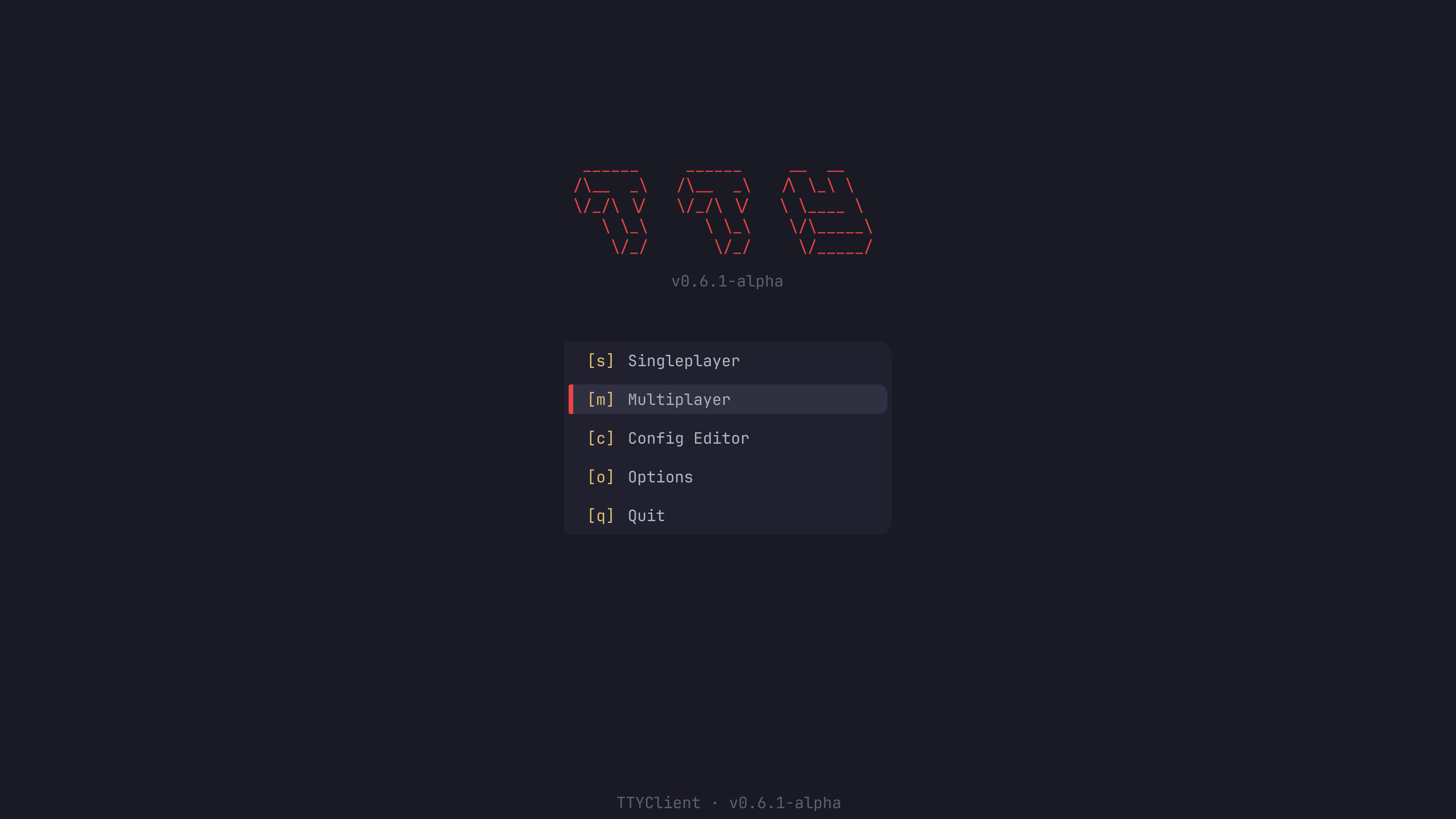
A terminal-themed Minecraft client for those who live in the shell.
TTYClient is built around one idea: your Minecraft client should feel as scriptable and customizable as your Linux system. Type client commands starting with a ; prefix, bind keys to chat messages, Minecraft commands, or literal bash scripts, and configure everything through plain JSONC text files – all live-reloaded, no restarts needed.
Requirements
- Minecraft 26.1.2 with Fabric Loader ≥ 0.19.1
- Fabric API 0.150.0+26.1.2
- Kotlin for Fabric 1.13.9+kotlin.2.3.10
Installation
Drop ttyclient-*.jar alongside Fabric API and Kotlin for Fabric into your mods/ folder. On first launch, TTYClient creates its config directory at ~/TTYClient/.
Usage
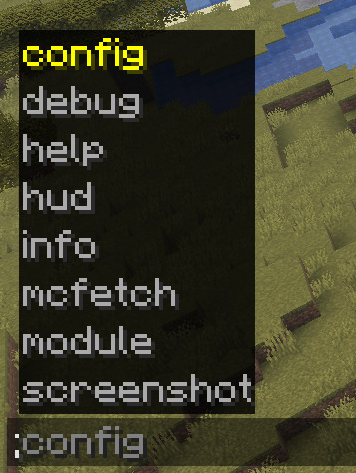
Type ; followed by a command in chat. Commands are intercepted client-side and never sent to the server.
Available commands:
;help (alias: ?)                         list all commands
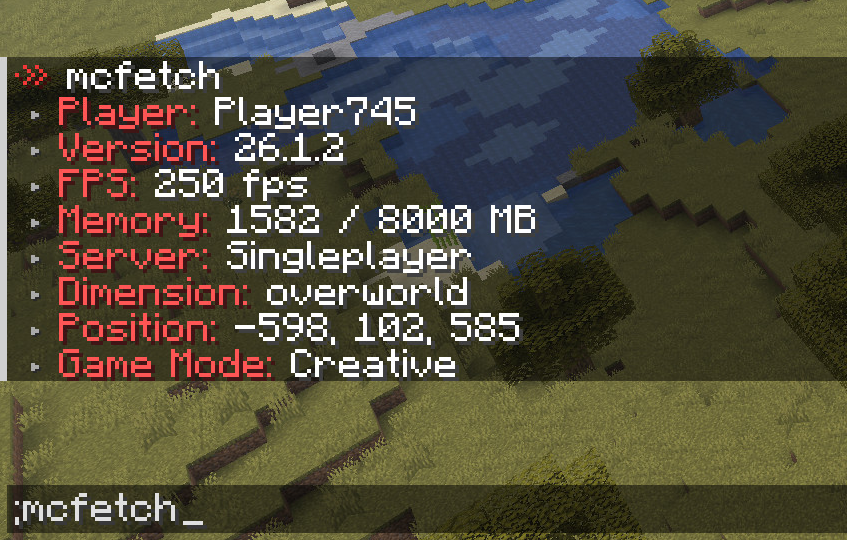
;mcfetch                                 neofetch-style game info
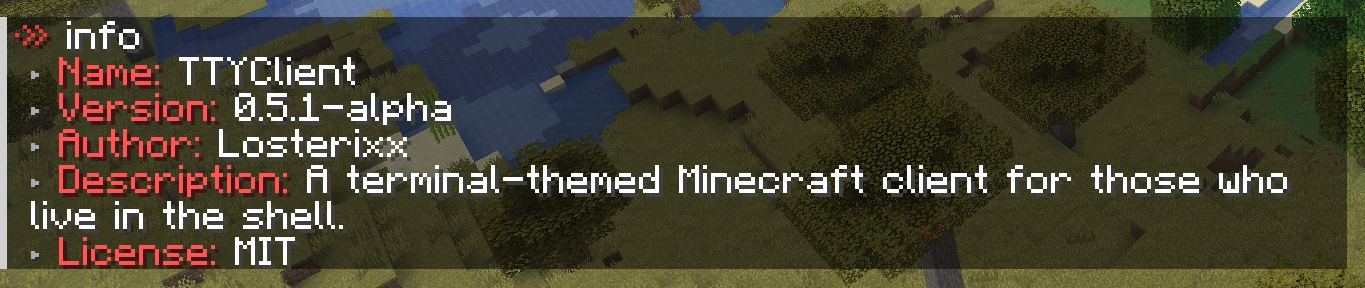
;info [--name|-n] [--version|-v] ...     show TTYClient information
;config                                  open the in-game config editor
;hud (alias: hudeditor)                  open the HUD editor
;module --trigger <module>               trigger a module
;module --toggle <module>                enable or disable a module
;screenshot <copy|upload> <path>         copy/upload screenshot
;debug --toggle <keys>                   toggle key visualizer
;debug --trigger spam <n>                send n test messages
The command prefix (default ;) can be changed in ~/TTYClient/config/general.jsonc.
Keybinds
Keybinds live in ~/TTYClient/config/keybinds.jsonc and support multiple execution types:
{ "bind": "ALT+C",    "type": "client",  "exec": "config" },
{ "bind": "C",        "type": "client",  "exec": "module --trigger zoom" },
{ "bind": "CTRL+F1",  "type": "command", "exec": "gamemode creative" },
{ "bind": "F9",       "type": "bash",    "exec": "notify-send 'test notify'" },
{ "bind": "DELETE",   "type": "action",  "exec": "Disconnect" }
Types: client, command, chat, bash, sequence, action, noop
Actions: QuitGame, Disconnect, ShowMultiplayer
Modules
| Module | Default bind | Description |
|—|—–|————————————————-|
| Zoom | C | Smooth animated FOV zoom, scrollable, hold or toggle |
| Freelook | X | Detach camera from look direction in third-person |
| Fullbright | B | Remove darkness via gamma boost or Night Vision |
| Custom Crosshair | – | 15×15 pixel grid crosshair, fully configurable in JSONC, inverted colors support |
| Custom Chat | I | Resizable chat window, drag to resize, unlimited history, toggleable chat |
| AutoReconnect | – | Auto-reconnect with countdown after disconnect |
| RenderUtils | – | Custom shield/totem model transforms, low fire overlay |
| Screenshots | – | F2 screenshot with copy/open/upload actions in chat, resolution scaling up to 8k |
| Utils | – | Durability warning: flashing action-bar alert + pling sound |
| Notifications | – | Toast-style notifications in screen corners with animations and sounds |
| Performance | – | HUD throttle for improved FPS during gameplay |
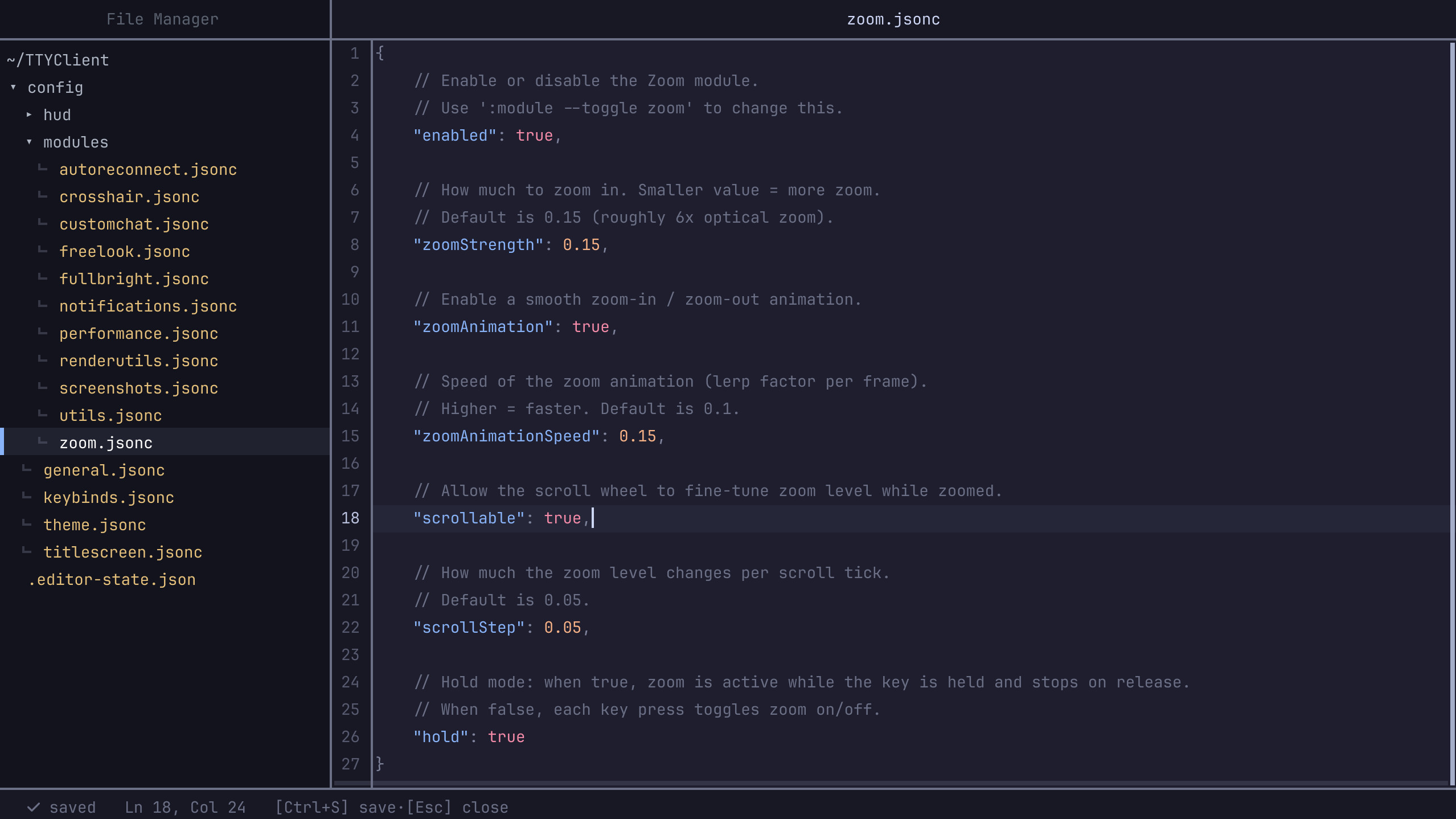
All module configs are in ~/TTYClient/config/modules/, with live-reload on save.
Editors
Config Editor
Press ALT+C or run ;config to open the built-in in-game config editor – JSONC syntax highlighting, inline hex color swatches, undo/redo, and much more.
HUD Editor
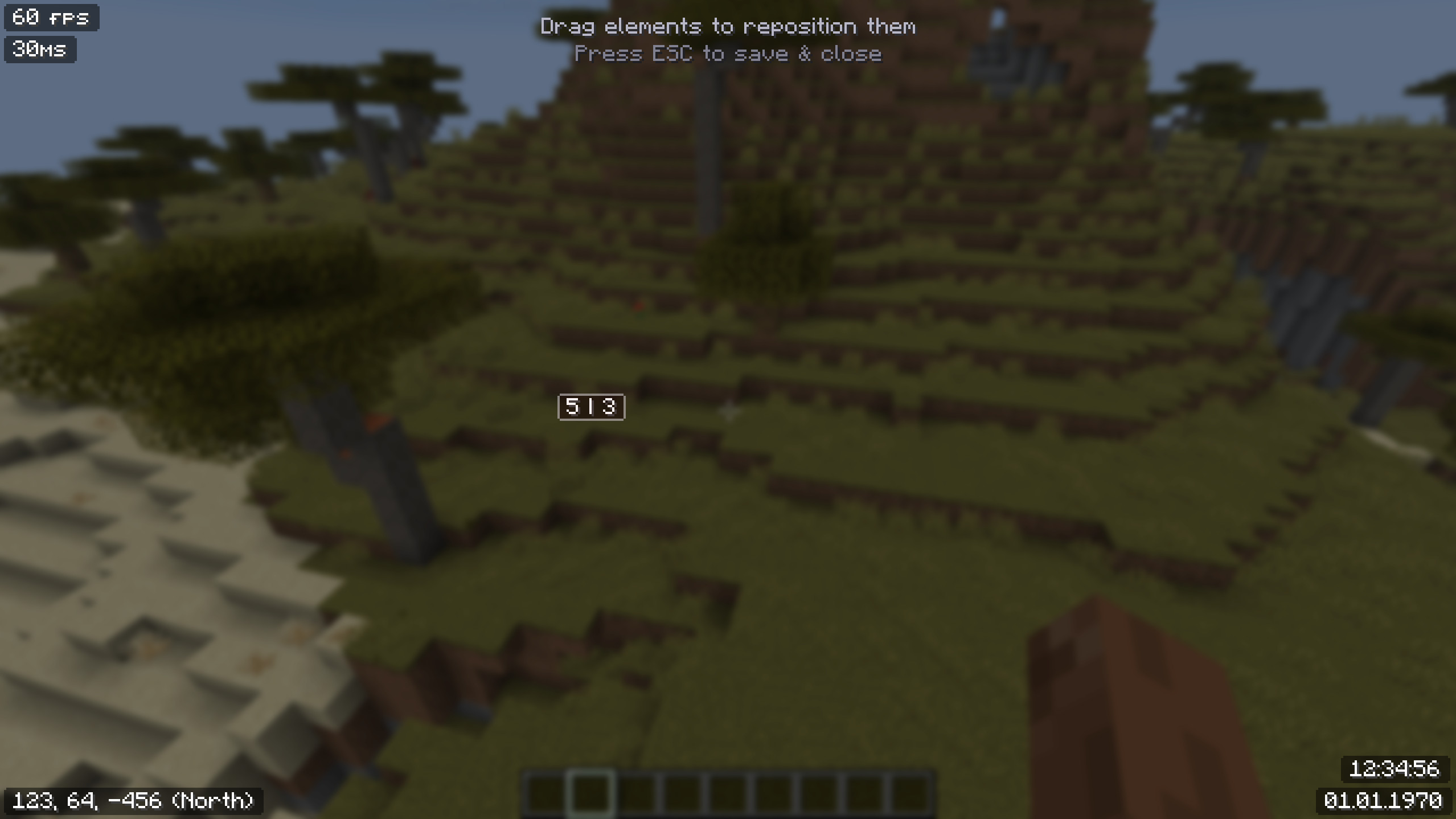
Press ALT+H or run ;hud to open the HUD editor – drag to reposition the HUD elements with a visual interface.
常见问题
TTY-Client 支持哪些 Minecraft 版本?
TTY-Client 支持 Minecraft Java 版 26.1.2–26.2,共 2 个版本,可用的加载器:Fabric。下载时注意选择和你游戏版本一致的文件。
TTY-Client 怎么安装?
先用 PCL2 或 HMCL 启动器安装对应版本的 Fabric,再把下载的 .jar 文件放进游戏目录的 mods 文件夹,重新启动游戏即可。开启了版本隔离的,mods 文件夹在 versions/版本名 下面。运行环境:仅客户端。
Losterixx 的其他作品
查看全部 →
SimpleHUD
Displays various infos on HUD.

SimpleChatClear
This Fabric mod allows you to clear the chat.

SimpleChatKeys
This Fabric mod lets you use customizable placeholders in chat.

SimpleChat
Just a simple mod with various chat features
评论
登录后评论和评分