
Build Library
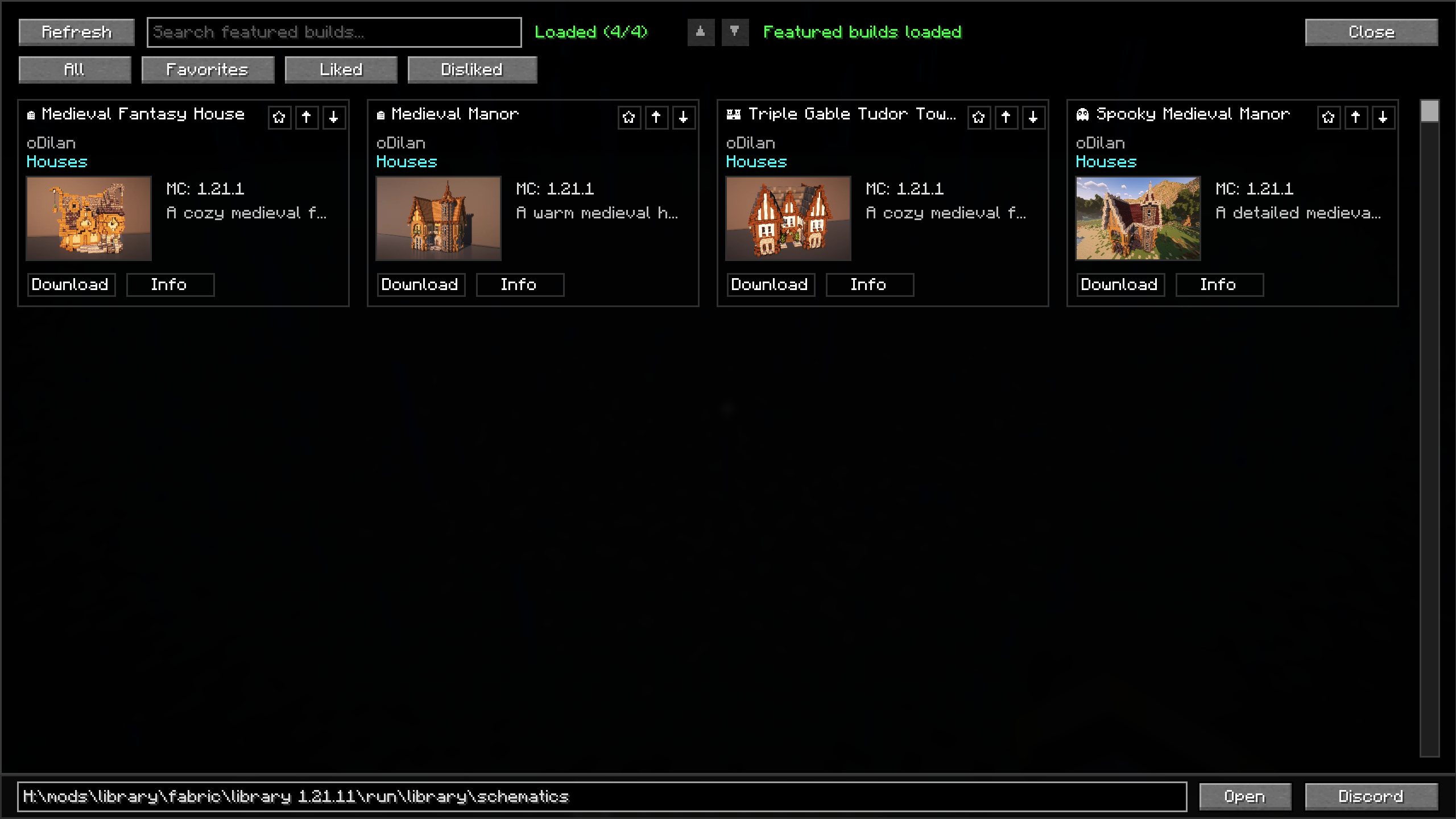
This mod adds an in-game build library for my community, where players can browse featured builds, view previews and materials, and instantly download schematics directly in Minecraft.
截图
介绍
Build Library
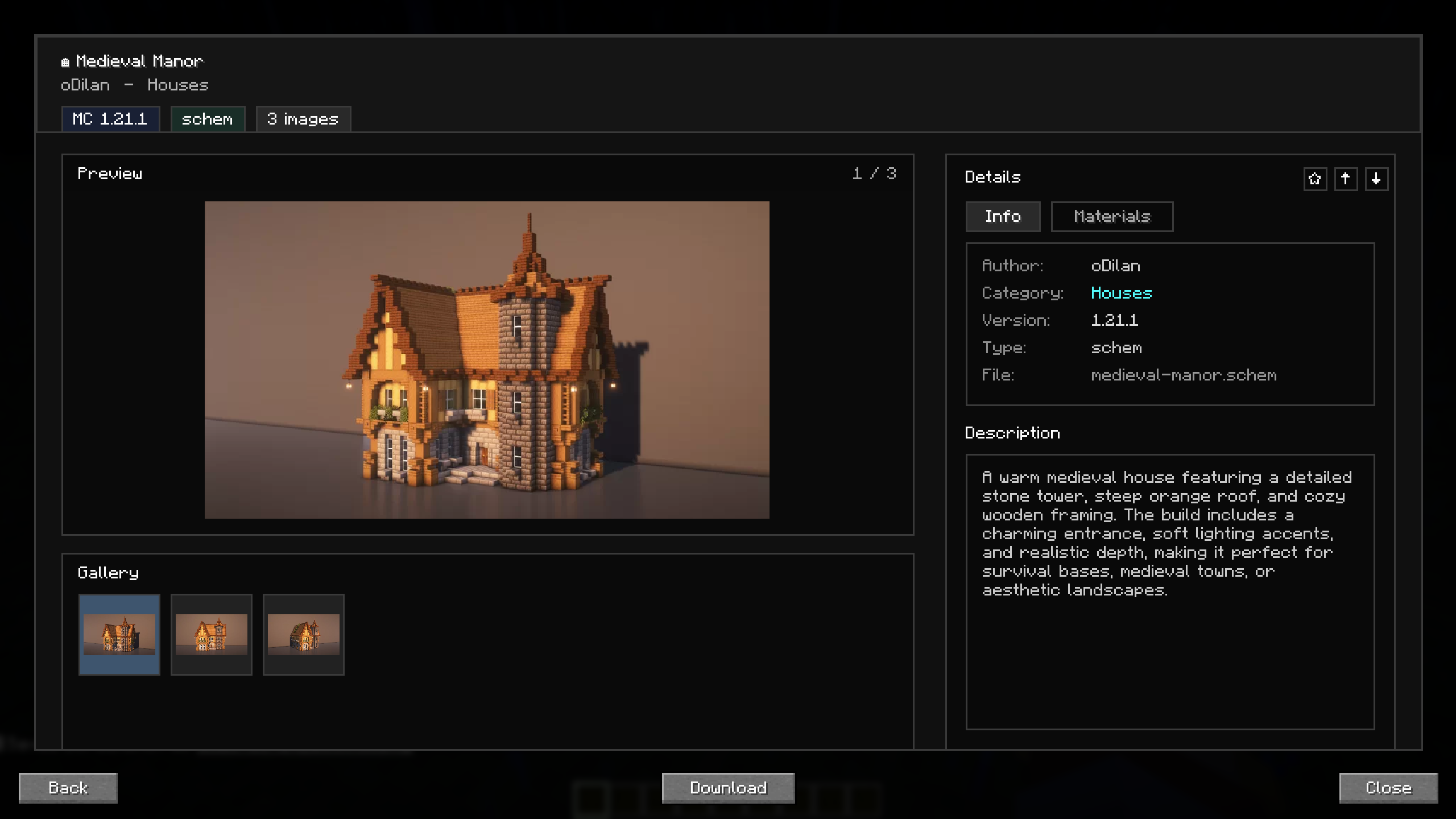
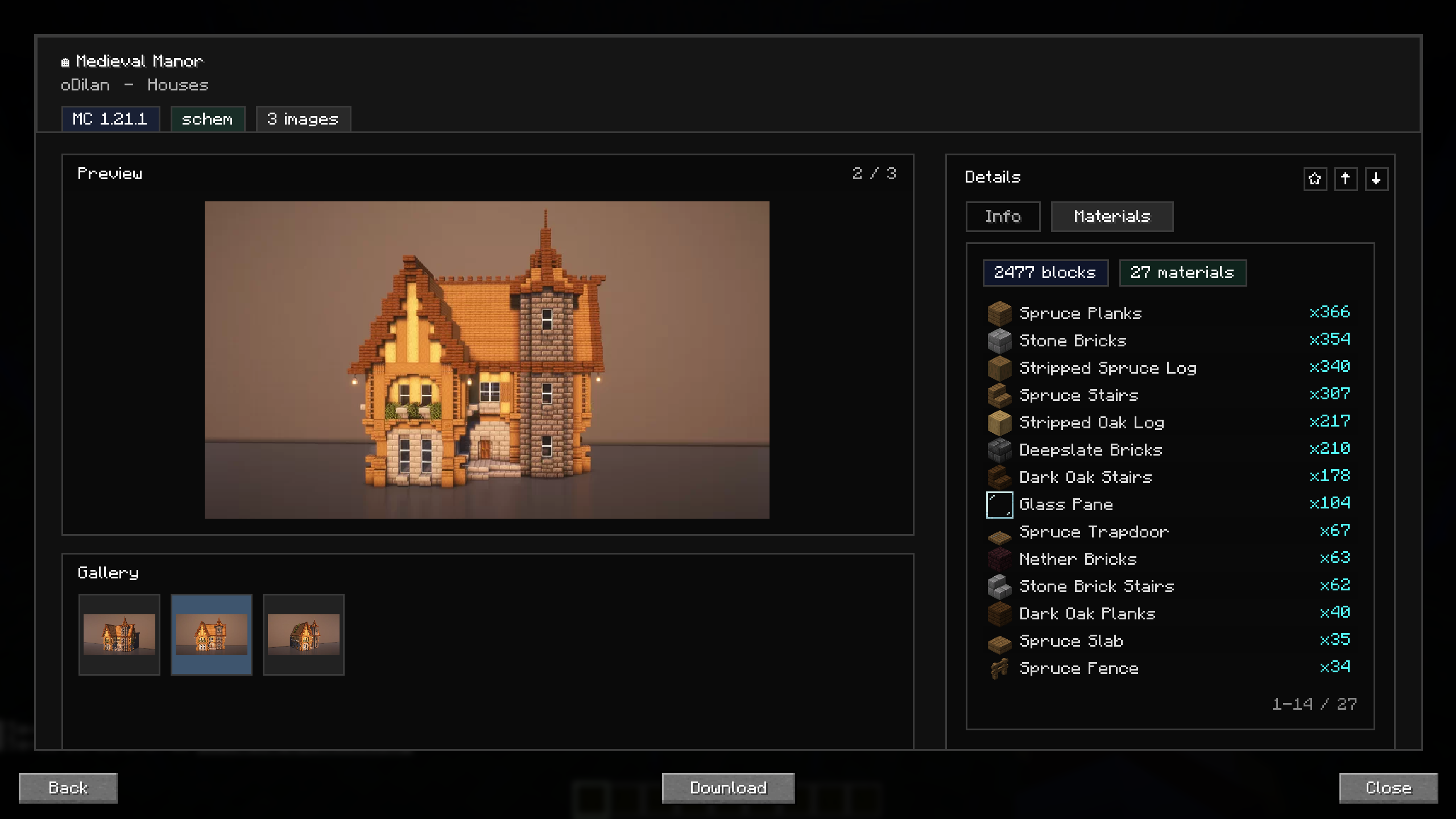
Build Library is an in-game featured build browser made for my community. It allows players to discover featured builds, preview them directly inside Minecraft, check the required materials, and instantly download the schematic without needing to leave the game or search through external links.
The goal of the mod is to make community builds easier to access and use. Instead of opening websites, downloading files manually, and moving schematics into the right folder yourself, everything can be done from one in-game screen. Players can simply browse the library, open a build they like, view more details, and save the schematic directly to their local schematic folder.
Features
- Browse featured community builds in a clean in-game library
- Open a detailed view with preview images, build info, and descriptions
- View a materials list before starting the build
- Download schematics instantly to your local schematic folder
- Favorite, like, and dislike builds for easier personal browsing
- Explore gallery images for each featured build
How To Open
By default, Build Library opens with the Right Alt key.
Community
This mod is made for my YouTube and community builds, so players can quickly access featured schematics in-game and start building right away.
YouTube: https://www.youtube.com/@oDilanYT
常见问题
Build Library 支持哪些 Minecraft 版本?
Build Library 支持 Minecraft Java 版 1.21.11,可用的加载器:Fabric。下载时注意选择和你游戏版本一致的文件。
Build Library 怎么安装?
先用 PCL2 或 HMCL 启动器安装对应版本的 Fabric,再把下载的 .jar 文件放进游戏目录的 mods 文件夹,重新启动游戏即可。开启了版本隔离的,mods 文件夹在 versions/版本名 下面。运行环境:仅客户端。
oDilan 的其他作品
查看全部 →
AutoBuild
AutoBuild lets you automatically place blocks to build faster and easier in Minecraft. Perfect for large and repetitive builds.

BuilderPalette
A simple tool that lets builders create custom block palettes and quickly receive the blocks they need for building projects.

CommandPad
A client-side command board for saving and running server commands from an in-game GUI.
评论
登录后评论和评分