
Death Recap
See where you died, track lost items, and find your way back with a recovery compass. Client-side — works on any server.
截图
介绍
Death Recap
Never lose your items again. When you die, Death Recap shows you exactly where it happened and guides you back.
Features
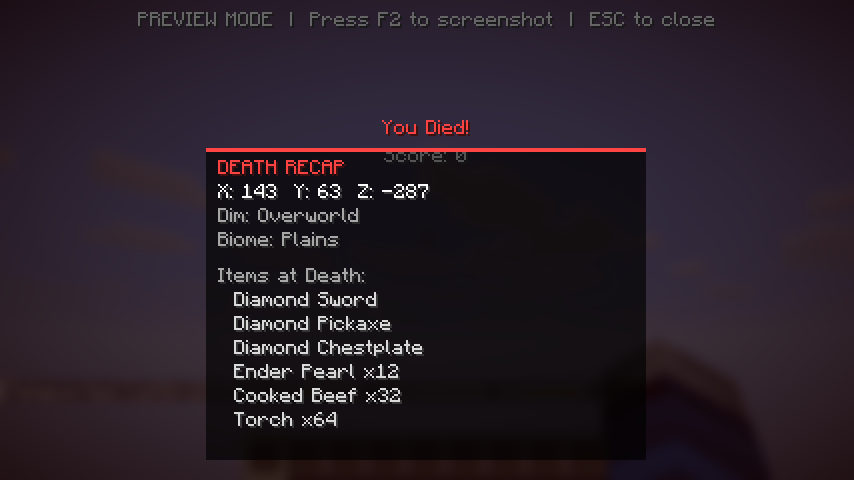
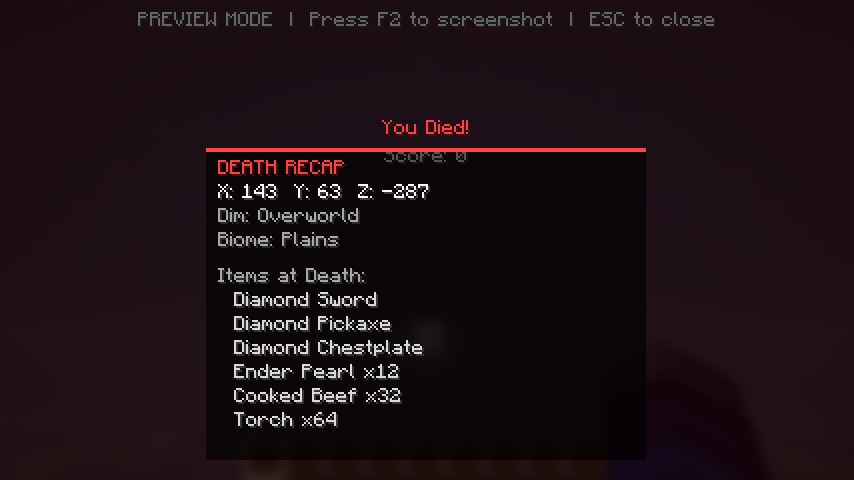
Death Screen Overlay
When you die, an info panel appears showing:
- Exact coordinates (X, Y, Z)
- Dimension (Overworld / Nether / End)
- Biome
- Items you had at the time of death
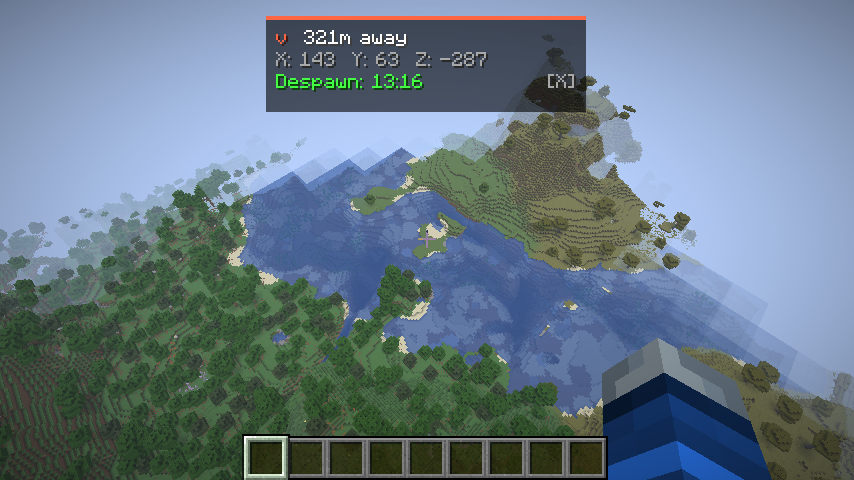
Recovery Compass HUD
After respawning, a compact HUD appears at the top of your screen:
- Directional arrow pointing toward your death location
- Distance in blocks
- Despawn countdown timer (5:00 → 0:00)
- Auto-dismisses when you arrive within 5 blocks
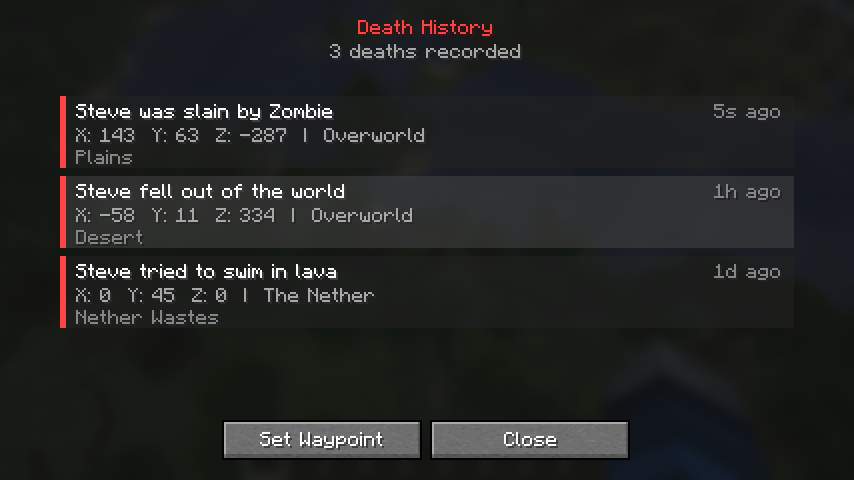
Death History Log
Press H to open a full history of your past deaths:
- Scrollable list of up to 50 deaths per world
- Shows cause, coordinates, dimension, biome, and time
- Click any entry and set it as a compass waypoint
- Saved between sessions
Controls
| Key | Action |
|—–|——–|
| H | Open Death History |
| X | Dismiss Recovery Compass |
Both keys are rebindable in Controls → Miscellaneous.
Configuration
All features can be toggled individually in config/deathrecap.json:
- Death screen overlay (coordinates, dimension, biome, inventory preview)
- Recovery compass (despawn timer, distance, auto-hide distance)
- Max history entries
Why Death Recap?
- Client-side only — install it and join any server, no server setup needed
- Lightweight — no custom blocks, items, or entities
- Modpack-friendly — works alongside grave mods, minimaps, and other utility mods
- Zero configuration — works out of the box
常见问题
Death Recap 支持哪些 Minecraft 版本?
Death Recap 支持 Minecraft Java 版 1.21.11–26.1.2,共 2 个版本,可用的加载器:Fabric。下载时注意选择和你游戏版本一致的文件。
Death Recap 怎么安装?
先用 PCL2 或 HMCL 启动器安装对应版本的 Fabric,再把下载的 .jar 文件放进游戏目录的 mods 文件夹,重新启动游戏即可。开启了版本隔离的,mods 文件夹在 versions/版本名 下面。运行环境:仅客户端。
ModTestFactory 的其他作品
查看全部 →
Bonemeal Sugercane 2.0
Now you can grow sugarcane with bonemeal

The Hockey Mod
Adds hockey sticks, pucks, nets, and ice rinks to Minecraft!

Heads Up
Proactive survival alerts — durability warnings, hunger, inventory full, low health, potion expiry & more. All-in-one notification mod.

Armor Insight
Visualizes hidden armor mechanics — real protection %, enchantment effectiveness, toughness, durability, damage preview, and armor comparison.
评论
登录后评论和评分