
PlayClock
A clean client-side Fabric playtime tracker for Minecraft, showing server and singleplayer time with HUD stats, menu markers, hover tooltips, hotkeys, and custom colors.
截图

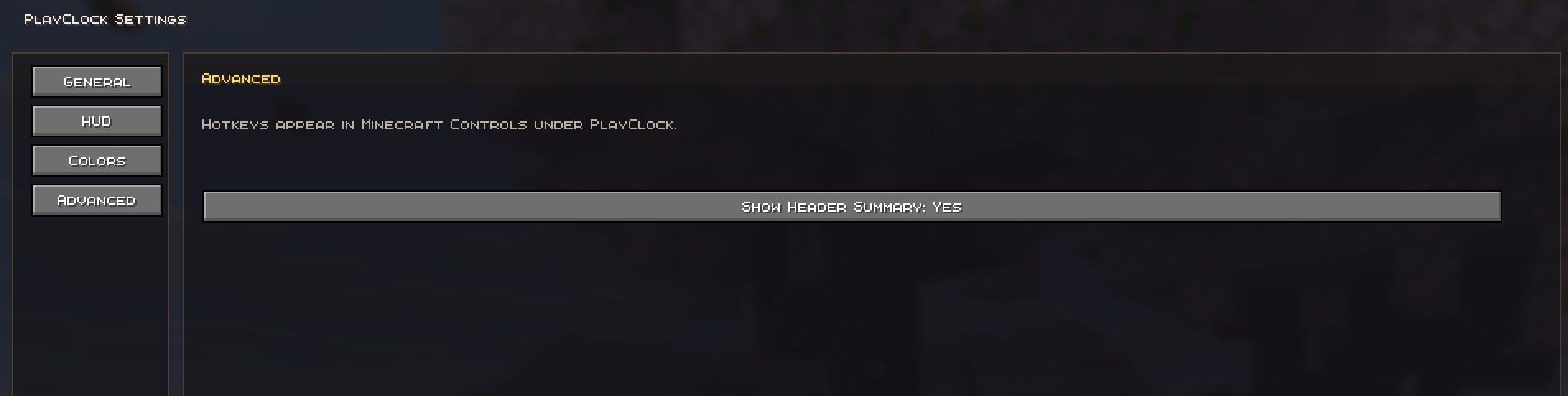


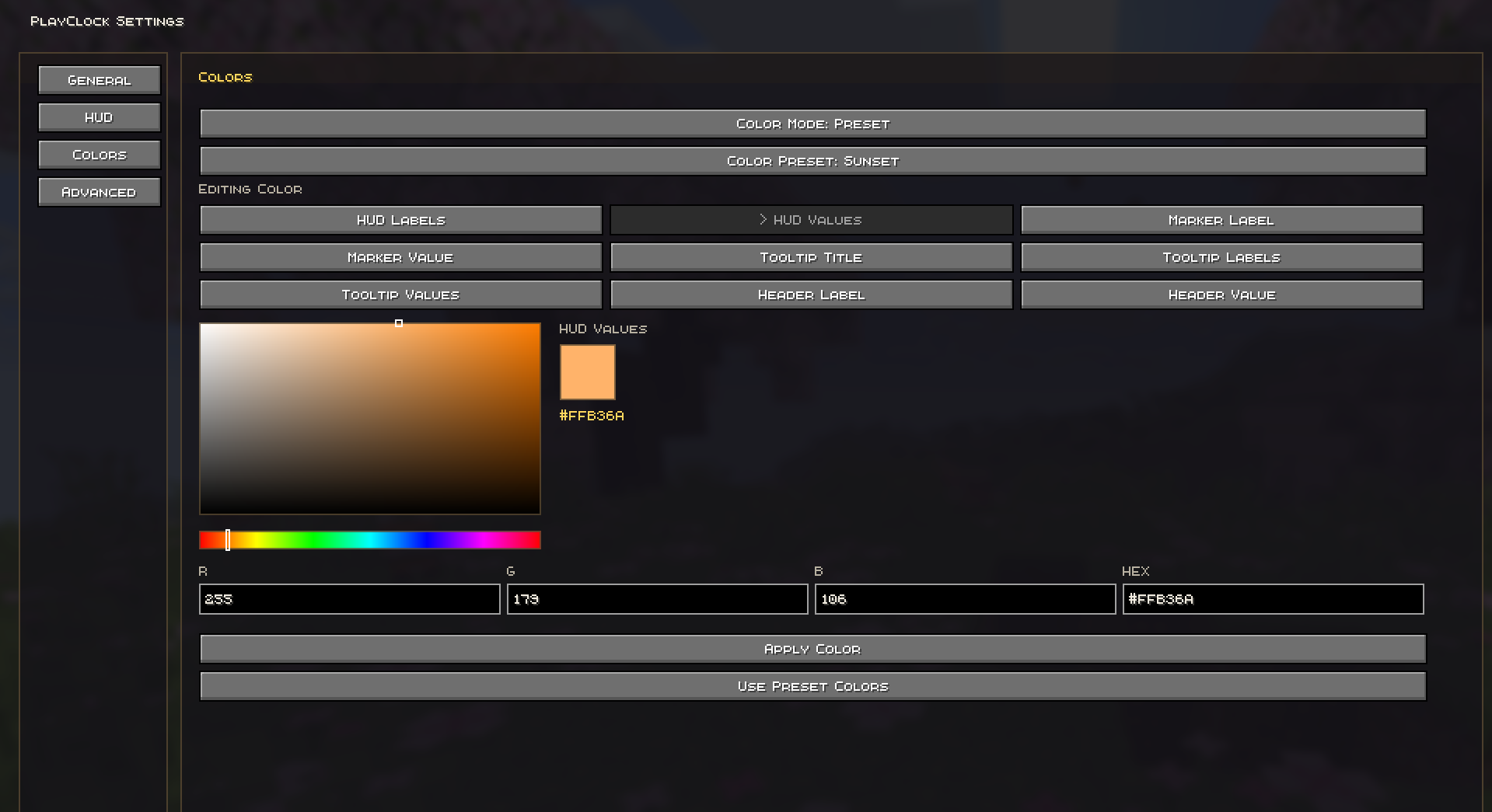
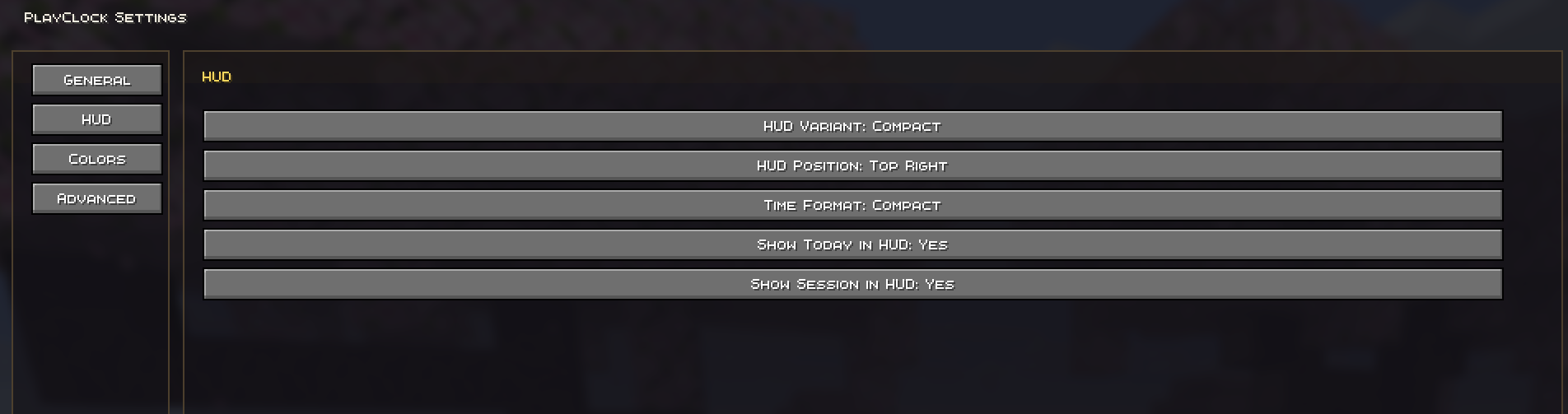
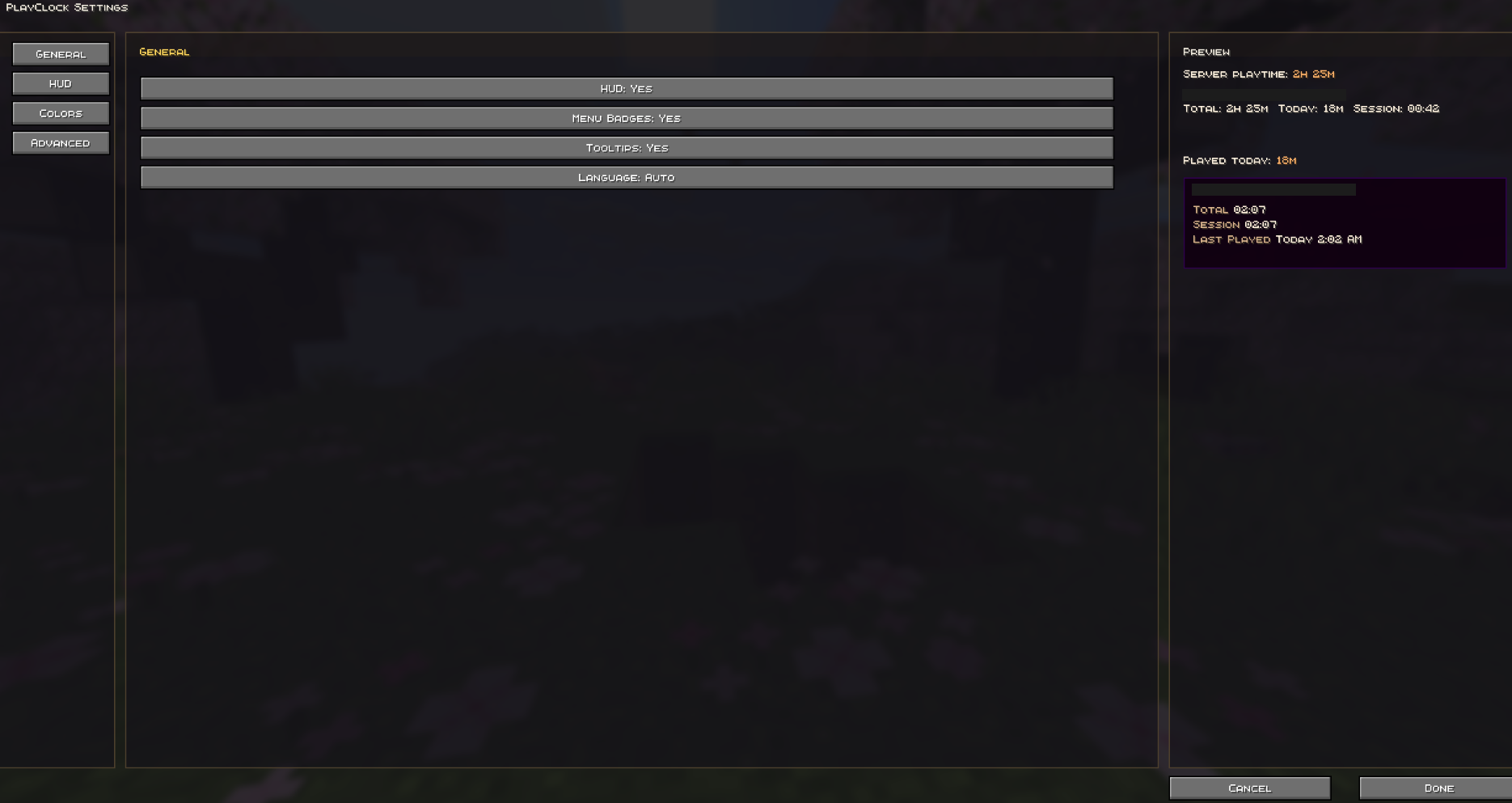
介绍

PlayClock
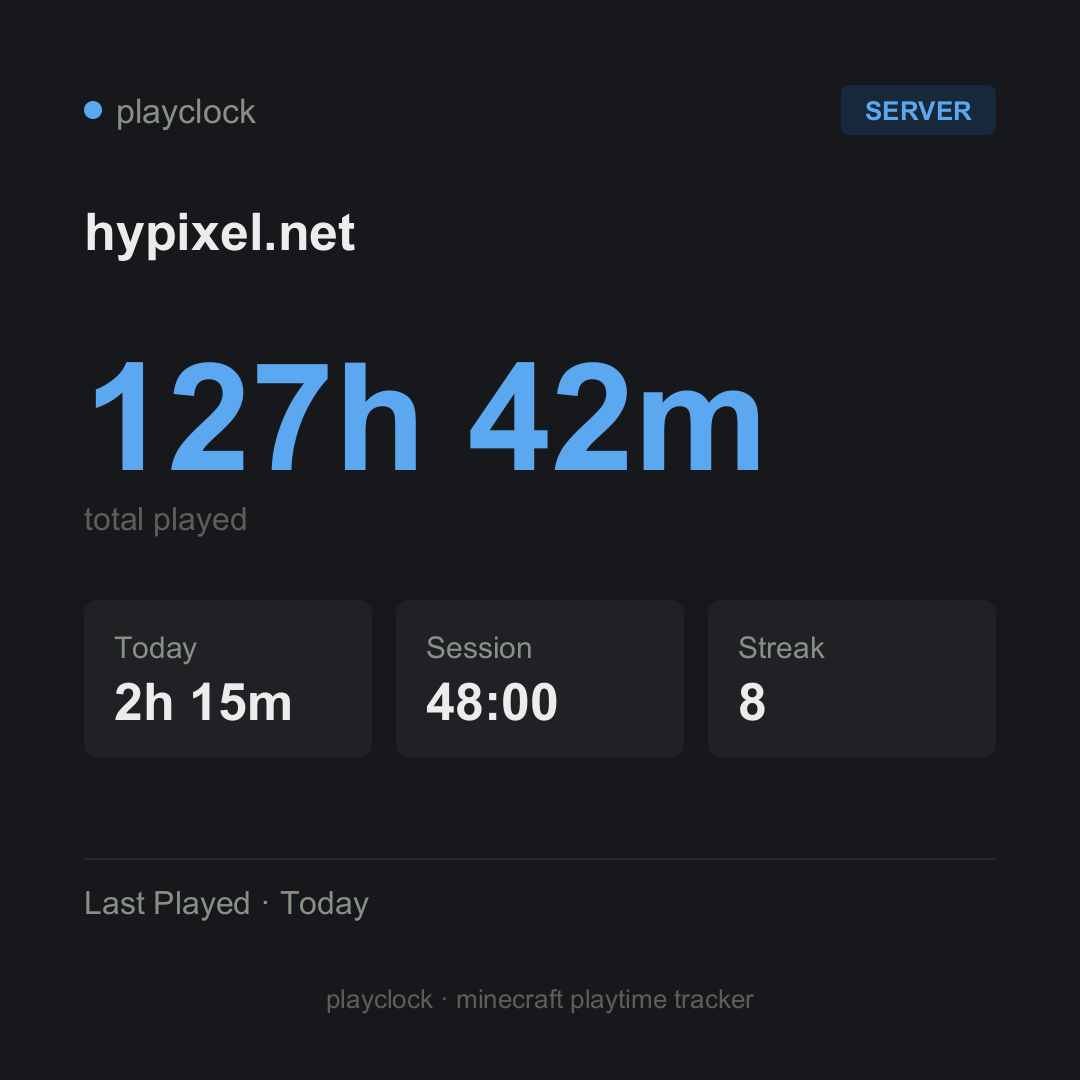
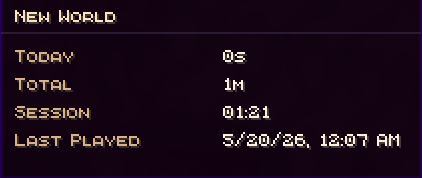
PlayClock is a client-side Fabric mod that tracks your Minecraft playtime directly inside the game. It shows how long you have played on each multiplayer server or singleplayer world, including today’s playtime, total time, current session time, and last played information.
Whether you play on SMP servers, local worlds, LAN worlds, or direct connect servers, PlayClock gives you a clean way to monitor your Minecraft activity without commands, external tools, or server-side plugins. It also includes shareable playtime cards, weekly/monthly recaps, an in-game HUD, menu markers, hover tooltips, and deep Mod Menu customization.
Features
- Tracks playtime for multiplayer servers and singleplayer worlds
- Shows today, total, session, and last played stats
- Reliable singleplayer saving when playing, leaving a world, or closing the client
- Clean in-game HUD with multiple layout styles
- Playtime markers in server and world lists
- Hover tooltips with detailed time information
- Header summary in list screens
- Shareable per-server and per-world playtime cards
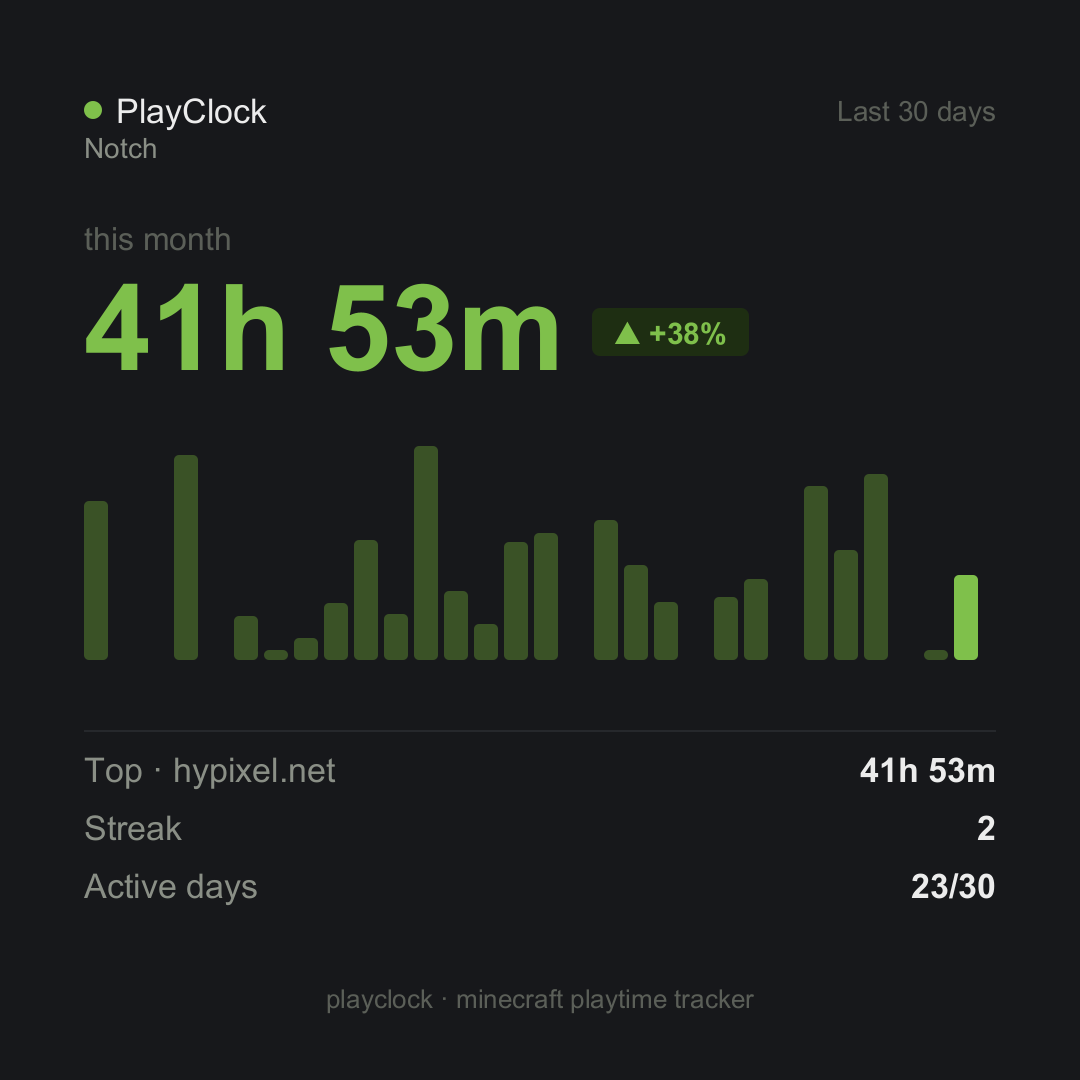
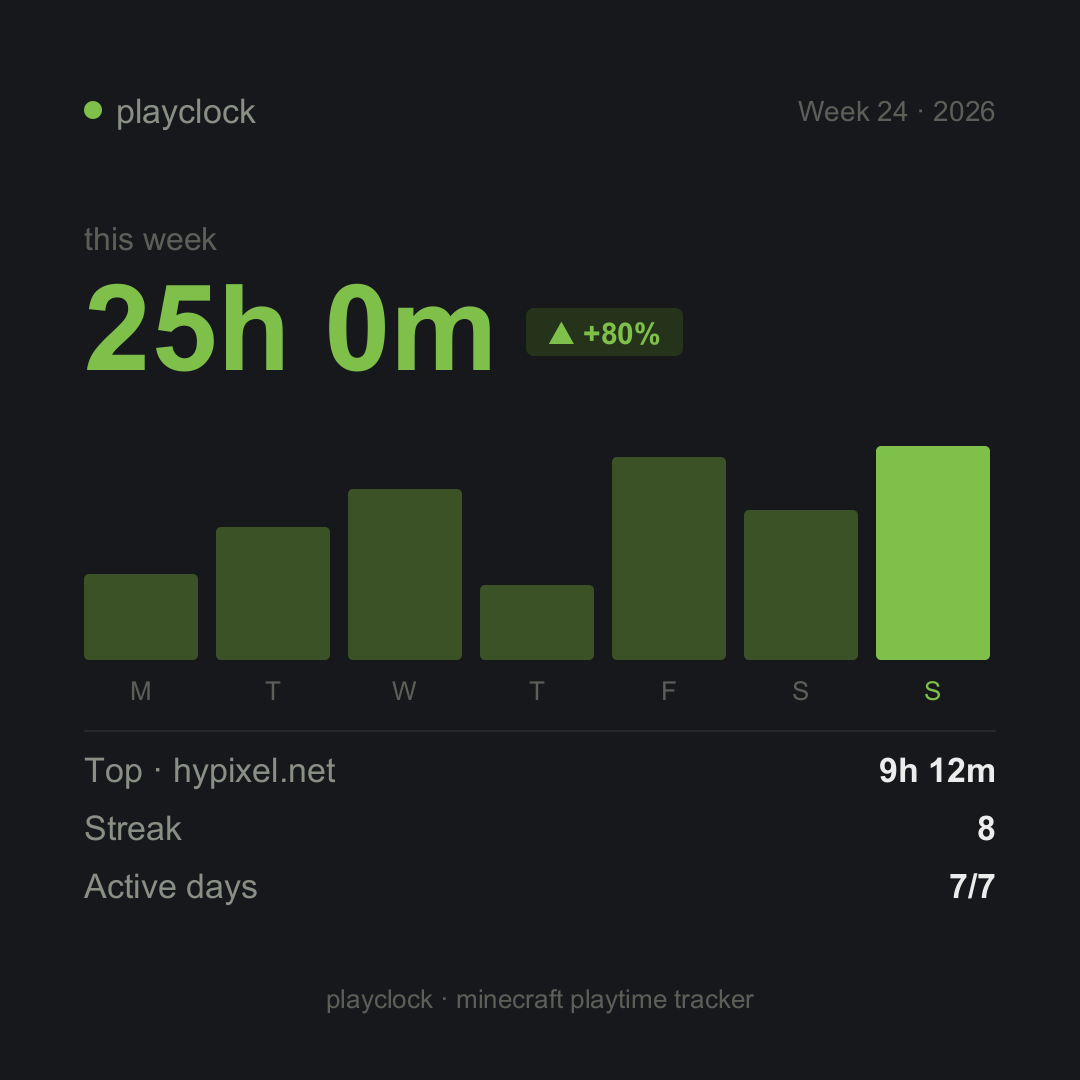
- Weekly and monthly recap cards with charts, streaks, active days, and top target stats
- Copy cards to clipboard or save them as PNG
- Hotkeys to quickly toggle HUD, menu markers, summary screen, and HUD editor
- Mod Menu settings screen
- Custom UI colors, presets, RGB and HEX editing
- Custom card accent colors with 10 presets
- Supports English, Russian, and Ukrainian
- Stores all data locally in JSON
- Fully client-side — no server installation required
Why Use PlayClock?
Minecraft does not clearly show how much time you spend on each server or world. PlayClock fixes that by adding a clean playtime tracker directly into the menus, HUD, and summary screens you already use.
It is useful for players who want to track SMP activity, compare time spent across worlds, monitor current sessions, review weekly or monthly play habits, share recap cards, or simply keep a better overview of their Minecraft playtime.
Supported Versions
- Minecraft 1.21.11
- Minecraft 26.1 / 26.1.1 / 26.1.2
Notes
PlayClock is client-side only. Your playtime data is stored locally on your device. Realms are not supported in the current release.
minecraft playtime tracker, fabric playtime mod, minecraft server time tracker, minecraft hud mod, client side fabric mod, minecraft session tracker, minecraft world playtime, minecraft playtime cards, minecraft weekly recap, minecraft monthly recap, mod menu minecraft
常见问题
PlayClock 支持哪些 Minecraft 版本?
PlayClock 支持 Minecraft Java 版 1.21.11–26.1.2,共 4 个版本,可用的加载器:Fabric。下载时注意选择和你游戏版本一致的文件。
PlayClock 怎么安装?
先用 PCL2 或 HMCL 启动器安装对应版本的 Fabric,再把下载的 .jar 文件放进游戏目录的 mods 文件夹,重新启动游戏即可。开启了版本隔离的,mods 文件夹在 versions/版本名 下面。运行环境:仅客户端。
Erotoro 的其他作品
查看全部 →
Sodium Relief
Reduces inventory tooltip & hover stutter for smoother GUIs — a lightweight client-side optimization mod and Sodium companion. Caches tooltip layouts & text-width measurements. No FPS cost, no gameplay changes.

AxisRuler
AxisRuler shows exact X/Y/Z block dimensions in-world — a lightweight client-side ruler and measuring tool for Minecraft builders. Two-point measurement, live preview, pinned results, clean HUD. Fabric & NeoForge.
评论
登录后评论和评分