
Inventory Profiles
Save and load full inventory layouts with commands or keybinds. Works in survival multiplayer.
截图
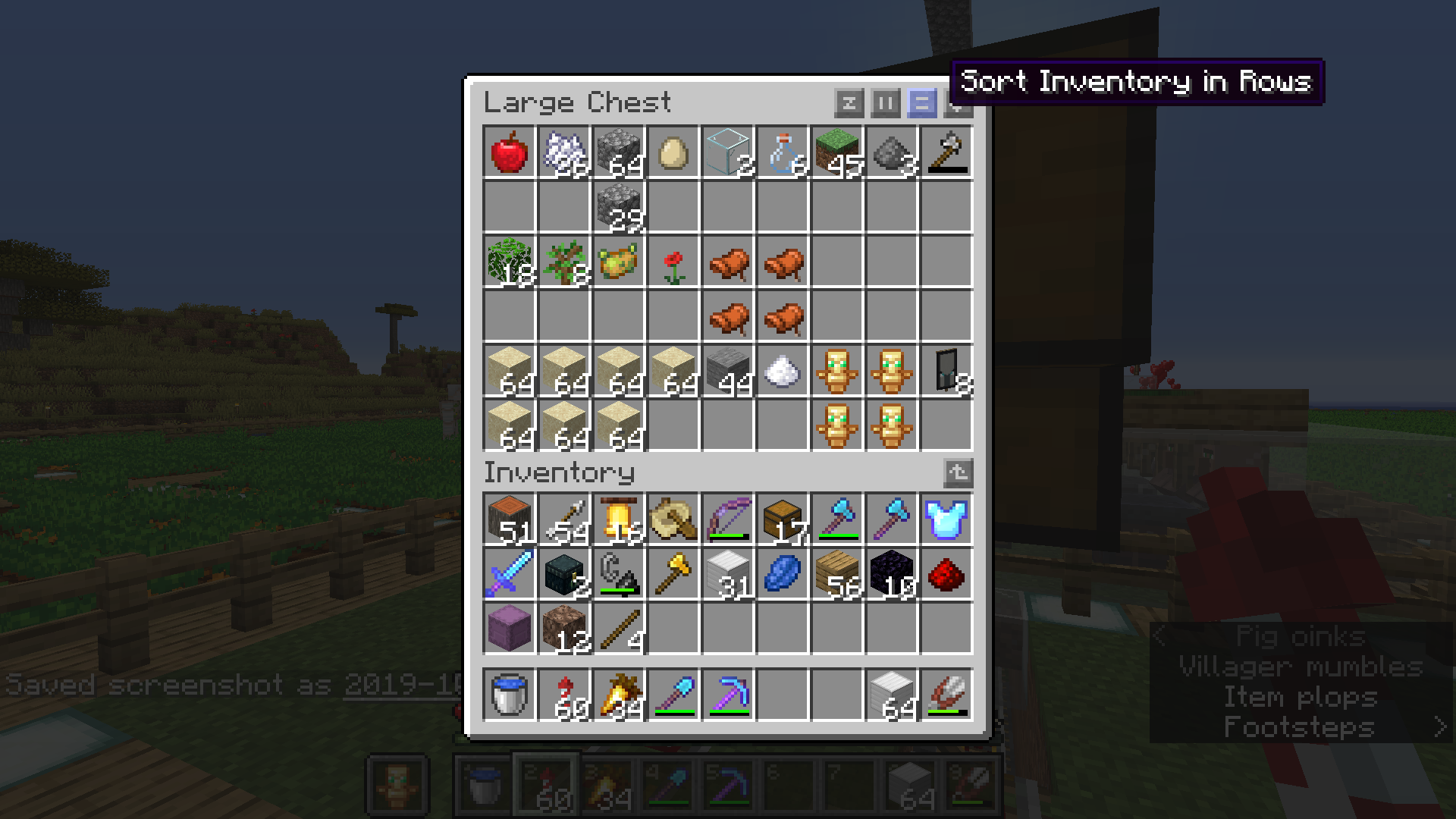

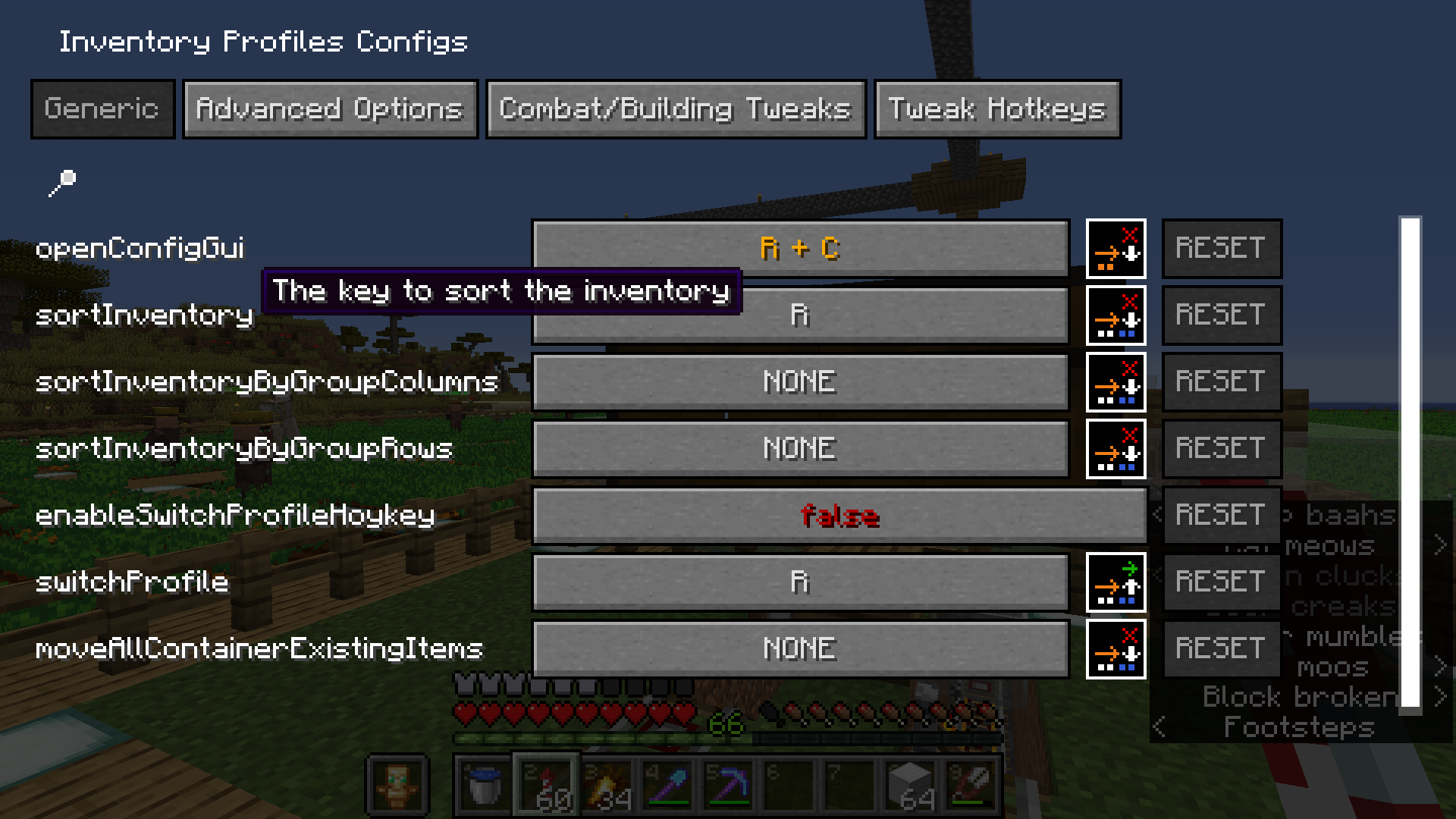
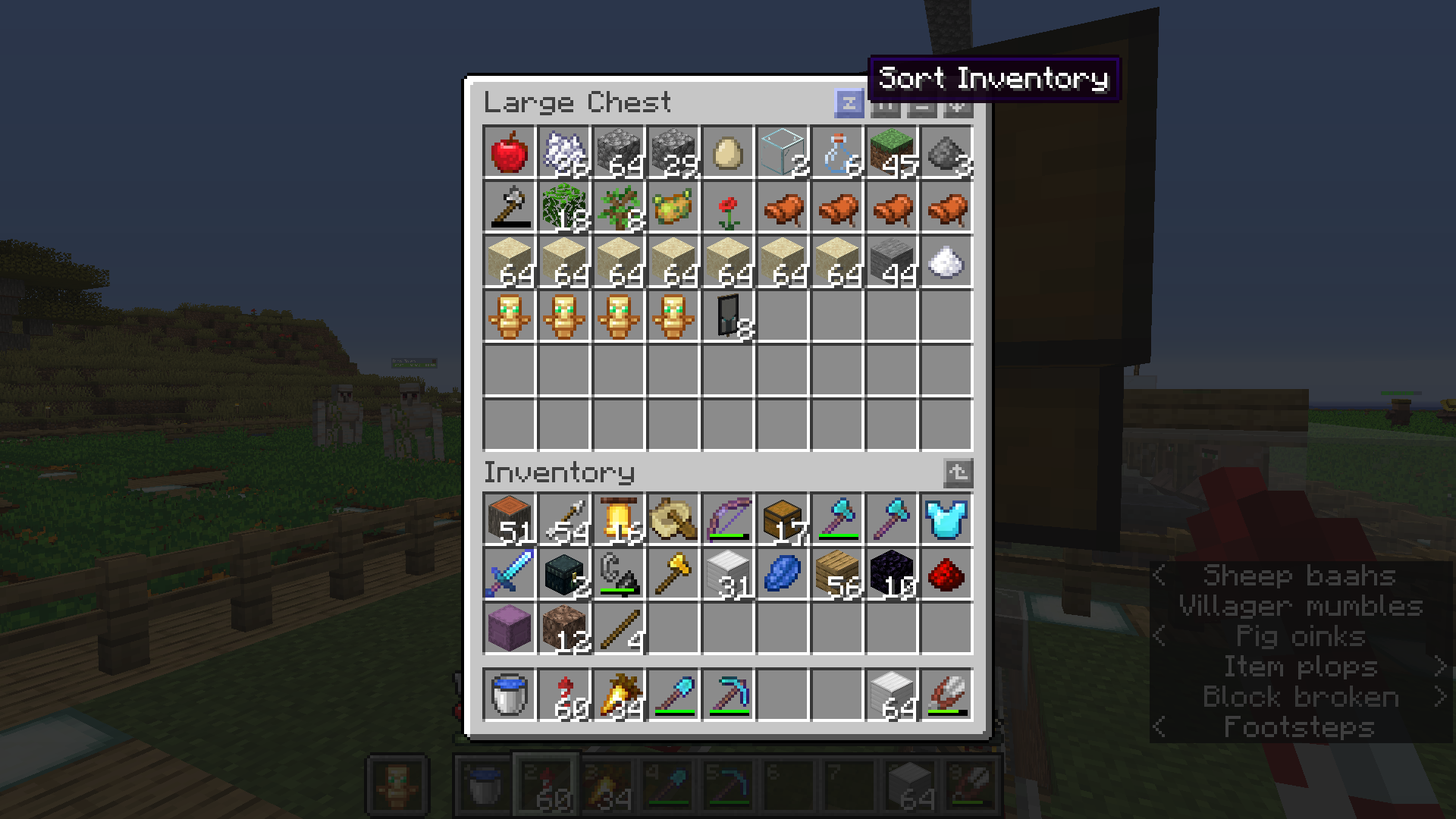
介绍
Inventory Profiles
Save and load your full inventory layout — hotbar, main inventory, armor, and offhand — with one command or keybind. Perfect for PvP kits, mining setups, building loadouts, and swapping gear fast.
✨ Features
- Save your entire inventory — every slot, including empty ones
- Full item data — enchantments, custom names, and NBT preserved
- Multiple named profiles — PvP, mining, building, and more
- Quick keybinds — save/load your default profile instantly
- Great for SMP servers — quickly switch between PvP, mining, building, and other loadouts
- Multiplayer support — works on external servers in survival and creative
- Client-side — profiles are stored locally on your PC
⌨️ Commands
All commands are client-side (no OP required):
| Command | Description |
|———|————-|
| /profile save <name> | Save your current inventory as a profile |
| /profile load <name> | Load a saved profile |
| /profile list | List all saved profiles |
| /profile delete <name> | Delete a profile |
Examples:
/profile save pvp/profile load pvp/profile list/profile delete old
🎮 Keybinds
| Key | Action |
|—–|——–|
| K | Save default profile |
| L | Load default profile |
Default profile name: default
Rebind in Options → Controls → Inventory Profiles
🔧 How it works
Singleplayer / LAN host
Inventory is applied directly on the server.
Multiplayer — Creative
Items are placed via creative sync packets.
Multiplayer — Survival
The mod opens your inventory and rearranges items using click packets (similar to client-side sort mods).
No new items are spawned — only items already in your inventory are moved.
Full inventory?
The mod uses hotbar swaps and the 2×2 crafting grid as temporary storage while loading.
[!IMPORTANT]
In survival on servers, you can only rearrange items you already have. Missing items will not be spawned.
[!TIP]
Re-save your profiles after mod updates to keep enchantments and NBT stored correctly.
[!NOTE]
Keep your inventory open while a profile is loading on multiplayer survival. Other players do not need this mod installed.
💾 Where profiles are saved
.minecraft/config/inventory_profiles.json
Profiles persist between game sessions.
📋 Requirements
- Fabric Loader
0.19.3+ - Fabric API
Switch loadouts in seconds. No more manual sorting.
常见问题
Inventory Profiles 支持哪些 Minecraft 版本?
Inventory Profiles 支持 Minecraft Java 版 1.14.4–26.1.2,共 8 个版本,可用的加载器:Fabric / Forge。下载时注意选择和你游戏版本一致的文件。
Inventory Profiles 怎么安装?
先用 PCL2 或 HMCL 启动器安装对应版本的 Fabric / Forge,再把下载的 .jar 文件放进游戏目录的 mods 文件夹,重新启动游戏即可。开启了版本隔离的,mods 文件夹在 versions/版本名 下面。运行环境:仅客户端。

评论
登录后评论和评分