Dimension dots tab list
作者:_6O
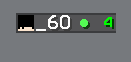
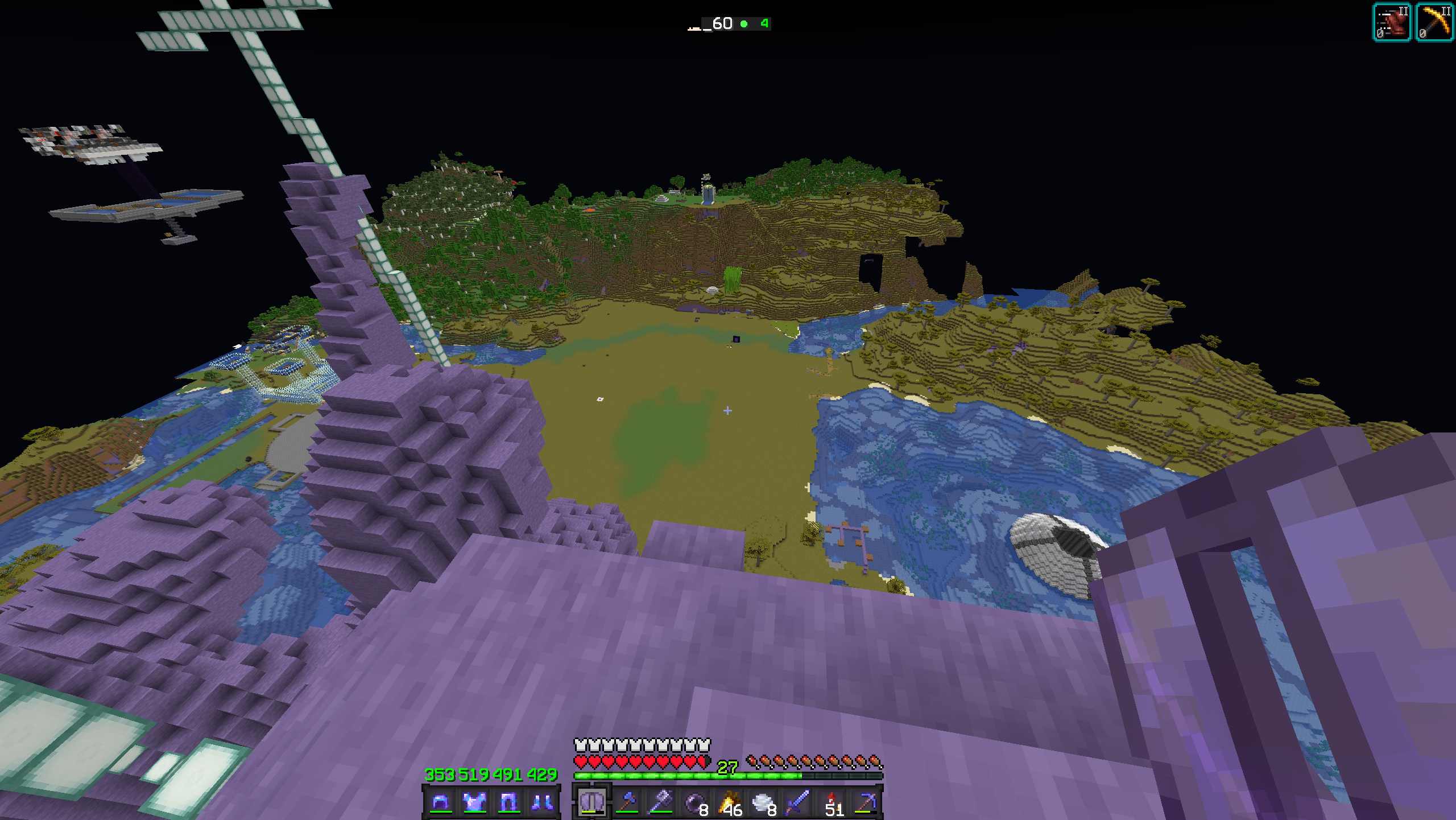
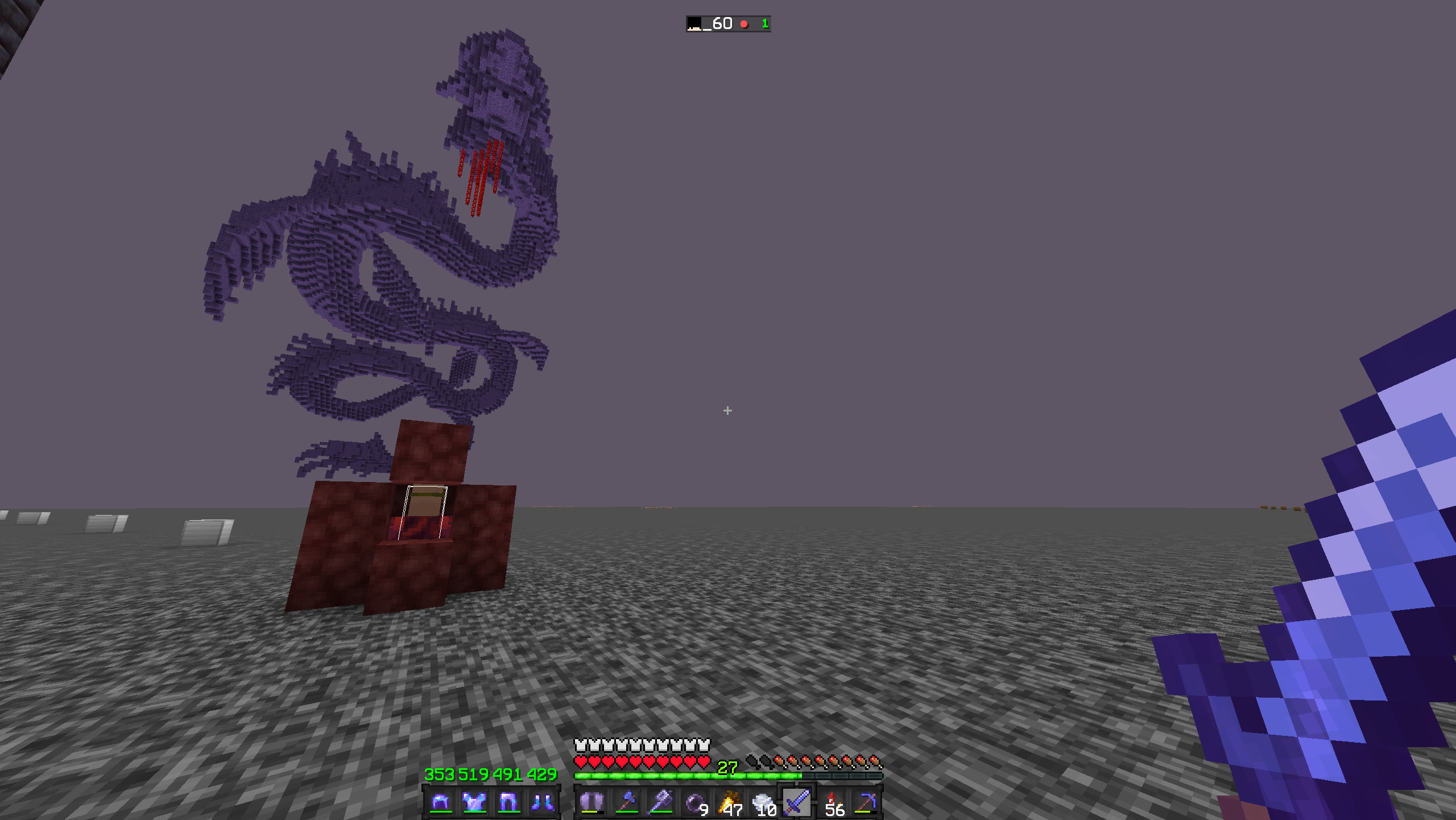
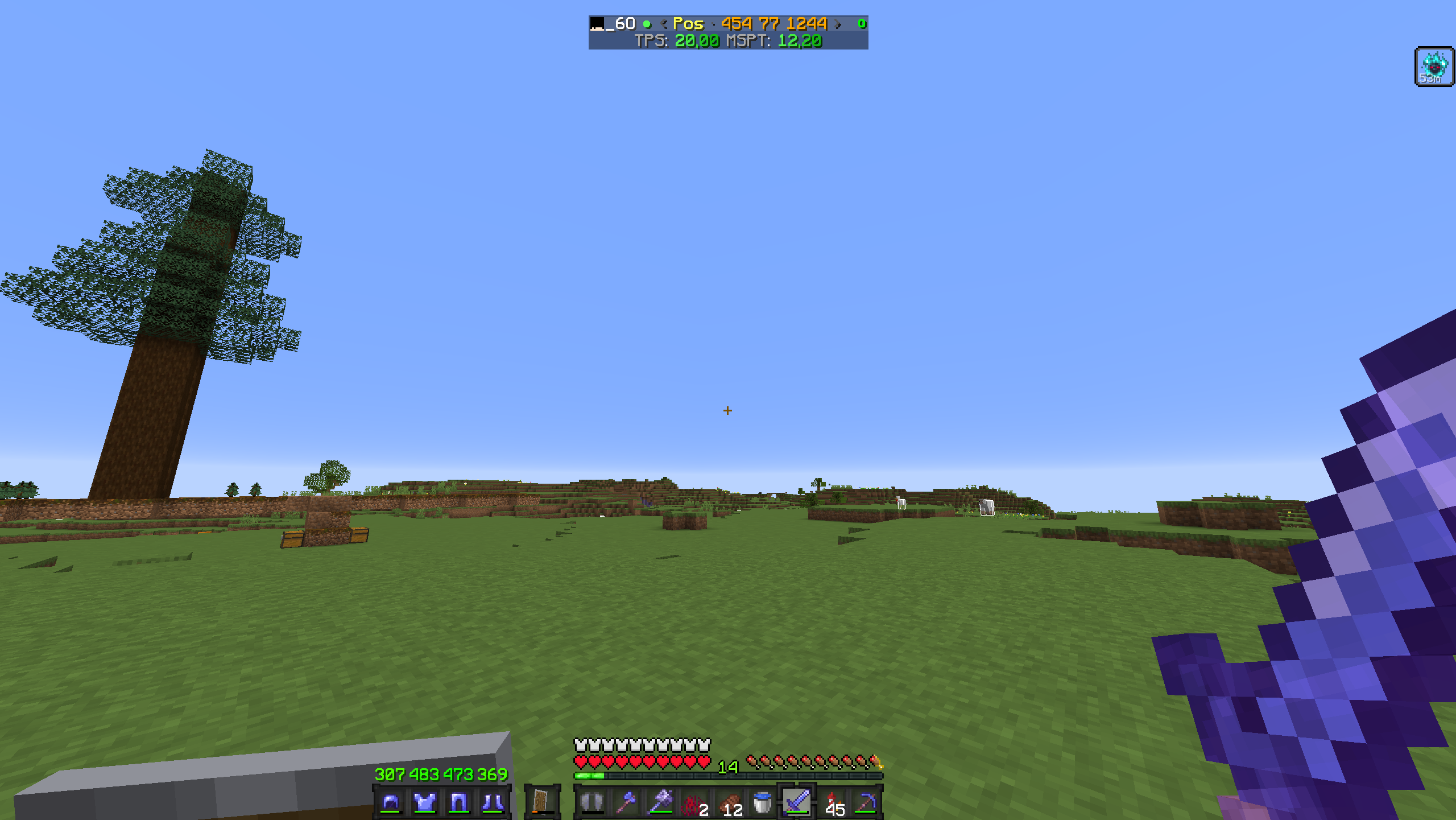
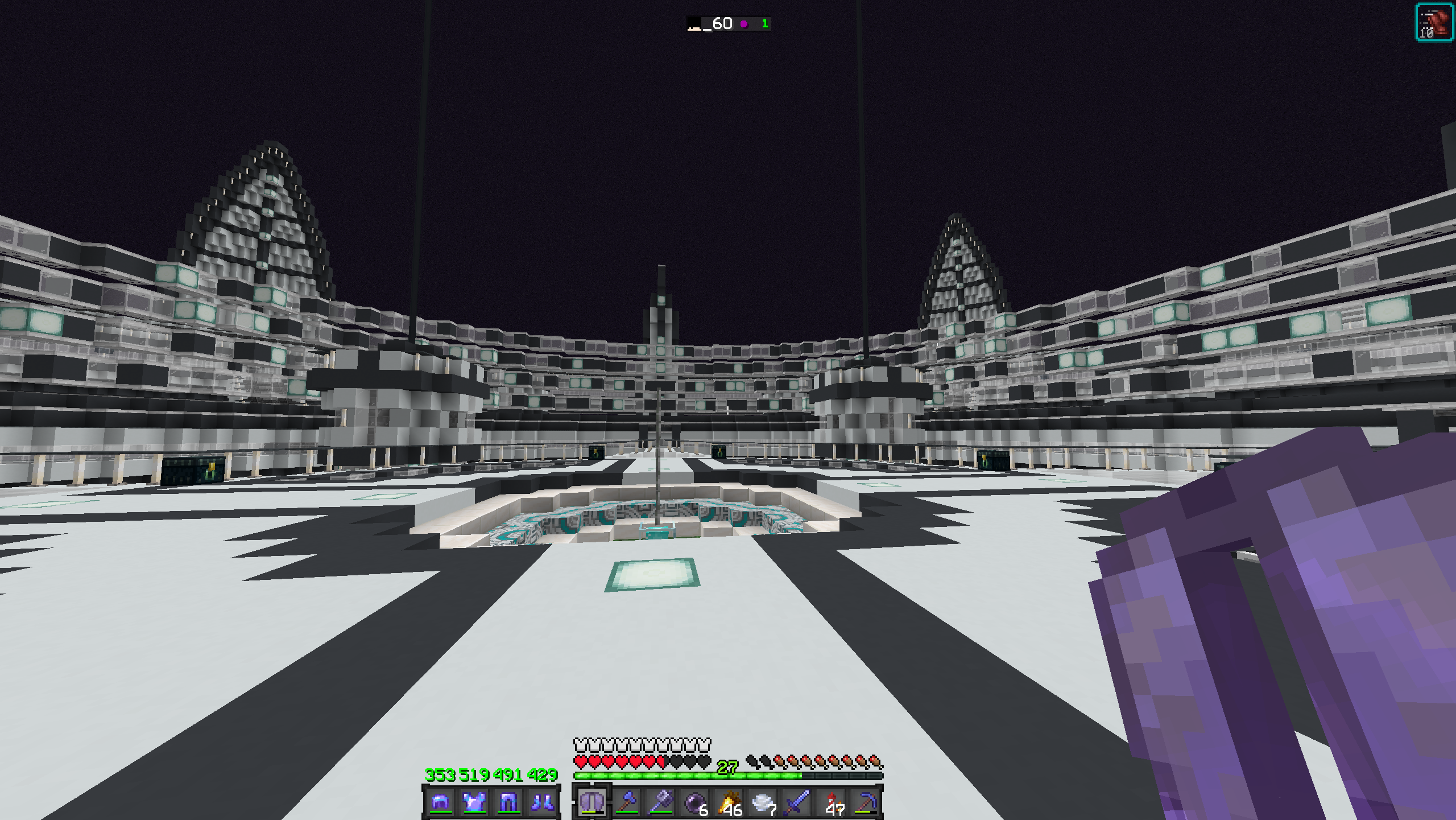
Lightweight vanilla datapack that adds a dynamic colored dot next to player names in the tab list based on their current dimension.
截图
介绍
中文介绍正在准备中,下面暂时显示原文。
Dimension Dots Tab
A ultra-lightweight, zero-overhead vanilla datapack for Minecraft 1.21.x that adds a dynamic colored dot next to each player’s name in the tab list based on their current dimension.
Features
- Overworld: Green dot (
●) - Nether: Red dot (
●) - The End: Dark Purple dot (
●) - Zero-lag: Uses native Minecraft
/teamcommands. - High Compatibility
Installation
- Download the
.zipfile. - Place it inside your world’s
datapacks/folder. - Run
/reloadin-game or restart your server.
Note: It “may” work with older/newer versions, it’s worth the try.
Uninstallation
Before removing the datapack file, run this command in-game to clean up created teams:
/function dots:uninstall
常见问题
Dimension dots tab list 支持哪些 Minecraft 版本?
Dimension dots tab list 支持 Minecraft Java 版 1.21–1.21.11,共 12 个版本。下载时注意选择和你游戏版本一致的文件。
Dimension dots tab list 怎么安装?
新建世界时在「数据包」里把下载的 .zip 拖进去;已有的存档,把文件放进存档目录下的 datapacks 文件夹,进游戏输入 /reload 即可生效。服务器同样放在世界目录的 datapacks 里。
评论
登录后评论和评分