
Create: Bionics – Faster Oxhauler
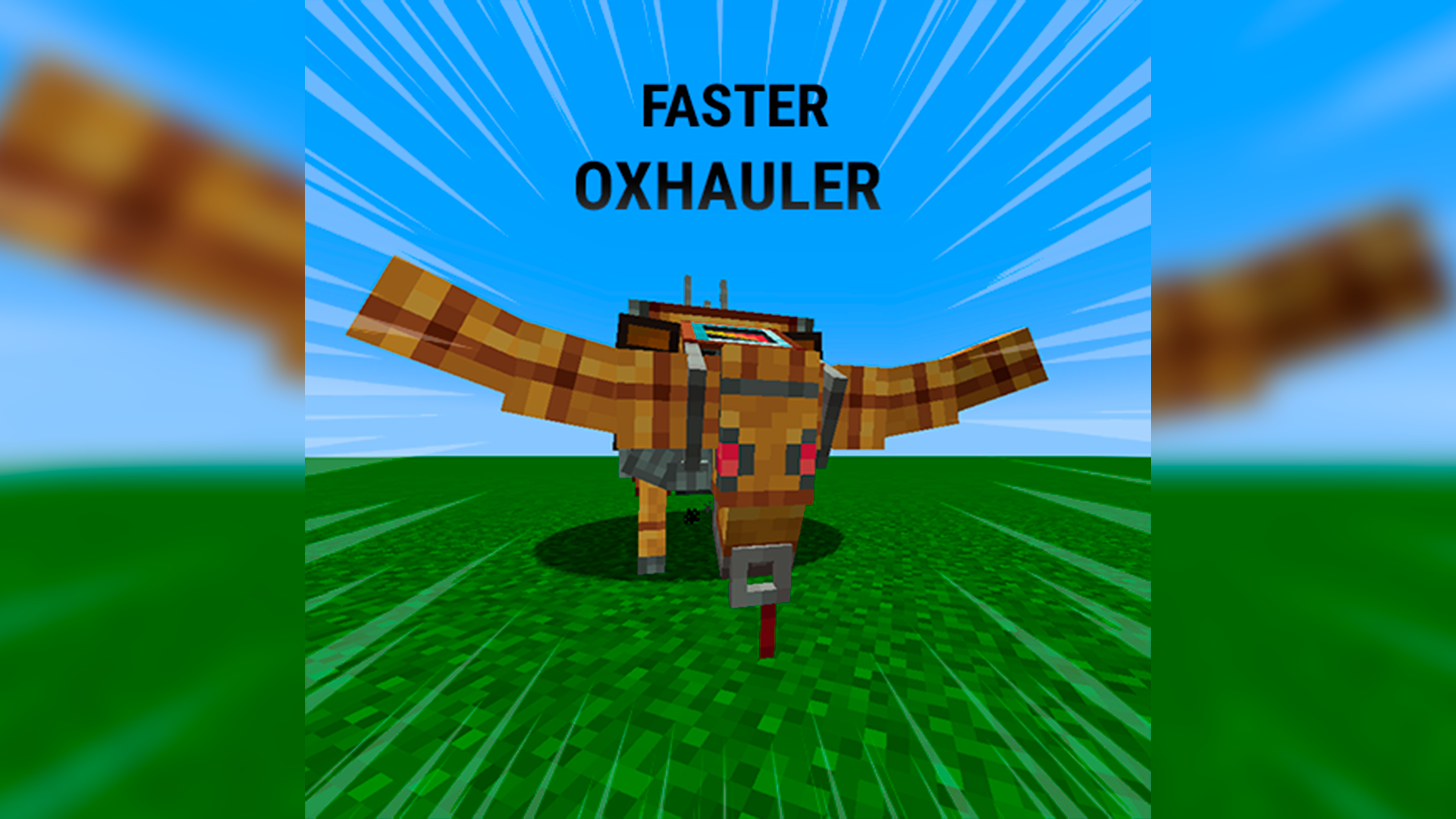
A simple datapack for Create: Bionics that increases the Oxhauler's movement speed by 2×, making transportation much faster and more enjoyable. The speed multiplier can also be easily customized to any value you prefer.
截图
介绍
Faster Oxhauler
Installation
For a more convenient installation, it is recommended to use a datapack manager such as Paxi or OpenLoader. Simply place the datapack into the appropriate folder and reload your game.
Manual installation is also possible by placing the datapack .zip file into your world’s datapacks folder.
Customizing the Speed
If you want to use a different speed multiplier, you can easily edit the datapack yourself.
- Extract the datapack
Extract the .zip file using any archive program such as WinRAR, 7-Zip, or the built-in Windows extractor.
- Change the speed multiplier
Open these files with any text editor (Notepad is enough):
data/oxspeed/functions/apply.mcfunction
data/oxspeed/function/apply.mcfunction
Replace every occurrence of:
2.0
with your desired multiplier (for example 3.0, 4.5, or 1.5).
Optionally, you can also change the value in:
data/oxspeed/functions/force.mcfunction
This file is only used by the /function oxspeed:test command for testing.
- Repack the datapack
Select only the data folder and the pack.mcmeta file (not the outer folder), then create a new .zip archive.
Replace the old datapack with the new one, then run:
/reload
or simply rejoin your world.
常见问题
Create: Bionics – Faster Oxhauler 支持哪些 Minecraft 版本?
Create: Bionics – Faster Oxhauler 支持 Minecraft Java 版 1.21.1。下载时注意选择和你游戏版本一致的文件。
Create: Bionics – Faster Oxhauler 怎么安装?
新建世界时在「数据包」里把下载的 .zip 拖进去;已有的存档,把文件放进存档目录下的 datapacks 文件夹,进游戏输入 /reload 即可生效。服务器同样放在世界目录的 datapacks 里。
Evilaya_ 的其他作品
查看全部 →
Better click sound UI
Better UI Click Sound is a simple resource pack that replaces Minecraft's default UI click sound with a cleaner and more satisfying alternative.

Even Better Armor and Tools
Enhanced armor and visual overhaul for Minecraft armor that gives every set a more detailed, polished, and badass appearance while keeping the original Minecraft style.
Even Better Armor and Tools
Enhanced armor and visual overhaul for Minecraft armor that gives every set a more detailed, polished, and badass appearance while keeping the original Minecraft style.
评论
登录后评论和评分