Oneblock : Create
A version of the infamous Oneblock, but with the Create mod! (and other stuff)
截图
介绍
Oneblock : Create
Start with a single block. Build a mechanical empire.
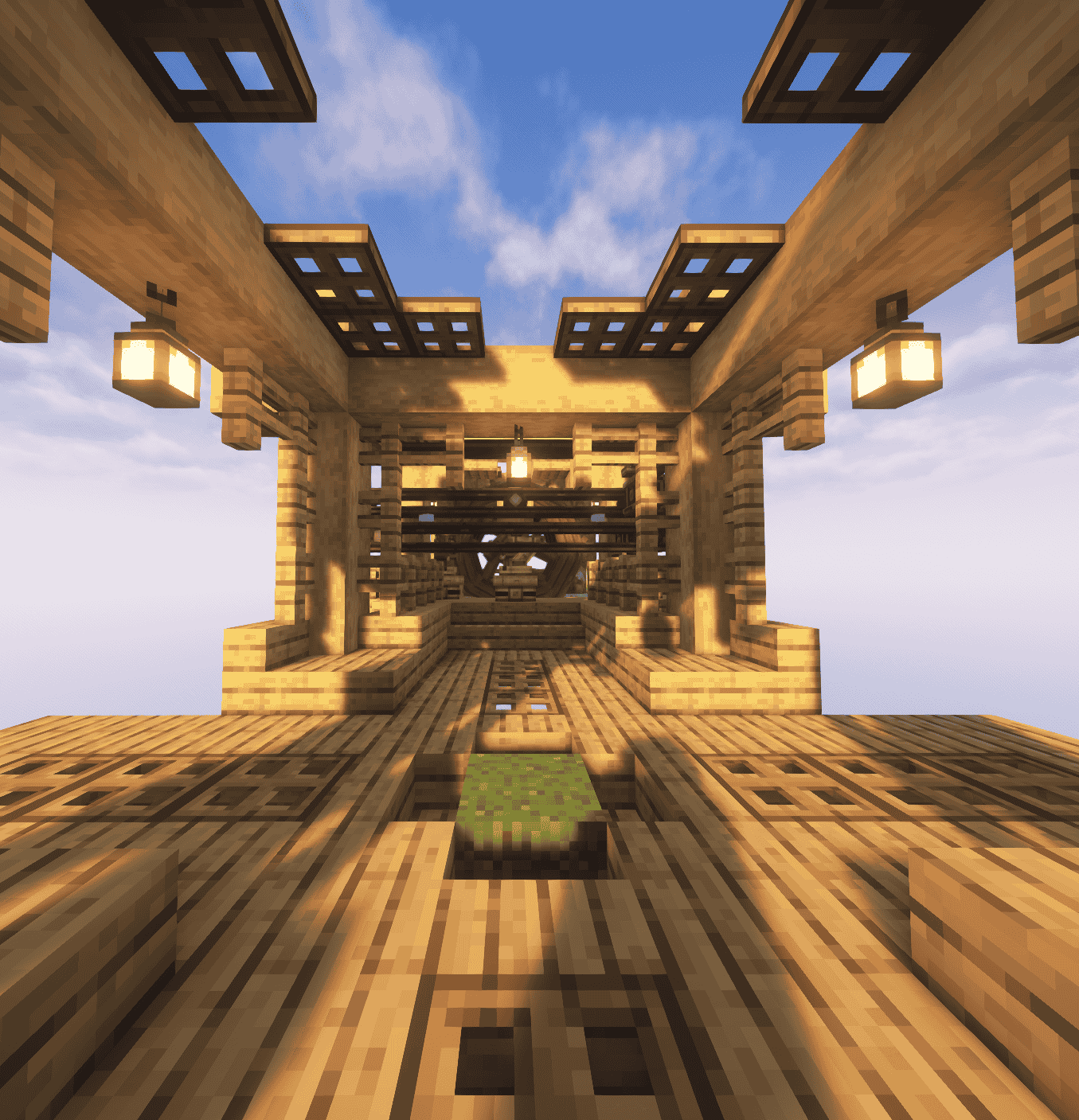
Welcome to Oneblock: Create — a unique twist on the classic Oneblock survival experience, powered by the limitless creativity of the Create mod. Begin on a lone floating block and expand your world using automation, machines, and kinetic contraptions.
🌟 Key Features:
🌍 Oneblock-style progression: break your block to uncover new materials, mobs, and surprises.
⚙️ Fully integrated with Create: build complex factories, transport systems, and contraptions from scratch.
🛠️ Carefully selected mods that enhance automation, decoration, and survival challenges without overwhelming your experience.
🚂 From belts to trains, gears to gantries — turn your floating sky island into a fully functional steampunk factory.
Whether you’re a Create expert or a newcomer to engineering mods, Oneblock : Create offers a fresh and rewarding skyblock journey where your imagination is the only limit.
IMPORTANT: MAKE SURE YOU HAVE YOUR MEMORY ON ATLEAST 8500MB FOR THE MODPACK OTHERWISE IT WILL LAG ALOT AND BE A HORRIBLE EXPERIENCE
常见问题
Oneblock : Create 支持哪些 Minecraft 版本?
Oneblock : Create 基于 Minecraft Java 版 1.20.1,使用 Forge 加载器。
Oneblock : Create 怎么安装?
点本页「前往下载」拿到整合包文件(Modrinth 的是 .mrpack,CurseForge 的是 .zip),在 PCL2 或 HMCL 启动器里选择「导入整合包」,启动器会自动装好 Minecraft、加载器和全部模组。建议在启动器里给游戏分配 4–6 GB 内存。
Oneblock : Create 开服需要多大内存?
推荐服务器内存 12 GB。在线人数多、或者建了大量机器和区块加载器时,可以再加 2–4 GB。
怎么和朋友一起玩 Oneblock : Create?
点本页的「一键开服」,选好配置后会自动安装 Oneblock : Create 的服务端,几分钟就能开好。把服务器地址发给朋友,大家用同一个版本的整合包连进去就行。
评论
登录后评论和评分