
截图
介绍
✨ Sign Holograms
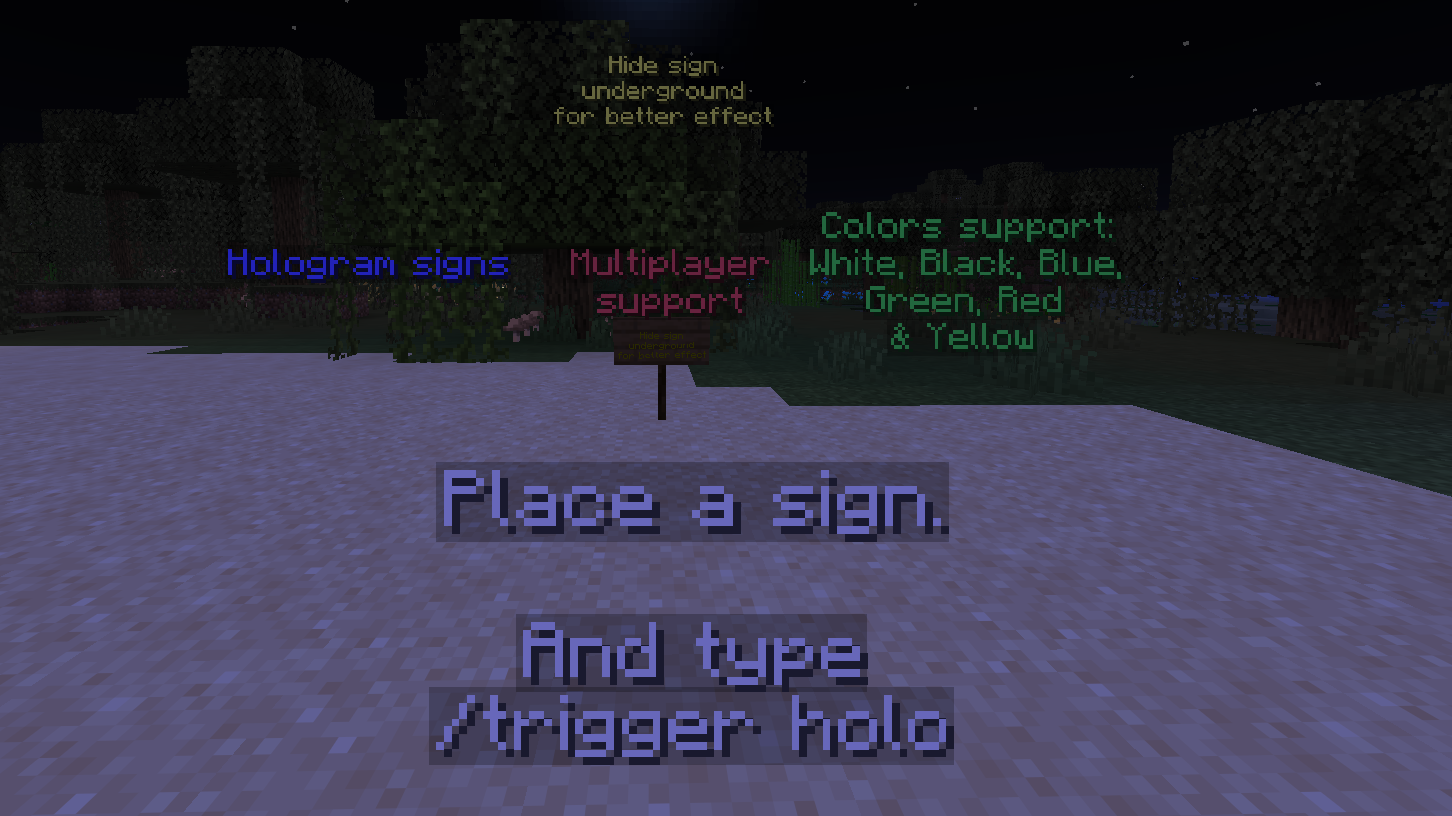
Turn any sign into a floating hologram — instantly, with just a command.
Ideal for realms or servers.
Ever wanted your shop signs, quest boards, or lore notes to pop? Sign Holograms lets you summon a glowing text display hovering above any sign, matching its dyed color, no plugins or mods required — pure vanilla datapack magic.
How it works
Stand touching a sign (on it, or right next to it) and run:
/trigger holo
That’s it. A floating hologram of the sign’s text appears 3 blocks above it — perfect for builds, servers, adventure maps, and shop displays.
Features
🪧 One command, zero setup — /trigger holo and you’re done
🎨 Color-aware — dye your sign and the hologram matches it (White, Yellow, Green, Blue and Red)
🧹 Self-cleaning — break the sign, the hologram vanishes automatically
🔄 Refreshable — re-run the trigger to update a hologram if you edit the sign
⚡ Lightweight — pure vanilla commands, no external dependencies
Perfect for
Shop and market signage
Quest logs and NPC dialogue boards
Build showcases and museum plaques
Adventure map storytelling
常见问题
Hologram Signs 支持哪些 Minecraft 版本?
Hologram Signs 支持 Minecraft Java 版 26.2。下载时注意选择和你游戏版本一致的文件。
Hologram Signs 怎么安装?
新建世界时在「数据包」里把下载的 .zip 拖进去;已有的存档,把文件放进存档目录下的 datapacks 文件夹,进游戏输入 /reload 即可生效。服务器同样放在世界目录的 datapacks 里。


评论
登录后评论和评分