截图
介绍
About this project
This is a datapack that allows you to create minesweeper games in your world. It is intended to be played in creative mode.
Basic setup
I expect you to already know how to install a datapack. Do that.
After that you need to create a game.
I recommend getting yourself a “field block” with this command:
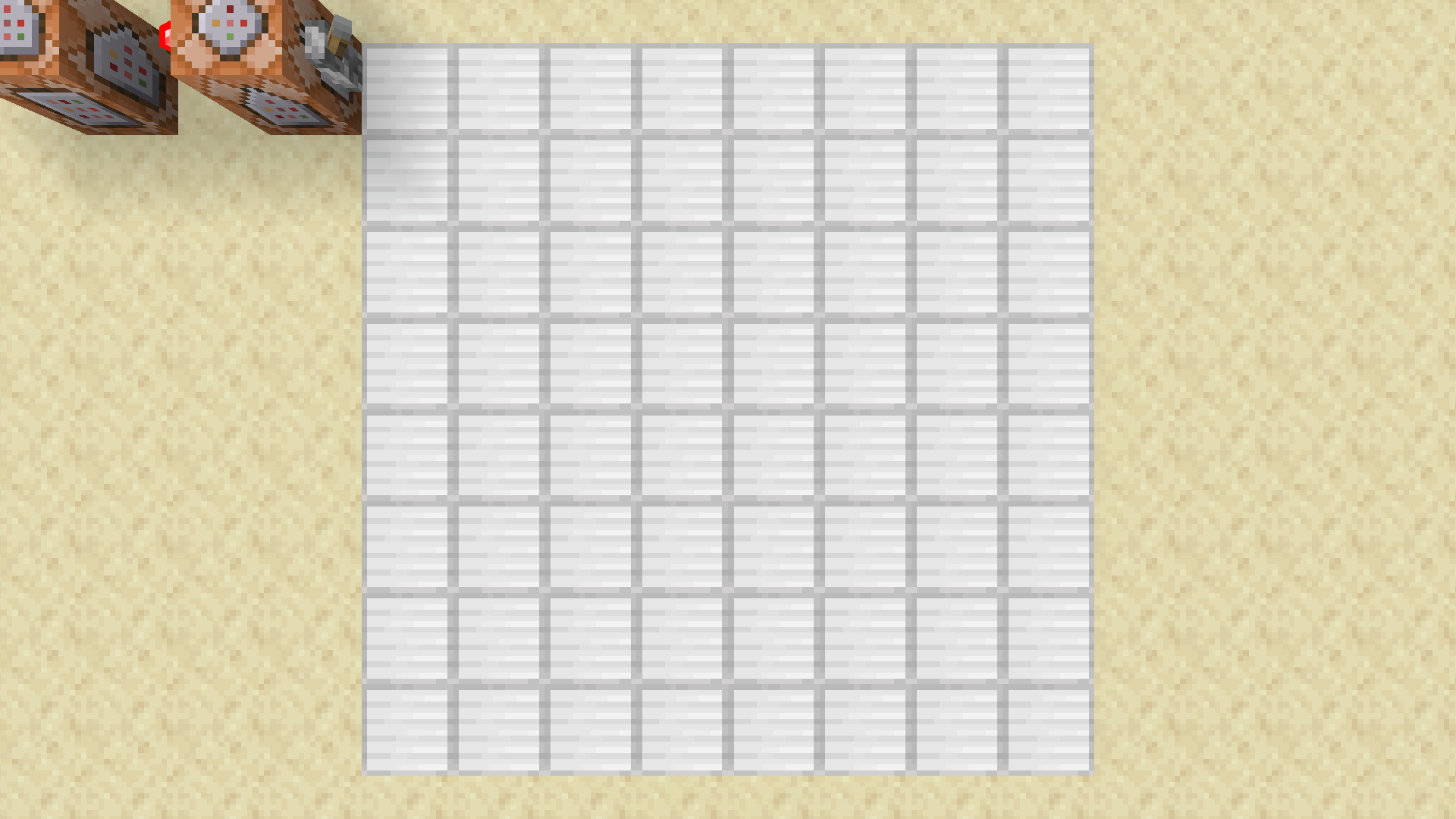
/give @s command_block[block_entity_data={id:"command_block",auto:1b,Command:"function minesweeper:addfield"}]Wherever you place this commandblock you will see it immediatly replaced with an ironblock. That means that a field has been added to the current game at that location.
Destroying the iron block will not remove the underlying field. To change that enable erasemode with /scoreboard players set .erasemode minesweeper_games 1
How to play
First ensure that erasemode is disabled.
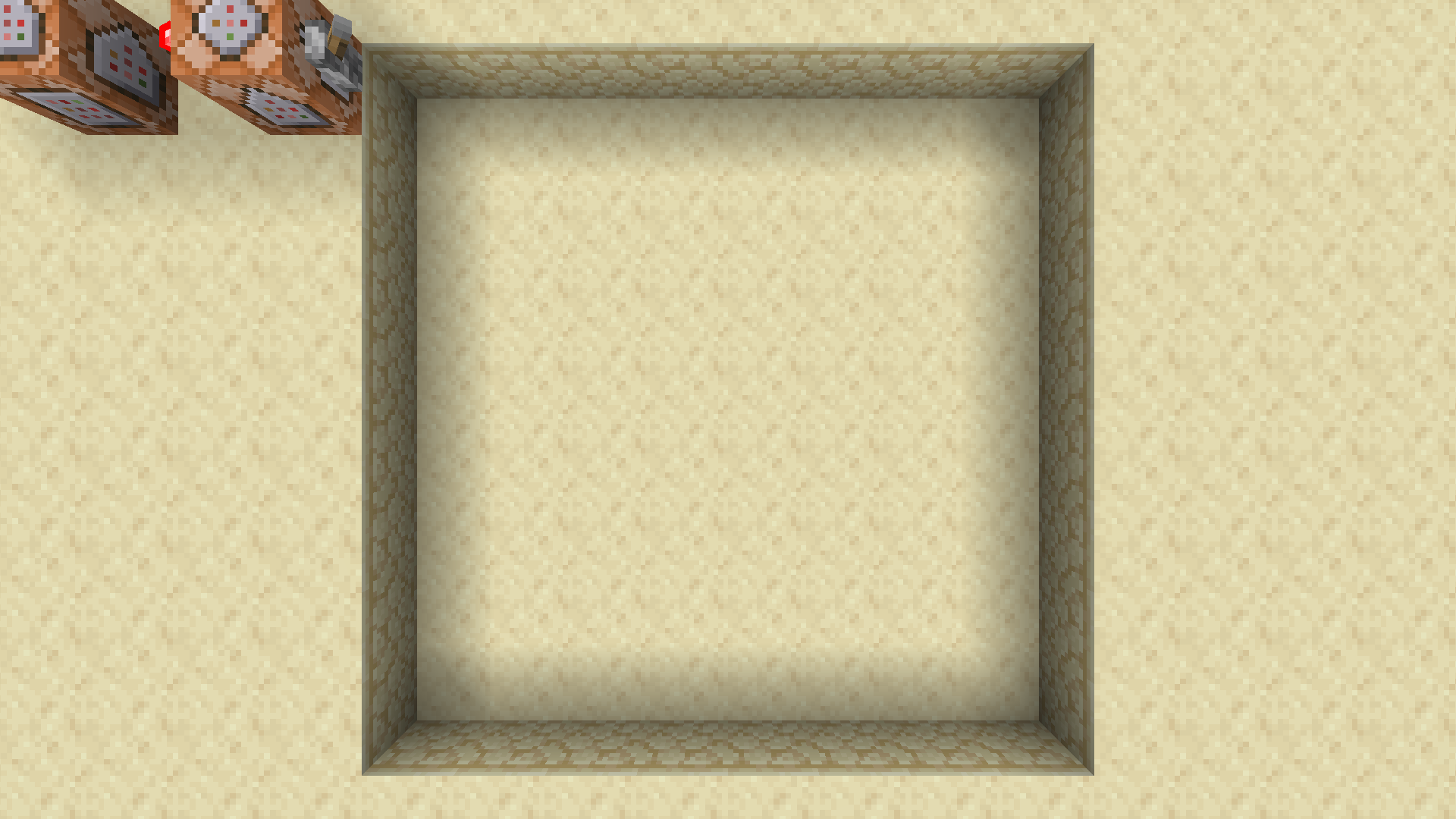
Now destroy one of the ironblocks. You will notice that the entire field has been cleared. That is because you didn’t spawn in any bombs. GG.
Now that you have read the commands page, reset the game and spawned in bombs you can do that again.
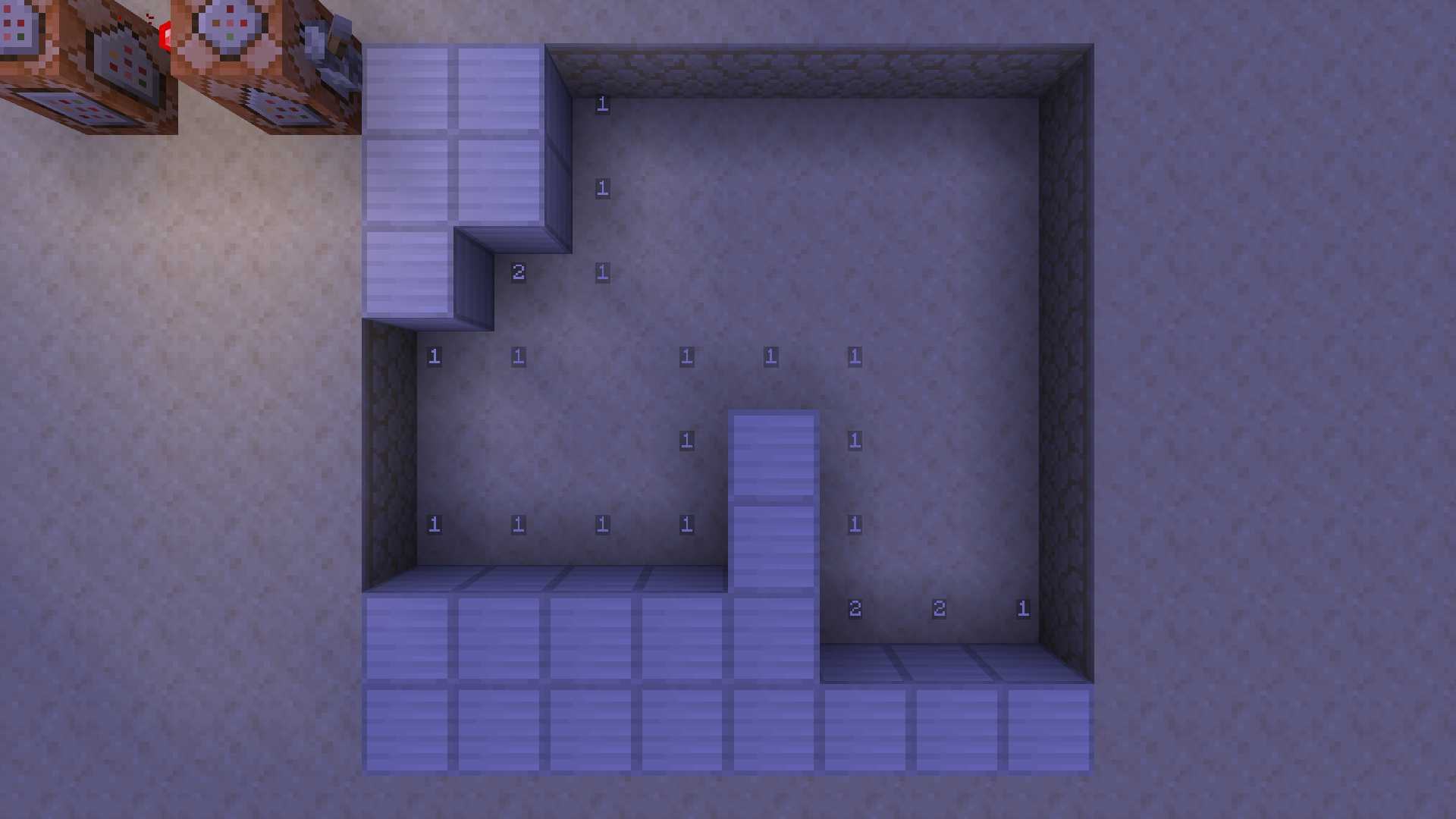
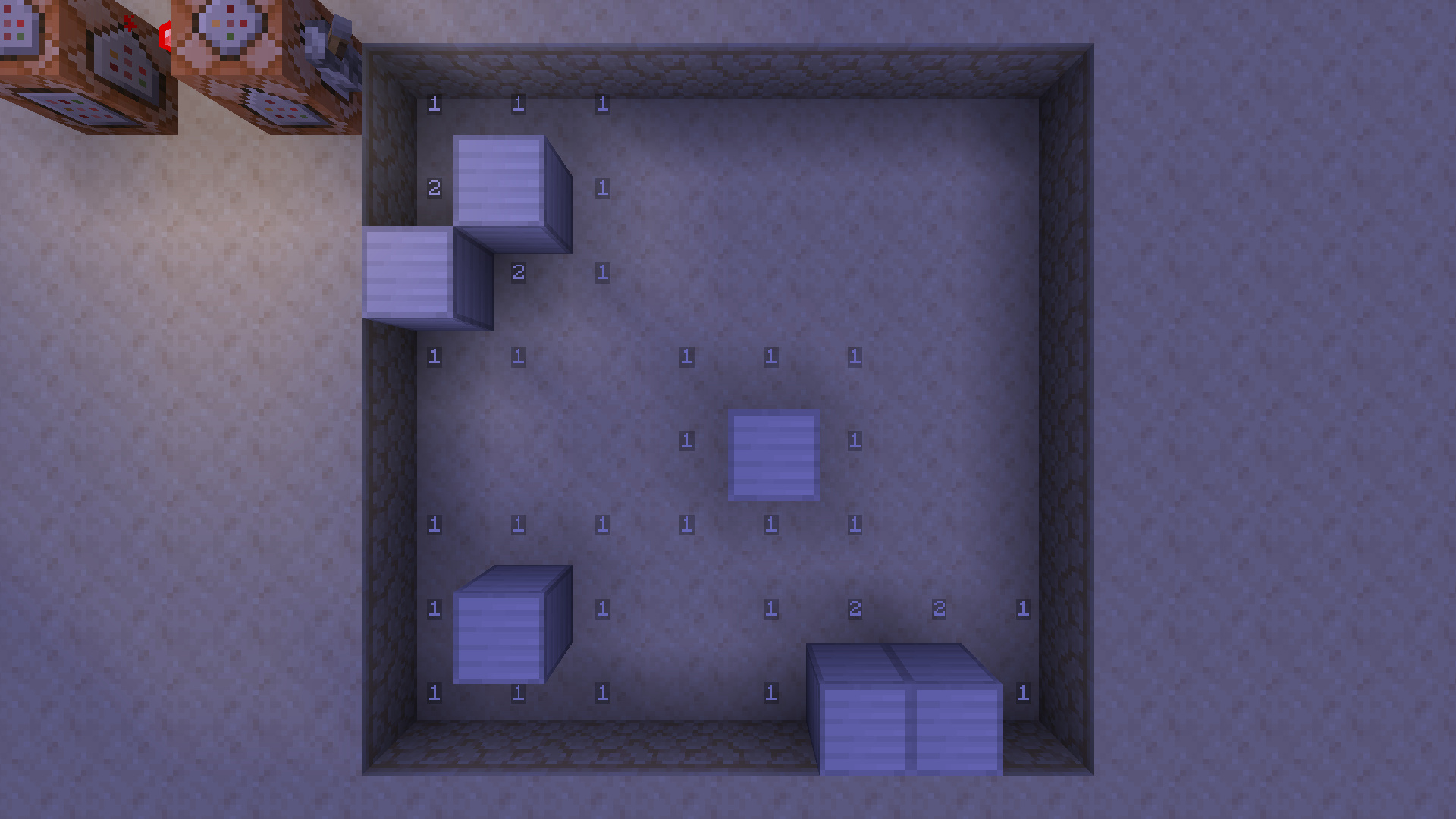
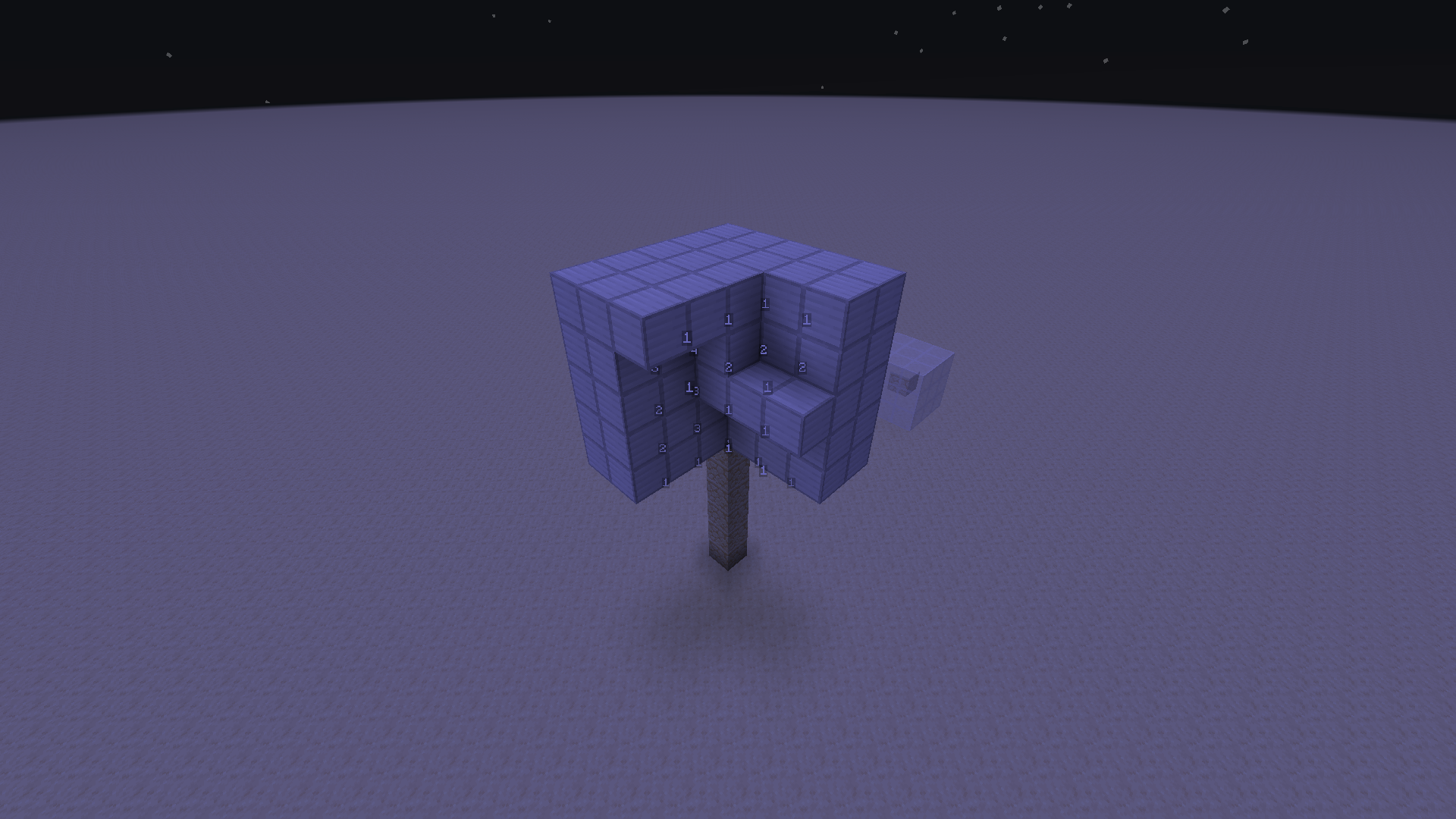
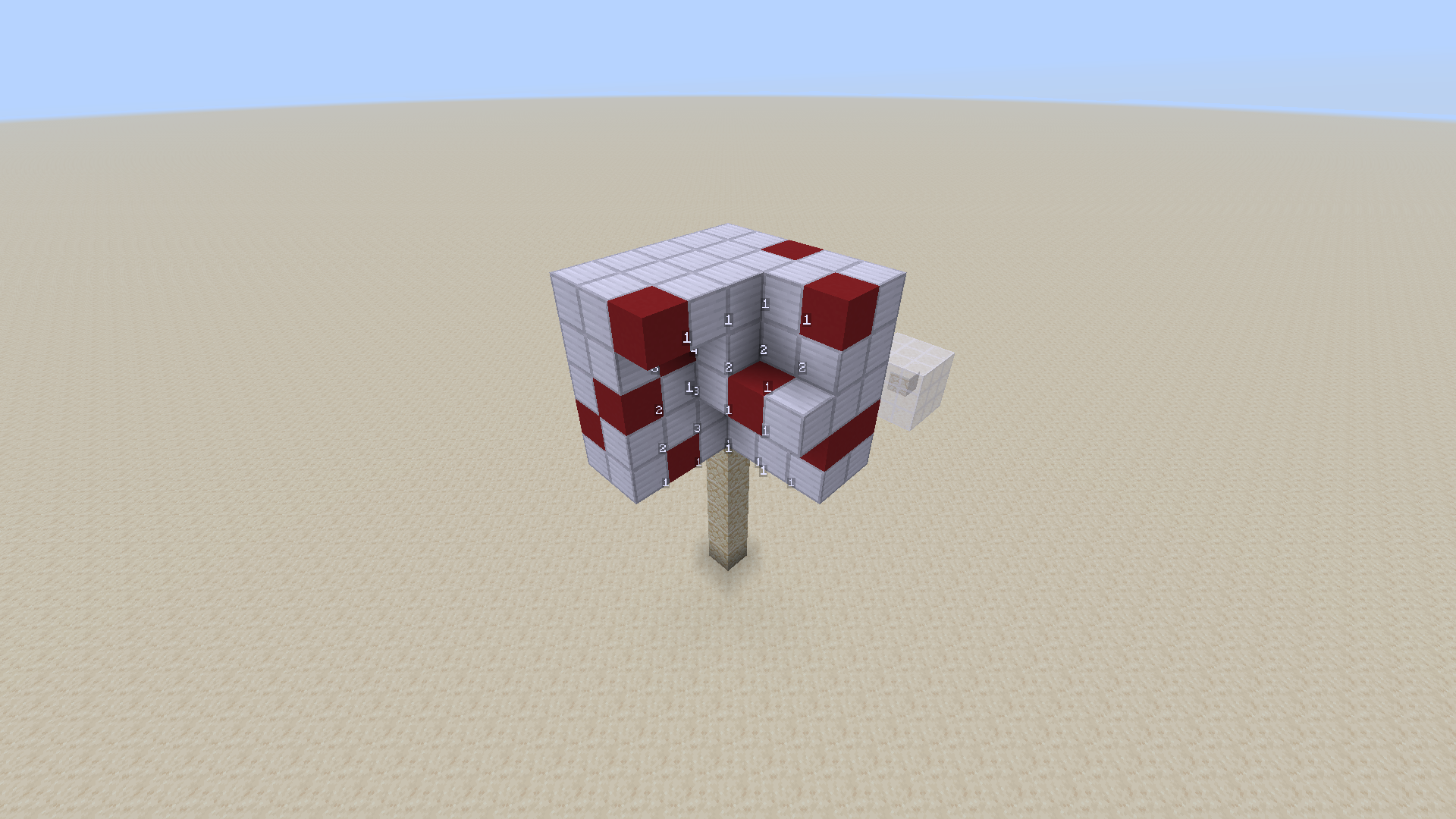
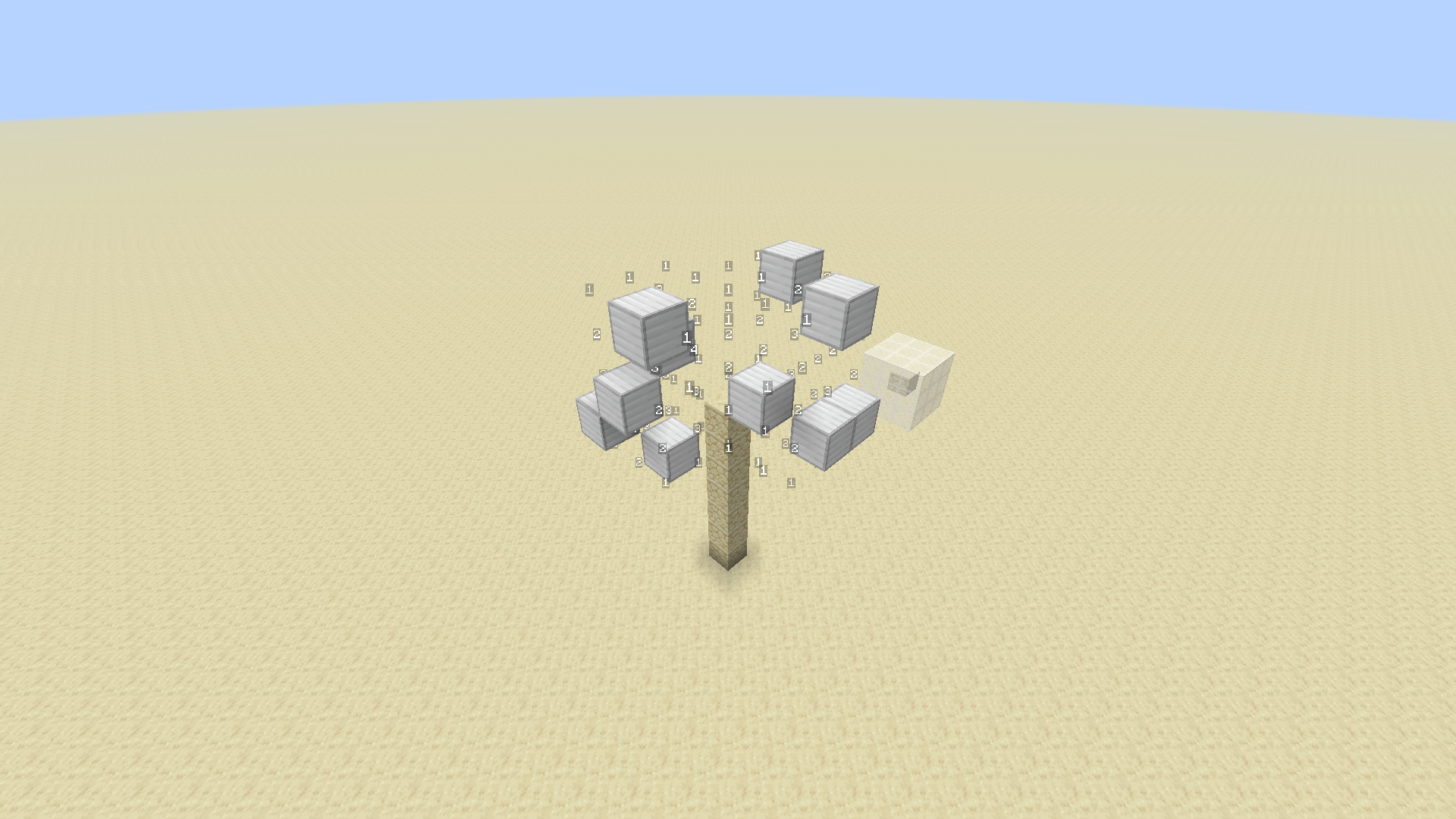
Now you will see one (if your first field was already adjacent to a bomb) or multiple fields with numbers. The numbers indicate the amount of adjacent bombs (diagonals included). You must reveal all fields except those that contain bombs. If you reveal a field with a bomb you will hear an explosion. You can consider that your loss. Or not. I can’t force you.
You can not currently flag bombs, nor get an automatic win indication.
Settings
You can set settings with the command /scoreboard players set .<INSERT_SETTING_HERE> minesweeper_games <INSERT_VALUE_HERE>
Booleans must be set either to 0 for disabled or 1 for enabled. Other values result in undefined behaviour.
- current – specifies the id of the game that commands should operate on. Default: 0
- show – Bool: Show debug info. Default: 0
- displayzero – Bool: Show number of adjacent bombs for fields without any adjacent bombs. Default: 0
- erasemode – Bool: Delete all fields that are exposed to air (revealed). WARNING: can cause accedental deletion when used without care. Always run
/function minesweeper:resetbefore enabling. Default: 0 - autoreveal – Bool: Automatically reveal all adjacent fields of revealed fields without any adjacent bombs. Default: 1
Commands
/function minesweeper:addfield Adds a field to the current game at the current position.
/function minesweeper:newgame Fills all fields of the current game with iron blocks and removes the bombs from them.
/function minesweeper:reset Fills all fields of the current game with iron blocks.
/function minesweeper:addbomb {count:1} Add one bomb to the current game. Change the number to add more.
/function minesweeper:recount Recounts the amount of adjacent bombs for all fields worldwide.
/function minesweeper:clean Removes duplicate fields and counters worldwide.
Internal functions
These functions are internal and should not be used.
- minesweeper:load
- minesweeper:tick
- minesweeper:count
- minesweeper:resettile
- minesweeper:explode
- minesweeper:raycast – This thing is actually unused and does nothing at all.
常见问题
Minesweeper 3D 支持哪些 Minecraft 版本?
Minesweeper 3D 支持 Minecraft Java 版 1.21.5–26.2,共 11 个版本。下载时注意选择和你游戏版本一致的文件。
Minesweeper 3D 怎么安装?
新建世界时在「数据包」里把下载的 .zip 拖进去;已有的存档,把文件放进存档目录下的 datapacks 文件夹,进游戏输入 /reload 即可生效。服务器同样放在世界目录的 datapacks 里。
评论
登录后评论和评分