
Debug Entity Data
Simple utility datapack which allows you to easily view a data path of entities
截图
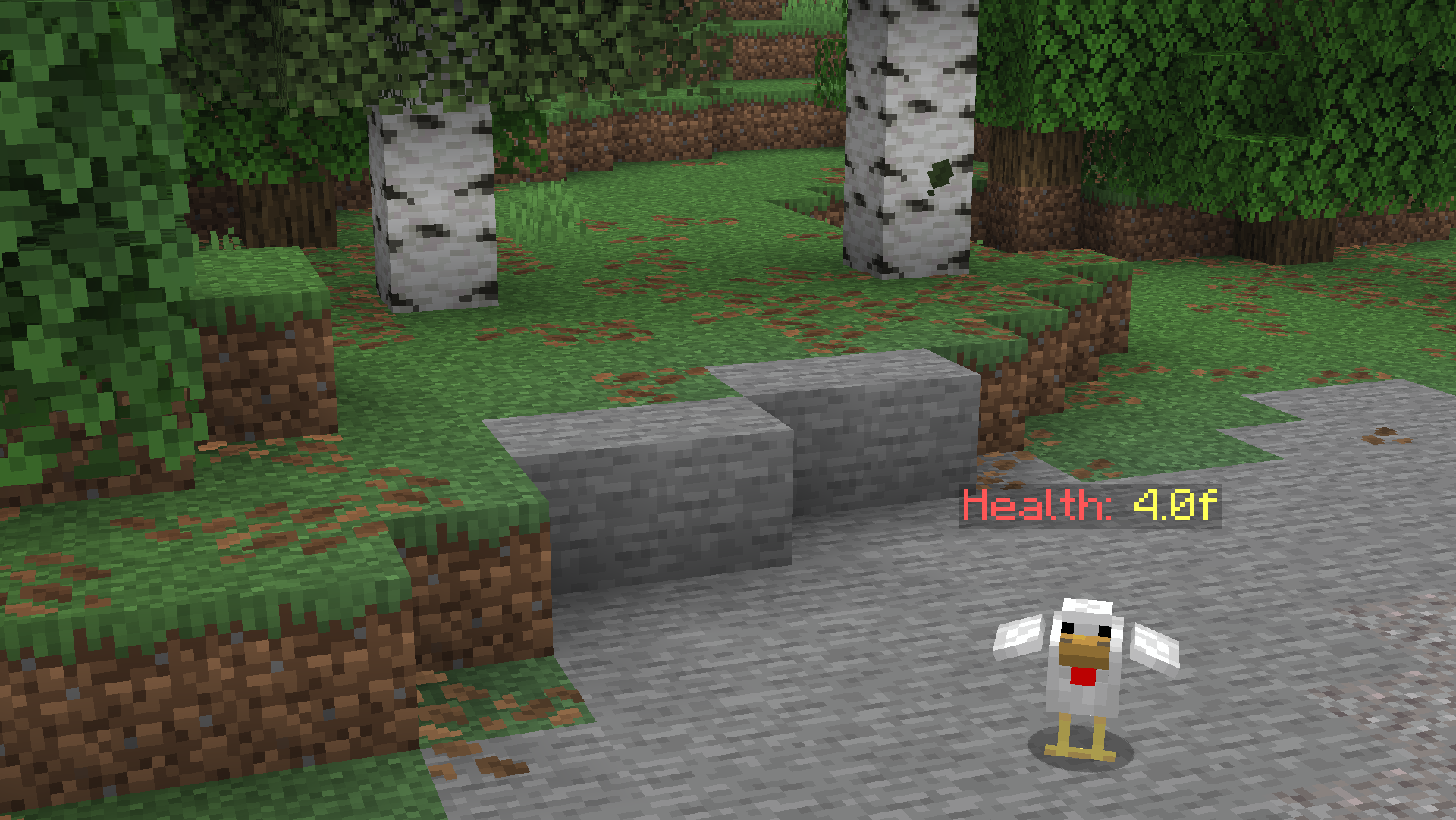
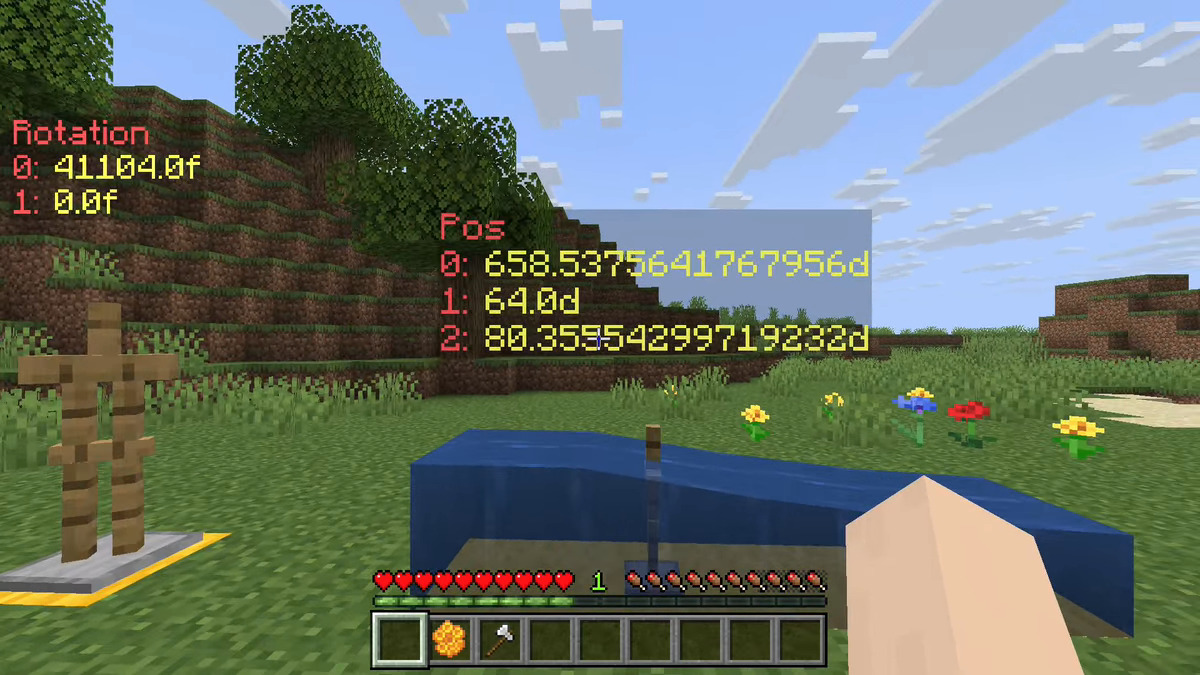
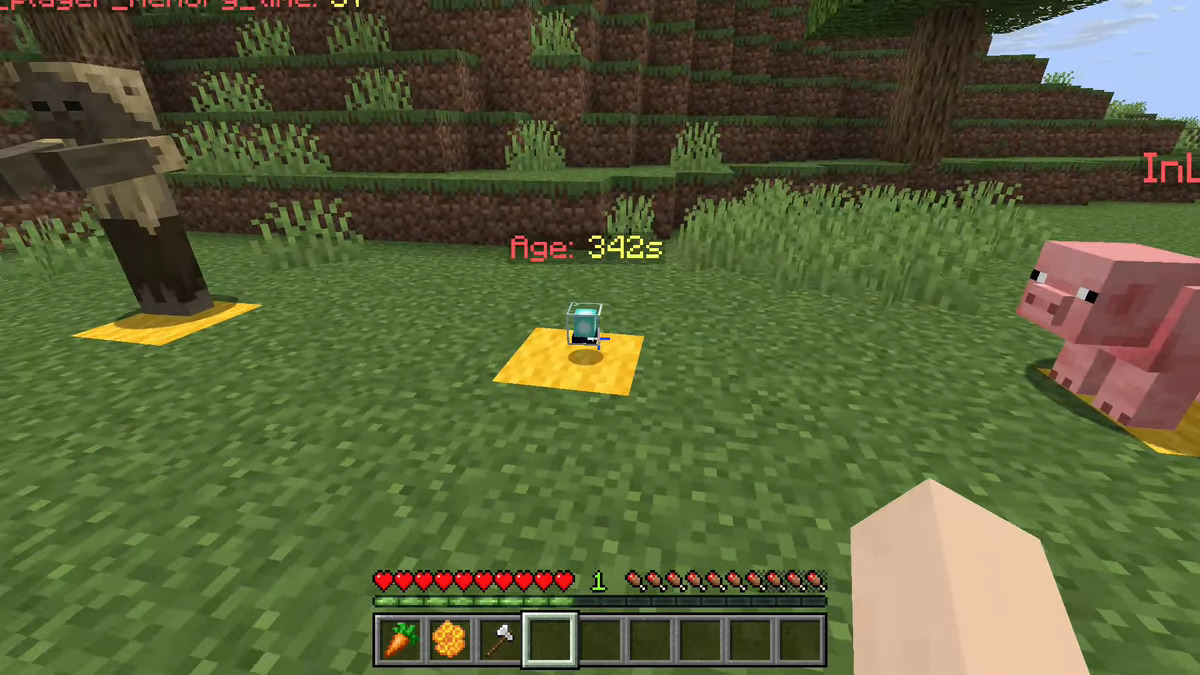
介绍
Debug Entity Data
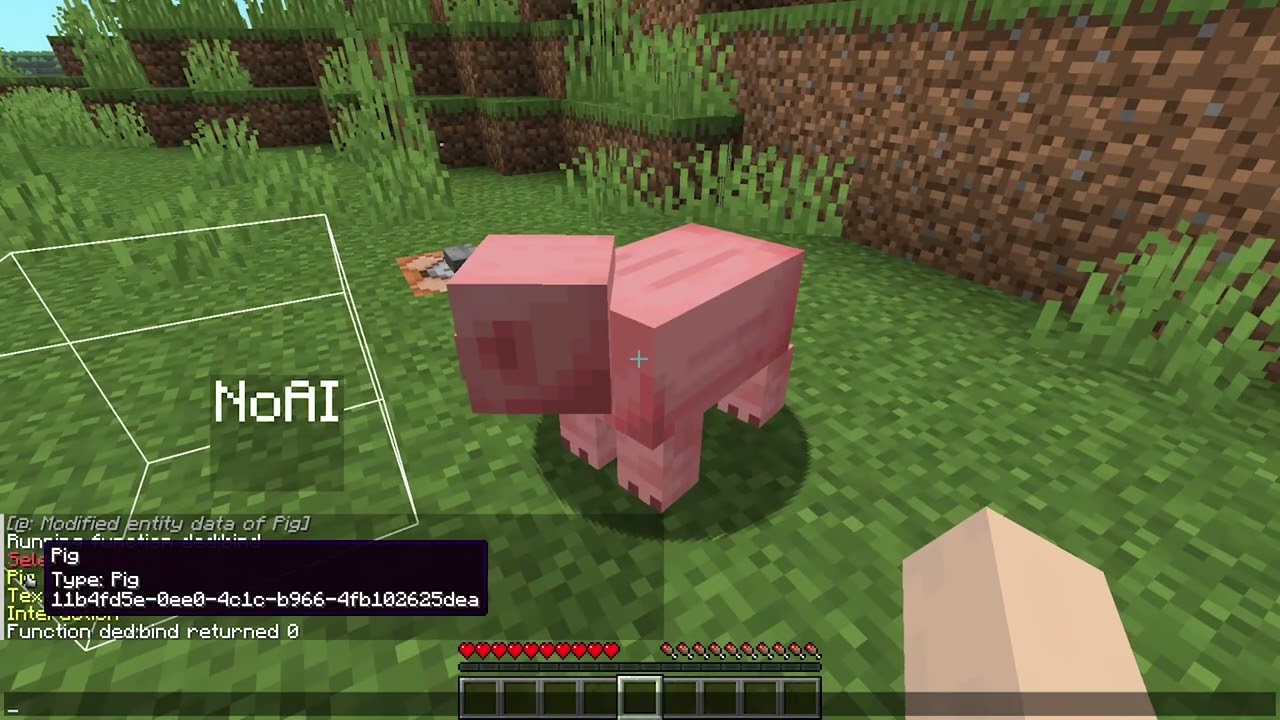
Showcase video
Installing
Download the latest release from the releases tab, or from these alternative sites:
open your Minecraft world directory and place the downloaded pack inside the datapack directory.
If the world is loaded, execute /reload or quit and rejoin.
How to use
Execute the function :
/function ded:bindThis will output a list of close entities to the chat. Click the message of the one you want, and a dialogue will appear.
In the dialogue, input the NBT data path that you want to debug. You can see all valid data paths by doing /data get entity <ENTITY>.
If you sneak+interact with the debug display you get the option to either rebind it to another path, or remove the display.
常见问题
Debug Entity Data 支持哪些 Minecraft 版本?
Debug Entity Data 支持 Minecraft Java 版 26.1–26.3,共 5 个版本。下载时注意选择和你游戏版本一致的文件。
Debug Entity Data 怎么安装?
新建世界时在「数据包」里把下载的 .zip 拖进去;已有的存档,把文件放进存档目录下的 datapacks 文件夹,进游戏输入 /reload 即可生效。服务器同样放在世界目录的 datapacks 里。
yoav_tc 的其他作品
查看全部 →
More Ice
Want more ice? oh.. no? well, this adds more anyway!

Decorations Plus
A Datapack that adds 53 new craftable decorations to the game with no resourcepack required!

Christmas Decorations
A Datapack that adds 32 new christmas decorations to the game with no resourcepack required!

Halloween Decorations
A Datapack that adds 30 new spooky craftable decorations to the game with no resourcepack required!
评论
登录后评论和评分