Vanilla+ Potato Shader
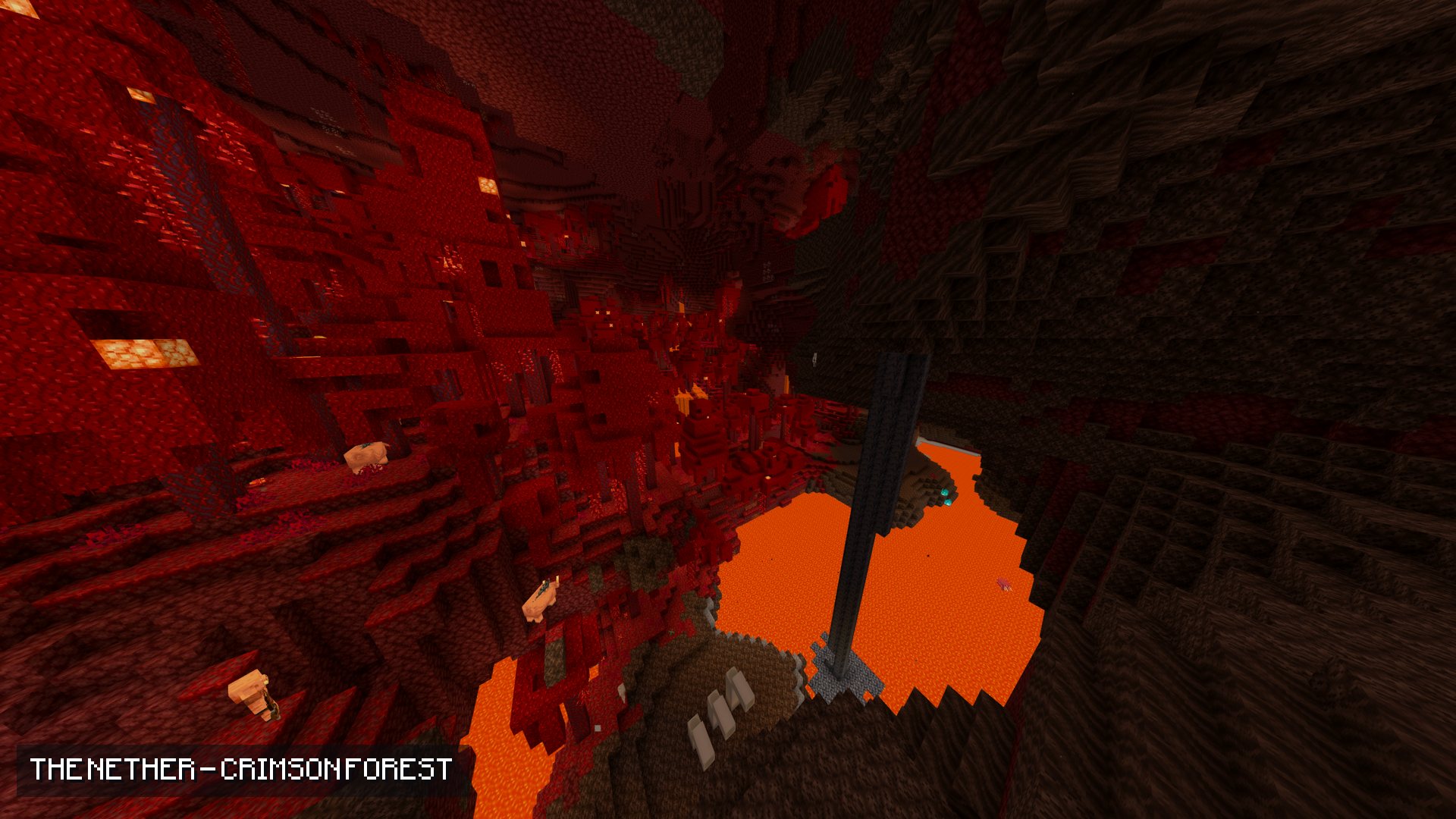
A lightweight vanilla-plus shader: no fog, animated water, warm torch light and a proper sky, made to run on a low-end PC.
截图
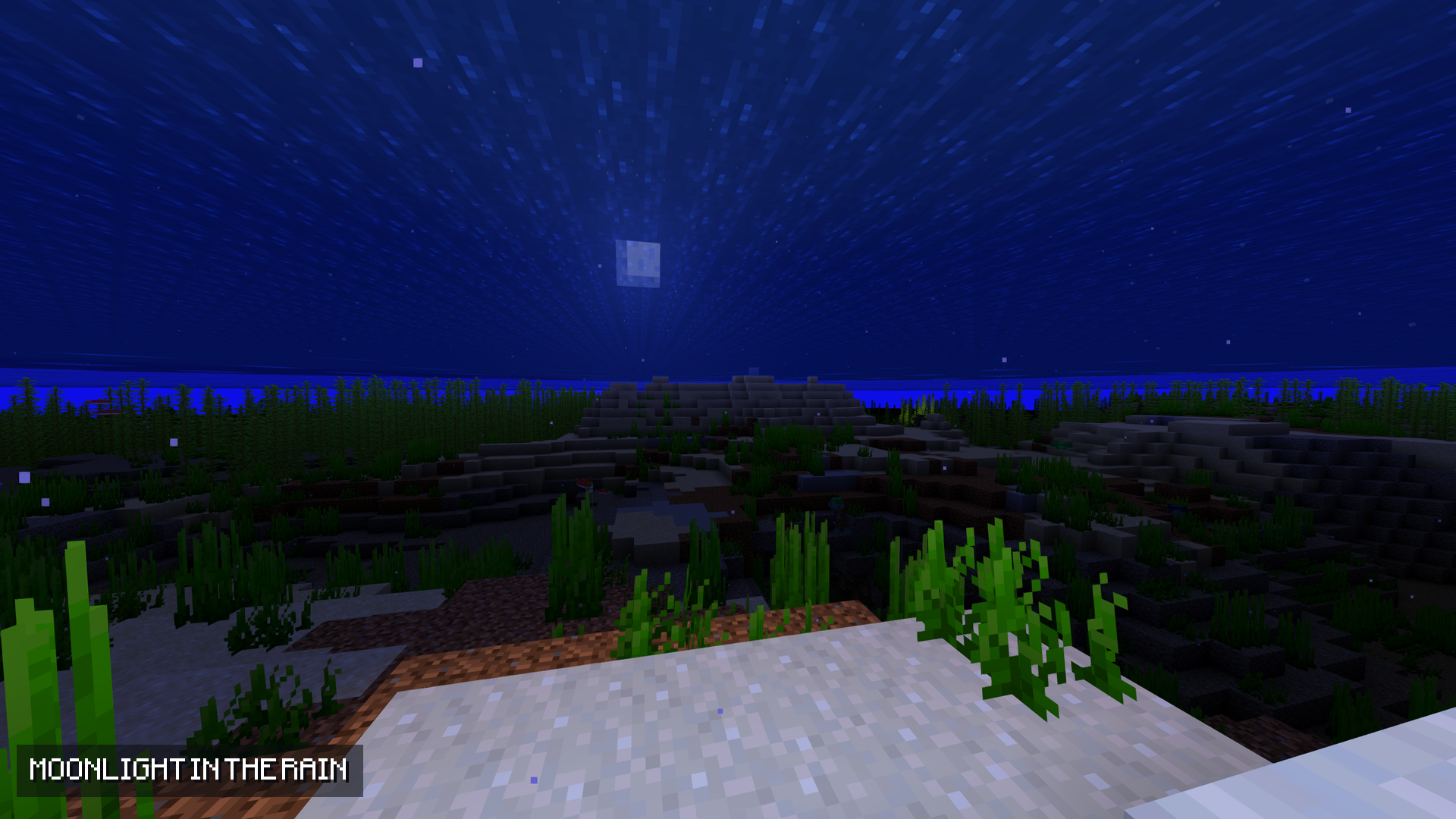
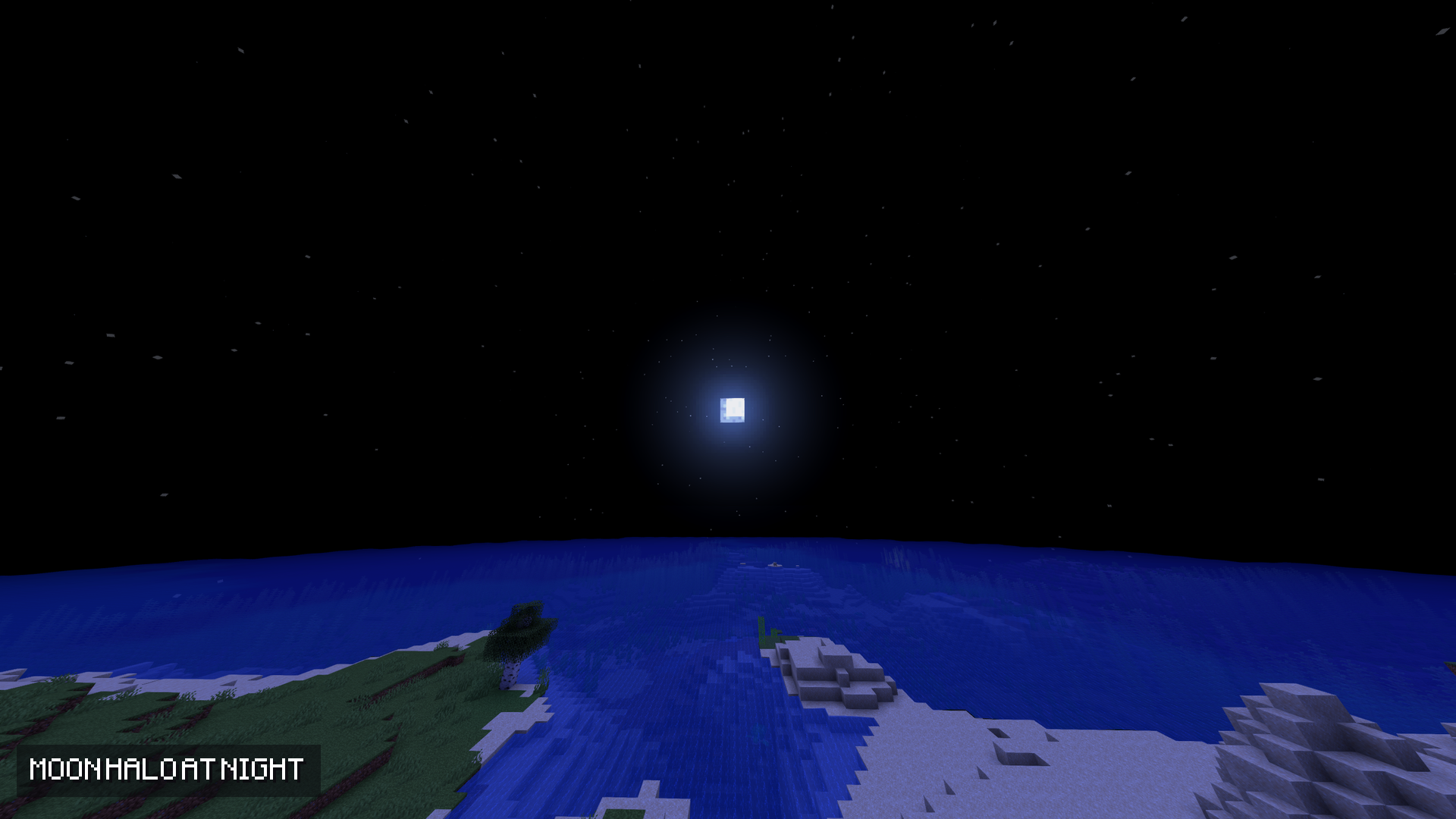
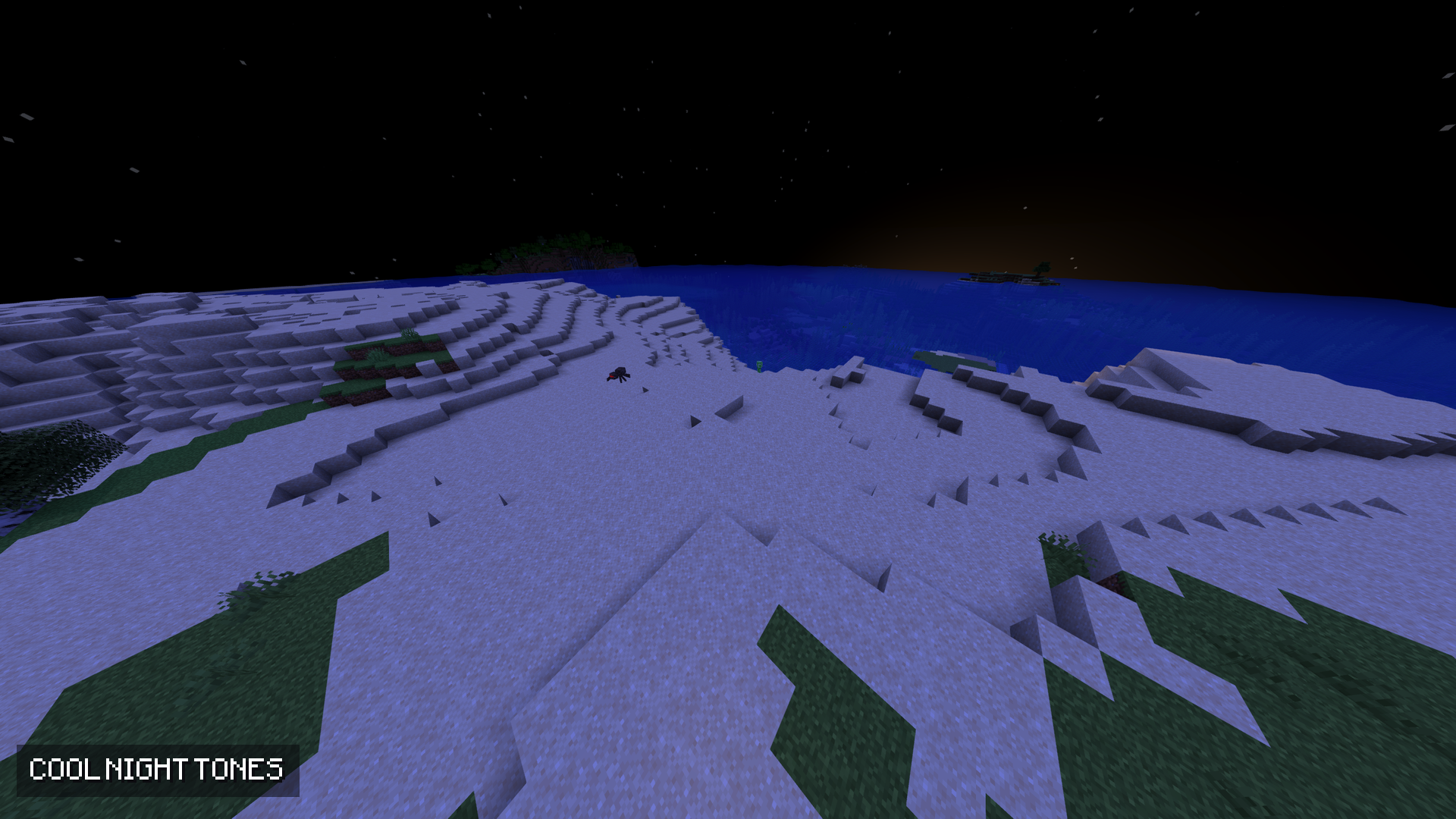
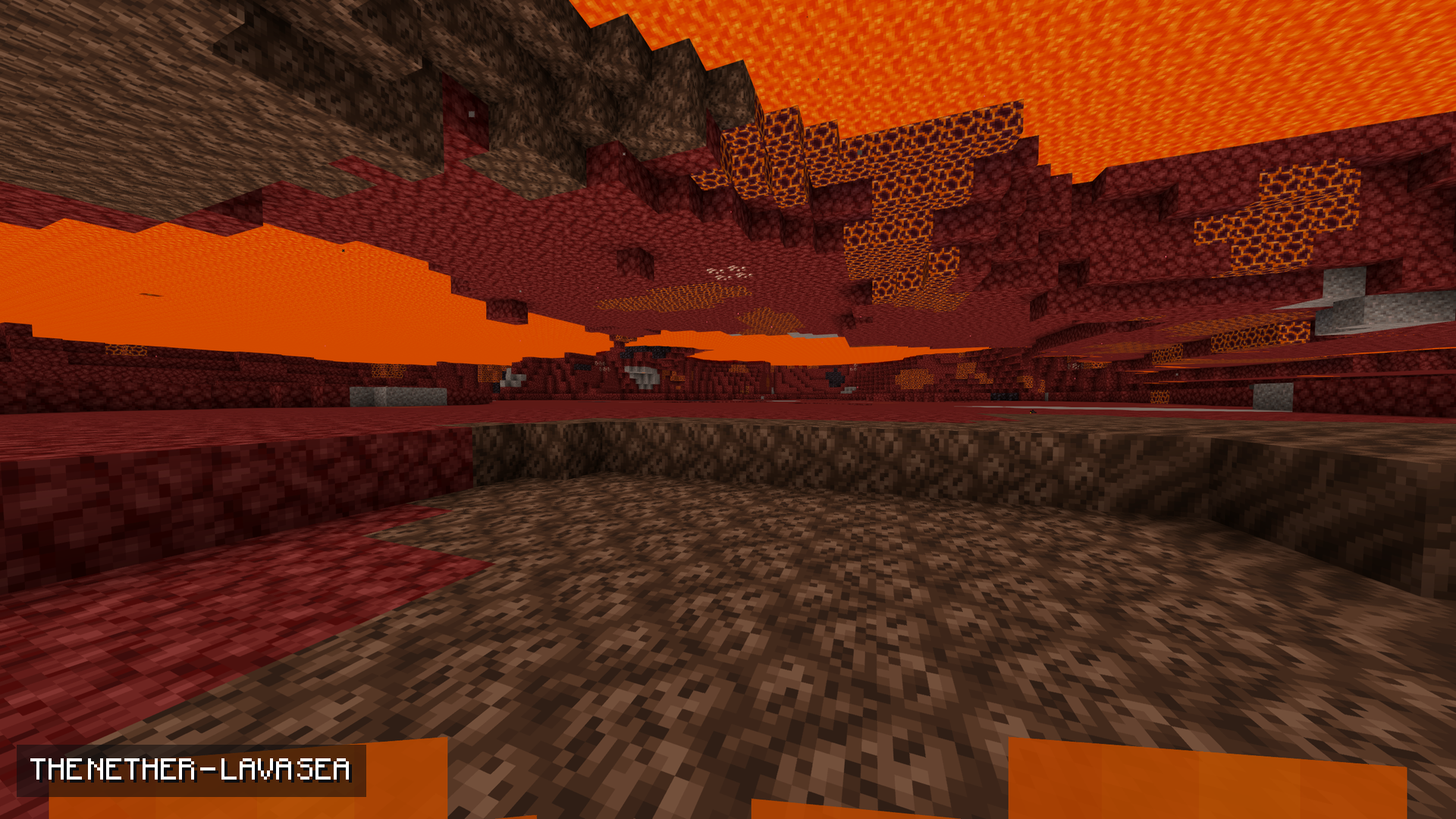
介绍
A vanilla-plus shader that stays light. No fog, animated water, warm torch light and a proper sky — made to run on a low-end PC.
What it does
No fog. Water, lava and powder snow stop hiding the world.
Animated water. A gentle swell, with a sun glint rippling across it.
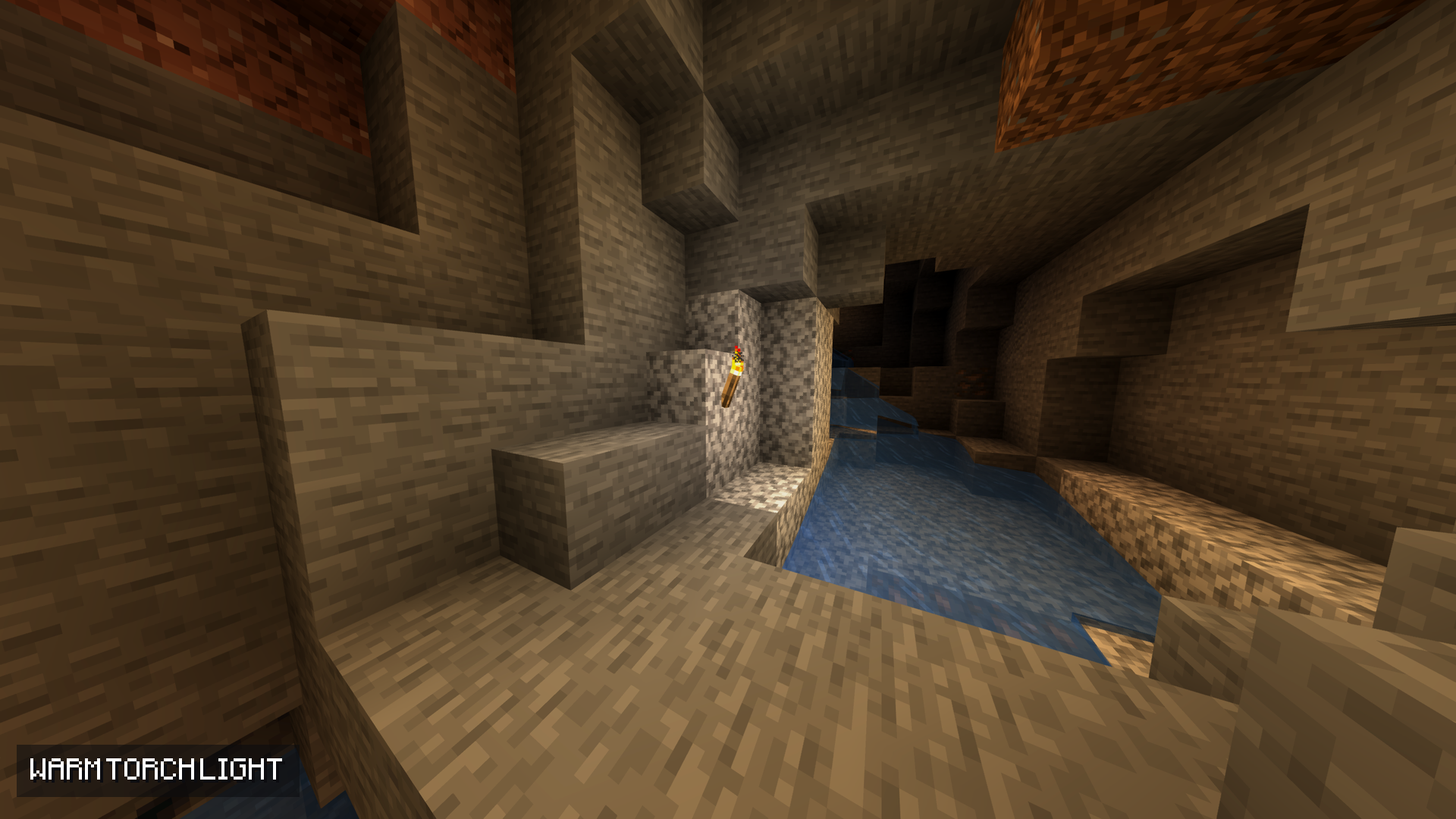
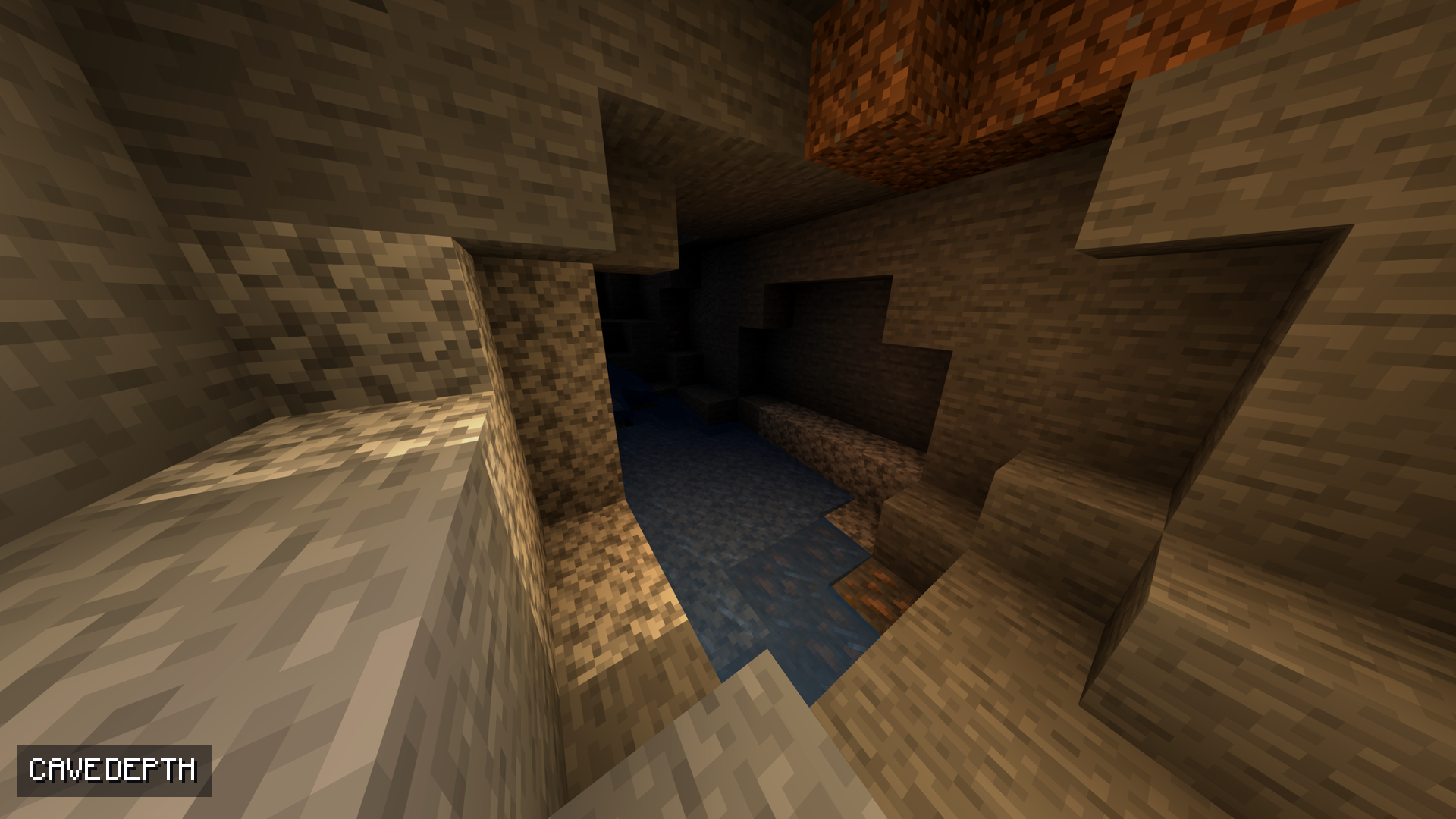
Warm light, cool shade. Torches glow warm, skylight stays cool, and every face of a block picks up light differently — so the world has depth.
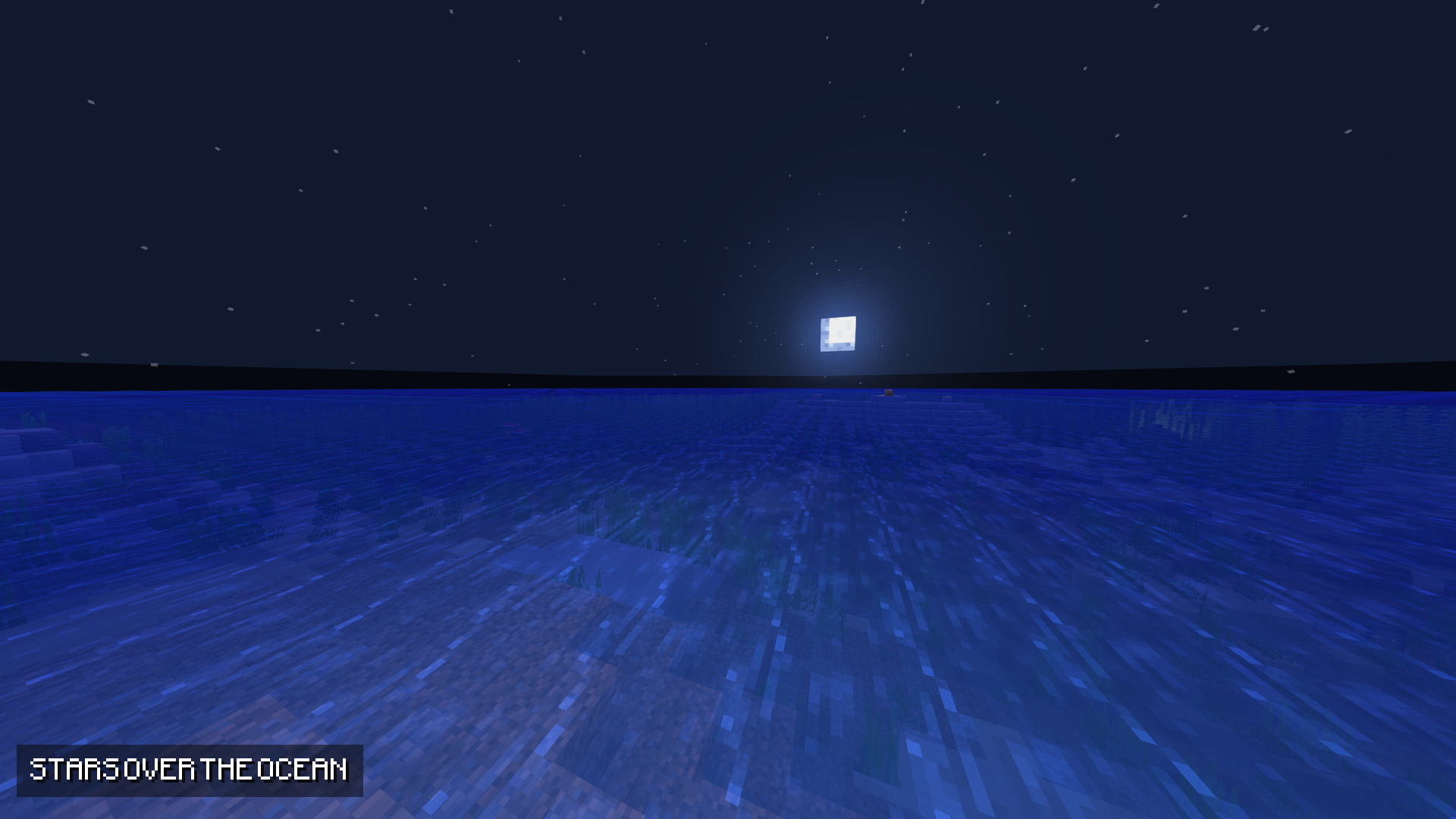
A sky worth looking up at. Sun and moon halos, a warm band at dawn and dusk, and stars that come out at night.
Soft highlights. Bright areas roll off instead of clipping.
Made to be light
Two full-screen passes and nine texture reads per pixel. Bloom runs at half resolution.
No shadows, by design. Shadows are the one stage that draws the whole world a second time. Skipping them is exactly what keeps this pack fast.
Tune it in game
Options → Video Settings → Shader Options. Three profiles are included — POTATO, BALANCED and QUALITY — and every setting is a slider.
Install
1. Install OptiFine (or Iris).
2. Drop the .zip into .minecraft/shaderpacks/.
3. Options → Video Settings → Shaders → pick it.
Targets Minecraft Java 1.21.x. Works with OptiFine and Iris, and stacks with any resource pack.
Everything here is free, and it stays free. If this shader makes your game nicer to look at, you can support the work on Ko-fi: ko-fi.com/fliflight
More from Fliflight: linktr.ee/fliflight
常见问题
Vanilla+ Potato Shader 支持哪些 Minecraft 版本?
Vanilla+ Potato Shader 支持 Minecraft Java 版 1.21–1.21.8,共 9 个版本。下载时注意选择和你游戏版本一致的文件。
Vanilla+ Potato Shader 怎么安装?
光影需要先装 Iris 或 OptiFine。把下载的 .zip 文件(不用解压)放进游戏目录的 shaderpacks 文件夹,进游戏后在「选项 → 视频设置 → 光影包」里选中它。光影对显卡要求较高,卡顿可以调低光影设置或渲染距离。
Fliflightmc 的其他作品
查看全部 →
Dot Crosshair – CrossX Better Crosshair
为 PvP 或生存模式打造的更好用的准星!
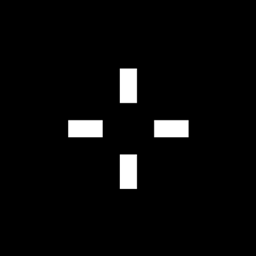
CrossX – CROSSX Better Crosshair !
适用于 PvP 或生存模式的更好用准星!
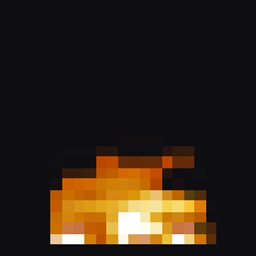
Low Fire – Lowered Flame
降低火焰覆盖层(世界内和GUI中)的高度,使其不再遮挡视野——火焰效果完整、动画完整,只是更矮了。

Visible Ores (all versions+) and netherite
这个模组能让你在洞穴中更清楚地看到矿物,也会让下界合金在下界更加显眼。与 OptiFine 配合良好,搭配 Complementary Shader 效果最佳。
评论
登录后评论和评分